JDiskReport Download (Latest 2026) - FileCR
Free download JDiskReport 1.4.1 Latest full version - Powerful tool to analyze disk space usage.
Free download JDiskReport 1.4.1 Latest full version - Powerful tool to analyze disk space usage.
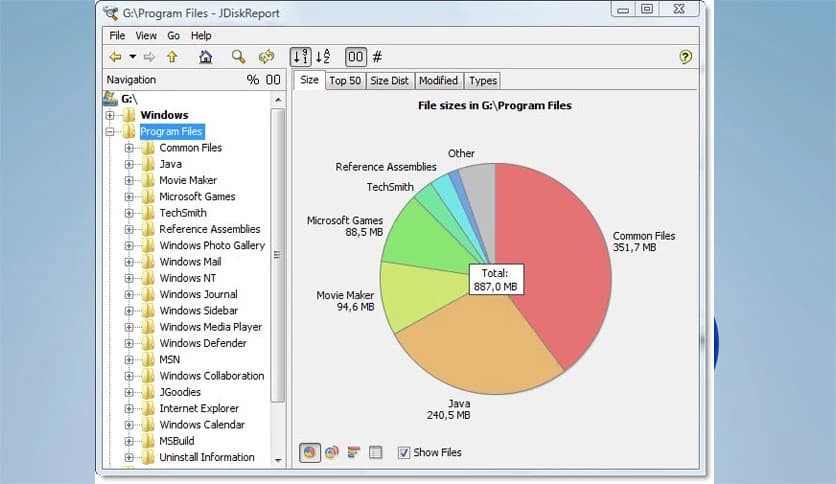
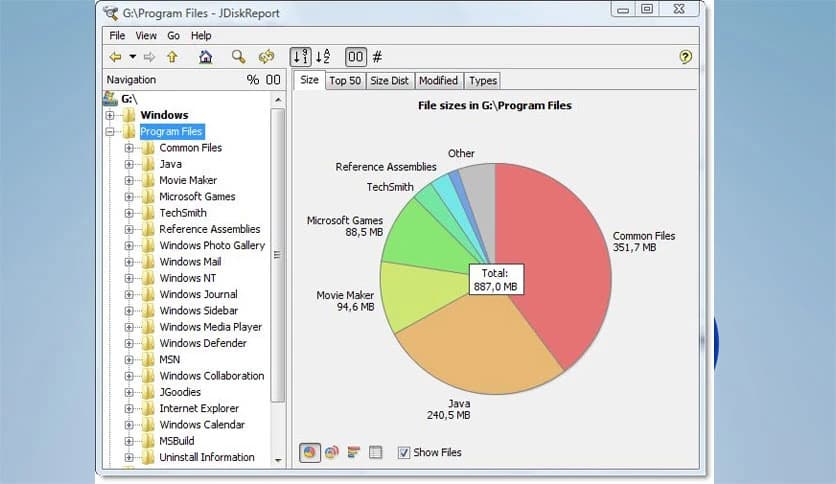
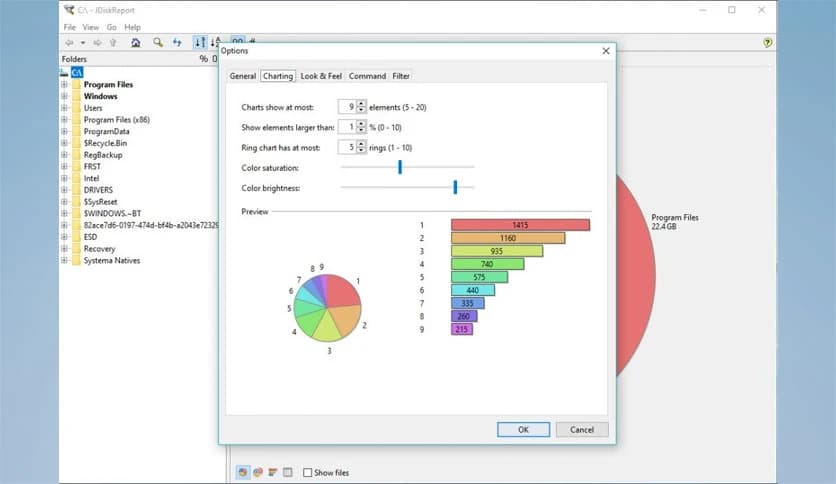
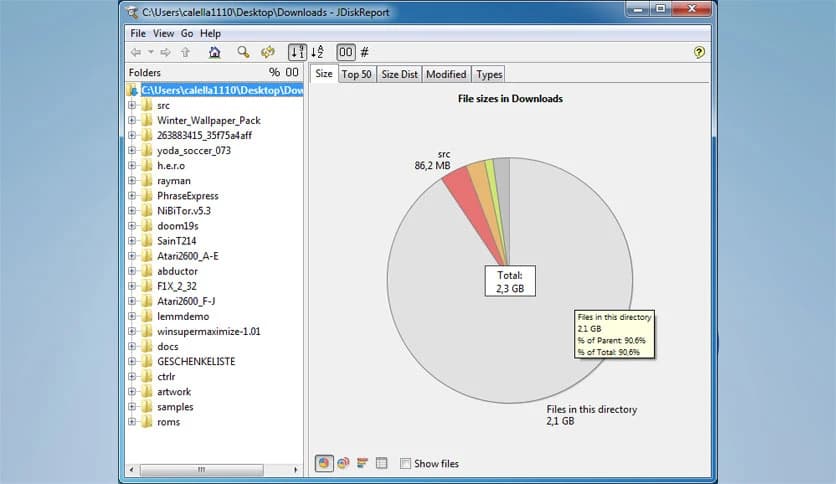
Free Download JDiskReport for Windows PC. It is a simple and powerful tool that helps you understand how your disk space is used and where your files are stored.
Managing storage can sometimes feel like cleaning a messy room where you don’t know what’s hiding in the corners. This is where the software steps in and makes everything crystal clear. It scans your drives and shows exactly how space is being used, turning confusion into clarity.
The tool analyzes files and folders in detail and presents the results in easy-to-read charts and tables. Instead of guessing which files are eating up your storage, you get a full visual breakdown that makes decision-making simple.
What makes it even better is that it is completely free, ad-free, and does not expire. You can rely on it anytime without worrying about limitations or hidden costs.
One of the first things you will notice is how easy it is to use. The layout is clean and beginner-friendly, so even if you are not tech-savvy, you can still navigate through it without stress.
The dashboard presents data in a structured way, making it easy to explore folders and understand how your storage is being used. It feels like having a map for your disk, guiding you step by step.
The software performs a deep scan of your disk drives and gathers useful information about every file and folder. It does not just show numbers but breaks everything down into meaningful categories.
You can see file sizes, types, and distribution, which helps you quickly identify large files that might be unnecessary. This makes it easier to clean up space without accidentally deleting important data.
Instead of boring lists, it uses colorful charts and graphs to display data. These visuals make it much easier to understand how your storage is being used at a glance.
Pie charts, bar graphs, and tables work together to give you a complete picture. It feels like turning raw data into a story that's easy to follow.
Over time, your system collects files that you no longer need. These can quietly take up a lot of space without you even realizing it.
The tool helps you locate these files quickly. You can identify outdated folders, duplicate files, and large items that are no longer useful, making cleanup fast and efficient.
Understanding which file types are taking up space is very helpful. The software categorizes files by type, such as videos, images, documents, and more.
This feature allows you to see patterns in your storage usage. For example, you might discover that videos are using most of your space, helping you decide what to remove or move.
Many free tools come with restrictions or annoying advertisements, but this one stands out by offering a completely clean experience.
You can use all features without interruptions. It does not expire, which means you can keep it installed and use it whenever you need to analyze your disk.
The software is designed to run smoothly without slowing down your system. It uses minimal resources, so you can perform scans without affecting your daily work.
Even large drives can be analyzed efficiently. This makes it suitable for both personal and professional use.
Exploring your disk becomes simple with its navigation tools. You can quickly navigate folders and understand their structure without confusion.
It feels like browsing through a well-organized library where everything is easy to find and understand.
Keeping your disk clean is important for system performance and organization. The software acts as a guide, showing you where space is being wasted.
It helps you stay organized, improve performance, and avoid storage issues in the future. With regular use, you can keep your system running smoothly.
JDiskReport is a reliable and easy-to-use solution for understanding and managing disk space. It turns complex data into simple visuals, helping you find large and unnecessary files without effort. Whether you want to clean up your system or just stay organized, it offers everything you need in a lightweight and free package.
Leave a comment
Your email address will not be published. Required fields are marked *