DC++ v Download (Latest 2026) - FileCR
Free download DC++ v0.883 Latest full version - Fast peer-to-peer sharing client with simple UI.
Free download DC++ v0.883 Latest full version - Fast peer-to-peer sharing client with simple UI.
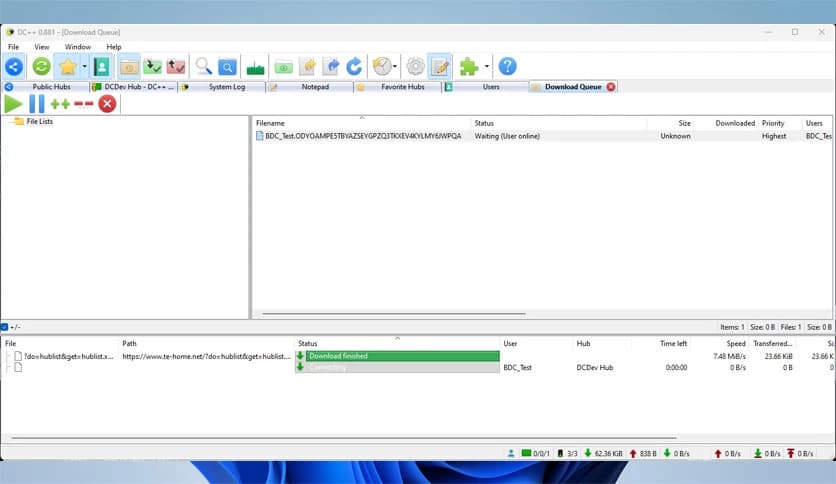
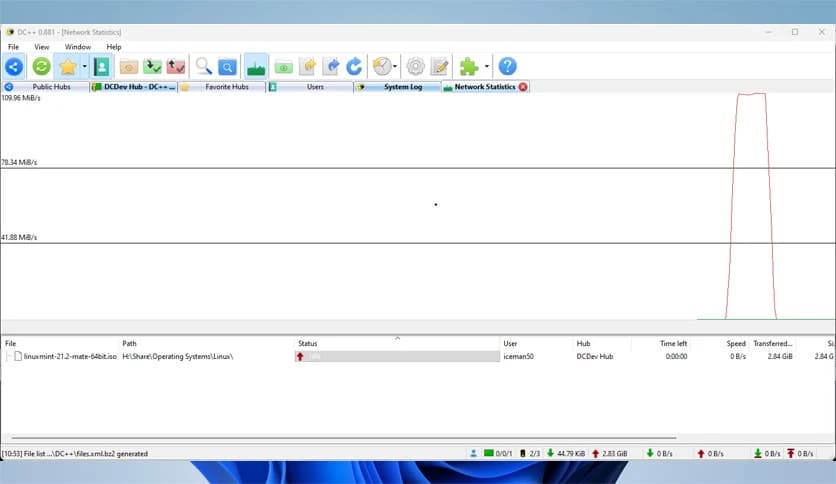
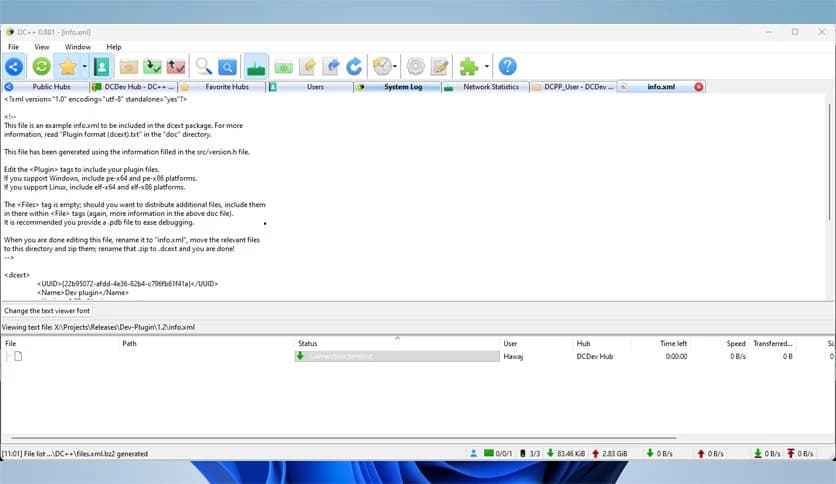
Free Download Jacek Sieka DC++ for Windows PC. It is a powerful and easy-to-use file-sharing client that lets users quickly and without unnecessary restrictions exchange files across the internet.
It is a well-known open source client designed for the Direct Connect protocol. This protocol allows people from around the world to connect and share files through specialized hubs. Instead of relying on complicated cloud systems or subscription services, this client provides a direct way for users to exchange data over the internet.
The tool focuses on simplicity and freedom. It removes unnecessary barriers, allowing users to share files easily while staying in control of their own content. Because it is open source, it also benefits from a strong community that constantly improves its performance and reliability.
Another appealing part of the software is that it is completely free of advertisements. Many modern tools display ads or limit features unless users pay for upgrades. In contrast, this client keeps the experience clean and distraction-free, making it feel smooth and efficient.
Its interface is simple enough for beginners while still offering powerful options for experienced users. Whether someone wants to connect to a single hub or multiple hubs at the same time, the system is designed to handle it smoothly.
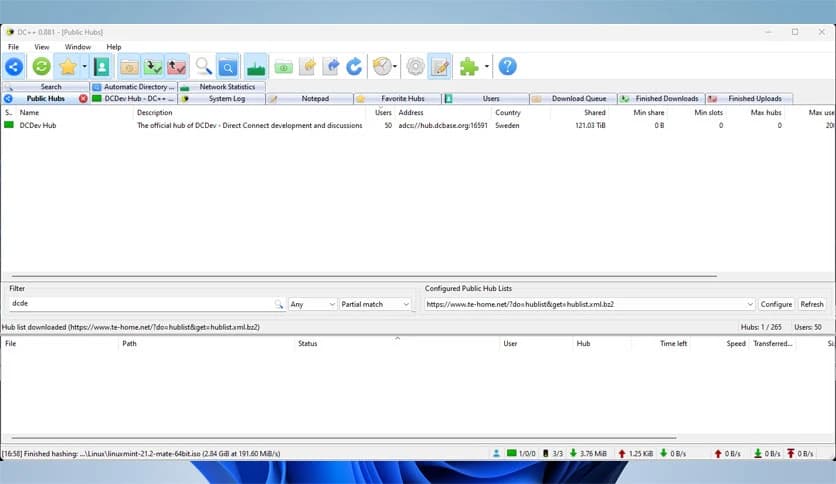
One of the strongest advantages of the tool is its straightforward interface. Everything is organized clearly, so users can focus on sharing and downloading files rather than figuring out complicated menus. Even people who are new to peer-to-peer technology can quickly understand how it works.
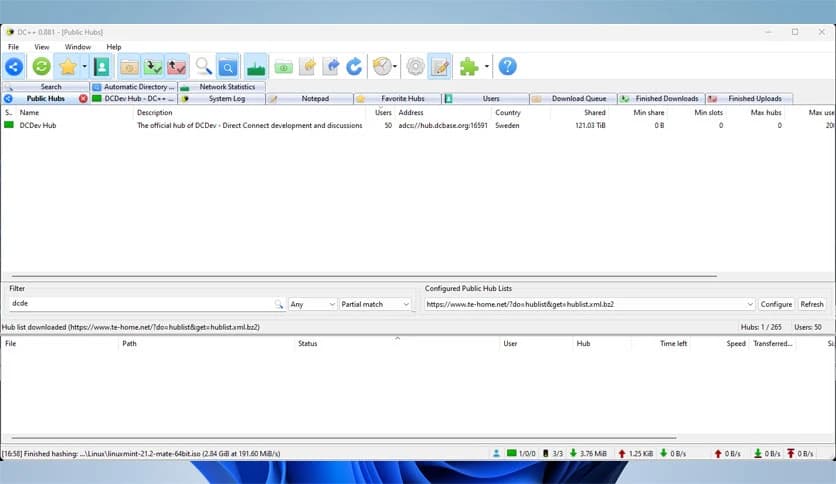
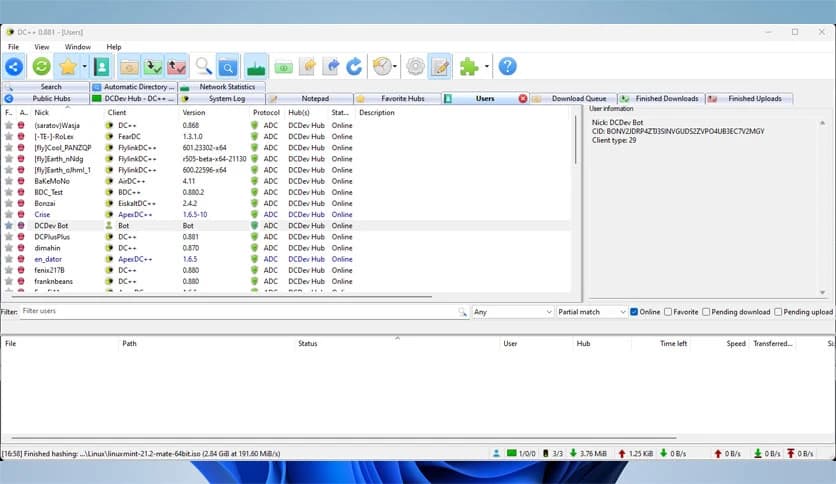
The layout shows connected hubs, available files, and active downloads in separate sections. This structure makes navigation easy. Think of it like a digital library where every shelf is labeled, helping you find what you need without wasting time.
The interface also allows customization. Users can adjust settings, organize transfers, and manage connections to match their workflow. This flexibility makes the client useful for both casual sharing and more advanced usage.
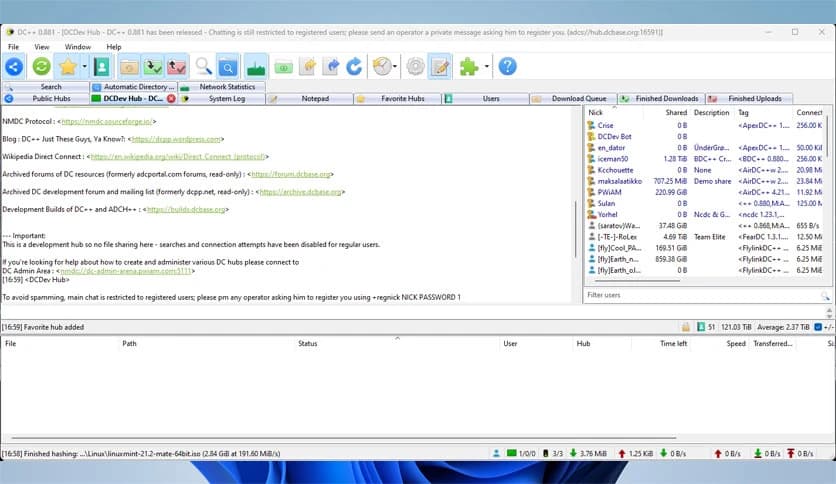
The software is built around the Direct Connect protocol. This technology connects users through hubs where they can communicate and exchange files. Each hub works like a meeting point where members gather to share resources.
Instead of uploading files to a central server, users share directly from their own computers. This approach creates a decentralized environment in which information flows freely among participants. It is similar to lending books to friends rather than storing them in one central warehouse.
Because of this system, transfers can be faster and more flexible. Multiple connections can occur simultaneously, allowing users to download from several sources at once.
The client supports simultaneous connections to multiple hubs. This means users are not limited to a single community. They can explore hubs focused on different file types, interests, or languages.
Imagine joining several online clubs at once. Each club offers different resources and conversations. With multi-hub connections, users can search across many communities without constantly switching between programs.
This feature significantly improves efficiency. Instead of waiting in one place for files to appear, users can broaden their search across various networks simultaneously.
Downloading files is smooth and reliable thanks to advanced transfer management. The client supports automatic download resuming, so interrupted downloads can continue from where they left off.
This feature is especially helpful when dealing with large files or unstable connections. If a transfer stops unexpectedly, users do not need to start over. The system simply continues from the last completed portion.
The tool also clearly organizes active downloads. Users can pause, resume, or remove transfers whenever needed. This level of control makes file management much easier.
Many file-sharing tools struggle with network restrictions caused by firewalls or routers. Fortunately, this client includes built-in support for these network configurations.
It helps users establish stable connections even when security systems are active. This means fewer connection problems and smoother sharing experiences.
The configuration process is designed to be simple. Users can follow guided steps to properly set up their network. Once configured, the client communicates efficiently through most network environments.
Another major benefit is its open source nature. This means the source code is available for developers and enthusiasts to study and improve. As a result, the software evolves through community contributions.
Open source projects often grow stronger over time because many people help refine them. Bugs are fixed faster, new features are added regularly, and transparency builds trust among users.
This collaborative development approach also keeps the program lightweight and efficient. Instead of unnecessary features, the focus stays on practical improvements that benefit real users.
Privacy is an important aspect of any file-sharing tool. The client allows users to control what they share and with whom. Files remain stored on the user's own system until someone downloads them.
This gives users more control compared to centralized storage platforms. They decide which folders are visible and which are private.
Security settings also allow users to manage connections and permissions. These features help create a safer environment while maintaining the freedom to exchange information.
DC++ stands as a reliable and efficient file-sharing client built around the Direct Connect protocol. It offers a clean interface, strong download management, multi-hub connectivity, and built-in network compatibility. Because it is open-source and free of advertisements, users can enjoy a smooth, unrestricted sharing experience. Whether someone wants to explore global file communities or exchange data quickly, this software provides a simple yet powerful solution.
Leave a comment
Your email address will not be published. Required fields are marked *