IPVanish v Download (Latest 2026) - FileCR
Free download IPVanish v2.0 Latest full version - Secure browsing shield with encrypted private internet.
Free download IPVanish v2.0 Latest full version - Secure browsing shield with encrypted private internet.
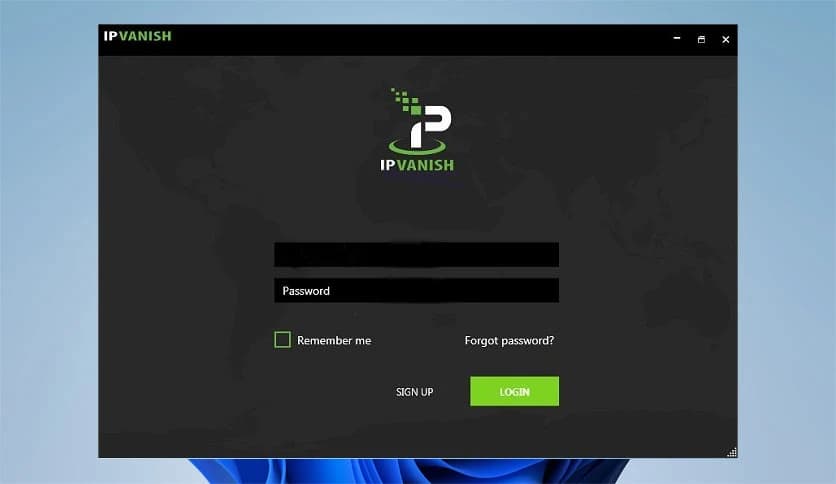
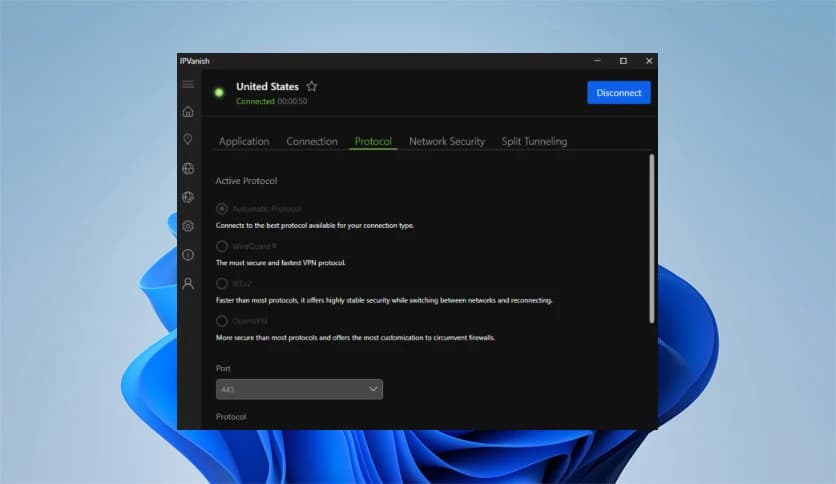
Free Download IPVanish for Windows PC. It is a powerful privacy tool that encrypts internet traffic and helps you browse the web with greater safety and freedom.
The internet is full of opportunities, but it also comes with risks. From hackers to trackers and intrusive websites, many threats try to collect personal information while you browse online. This is where a modern VPN service becomes useful. A virtual private network creates a secure tunnel between your device and the internet, helping you stay private and protected.
This software focuses on online privacy by encrypting traffic and hiding your real IP address. Think of it as sending your internet activity through a sealed envelope rather than a transparent postcard. Anyone trying to intercept the data will only see scrambled information.
In addition to providing VPN protection, the platform includes additional tools to enhance security and convenience. These features make it more than just a simple VPN client. It becomes a complete privacy solution for users who care about safe browsing and data protection.
The main purpose of the tool is to protect your internet connection from unwanted monitoring. When you connect through the service, your data gets encrypted before leaving your computer. This encryption acts like a digital lock that protects your online activity from prying eyes.
Internet providers, public WiFi networks, and even certain websites often track browsing habits. By masking your IP address, the tool helps prevent these entities from seeing your real location or identifying your device. Instead of revealing your identity, the connection appears to come from a secure VPN server.
This protection is especially useful when using public networks at airports, cafes, or hotels. Such connections are often open and vulnerable to attacks. By activating the VPN, you add a protective shield that keeps your data private.
One of the standout features included with the service is a secure browser that runs entirely in the cloud. Instead of loading websites directly on your computer, browsing sessions take place on remote servers. The visual content is then streamed safely to your screen.
This approach adds an extra layer of protection. Since web activity happens in the cloud, harmful files or malware never reach your device. It works like exploring the internet from behind a glass wall where threats cannot pass through.
The browser also eliminates fingerprinting techniques used by many websites. Fingerprinting collects device details such as screen resolution, operating system, and installed fonts to identify users. By creating temporary browsing sessions, the system makes tracking much more difficult.
Certain subscription plans include a cloud storage service that automatically backs up important files. Instead of storing documents only on your computer, the system keeps secure copies on remote servers.
Imagine keeping valuable items in a safe deposit box rather than leaving them unprotected at home. In a similar way, cloud backups protect your files from hardware failure, accidental deletion, or system crashes.
Users can access their stored files from almost any device with an internet connection. This flexibility makes it easier to retrieve documents, photos, or projects while traveling or working remotely.
Speed matters when using a VPN. Slow connections can ruin streaming, gaming, or downloading experiences. The platform uses a global network of servers designed to maintain strong performance while still protecting privacy.
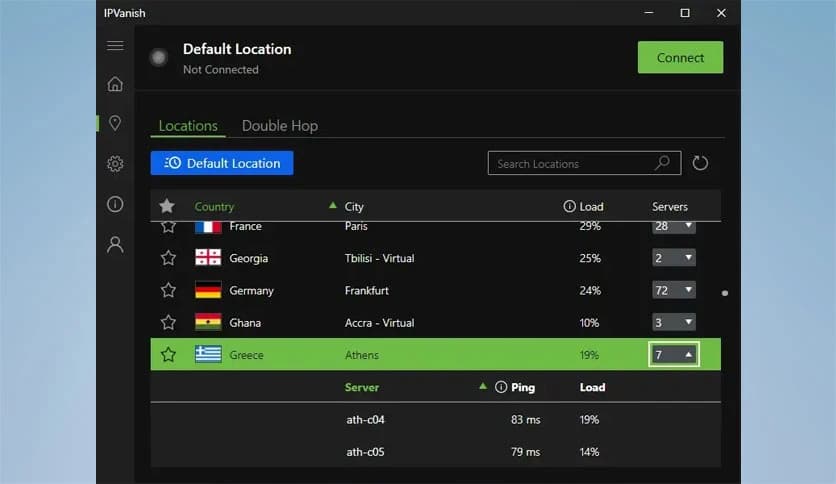
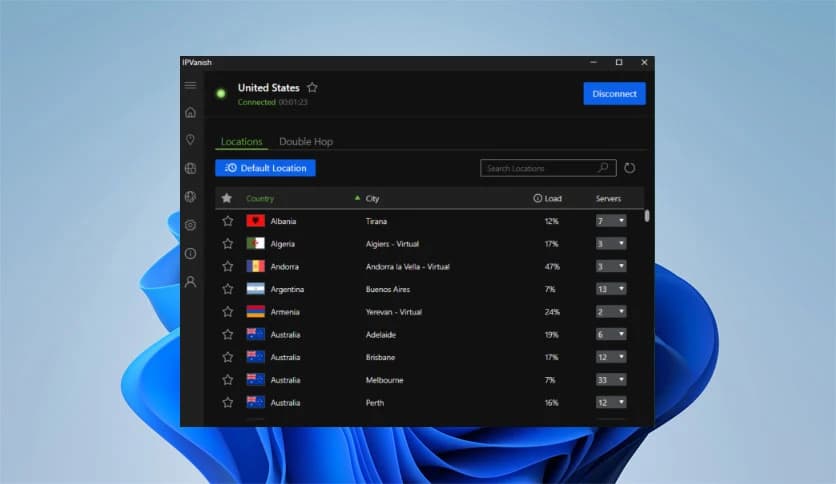
When you connect to one of these servers, your internet traffic travels through a secure route that hides your real identity. Because servers are located in multiple countries, users can choose the location that provides the best speed and stability.
This wide network also helps maintain consistent connections. If one server becomes crowded, switching to another nearby option usually restores smooth performance.
Security tools can sometimes feel complicated, but this software keeps things simple. The interface is designed so that even beginners can connect to the VPN with a single click.
Clear menus, simple controls, and quick connection options help users get started without technical knowledge. Advanced settings are still available for experienced users who want more control over their connection.
For example, you can choose specific server locations, configure connection protocols, or enable automatic protection on public WiFi networks. These features allow the software to adapt to different privacy needs.
Encryption is the backbone of any VPN service. The system uses advanced encryption methods to scramble data before it leaves your device. Even if someone intercepts the connection, the information remains unreadable.
This process works much like locking your valuables inside a safe. Only someone with the correct key can access the contents. Without that key, the data appears as meaningless code.
Such protection is particularly important for activities such as online banking, email, or accessing sensitive information. With encryption active, personal details remain shielded from attackers.
Many websites collect browsing habits to create advertising profiles. Over time, these profiles reveal personal interests, location patterns, and online behavior.
The VPN feature reduces this tracking by hiding your real IP address. Instead of linking activity to your home connection, websites only see the VPN server. This makes it harder for advertisers or data collectors to build accurate user profiles.
Combined with the secure browser feature, the service creates an additional barrier against fingerprinting and monitoring techniques.
Modern internet users often switch between devices such as laptops, tablets, and smartphones. The platform supports multiple devices so that your privacy protection travels with you.
Once installed on Windows, the tool integrates smoothly with the system and provides quick access from the desktop interface. It works quietly in the background while maintaining a protected connection.
This flexibility ensures that your browsing habits remain protected whether you are working at home, traveling, or using public internet networks.
IPVanish offers a complete privacy solution for people who want safer internet access on Windows computers. Encrypting internet traffic, hiding IP addresses, and adding cloud-based browsing and storage features create a strong shield against many online threats. Whether you are working on public WiFi, protecting personal data, or simply browsing the web, the software provides reliable tools that help keep your digital life private and secure.
Leave a comment
Your email address will not be published. Required fields are marked *