Hydrus v Download (Latest 2026) - FileCR
Free download Hydrus v666 Latest full version - Import files and tag from your hard drive.
Free download Hydrus v666 Latest full version - Import files and tag from your hard drive.
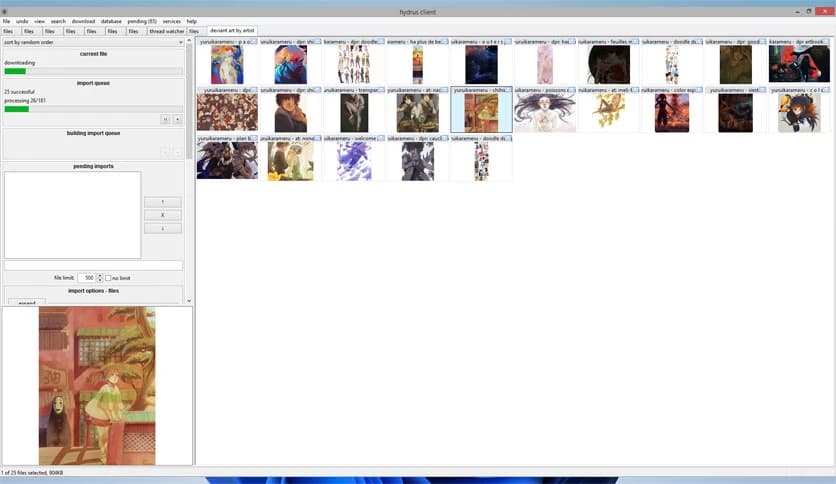
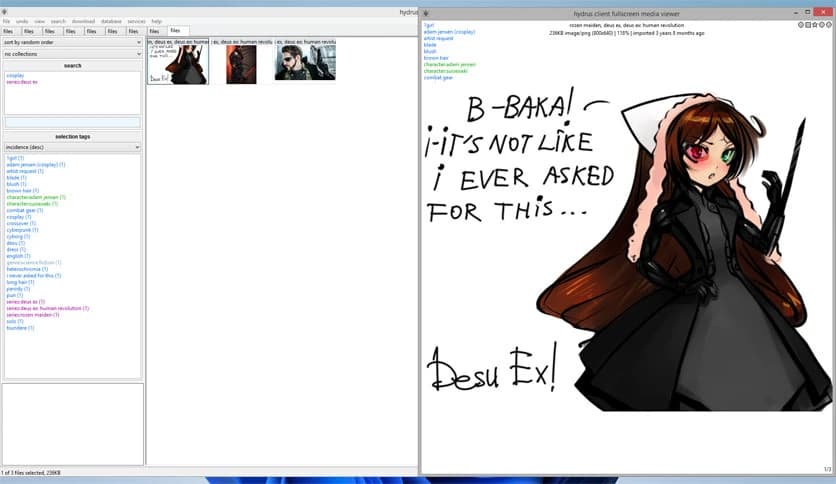
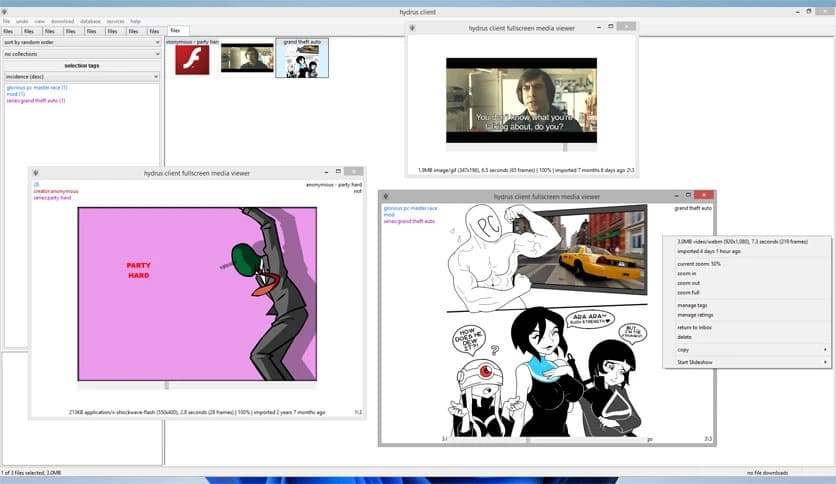
Free Download Hydrus for Windows PC. It is a powerful desktop solution that helps you organize massive media collections using smart tags instead of messy folders.
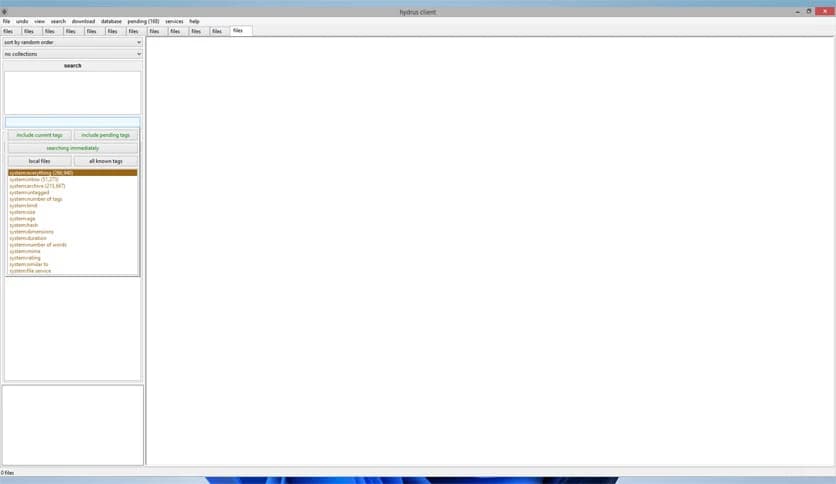
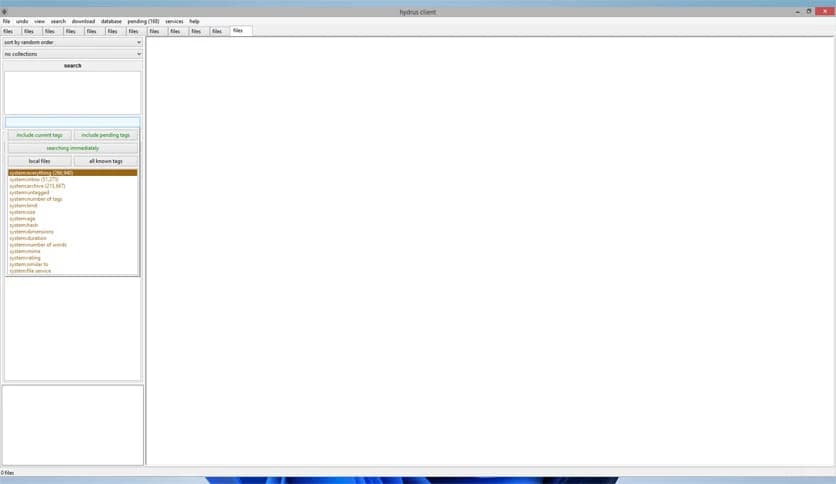
This tool is built for people who deal with large amounts of media and feel lost using traditional folder systems. It works like a personal booru on your computer, where files are organized by tags rather than locations. That means you can find what you want by describing it, not by remembering where you saved it.
Everything runs locally on your system, giving you full control over your data. There are no ads, no tracking, and no hidden limitations. Privacy stays front and center, which makes it ideal for users who care about keeping their collections personal and secure.
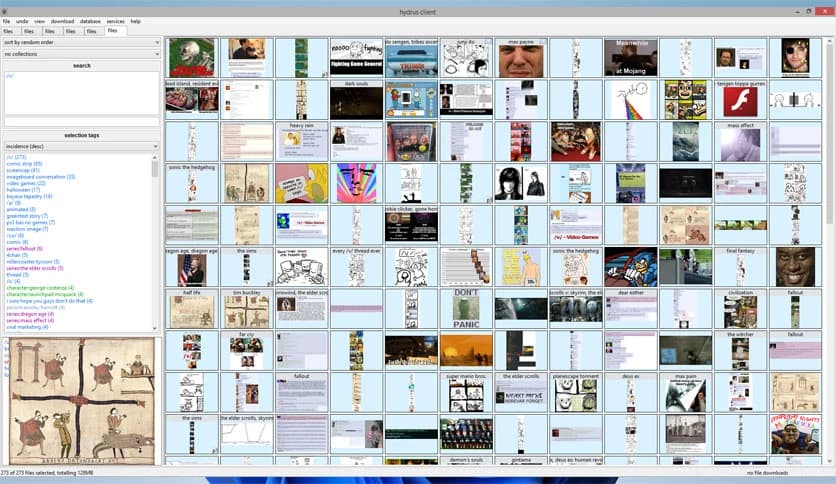
Instead of digging through folders like a detective, the software lets you label files with meaningful tags. Think of tags as sticky notes that describe what a file contains. You can add as many as you want and mix them freely to narrow down results.
This approach feels like switching from a paper map to GPS. Once you get used to it, finding files becomes fast and almost effortless, even when the library grows into tens of thousands of items.
Handling huge collections is where the tool really shines. It stays responsive even when managing 10,000 or more files. Thumbnails load smoothly, searches remain quick, and browsing feels natural rather than overwhelming.
If your collection has grown over the years and now feels impossible to manage, this system brings order back without forcing you to reorganize everything manually.
It supports a broad range of image, video, and audio formats, along with several project and archive file types. This flexibility makes it useful for photographers, video collectors, artists, and archivists alike.
Files that cannot be viewed directly inside the interface can still be opened easily using your operating system’s default apps. That way, nothing feels locked away or unsupported.
On Windows systems, media playback is handled through an embedded MPV player. Videos and audio files run smoothly without needing external players or extra setup.
This built-in playback makes reviewing and sorting content feel seamless, like flipping through a well-organized digital album.
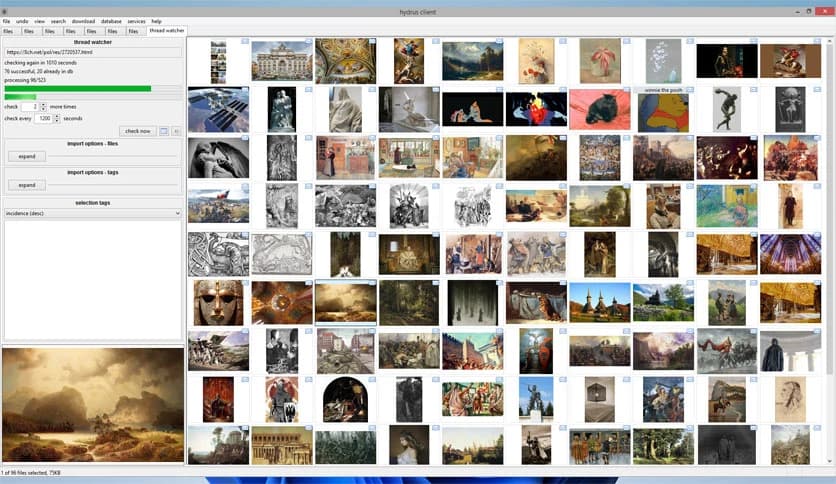
For users who want collaboration or community input, anonymous tag sharing is available through public servers. This feature lets people contribute useful tags without revealing personal data.
It works like crowd-sourced labeling, helping improve accuracy while still respecting privacy boundaries.
Privacy is not an afterthought here. Everything is designed to stay under your control, with no forced online accounts or background data collection.
This makes the software feel more like a personal vault than a cloud service, which is refreshing in a world full of trackers and ads.
Almost every part of the experience can be adjusted to match your workflow. From tag rules to viewing layouts, the interface bends to your preferences rather than forcing you into a fixed structure.
It is like setting up your own workshop, arranging tools exactly where you want them.
This solution is perfect for media-heavy users who feel limited by folders. Artists, researchers, collectors, and digital hoarders will all find value in its flexible organization style.
If your files feel scattered and hard to rediscover, this approach gives them context and meaning.
Hydrus offers a smarter way to manage large media collections by replacing rigid folders with flexible tagging. It stays fast, respects your privacy, and adapts to how you think about your files, making organization feel natural rather than frustrating.
Leave a comment
Your email address will not be published. Required fields are marked *