GWM CreamPDF Download (Latest 2026) - FileCR
Free download GWM CreamPDF 1.0 Latest full version - Manage and edit PDF files.
Free download GWM CreamPDF 1.0 Latest full version - Manage and edit PDF files.
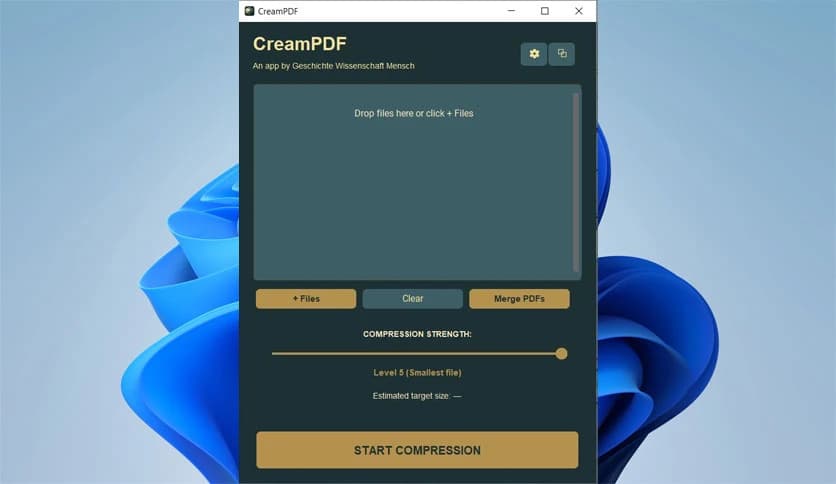
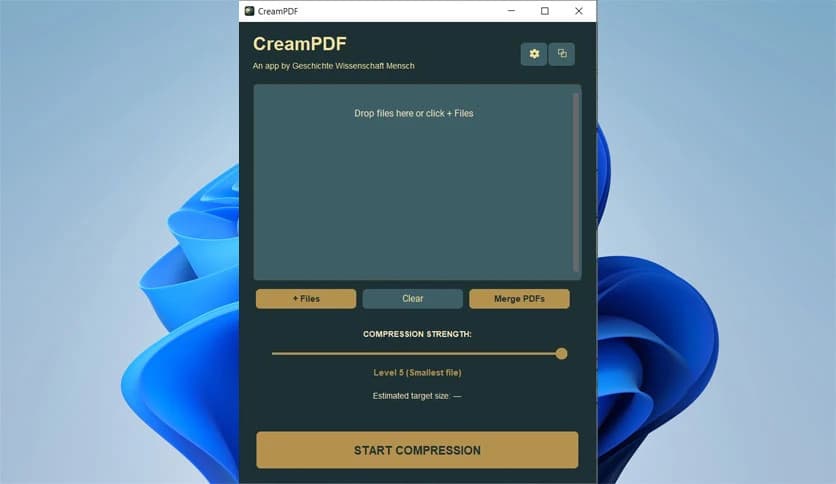
Free Download GWM CreamPDF for Windows PC. It is a lightweight local PDF helper that quietly handles resizing, cleanup, and automation without sending your files anywhere.
It is built like a small command center for your computer's documents. It focuses on everyday PDF tasks and completes them quickly, without noise or hidden processes. Everything runs locally, so your files never leave your machine. Think of it as a tidy desk assistant that keeps papers in shape while you focus on real work.
The layout is clean and friendly. You can open files, drop them onto the executable, or let tasks run in the background. There is no clutter, no forced sign-ups, and no confusing steps. It feels more like using a smart tool than learning a new program.
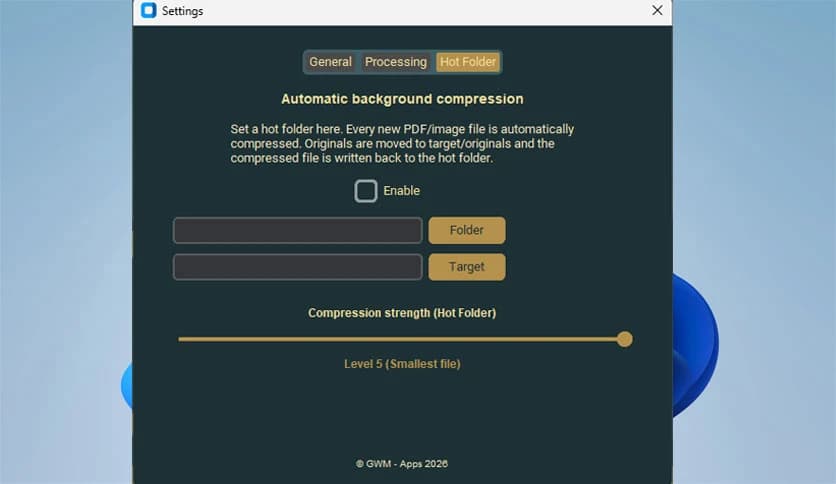
This tool shines when automation matters. You can assign a folder as a hot folder, and anything placed inside it gets processed instantly. It is like having a conveyor belt for documents. Drop a file in, walk away, and return to a ready result without clicking a single button.
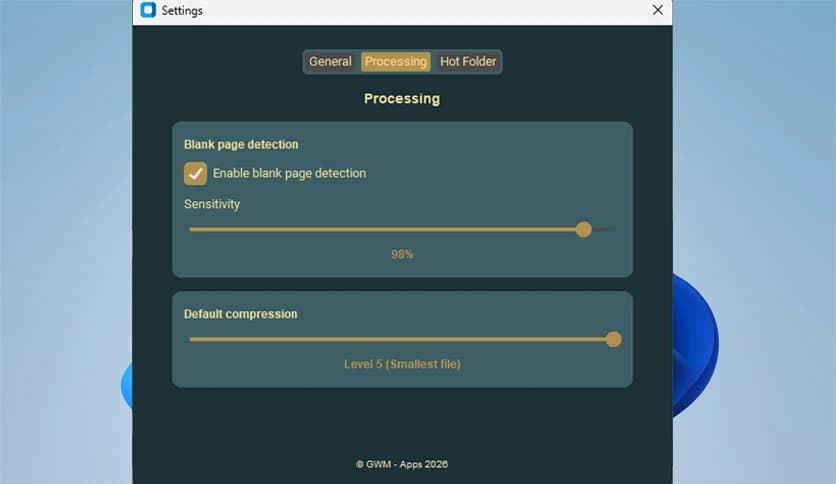
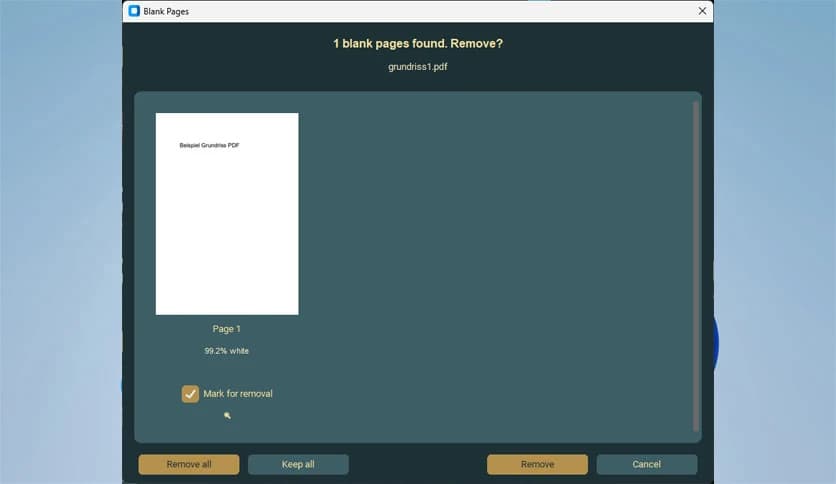
Empty pages can sneak into long documents and make them look unprofessional. The software scans files and automatically spots these blanks. Once detected, they are removed cleanly. It feels similar to trimming dead air from an audio track, leaving only what matters.
For users who prefer speed and scripts, CLI support is included. You can integrate the tool into automated workflows or batch jobs. This is especially helpful for developers or teams that rely on repeatable processes. It works quietly, like a backstage crew handling setup before the show begins.
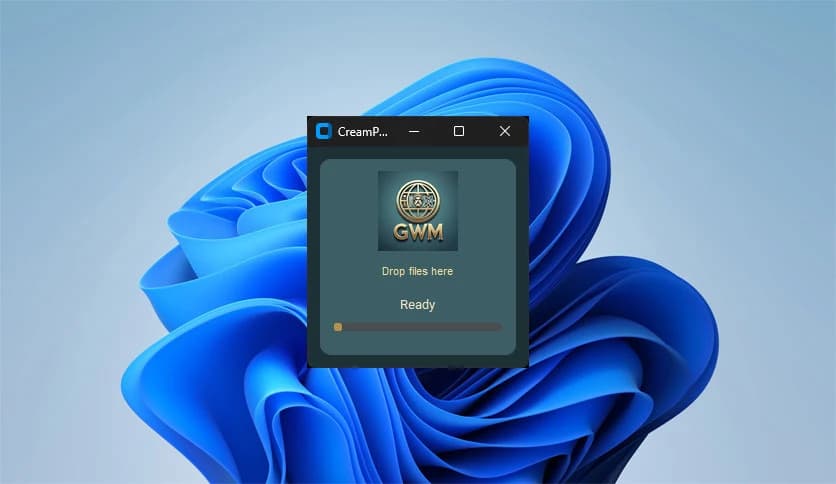
Sometimes speed is everything. Instead of opening menus, you can simply drag files onto the executable. The task starts instantly. This approach feels natural and saves time, especially when handling multiple documents during a busy day.
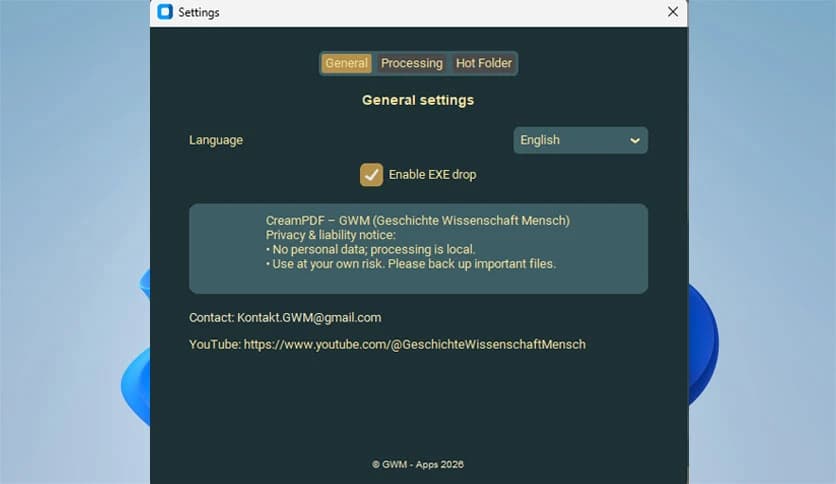
All processing happens on your PC. There are no uploads, no cloud servers, and no tracking. Files stay exactly where they belong. This local-first design offers peace of mind, especially when working with sensitive or personal documents.
The software is designed to stay fast and efficient. It does not slow down your system or demand heavy resources. Even on modest hardware, tasks run smoothly. It behaves like a well-oiled machine rather than a bulky application.
Whether you manage reports, scanned pages, or shared documents, it fits naturally into daily routines. The mix of automation and manual control makes it flexible enough for casual users and professionals alike.
GWM CreamPDF brings calm order to everyday document tasks by combining automation, privacy, and ease of use in one neat package. It handles repetitive work quietly in the background while keeping your data safe on your own system.
Leave a comment
Your email address will not be published. Required fields are marked *