Grammalecte Download (Latest 2026) - FileCR
Free download Grammalecte 2.3.0 Latest full version - Smart French grammar and typography helper.
Free download Grammalecte 2.3.0 Latest full version - Smart French grammar and typography helper.
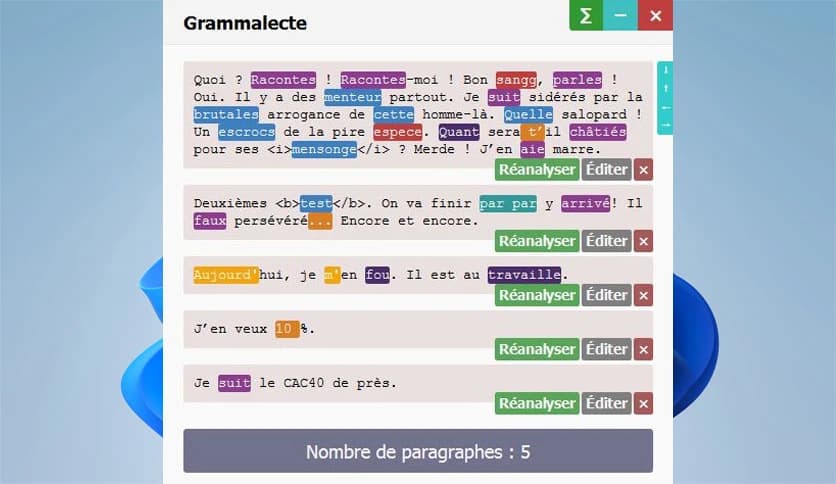
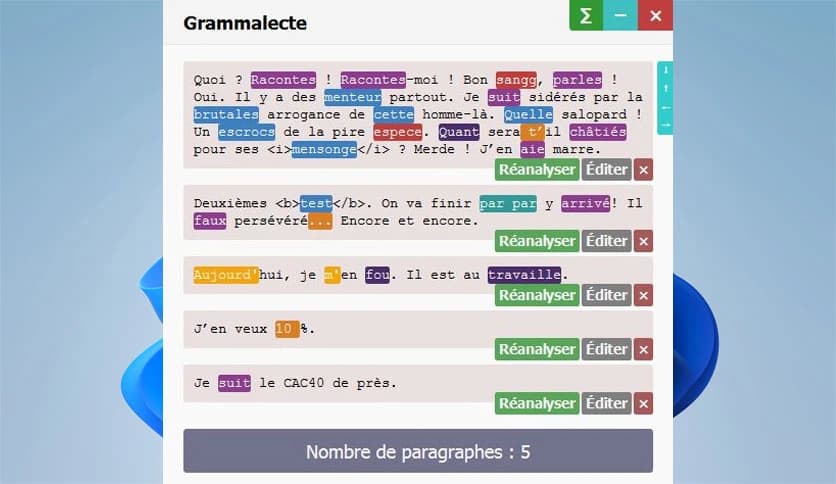
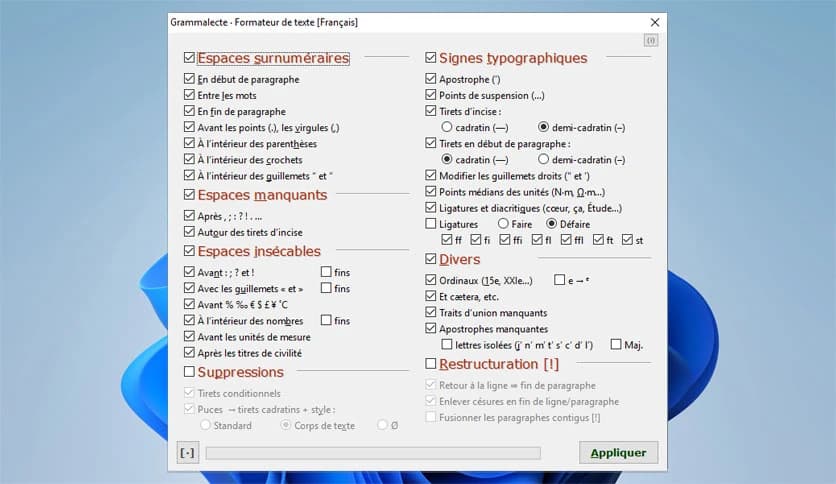
Free Download Grammalecte for Windows PC. It is a powerful open source grammar and typography checker designed to improve French writing with precision and minimal false alerts.
It is built especially for people who write in French and want clean, correct, and professional text. It works smoothly with Writer in LibreOffice and OpenOffice, and also integrates with browsers like Firefox and Chrome, as well as Thunderbird. The goal is simple: help you write better French without constantly interrupting you with unnecessary warnings.
Unlike many grammar tools that underline almost everything, the software follows a smart rule. If it is not highly confident that something is wrong, it will not flag it. This means fewer false positives and a smoother writing experience. You stay focused, and the tool quietly works in the background like a helpful editor who only speaks up when truly needed.
This tool is not a generic grammar checker adapted from another language. It is fully dedicated to French. That makes a huge difference. French grammar is complex, with agreements in gender and number, tricky conjugations, and many homonyms that sound the same but mean different things.
The software understands these details. It carefully analyzes your text and checks for rules unique to French writing. Whether you are a student, teacher, journalist, or professional writer, it helps you produce accurate, polished content.
At the heart of the software is a powerful grammar engine. As it reads your paragraph, it simplifies and restructures the text internally. Think of it like untangling a knot before inspecting each thread. First, it checks the overall paragraph and punctuation. Then it breaks the text into sentences for deeper analysis.
This step-by-step approach helps it detect many different types of errors. Instead of randomly scanning words, it understands context. That context awareness allows it to catch mistakes that simple spell checkers usually miss.
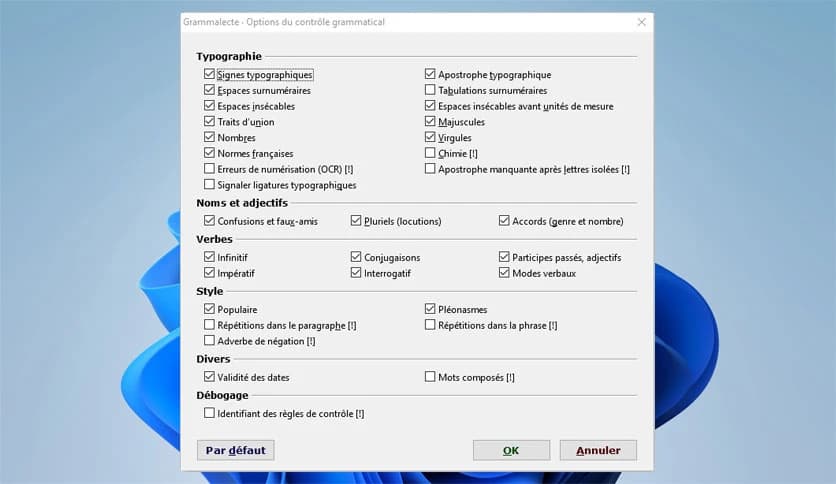
One of the most common writing problems in French involves punctuation and spacing. Commas, periods, colons, and semicolons all have specific spacing rules. The software carefully reviews these elements and highlights misplaced or missing punctuation.
It also detects extra spaces and missing non-breaking spaces. In French typography, non-breaking spaces are important before certain punctuation marks. The tool ensures your text adheres to these typographic standards, giving it a clean, professional appearance.
Typography might seem like a small detail, but it changes how your text looks and feels. The software checks apostrophes, dialogue dashes, and quotation marks. It makes sure they follow proper French conventions.
For example, straight quotation marks can be replaced with proper French-style quotes. Dialogue formatting can also be corrected. These changes might seem minor, but together they make your writing look polished and well-prepared.
Sometimes we repeat ourselves without realizing it. The software can identify redundancies within a sentence or even across a paragraph. It acts like a mirror, showing you where you're repeating yourself.
It also detects pleonasms, which are expressions that include unnecessary repetition of meaning. Removing these makes your writing sharper and clearer. Your sentences become lighter, like trimming extra weight from a backpack before a long journey.
French uses hyphens in specific cases, and missing or extra hyphens can change the meaning of a word. The software checks for both missing and unnecessary hyphens, helping you stay accurate.
It also reviews capital letters. Some words in French require capitalization, while others do not. The tool ensures your text complies with these rules. This attention to detail makes your writing consistent and professional.
Gender and number agreements are among the trickiest parts of French grammar. Adjectives must match nouns. Past participles must agree in certain cases. It carefully verifies these agreements and points out inconsistencies.
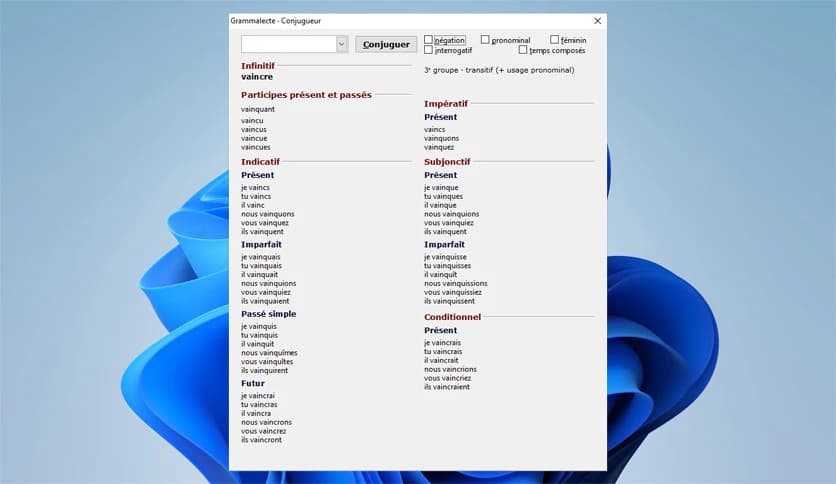
Conjugation errors are also detected. Whether you use the present tense, the past tense, or the conditional forms, the software checks whether the verb matches the subject. This is especially helpful for learners who are still mastering complex verb patterns.
French contains many words that sound alike but have different meanings. These homonyms can easily cause confusion. The tool analyzes the context to suggest corrections when the wrong word is used.
It also helps with false friends, especially useful for bilingual writers. If you accidentally use a word that looks correct but has a different meaning, the software can alert you. It is like having a language coach quietly guiding you.
If you work with scanned documents or converted PDFs, you know how messy optical character recognition can be. Letters may be misread, and strange errors appear. The software offers an option to detect common OCR mistakes.
This feature is extremely useful when editing digital copies of printed documents. Instead of manually searching for hidden errors, you can rely on the tool to highlight suspicious patterns.
The software integrates with LibreOffice and OpenOffice Writer, making it a practical choice for everyday document editing. It also works with Firefox, Chrome, and Thunderbird. This wide compatibility means you can use it while writing emails, blog posts, or academic papers.
You are not limited to one environment. It follows you wherever you write in French, creating a consistent correction experience across platforms.
Grammalecte is a reliable and intelligent grammar and typography checker that focuses entirely on improving French writing. It keeps distractions low, reduces false alerts, and provides accurate corrections for punctuation, agreements, conjugation, typography, and more. Whether you are drafting a simple email or preparing an academic paper, it serves as a calm, skilled editor by your side, helping you write with clarity and confidence.
Leave a comment
Your email address will not be published. Required fields are marked *