gPodder Download (Latest 2026) - FileCR
Free download gPodder 3.11.5 Latest full version - Podcast manager for downloading & enjoying shows.
Free download gPodder 3.11.5 Latest full version - Podcast manager for downloading & enjoying shows.
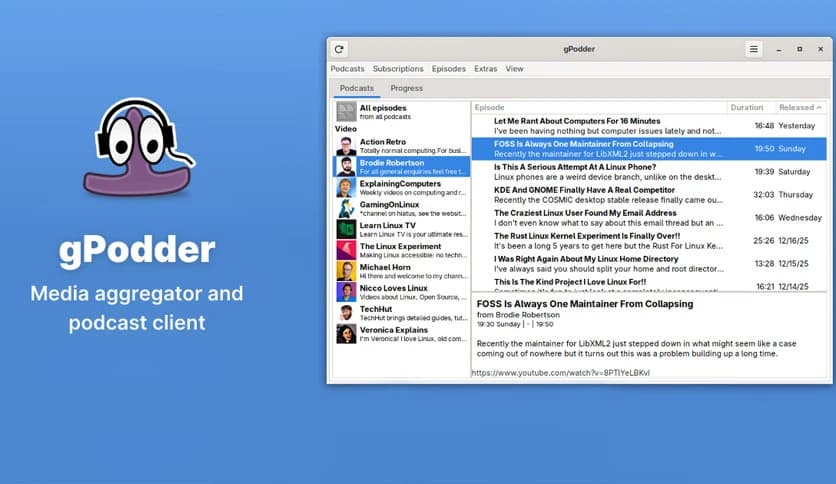
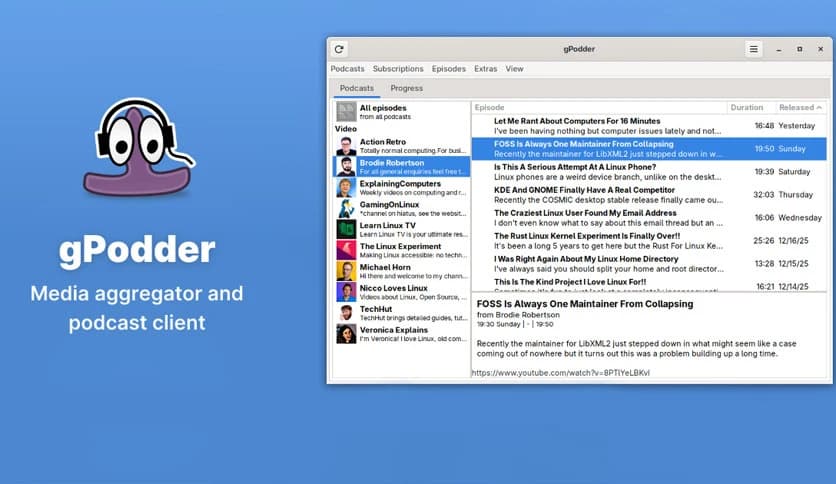
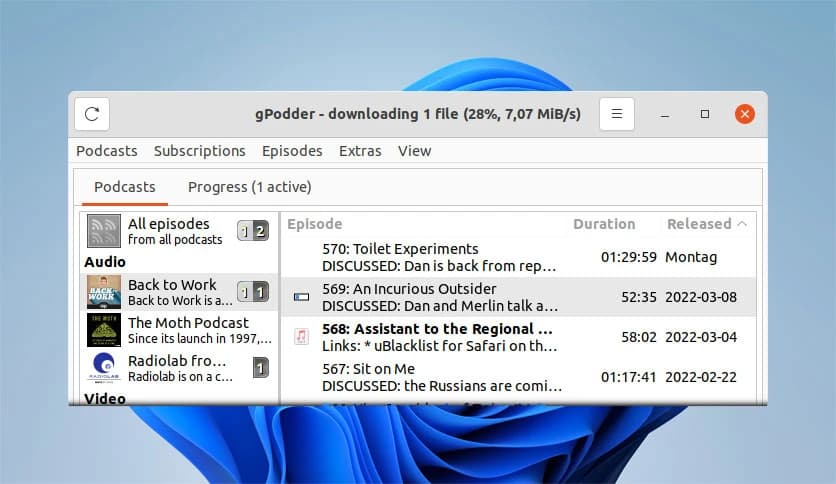
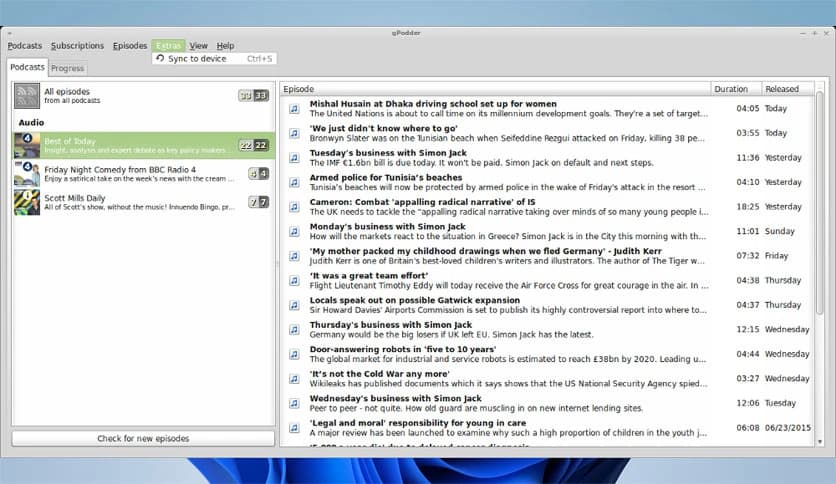
Free Download gPodder for Windows PC. It is a simple and reliable way to download, manage, and enjoy podcasts on your computer and mobile devices.
It is a lightweight podcast manager designed for people who enjoy audio and video content without unnecessary complexity. The software focuses on one thing: helping users subscribe to shows, download episodes, and keep everything neatly organized. Whether you follow daily news, tech talks, or long-form storytelling, it makes handling subscriptions feel smooth and stress-free.
The tool is built for simplicity. Instead of overwhelming menus or confusing settings, everything is placed where it makes sense. You add a feed, choose what to download, and start listening. That straightforward approach makes it suitable for beginners while still offering enough control for experienced users.
Managing multiple podcast subscriptions can feel like juggling too many balls at once. This software acts like a personal librarian for your shows. You can add podcast feeds manually or search for them, and once subscribed, new episodes appear automatically.
It tracks what you have already downloaded and what is still new. That means no more guessing or re-downloading the same episode twice. Everything stays tidy, saving both time and storage space.
One of the strongest features is offline access. Episodes can be downloaded directly to your computer so you can listen offline. This is perfect for long trips, slow connections, or simply saving mobile data.
The software also lets you decide how downloads behave. You can choose where files are saved and how many episodes are kept. Think of it like a smart basket that only holds what you actually want.
Podcasts are no longer just about audio. Many creators now release video episodes as well. The tool supports both formats, allowing you to experience content as intended.
You can play episodes directly on your computer or sync them with supported mobile devices. This flexibility makes it easy to switch between listening at your desk and watching on the go.
A clean interface can make a big difference in daily use. This software avoids clutter and focuses on clarity. Buttons are clearly labeled, lists are easy to scan, and important actions are always within reach.
It feels more like flipping through a well-organized notebook than navigating a complex program. That ease of use helps you focus on the content instead of the controls.
Listening habits differ from person to person. Some like to play episodes from start to finish, while others skip around. The software supports flexible playback, allowing you to pause, resume, or jump to any section with ease.
This makes it ideal for both casual listening and focused learning. You stay in control of how and when you consume your favorite shows.
The tool is distributed under the GNU General Public License, which means it is open-source and community-supported. This encourages transparency and continuous improvement.
Users benefit from regular updates and community feedback. While it comes without warranty, the open development model ensures that issues are identified and improved over time.
Not everyone has a high-end system, and that is where this software shines. It runs smoothly even on modest hardware without slowing down your computer.
Its efficient design ensures that background downloads and playback do not interfere with other tasks. You can browse, work, or study while episodes download quietly in the background.
This tool fits naturally into daily routines. Whether you listen during work breaks, workouts, or evenings at home, it adapts to your schedule.
By handling subscriptions, downloads, and organization in one place, it removes friction from the listening experience. You spend less time managing files and more time enjoying content.
gPodder stands out as a practical and user-friendly solution for podcast fans who want control without complexity. It keeps subscriptions organized, downloads episodes reliably, and supports both audio and video content. With its lightweight performance and open-source nature, it feels like a dependable companion for everyday listening.
Leave a comment
Your email address will not be published. Required fields are marked *