Glyphr Studio Download (Latest 2026) - FileCR
Free download Glyphr Studio Latest full version - Free & open source web-based font editor.
Free download Glyphr Studio Latest full version - Free & open source web-based font editor.
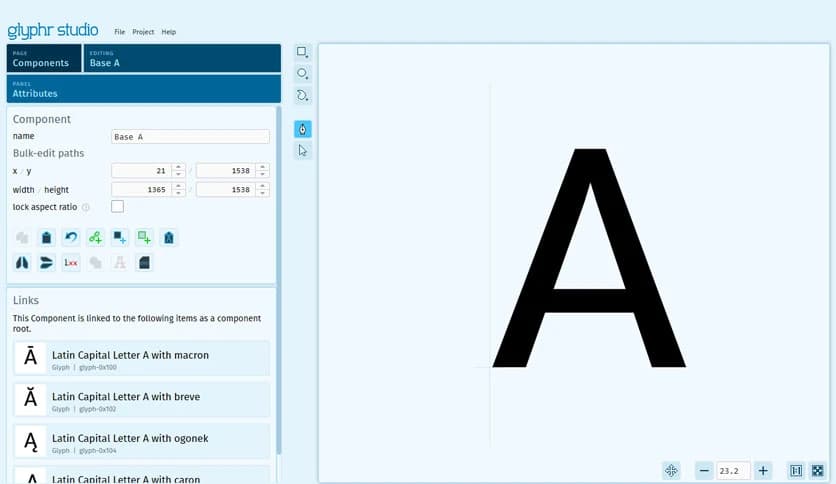
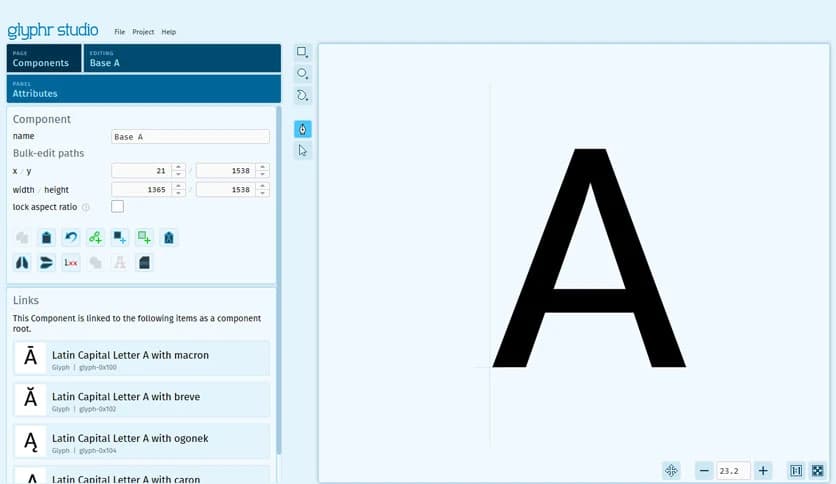
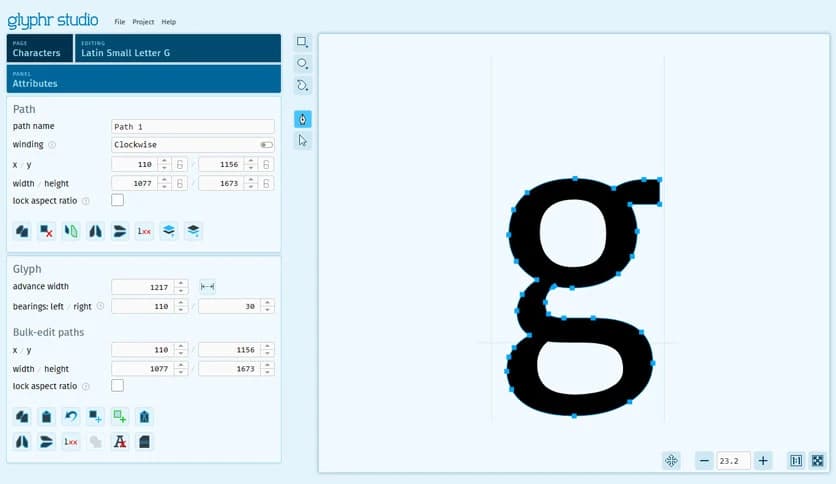
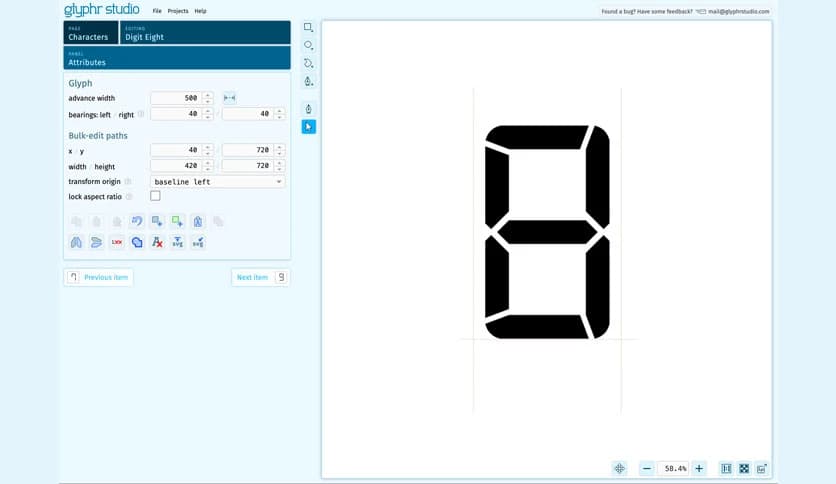
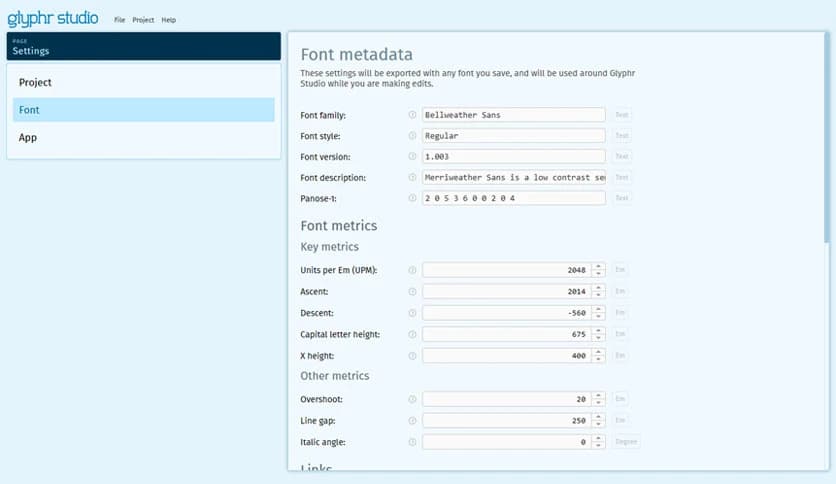
Free Download Glyphr Studio for Windows PC. It is a simple and beginner-friendly font editor that helps users design professional-looking typefaces without the complexity of traditional font software.
It is a free, accessible font-editing tool designed for people who want to create their own typefaces without complicated software. Many professional font editors are packed with advanced tools that can overwhelm beginners. This solution takes a different approach. It keeps things simple, clean, and easy to understand.
The interface focuses on the essentials of font creation. Instead of burying users under layers of menus and technical controls, the software provides a straightforward design environment. Because of this, hobbyists, students, and designers can quickly start drawing characters and shaping their own fonts.
Think of it like a sketchbook for typography. Instead of drawing letters on paper, users shape them digitally. The process feels smooth and natural, making it easier to experiment and learn the basics of type design.
One of the biggest strengths of the tool is its beginner-friendly interface. Professional font editors often feel like complex engineering tools. New designers may struggle just to understand where to begin. This platform removes that barrier by offering a simple workspace where everything feels organized and approachable.
When opening the editor, users see a clear layout that focuses on drawing and editing letters. Controls are placed where they make sense, and features are explained in a natural way. This allows beginners to focus on creativity rather than technical confusion.
It feels similar to learning how to draw with a pencil. At first, the shapes may be simple, but with practice, they become more refined. The editor encourages experimentation and learning through practice.
The main goal of the software is to allow users to create their own fonts from scratch. Each character can be drawn using vector tools that allow precise control over curves, lines, and shapes. Designers can craft letters exactly the way they imagine them.
Whether someone wants to design a stylish handwriting font or a bold display typeface, the editor provides the essential tools needed to shape characters. Each glyph can be adjusted, refined, and balanced to match the font's overall style.
This process feels a bit like sculpting clay. You start with a rough shape and gradually refine it until the final result looks polished and professional.
Another advantage of the software is its lightweight nature. Unlike large design programs that require powerful hardware and long installation processes, this tool is designed to run smoothly without consuming heavy system resources.
Because of this, users can start designing fonts without worrying about performance issues. The editor loads quickly and responds smoothly to changes, allowing designers to work without interruption.
This makes it ideal for casual designers, students, or anyone who wants to explore typography without investing in expensive software.
The platform was created with hobbyists in mind. Professional font design tools are often built for large studios or experienced typographers. Beginners may feel lost when using those advanced systems.
This solution focuses on learning and creativity. It gives users the ability to experiment with letters, shapes, and spacing without needing years of design experience. The tools are simple enough for beginners but powerful enough to produce impressive results.
For many people, designing a font feels like creating a personal signature. Each character reflects creativity and style, making the final typeface feel unique.
If someone wants to learn the basics of typography, this editor provides an excellent starting point. Typeface design is an art that combines creativity with precision. Each letter must balance with others while maintaining readability and style.
The software encourages users to explore these principles by guiding them through the design of characters step by step. As letters take shape, users begin to understand spacing, alignment, and proportions.
Over time, the process becomes more intuitive. Just like learning to play an instrument, practice gradually builds skill and confidence.
The editor provides several helpful tools that allow users to adjust shapes with precision. Curves can be refined, angles adjusted, and lines reshaped until the character looks perfect.
These editing tools help designers fine-tune their work. Small adjustments can dramatically improve a font's overall appearance. Even subtle changes in curve tension or letter spacing can make a big difference.
This flexibility allows users to experiment with different design ideas without starting from scratch each time.
Custom fonts are incredibly useful for creative projects. Designers often want typography that stands out rather than using standard fonts available on every computer.
With this editor, users can design typefaces that match their personal style or brand identity. These fonts can be used for posters, logos, websites, or digital artwork.
It turns typography into a creative playground where letters become design elements rather than simple text.
Glyphr Studio offers a refreshing approach to font design by focusing on simplicity and accessibility. Many font-editing programs can feel overwhelming or expensive, but this solution removes those barriers and makes typography design accessible to everyone. Whether someone is a beginner exploring the world of typefaces or a hobbyist creating unique lettering styles, it provides a comfortable, creative environment for turning ideas into beautifully designed fonts.
Leave a comment
Your email address will not be published. Required fields are marked *