GlazeWM Download (Latest 2026) - FileCR
Free download GlazeWM 3.9.1 Latest full version - Organize windows and adjust their layout on the fly.
Free download GlazeWM 3.9.1 Latest full version - Organize windows and adjust their layout on the fly.
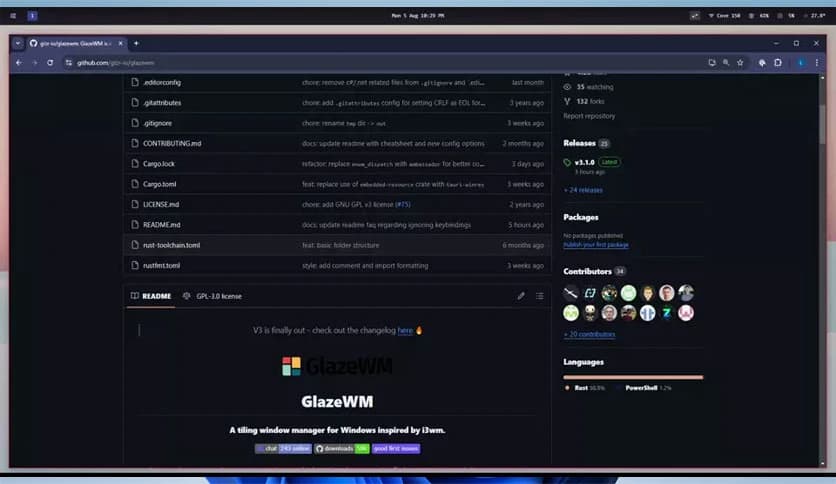
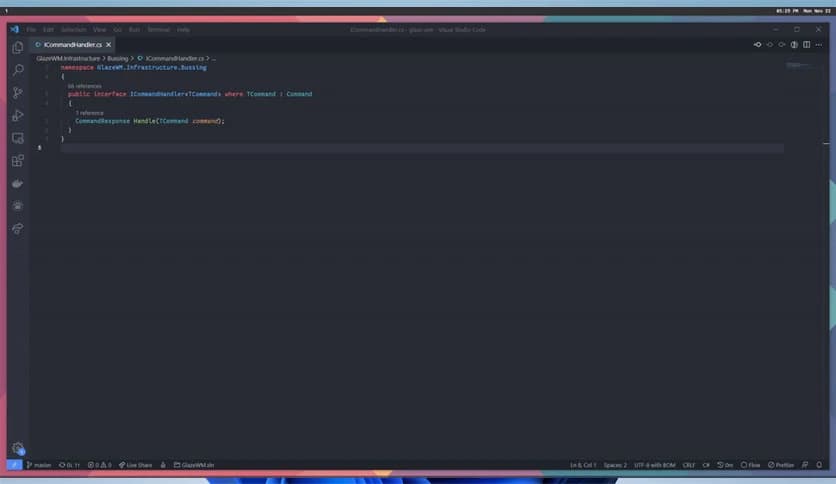
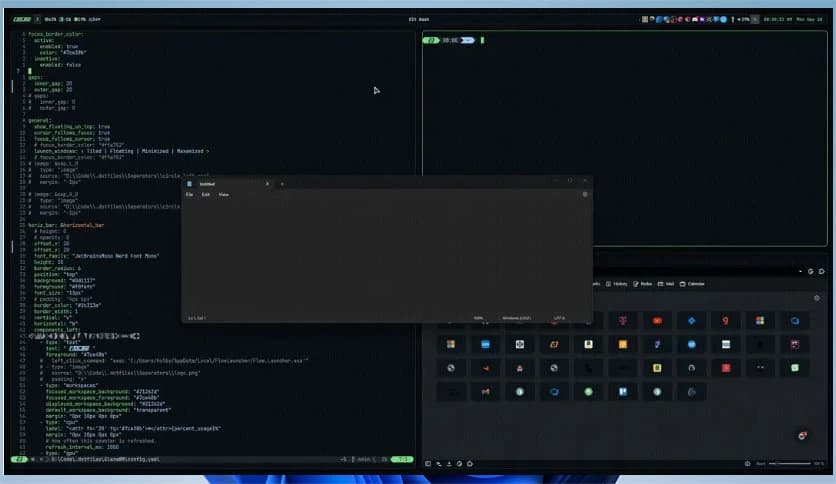
Free Download GlazeWM for Windows PC. It is a lightweight tiling window manager that helps you organize your desktop using fast keyboard commands.
It is a tiling window manager designed specifically for Windows users who want more control over their workspace. Instead of dragging windows around with your mouse all day, it automatically arranges them into clean, structured layouts. Inspired by tools like i3 and Polybar, it brings the power of Linux-style window management to Windows.
Think of your desktop like a messy desk full of papers. This tool works like a smart organizer, neatly stacking everything in place. With just a few keyboard shortcuts, you can move, resize, and manage windows without breaking your focus. It feels fast, smooth, and surprisingly addictive once you get used to it.
Most people use Windows in the traditional floating style. You open apps, drag them around, resize them manually, and switch between them with Alt+Tab. It works, but it is not always efficient. A tiling system changes the game.
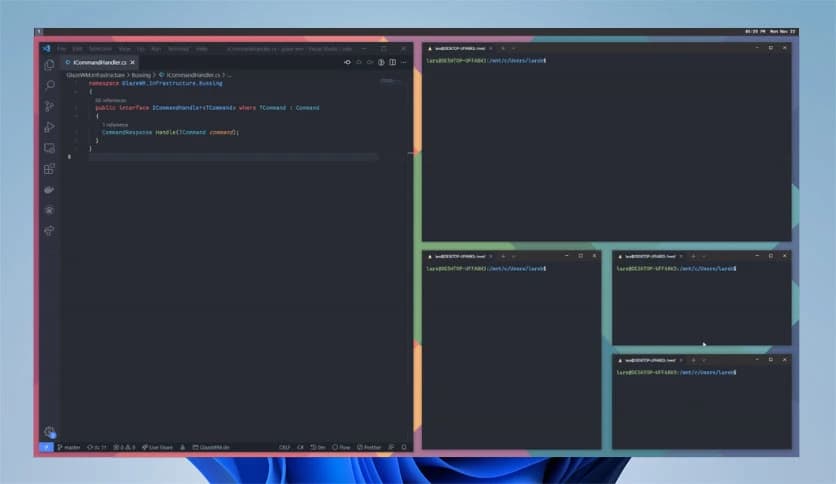
Instead of overlapping windows, the software automatically arranges them side by side. Every new app finds its place instantly. You do not waste time adjusting sizes. You stay focused on your work. It feels like your desktop finally understands what you need.
For developers, designers, writers, and multitaskers, this setup can dramatically boost productivity. It is like switching from walking to riding a bicycle. Once you learn it, you never want to go back.
The real magic lies in its keyboard-based commands. You can split windows horizontally or vertically, move them between monitors, resize them, or switch workspaces without touching your mouse.
This approach keeps your hands on the keyboard, where most of your work already happens. It reduces friction and makes multitasking feel natural. After a short learning curve, navigating your system feels almost effortless.
Imagine controlling your entire desktop like a video game character. Quick commands, instant reactions, zero delay. That is exactly how it feels.
One of the best things about the tool is its simple YAML configuration file. You do not need complex programming skills to customize it. The configuration is clean, readable, and easy to edit.
Want to change shortcuts? Just update the config file. Want specific apps to open in certain layouts? Add a rule. It is straightforward and flexible.
The configuration serves as a blueprint for your digital workspace. You decide how everything behaves. You are not stuck with default limitations.
If you use multiple monitors, you will love this feature. The software handles multi-monitor setups smoothly and intelligently.
You can move windows between screens, assign workspaces to specific monitors, and maintain independent layouts. It feels organized rather than chaotic.
Instead of manually juggling windows across displays, everything stays structured. Each screen becomes its own focused zone. It is like having multiple clean desks instead of one cluttered one.
Not all apps behave the same way, and that is where custom rules come in. You can define how certain programs should open or where they should appear.
For example, you can set your browser to always open on the left side, your code editor on the right, or your chat app on a specific monitor. These rules save time and eliminate repetitive adjustments.
It is similar to setting up automation in your home. Once configured, everything runs smoothly without constant manual input.
Unlike many advanced window managers, this one keeps installation simple. You do not have to struggle with complicated steps or technical commands.
With a quick setup process, you can get started in minutes. This makes it accessible even to users new to tiling window managers.
It lowers the barrier to entry while still offering powerful customization for advanced users. That balance makes it appealing to a wide range of people.
The tool integrates seamlessly with Zebar as a status bar. This gives you a clean, customizable display for workspaces, system info, and other details.
A good status bar is like a car's dashboard. It shows you essential information at a glance. Combined with the tiling layout, it creates a minimal yet powerful working environment.
You can tailor the appearance and information to match your workflow. The result is a desktop that looks modern and feels efficient.
Another major advantage is its lightweight design. It does not consume heavy system resources. Even on modest hardware, it runs smoothly.
This means you can enjoy a responsive desktop without slowing down other applications. The software focuses on performance and stability, keeping things fast and reliable.
It stays out of your way while enhancing your workflow. That is exactly what a productivity tool should do.
GlazeWM is a smart and efficient solution for anyone who wants better control over their Windows desktop. It transforms a cluttered workspace into a structured, keyboard-driven environment that boosts focus and productivity. With simple configuration, multi-monitor support, custom window rules, and Zebar integration, it delivers a powerful yet lightweight experience. If you want your desktop to feel organized and responsive, this is a tool worth trying.
Leave a comment
Your email address will not be published. Required fields are marked *