Tuba Download (Latest 2026) - FileCR
Free download Tuba 0.10.3 Latest full version - Simple desktop client for decentralized social.
Free download Tuba 0.10.3 Latest full version - Simple desktop client for decentralized social.
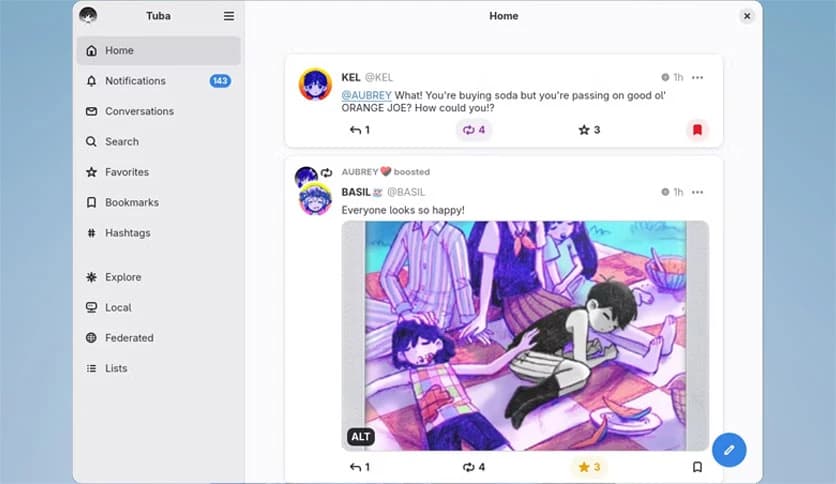
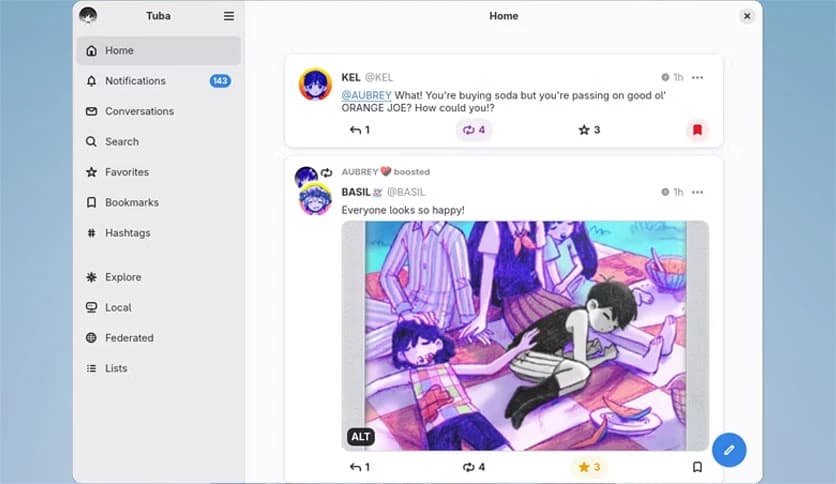
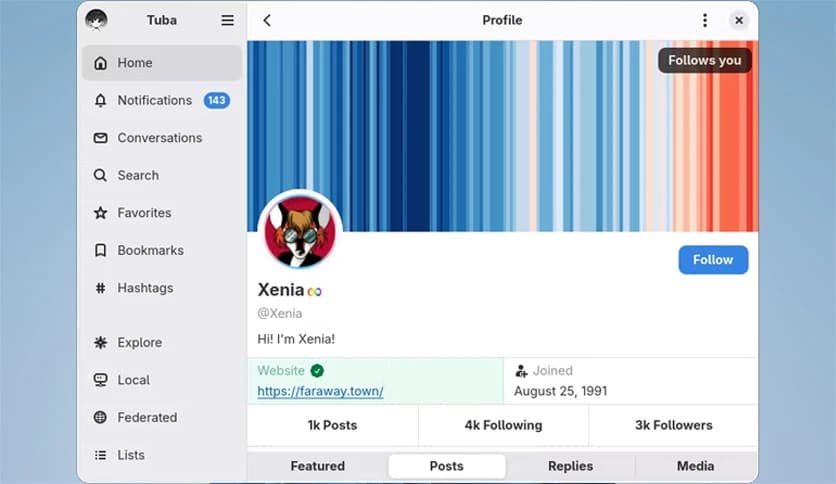
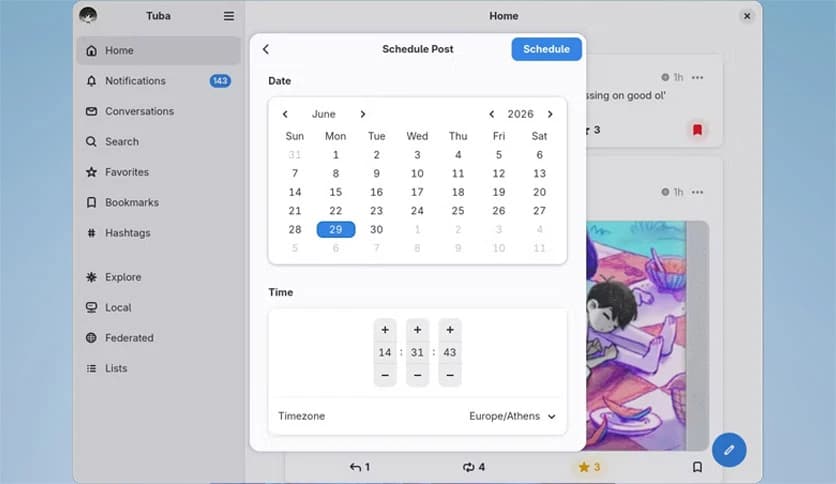
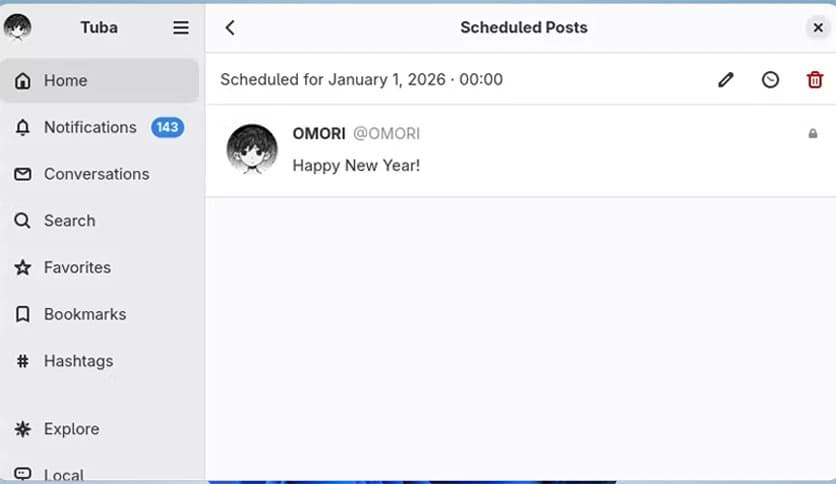
Free Download Tuba for Windows PC. It is a simple, friendly desktop app that helps you explore and connect with the decentralized social web through a single clean interface.
It is designed for people who want a smooth and focused way to browse the federated social web. Instead of jumping between websites in your browser, you can manage everything from one place. It brings together conversations, timelines, profiles, and notifications into a neat desktop experience that feels natural and distraction-free.
The tool is built with a modern design style inspired by GNOME. It feels lightweight, fast, and easy to use. Whether you are new to the Fediverse or already active on multiple servers, it helps you stay organized without overwhelming you.
The Fediverse is like a neighborhood made up of many small towns. Each town is a different platform or server, but they all speak the same language. This means users from different servers can still follow, like, and reply to each other.
Unlike traditional social networks controlled by one big company, this decentralized world gives people more control over their data. You can choose a server that matches your values. You can even move to another server without losing your social connections.
This software makes accessing that world simple. It supports popular platforms such as Mastodon, GoToSocial, and Akkoma, so you can connect to your preferred community with ease.
One of the strongest points of this desktop client is its clean layout. Everything is where you expect it to be. Timelines are easy to scroll, profiles are simple to view, and notifications are clear and organized.
Using it feels like reading a well-structured magazine rather than browsing a cluttered website. Buttons are clearly labeled, and the navigation panel helps you switch between home feed, local feed, and federated feed without confusion.
This thoughtful design reduces noise and lets you focus on conversations. It is perfect for people who value calm digital spaces.
The software connects with different Fediverse platforms. Whether your account is on Mastodon, GoToSocial, Akkoma, or another compatible service, you can log in and start interacting right away.
This flexibility is like having a universal remote for your social world. Instead of managing separate apps for each platform, you use one unified tool. It saves time and keeps your workflow smooth.
As the Fediverse grows, support for more platforms ensures you are not locked into one ecosystem.
At its heart, this desktop app is about connection. You can follow hashtags, join discussions, share posts, and interact with friends or family members across different servers.
Notifications help you stay updated on replies, mentions, and new followers. Everything is delivered in a clear and organized way. You will not miss important conversations.
It feels like sitting in a digital café where everyone can talk freely, no matter which server they came from.
Privacy is a major reason why many users move to the Fediverse. Centralized platforms often collect data and track user behavior. In contrast, decentralized networks prioritize user control and transparency.
This tool respects that philosophy. It connects you to your chosen server without adding unnecessary tracking layers. Your data stays within the ecosystem you trust.
Think of it as owning your own house instead of renting a room in someone else's building. You decide where you live online.
No one enjoys slow or heavy applications. This client runs smoothly even on modest hardware. It loads timelines quickly and handles posts without noticeable lag.
Because it is not overloaded with unnecessary features, it remains fast and responsive. This makes it suitable for everyday use, whether you are casually browsing or actively engaging in discussions.
It works like a compact car, getting you where you need to go efficiently without wasting fuel.
Setting it up is straightforward. After installation, you simply enter your server address and log in with your account credentials. Within moments, your timelines and profile are available.
You do not need technical expertise. The process is designed to be beginner-friendly. Even if you are new to decentralized social media, you can start exploring quickly.
The smooth onboarding experience makes it less intimidating for newcomers.
The software includes basic customization options that improve comfort. You can adjust themes, manage notification preferences, and control how content is displayed.
Accessibility is also important. Clear fonts, readable layouts, and intuitive navigation make it suitable for a wide range of users. It focuses on usability rather than complexity.
This balance between simplicity and flexibility helps users feel at home.
Tuba is a smart, friendly solution for anyone looking for a better way to access the decentralized social web. It brings together multiple Fediverse platforms into one clean and reliable desktop app. With its simple design, strong privacy focus, and smooth performance, it makes staying connected feel easy and natural. If you value control, community, and a clutter-free experience, this software is worth trying.
Leave a comment
Your email address will not be published. Required fields are marked *