FreeDOS Download (Latest 2026) - FileCR
Free download FreeDOS 1.4 Latest full version - Lightweight system for running classic software fast.
Free download FreeDOS 1.4 Latest full version - Lightweight system for running classic software fast.
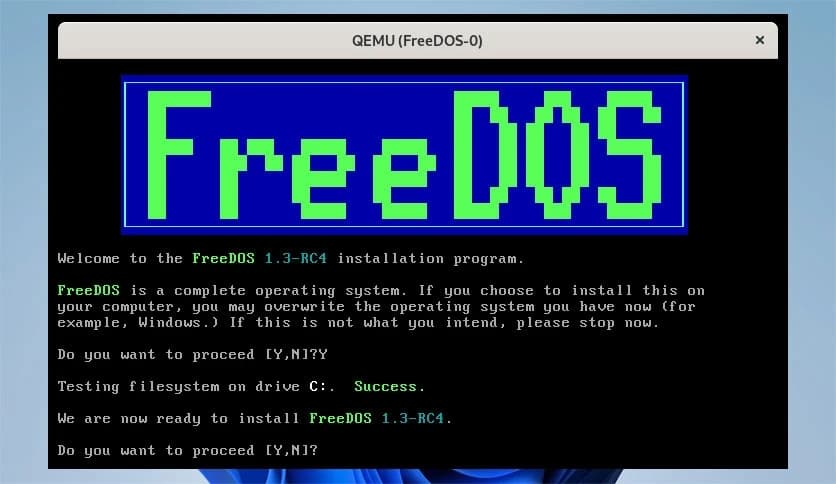
Free Download FreeDOS for Windows PC. It is a lightweight, open-source DOS-compatible operating system designed to run classic DOS programs, legacy software, and retro games smoothly on modern and older computers.
This operating system is a modern revival of the classic DOS environment that many early computers depended on. It recreates the familiar command-line experience while adding improvements that make it easier to use on today’s hardware. Think of it like restoring a vintage car engine, but with modern parts so it runs more reliably.
The platform was created to keep the DOS ecosystem alive. Many older applications, tools, and games were designed specifically for DOS systems. As modern operating systems moved forward, those programs were left behind. This tool bridges that gap and allows users to run them again without complicated workarounds.
It is fully compatible with most MS-DOS software. That means programs written decades ago can still run today. From classic games to older productivity utilities, the system works like a time machine for computing.
Because it is open source, developers and enthusiasts can freely use, modify, and distribute it. This open approach has helped build a passionate community that continues to improve the platform and maintain compatibility with classic applications.
You might wonder why anyone would still care about a DOS environment. The answer is simple: many tools and games were built specifically for it. Some older business software still runs best in this environment. In other cases, retro gaming fans simply want the authentic experience.
Using modern operating systems to run old software can sometimes feel like trying to fit a square peg into a round hole. Compatibility layers and emulators help, but they do not always behave perfectly. This system solves that problem by providing a native environment where those programs feel at home.
For hobbyists and programmers, it also offers a simple platform for learning low-level computing. With fewer layers of complexity compared to modern operating systems, users can understand how programs interact directly with hardware.
The software offers several useful features that make it reliable for both retro enthusiasts and developers.
These features make it more than just an old operating system clone. Instead, it becomes a bridge between past and present computing environments.
The platform operates through a command-line interface, which may look simple but offers powerful control. Users type commands to perform tasks such as launching programs, copying files, or configuring the system.
If you imagine modern operating systems as large office buildings full of tools and visual interfaces, this environment is more like a workshop with essential tools laid out clearly. Everything is straightforward and efficient.
The system boots directly into a command prompt. From there, users can navigate directories, launch applications, and manage files. It may look minimal at first, but this simplicity is exactly what makes it fast and reliable.
Retro gaming is one of the biggest reasons people still use DOS-based environments. Many legendary PC games from the 1980s and 1990s were designed exclusively for DOS systems.
When played in their native environment, those games often run more smoothly and behave exactly as they did decades ago. Sound effects, graphics timing, and controls work the way the developers originally intended.
It feels like stepping into a digital time capsule. Fans of classic titles can relive the golden era of PC gaming without the hassle of compatibility issues.
For programmers, this system provides a clean environment to learn how software interacts with hardware. Without the complexity of modern operating systems, beginners can more easily explore programming concepts.
Developers can create and test applications designed for DOS environments. This includes utilities, small programs, and experimental tools.
It is also valuable for educational purposes. Students studying computer history or low-level programming often use it to understand how early operating systems worked.
Modern operating systems require powerful hardware and substantial memory. This one takes the opposite approach. It runs comfortably on very modest hardware.
Because it focuses on simplicity, the system uses minimal resources. Even older computers can run it without difficulty. This makes it a practical option for restoring vintage machines or experimenting with older PCs.
The lightweight design also means faster boot times and quick program execution. It proves that sometimes simplicity can be more efficient than complexity.
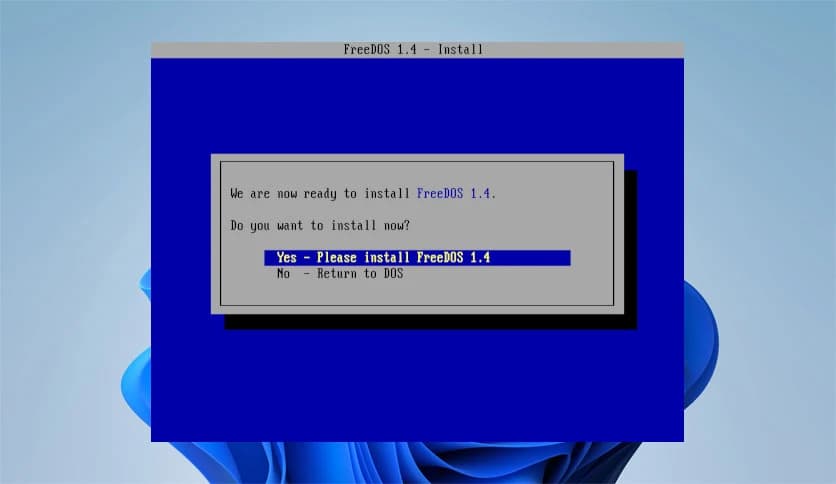
Installing the system is straightforward. Users can boot from installation media and follow simple instructions to set up the environment.
Once installed, the operating system provides a ready-to-use DOS environment with various built-in tools. Users can immediately run programs, manage files, or experiment with commands.
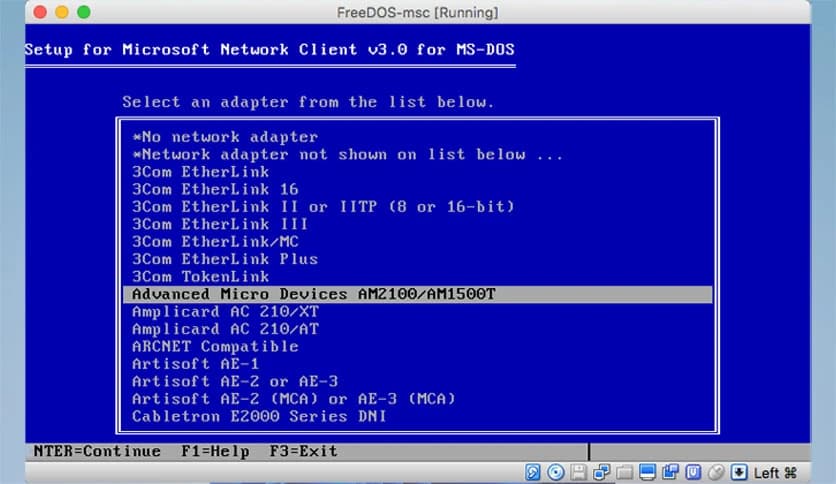
The installation process also allows customization options. For example, users can choose which utilities and packages they want to install.
FreeDOS remains a valuable operating system for anyone interested in classic computing. It brings back the simple yet powerful DOS environment that many older programs depend on. Whether someone wants to play retro games, run legacy business tools, or experiment with low-level programming, it offers a reliable and lightweight solution. Like opening a window into the early days of personal computing, it keeps the spirit of classic PC software alive while still working on modern machines.
Leave a comment
Your email address will not be published. Required fields are marked *