FourClicks Max Download (Latest 2026) - FileCR
Free download FourClicks Max 2025.3 Latest full version - Organize Photos, Create and Polish 4K Videos.
Free download FourClicks Max 2025.3 Latest full version - Organize Photos, Create and Polish 4K Videos.
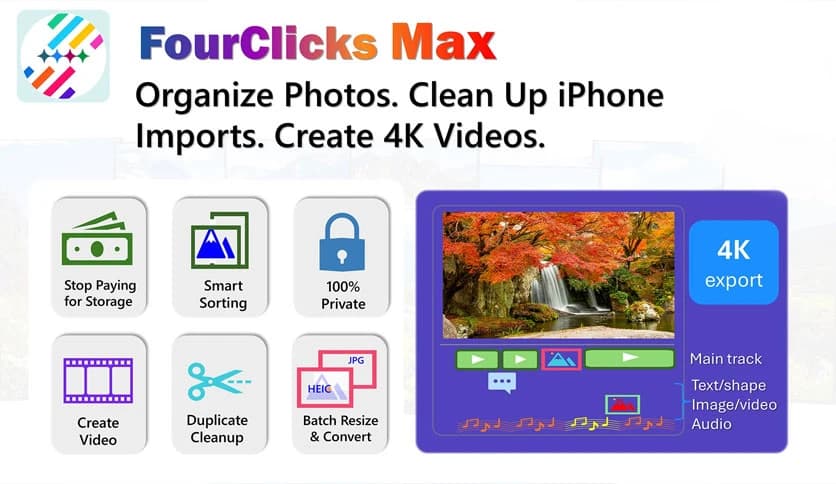
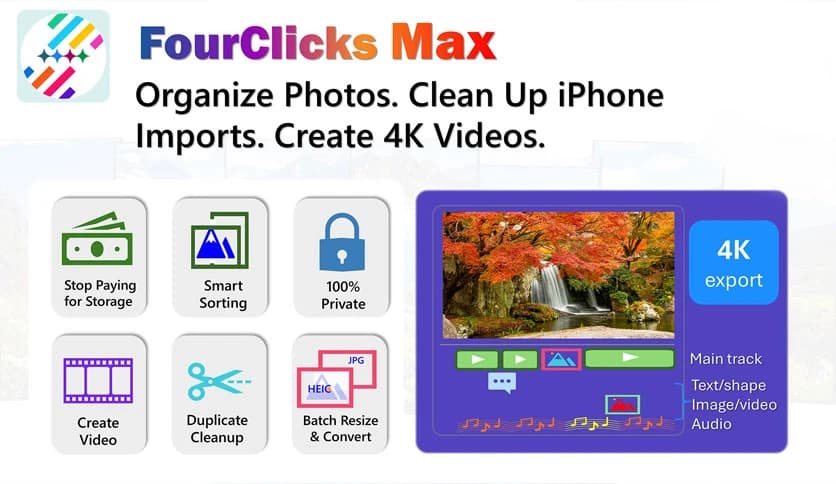
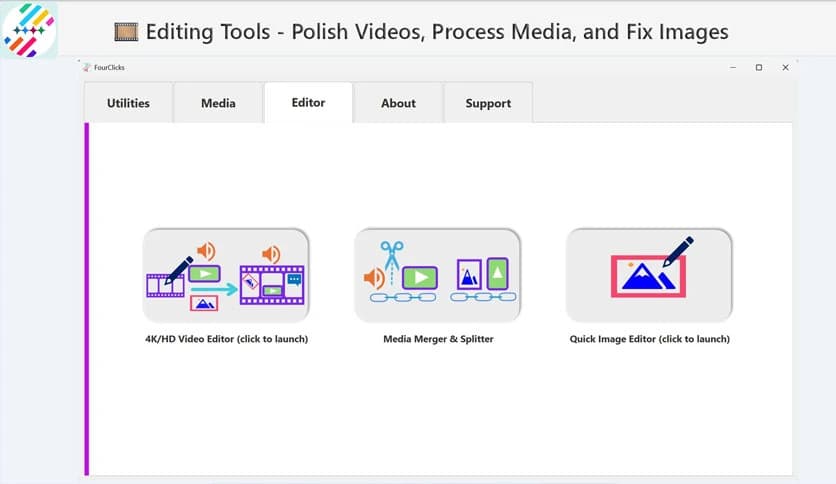
Free Download FourClicks Max Photo Organizer and 4K Video Editor for Windows PC. It is a powerful all-in-one media suite that helps you organize photos, repair common iPhone media issues, and create polished 4K videos entirely offline.
This solution is built for people who feel buried under years of photos and videos. It brings order to chaos by combining innovative file management with a full 4K video editor. Instead of juggling multiple tools, you get a single, clean workspace that handles sorting, converting, fixing, and creating media without subscriptions or cloud dependencies.
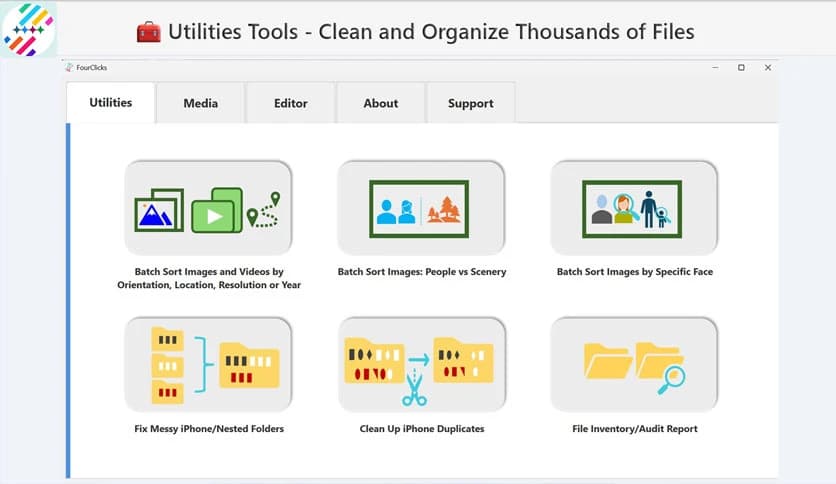
Anyone who has backed up an iPhone knows the mess it can create. Nested DCIM folders, repeated Live Photos, and mixed formats make browsing painful. The software smooths out these issues by flattening folder structures and removing unnecessary duplicates. The result feels like cleaning a cluttered room where everything suddenly makes sense.
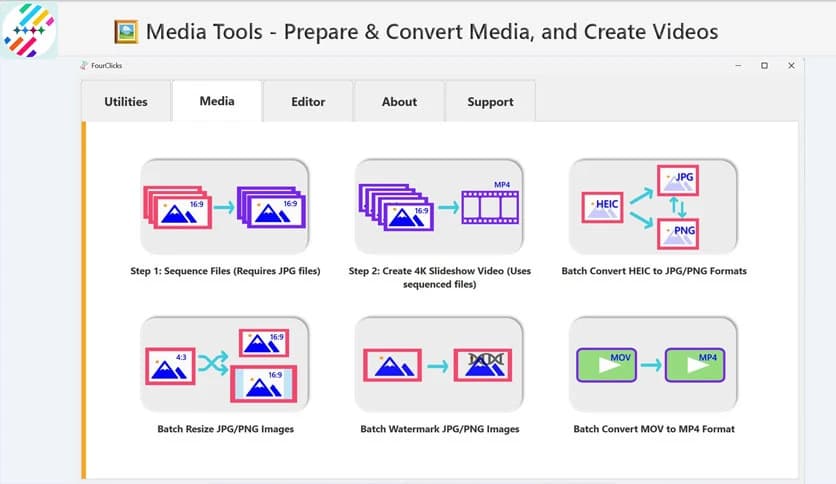
Manually converting hundreds of files can drain hours. This tool handles bulk conversion smoothly, converting HEIC images to JPG and MOV videos in one step. It operates quietly in the background, saving time while maintaining quality. Think of it as a factory line for your media, steady and reliable.
Instead of random piles, your files can be organized by year, location, resolution, or orientation. This intelligent sorting feels like having a digital librarian who knows exactly where everything belongs. Finding a specific moment from years ago becomes quick and stress-free.
The built-in AI face detection adds another layer of intelligence. It separates people from scenery and helps group photos by faces. This makes it easy to focus on family moments or find a specific person without endless scrolling. It works quietly, thinking for you.
Privacy matters, and this software respects that fully. Your data never leaves your PC. There are no accounts to create, no cloud uploads, and no tracking. It feels reassuring to know your memories stay precisely where you want them, safe and local.
Families and travelers will appreciate the dedicated Prep and Create workflow. Photos are automatically renamed and sequenced in clean order, such as Trip_001.jpg. With one click, that sequence transforms into a cinematic 4K slideshow. There is no complicated timeline to learn, making creation feel effortless.
Large photo folders can quickly consume storage. This tool compresses hundreds of images into a single high-quality 4K video archive. You save gigabytes of space while keeping memories easy to watch. If you ever need a still image, you can extract full 4K frames from the video at any time.
For users who want more control, the timeline editor offers frame-level precision. You can trim, cut, split, and merge clips smoothly. Editing feels responsive and clean, like using sharp scissors rather than tearing paper by hand.
The creative suite lets you add text overlays, shapes, picture-in-picture effects, and audio tracks. These tools help turn simple clips into meaningful stories. It is like adding seasoning to a dish, subtle changes that make a big difference.
There are no surprise paywalls here. You can export true UHD 4K videos without watermarks or locked features. What you see is what you get, making it easy to trust and rely on the software long term.
FourClicks Max brings calm to digital clutter by blending innovative photo organization with powerful 4K video creation. It fixes common media issues, protects privacy through offline use, and offers creative freedom without hidden costs. For anyone looking to preserve memories while saving space and time, it feels like a reliable companion rather than just another tool.
Leave a comment
Your email address will not be published. Required fields are marked *