Filestar Download (Latest 2026) - FileCR
Free download Filestar Latest full version - Transform or convert hundreds of files with a few clicks.
Free download Filestar Latest full version - Transform or convert hundreds of files with a few clicks.
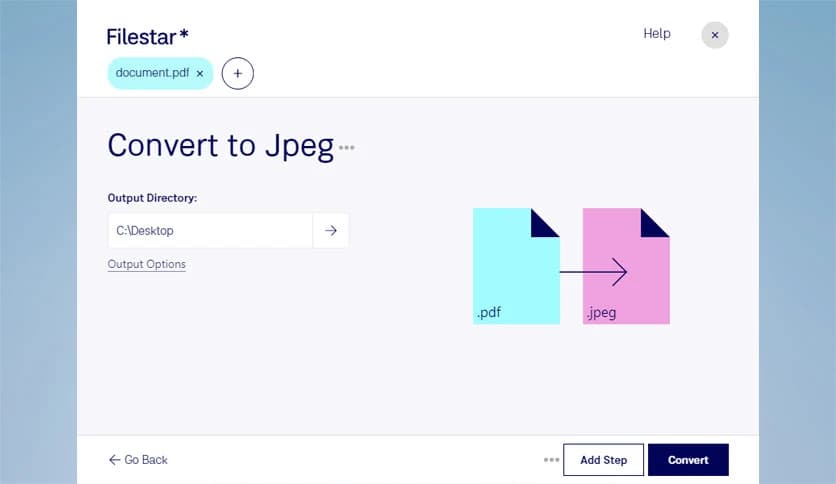
Free Download Filestar for Windows PC. It is a powerful file management and conversion tool that helps you handle thousands of file tasks quickly and easily.
Working with files every day can sometimes feel like juggling too many things at once. You may need to convert documents, compress images, merge PDFs, or extract archives. Doing these tasks manually using different software can be slow and frustrating. This is where the tool makes everything easier.
It is designed to simplify your daily file tasks. Instead of installing multiple programs, you get everything in one place. The software provides thousands of file conversion and manipulation options, helping users complete tasks quickly without technical knowledge. Whether you're working with documents, images, videos, or archives, it offers a simple solution.
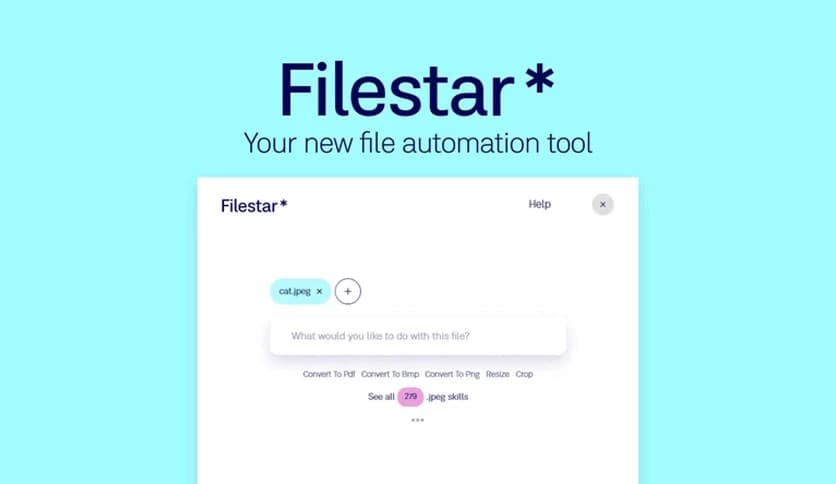
The interface is clean and beginner-friendly. You simply drag and drop files, choose the action, and the tool handles the rest. It feels like having a smart assistant that takes care of repetitive file work while you focus on more important things.
One of the most useful features is file conversion. Sometimes you need to convert Word files to PDF, images to different formats, or videos to compatible types. Instead of searching online tools or installing separate software, everything is available inside one interface.
The software supports thousands of file formats. It allows users to convert files in just a few clicks. You select your file, choose the conversion option, and the process begins instantly. This makes it ideal for students, professionals, and everyday users.
The process is fast and efficient. Even large files are handled smoothly, saving valuable time. It feels like turning a complicated job into a simple click.
Managing one file is easy, but handling dozens or hundreds can be tiring. The tool supports batch processing, allowing you to run tasks on multiple files simultaneously. This feature is perfect for users working with large projects.
You can convert, compress, rename, or transform many files at once. It eliminates repetitive tasks and speeds up workflow. Instead of spending hours, you complete tasks in minutes.
This makes daily work smoother and more efficient. It feels like switching from manual work to automation without needing advanced knowledge.
Sometimes you need to combine files or split them into smaller parts. This software offers flexible tools for merging documents, splitting PDFs, and transforming files into new formats. These features are useful for office work, school assignments, and content creation.
You can merge multiple PDFs into one file or split a large document into smaller sections. The process is straightforward and requires minimal effort. Everything is designed to be simple and fast.
This flexibility helps users manage files the way they want. It makes complicated file handling easy.
Large files can slow down sharing and storage. The software includes compression features that reduce file size without affecting quality. This makes sharing files easier and faster.
You can also extract compressed archives such as ZIP or RAR files. The process is quick and reliable. It eliminates the need for separate extraction tools.
This feature is especially helpful when working with downloads, backups, and file transfers. It keeps everything organized and accessible.
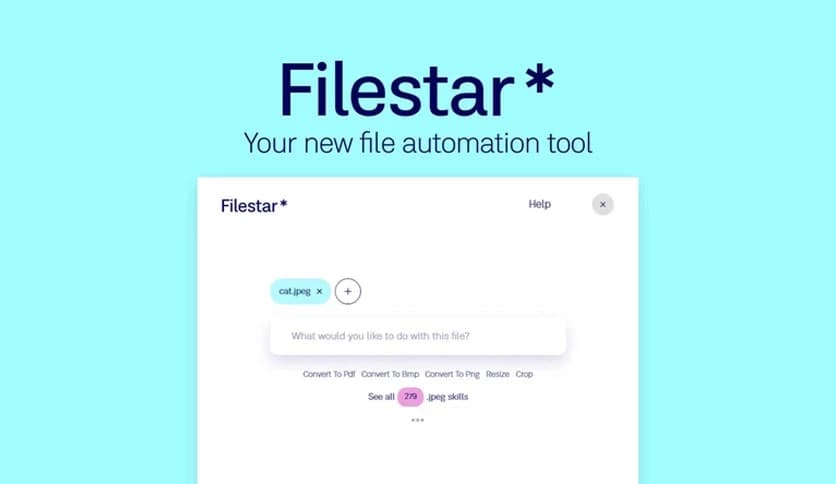
The design focuses on simplicity. Users can drag and drop files directly into the interface. After that, choose the desired action and let the software handle the rest.
This approach removes confusion and makes it easy for beginners. Even users with little technical experience can perform advanced file operations without difficulty.
The layout is clean, and options are clearly displayed. It feels smooth and intuitive, making daily file work more enjoyable.
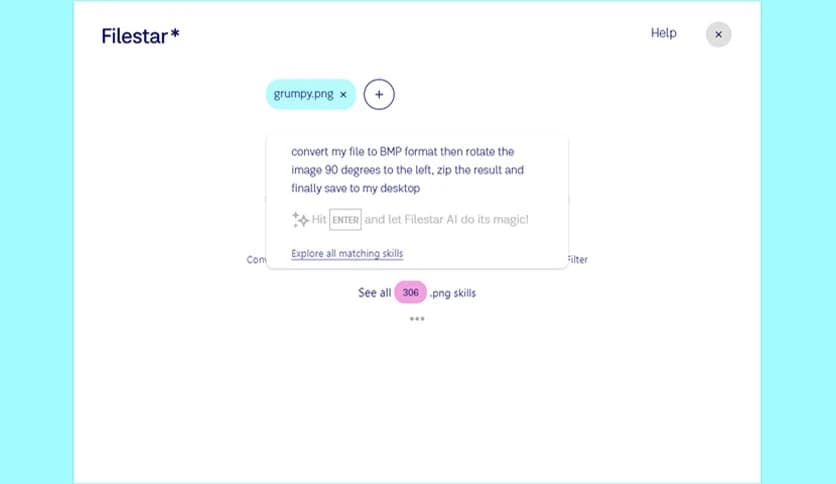
One of the biggest advantages is the large number of built-in skills. With over 30,000 file handling options, it supports almost any task you can think of. From basic conversions to advanced transformations, everything is available.
This wide range of features makes it suitable for a range of users. Students, designers, developers, and office workers can all benefit from its capabilities.
It works like a toolbox filled with thousands of useful tools. Instead of searching for solutions, everything is ready to use.
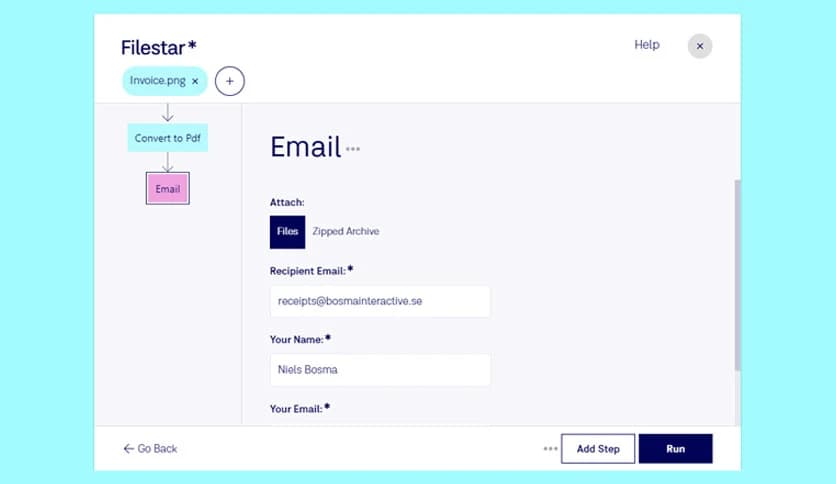
Time is valuable, and repetitive file tasks can slow down productivity. The software helps automate common tasks, reducing manual work. It allows users to complete tasks faster and more efficiently.
Instead of switching between multiple programs, everything is available in one place. This improves workflow and reduces distractions.
It works quietly in the background while you focus on important work. This makes daily tasks easier and more organized.
Security and reliability are important when handling files. The software processes files locally, which means your data stays on your computer. This adds an extra layer of privacy and safety.
The tool is also stable and optimized for performance. It handles different file types smoothly without crashes or slowdowns.
This makes it a dependable option for everyday use.
Filestar is a powerful and easy-to-use solution for handling all types of files. It simplifies conversions, merging, compression, and transformation tasks with just a few clicks. With thousands of built-in skills and a simple interface, it helps users save time and boost productivity. Whether you work with documents, images, videos, or archives, it provides a reliable and efficient way to manage files without hassle.
Leave a comment
Your email address will not be published. Required fields are marked *