Fantastical Download (Latest 2026) - FileCR
Free download Fantastical Latest full version - A powerful and elegant calendar and task manager.
Free download Fantastical Latest full version - A powerful and elegant calendar and task manager.
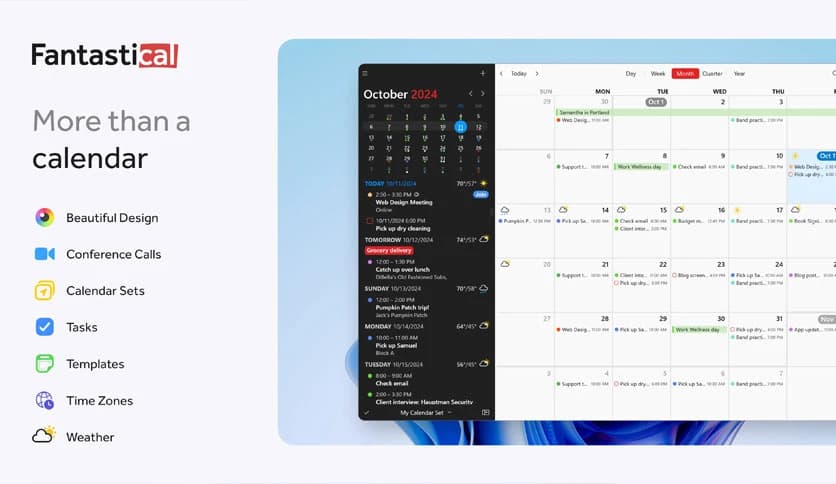
Free Download Fantastical for Windows PC. It is a powerful and elegant calendar and task manager designed to keep daily schedules clear, organized, and stress-free.
It is a multiple award-winning calendar and productivity tool that has finally arrived on Windows. It is designed for people who want their schedules to feel simple rather than overwhelming. The software blends smart automation with a clean interface, so planning events feels more like a conversation than a chore.
At its core, it focuses on speed, clarity, and flexibility. You can manage events, tasks, and reminders in one place without jumping between different apps. Everything feels connected, smooth, and easy to control.
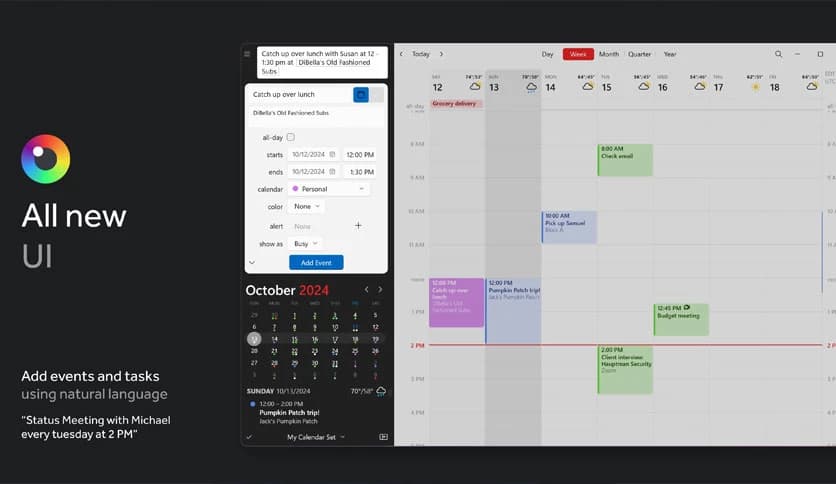
The software offers a full calendar window with multiple viewing options. You can switch between day, week, month, quarter, and year views to suit your level of detail. Think of it like zooming a camera in and out to see either the fine details or the big picture.
Each view is designed to stay readable and uncluttered. Important events stand out clearly, while less urgent ones stay quietly in the background. This balance helps you stay focused without missing anything important.
One of the strongest features is its natural language parser. Instead of filling out multiple fields, you can simply type something like a normal sentence. The software automatically understands dates, times, locations, and reminders.
This feels like telling a personal assistant what you need, rather than programming a machine. It saves time and reduces friction, especially when you need to add events quickly.
Task management is built directly into the experience. You can create tasks alongside events and organize them by due date or priority. Tasks do not feel like an afterthought; they live naturally inside the calendar.
This approach helps you see what needs to be done and when it fits into your schedule. It is like laying puzzle pieces on a table and seeing exactly where each one belongs.
The software allows you to create calendar sets, which group multiple calendars together. This is useful for separating work, personal life, family plans, or special projects. With one click, you can show or hide entire sets.
This feature keeps things tidy and prevents information overload. You only see what matters at that moment, making planning feel lighter and more controlled.
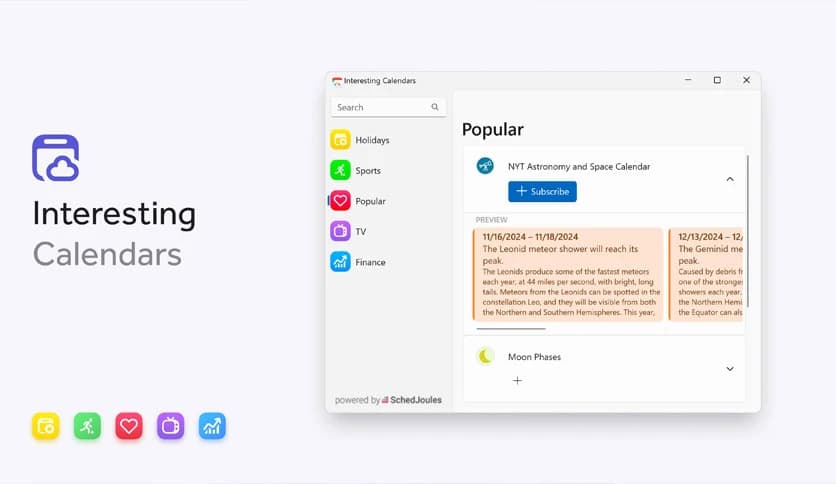
Beyond regular scheduling, it supports custom calendars that include holidays, sports schedules, and other special events. These calendars add useful context without manual effort.
It is like having a background assistant that tracks important dates so you do not have to remember everything yourself.
Conference call support makes scheduling meetings easier. The software can store call details and links directly within events, so everything is ready when the meeting starts.
Invitee and availability lookups help you find suitable times without endless back-and-forth messages. It reduces friction and improves coordination.
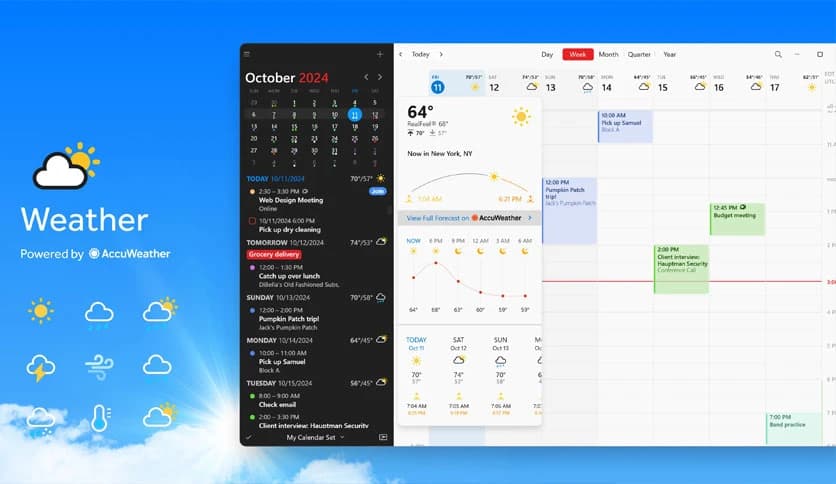
Weather integration gives you useful context for planning. Knowing the forecast helps when scheduling travel, outdoor meetings, or personal activities.
Time zone support is especially helpful for remote work and international teams. Favorite time zones can be saved for quick reference, making global scheduling feel far less confusing.
The built-in scheduling features help you find the best time slots for meetings. Instead of guessing, the software analyzes availability and suggests suitable options.
This feels like having a smart planner that understands your day and helps you protect your time.
The mini window offers ultra-fast access to your schedule. It stays lightweight and instantly available, perfect for quick checks or adding events on the fly.
It works like a car dashboard, providing essential information at a glance without distractions.
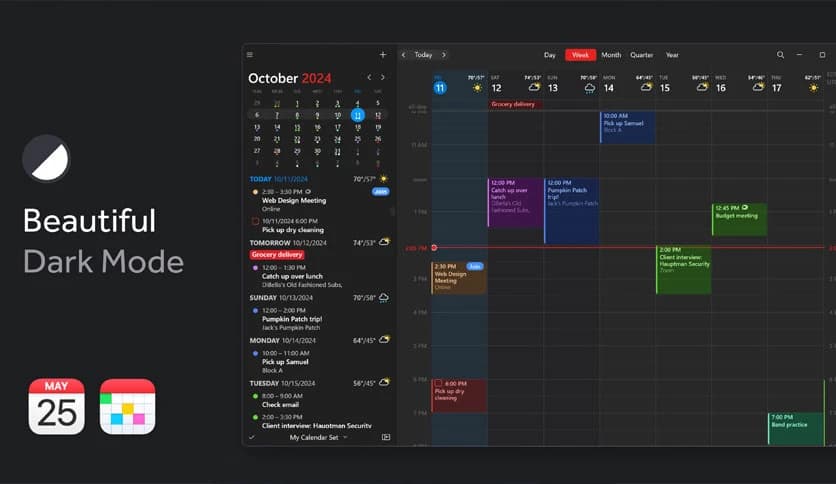
Custom event colors help visually separate different types of events. Work meetings, personal plans, and deadlines can all have their own look.
Default alerts ensure you never miss something important, while duplicate event detection keeps your calendar clean and accurate.
Fantastical brings a polished and intelligent approach to calendar and task management on Windows. It blends smart features with a clean design, making daily planning feel natural and enjoyable. From quick event creation to powerful scheduling tools, it helps you stay organized without feeling overwhelmed.
Leave a comment
Your email address will not be published. Required fields are marked *