Element Download (Latest 2026) - FileCR
Free download Element Latest full version - Secure encrypted communication & collaboration platform.
Free download Element Latest full version - Secure encrypted communication & collaboration platform.
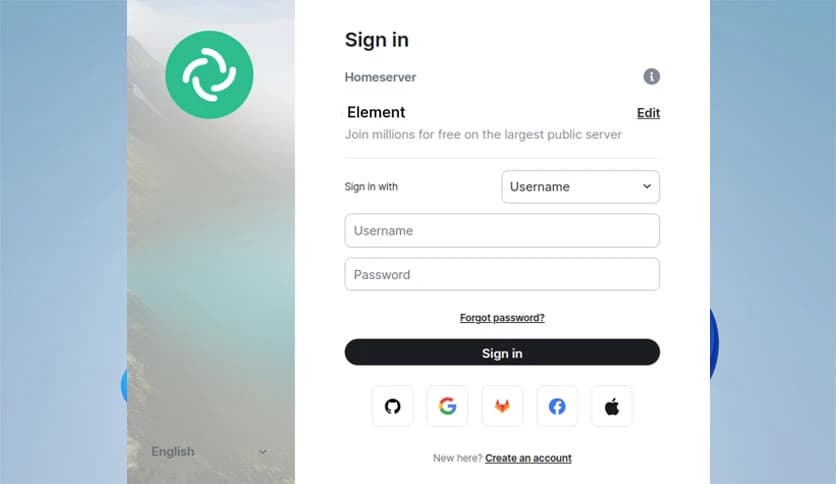
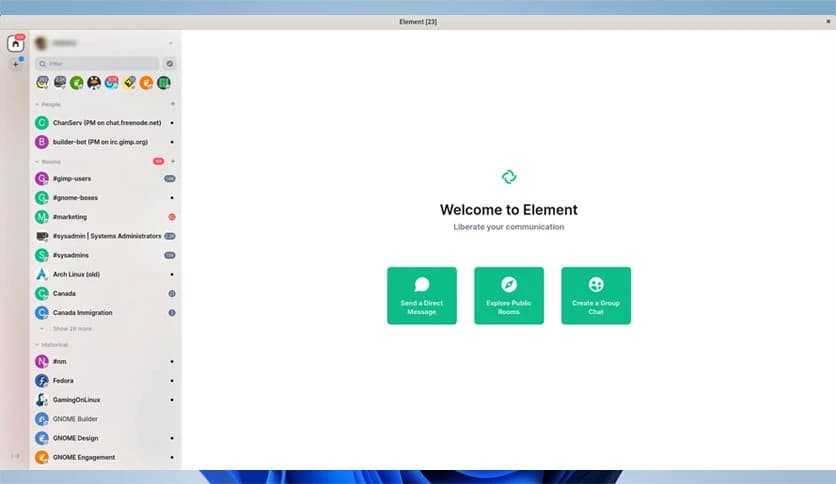
Free Download Element for Windows PC. It is a secure and easy-to-use communication platform that combines encrypted messaging, collaboration, and digital sovereignty in one place.
This platform is designed to provide a high-trust communication experience, supported by end-to-end encryption and a decentralized architecture. Built on the Matrix protocol, it enables users to maintain control over their data while connecting through a flexible and reliable network. Its purpose is to provide organizations, public sectors, and teams with a secure platform to communicate without worrying about data exposure or privacy issues.
The software places a strong emphasis on encrypted conversations. Every message, call, and file you send is protected with modern encryption standards that keep information private. Because of its decentralized structure, conversations are not locked inside a single server. Instead, you can host your own server or join an existing one, ensuring full control over your data and independence.
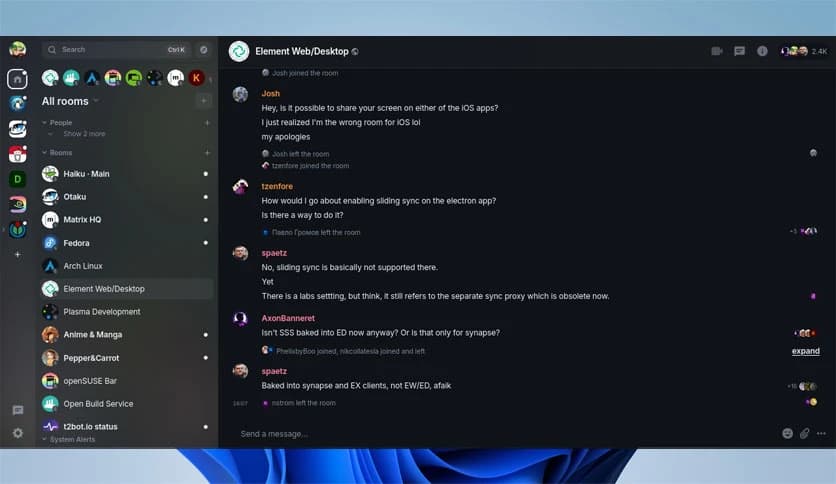
The tool makes teamwork smooth and effortless. Whether you need text chats, voice calls, video meetings, or file sharing, everything is integrated within a single, streamlined interface. It offers features similar to those of popular consumer apps, making adoption simple, even for new users. From small teams to large organizations, it creates a secure and effective space for everyone to communicate.
Government departments and enterprises rely on communication systems that protect sensitive information. This platform allows departments to run their own communication infrastructure. It ensures independence from external providers and gives full authority over security and data policies. With self-hosting options and enterprise-grade controls, it enables complete digital sovereignty.
Modern teamwork often involves switching between various tools, such as Slack, Teams, and other chat applications. The software solves this by offering powerful bridging capabilities. These bridges enable users from different systems to communicate smoothly without forcing everyone to use a single platform. Its focus on interoperability helps organizations reduce fragmentation and improve collaboration.
Enterprises require strong compliance, high performance, and reliable communication. This tool provides a professional backend with monitoring tools, scalability options, and administrative controls. It supports large-scale deployments and works across all major platforms, including Windows, macOS, Linux, iOS, Android, and web browsers.
Public-sector organizations require a communication solution that adheres to privacy laws and maintains strict compliance standards. The platform offers secure hosting choices, encrypted communication, and user rights management. Its consumer-style interface helps employees adapt quickly, while backend controls meet administrative standards. This blend is suitable for various sectors, including defense, healthcare, law enforcement, and national agencies.
Users can choose between cloud hosting and running their own server. Self-hosting allows organizations to maintain full control over their data, while cloud hosting offers speed and convenience. Both approaches support encryption by default, keeping conversations safe regardless of the hosting choice.
Besides chatting and calling, the software features file sharing, screen sharing, group discussions, and cross-team communication. These tools allow quick decision-making and real-time interaction. Teams can create rooms for projects, departments, or special tasks, helping everyone stay organized.
Element is a powerful, secure, and flexible communication platform that combines encryption, decentralization, and professional collaboration tools into a single solution. It supports organizations that value privacy, reliability, and control over their digital communications. With its strong enterprise features, seamless integration with other systems, and intuitive user experience, it stands out as a trustworthy platform for modern communication.
Leave a comment
Your email address will not be published. Required fields are marked *