Eden Emulator Download (Latest 2026) - FileCR
Free download Eden Emulator 0.2.0 Latest full version - Open-source emulator for the Nintendo Switch.
Free download Eden Emulator 0.2.0 Latest full version - Open-source emulator for the Nintendo Switch.
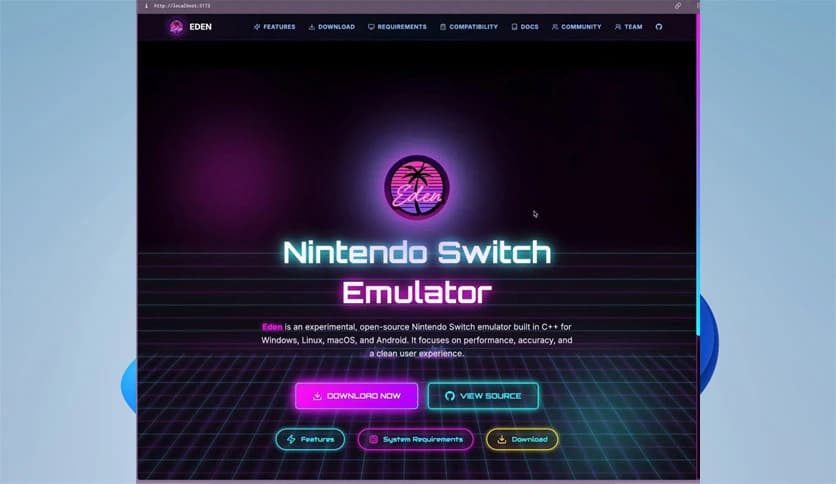
Free Download Eden Emulator for Windows PC. It is a powerful open-source Nintendo Switch emulator designed to deliver stable and high-performance gaming on your computer.
It is known as one of the most popular open-source Nintendo Switch emulators available today. It was forked from the well-known Yuzu project and developed by former Citron developer Camille LaVey, along with the dedicated Eden team. Built in C++, this project focuses heavily on performance, smooth gameplay, and long-term stability. It supports Windows and aims to provide users with a reliable way to enjoy their favorite console titles directly on their PCs.
Unlike many experimental tools that feel unfinished, this one tries to balance innovation with usability. It takes what worked in earlier projects and refines it. The result is a system that feels fast, responsive, and surprisingly polished for an experimental emulator.
Performance is at the heart of this software. Since it is written in C++, it runs close to the hardware level, which helps reduce lag and improve frame rates. When you launch a compatible game, you can feel how efficiently it handles system resources.
The tool uses advanced CPU and GPU emulation techniques to simulate the Nintendo Switch environment. Think of it like building a virtual console inside your PC. Instead of plugging in physical hardware, you let your computer recreate it digitally. That process is complex, but the software makes it feel simple.
Stability is another major focus. Many emulators crash or exhibit unexpected errors, especially when running demanding titles. Here, the developers have worked to minimize those issues. Updates often include bug fixes and performance tweaks that improve compatibility.
When you play a game using this emulator, you want it to run consistently. You do not want random freezes ruining your progress. That is where the development team’s attention to detail becomes clear. They aim to provide a smooth ride from start to finish.
One of the project's strongest points is that it is open source. That means the code is publicly available. Developers around the world can contribute improvements, report bugs, or suggest new features. This collaborative approach keeps the project alive and evolving.
Open-source software is like a community-built house. Instead of one builder working alone, many skilled hands contribute. The more contributors, the stronger and more refined the structure becomes. This model helps the emulator grow quickly and adapt to new challenges.
The emulator is designed with cross-platform flexibility in mind, but Windows users benefit greatly from its optimization. Installation is straightforward, and once set up, it integrates well with modern hardware configurations.
Whether you are using Windows 11 or an older supported version, the tool aims to maintain compatibility. This makes it accessible to a wide audience. You do not need a supercomputer to get started, though better hardware will naturally provide better performance.
Running console games on a PC often opens the door to enhanced visuals. With this emulator, you can experience improved resolutions and smoother frame rates compared to the original console in some cases. It gives you more control over graphics settings, allowing you to tweak performance based on your hardware.
Imagine taking a familiar game and polishing it like a gemstone. Higher resolution, better anti-aliasing, and smoother motion can make older titles feel fresh again. That flexibility is one of the reasons many gamers turn to PC emulation.
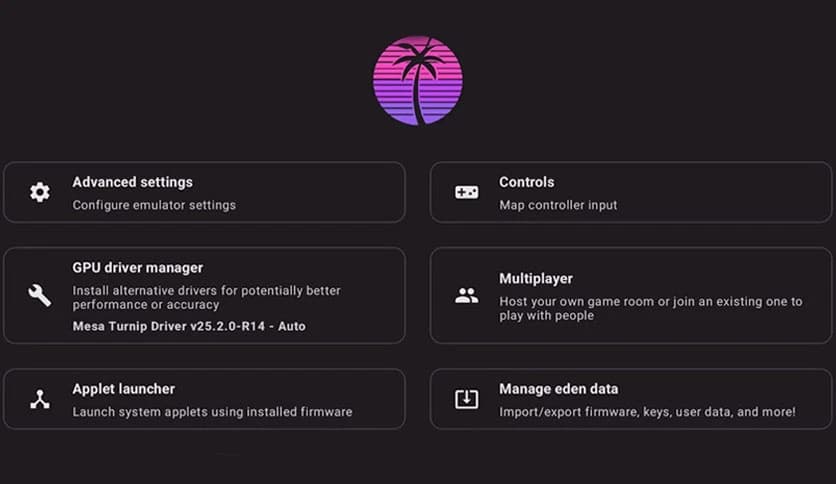
No one enjoys complicated menus and confusing setup screens. Thankfully, the interface here is clean and straightforward. You can manage your game library, configure settings, and adjust controls without digging through endless tabs.
It feels less like operating a complex machine and more like using a well-designed app. Even if you are new to emulation, you can quickly understand the basics. The layout is intuitive, which reduces the learning curve.
Good controls are essential for gaming. The software supports various input devices, including keyboard, mouse, and compatible controllers. You can map buttons according to your preference and create a setup that feels natural.
This flexibility means you are not locked into one control scheme. Whether you prefer a traditional controller or keyboard layout, you can customize it. That freedom enhances the overall experience.
Since it is actively developed, updates are released to improve compatibility and performance. The team behind it listens to community feedback and works on fixing reported issues. Over time, more games become playable, and performance continues to improve.
Software development is like tuning an engine. Each update makes a small adjustment, but together they create a stronger, faster system. With consistent support, the emulator continues to move forward.
Because the project is open source, transparency plays a key role in building trust. Users can review the code, which reduces concerns about hidden elements. As always, downloading from official, trusted sources is important for safety.
Using the software responsibly and legally is also essential. It is designed as a research and development tool, and users should respect the intellectual property laws in their region.
Eden Emulator stands out as a fast, stable, and community-driven Nintendo Switch emulator for Windows PC. It combines performance-focused design with open-source flexibility, making it a strong choice for users who want to experience console gaming on their computer. With ongoing updates and a growing community, it continues to improve and expand its capabilities.
Leave a comment
Your email address will not be published. Required fields are marked *