EA App Download (Latest 2026) - FileCR
Free download EA App Latest full version - PC game launcher with smooth downloads & social feature.
Free download EA App Latest full version - PC game launcher with smooth downloads & social feature.
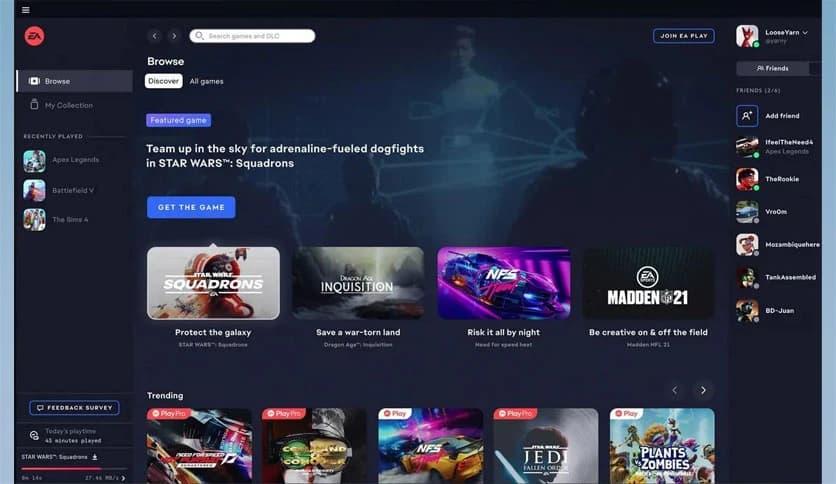
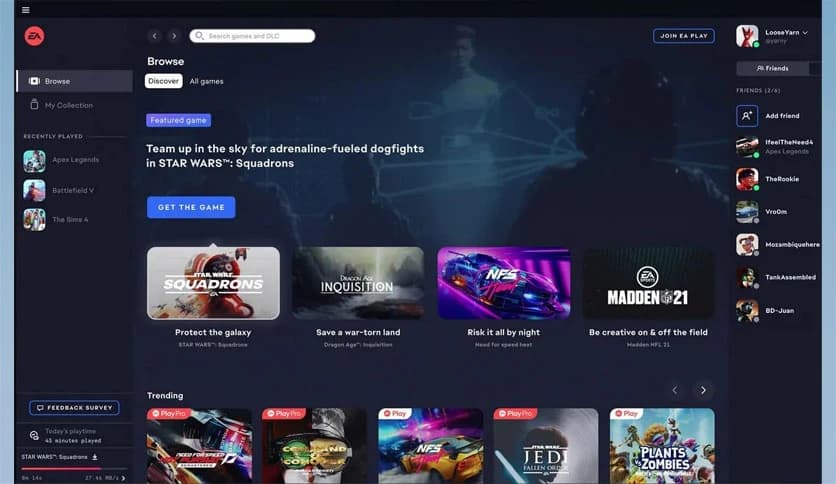
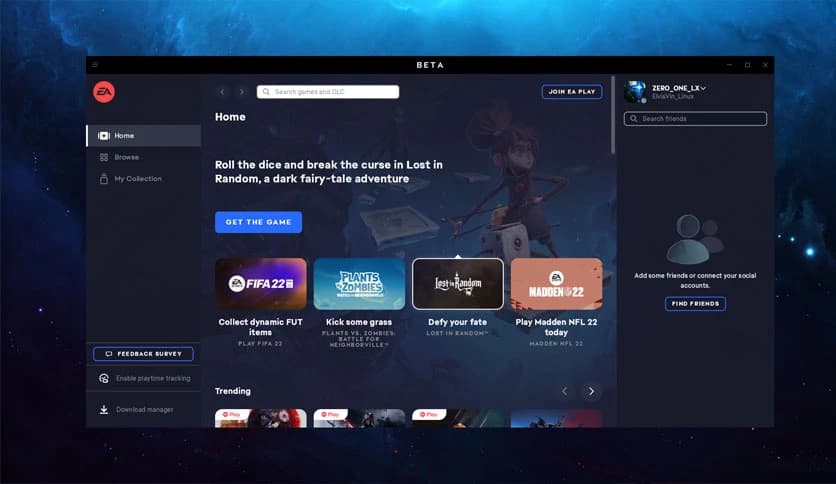
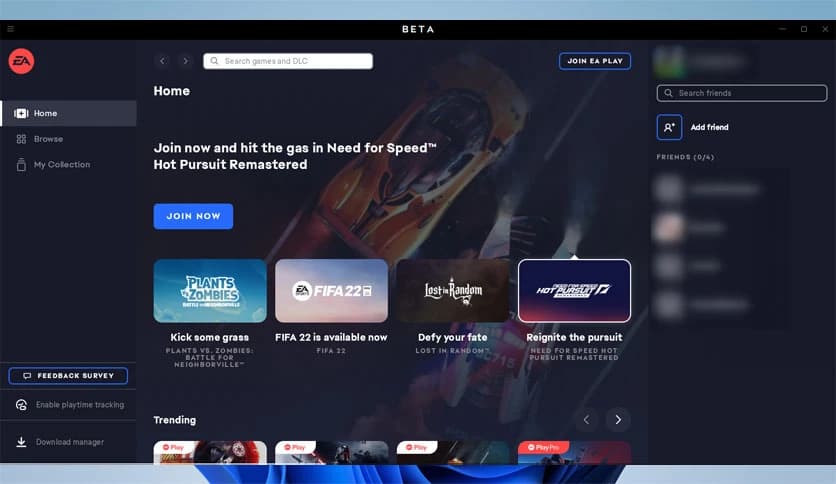
Free Download Electronic Arts EA App for Windows PC. It is a modern gaming hub from Electronic Arts that lets you download, manage, and enjoy your PC games faster, with a clean, optimized interface.
It is designed to be a fresh start for PC gamers who want speed, simplicity, and greater control over their game library. It replaces older platforms with a smoother experience that gets you into your games without delay. From installation to launch, everything feels more direct and streamlined.
Instead of cluttered menus, it offers a clear layout that highlights what matters most. Your installed titles, new releases, and updates are easy to spot. The overall goal is simple: spend less time clicking around and more time actually playing.
This platform is built to support modern PC gaming needs. Faster downloads, improved background updates, and a responsive layout help it keep up with today’s large game files. It feels more like a performance-focused tool rather than just another launcher.
Behind the scenes, the software uses smarter resource handling. That means it stays light on your system while still handling heavy tasks such as downloading or syncing data. Even on mid-range PCs, things remain smooth and stable.
Waiting for games to start can dampen excitement. That is why this tool focuses on reducing extra steps. Downloads begin quickly, progress is clearly shown, and launching a game usually takes just a click or two.
Updates are handled quietly in the background, so you are not interrupted every time a patch rolls out. You can jump back into your favorite title without worrying about long setup times.
The interface feels modern and easy on the eyes. Large tiles, readable text, and smooth transitions make navigation feel natural. Even if you are new to PC gaming, you can quickly feel comfortable.
Everything is placed where you expect it to be. Your library, store, and social features are clearly separated, which helps avoid confusion. It is like walking into a well-organized room where nothing feels out of place.
Finding something new to play is simple. The built-in store highlights fresh releases, popular titles, and special offers. You can browse without feeling overwhelmed by endless lists.
Adding a game to your collection is quick and easy. A few clicks are all it takes to purchase, download, and start playing. It removes friction from the process and keeps the focus on enjoyment.
Gaming is more fun when shared. The app makes it easy to see what your friends are playing in real time. This small feature adds a social touch, making the platform feel more alive.
You can quickly join friends in supported games or simply chat while playing different titles. It helps turn solo gaming sessions into shared experiences.
One of the standout features is account linking. You can connect your main account to other gaming platforms to consolidate friend lists. This saves time and avoids the hassle of rebuilding connections.
Once linked, playing together becomes easier. Friends from different platforms can be brought together in one place, making coordination simple and stress-free.
No one wants a launcher that slows down their system. This software is optimized to run efficiently, even while handling large downloads. It stays responsive without hogging memory or processing power.
This balance makes it suitable for both high-end gaming rigs and more modest PCs. It quietly does its job in the background while you focus on gameplay.
The platform is actively improved with regular updates. These updates often focus on stability, speed, and user feedback. Over time, this helps the experience feel more refined and reliable.
Instead of drastic changes that confuse users, improvements are usually subtle. This keeps things familiar while steadily improving them.
EA App brings a faster, cleaner, and more social way to enjoy PC games. It reduces unnecessary steps, keeps performance smooth, and makes discovering and playing titles feel effortless. For anyone seeking a modern gaming hub without clutter, it delivers a focused, enjoyable experience.
Leave a comment
Your email address will not be published. Required fields are marked *