NormCap Download (Latest 2026) - FileCR
Free download NormCap 0.6.0 Latest full version - A screen-capture tool to capture information from images.
Free download NormCap 0.6.0 Latest full version - A screen-capture tool to capture information from images.
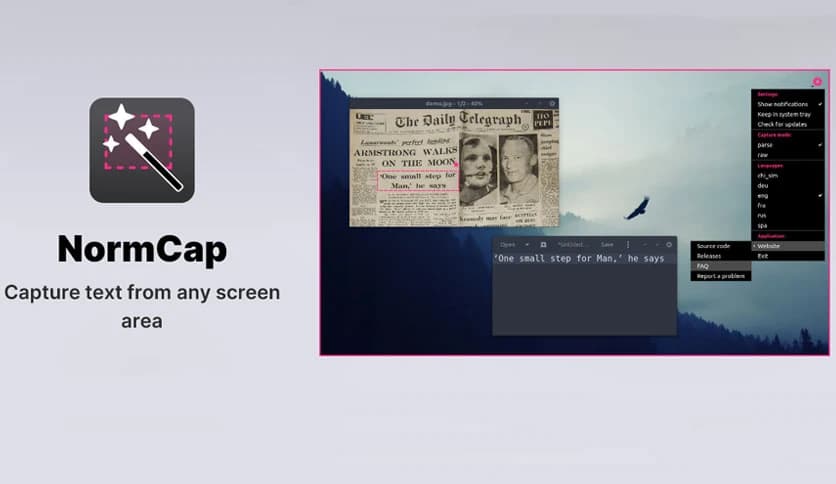
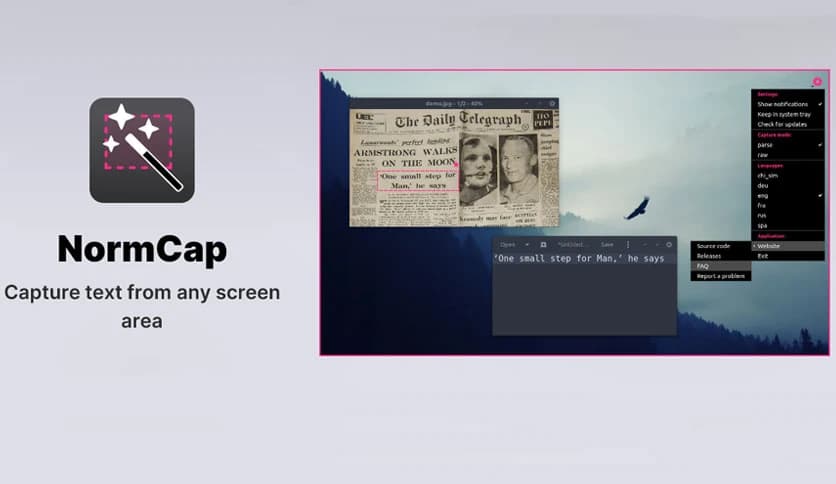
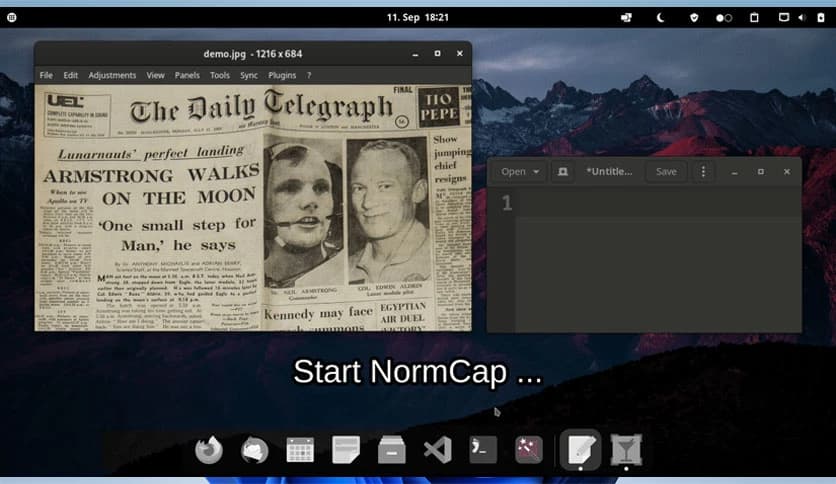
Free Download Dynobo NormCap for Windows PC. It is a lightweight screen capture utility that lets you grab readable text from anywhere on your display instead of saving images.
It is built for people who copy text from screens more often than they take screenshots. Instead of grabbing an image and pasting it, it reads the text on your screen and sends clean, editable text directly to the clipboard. Think of it like turning your screen into a live document scanner that works instantly.
The tool focuses on a single task and does it well. You select any area on your screen, and it quietly converts what you see into text. There are no ads, no accounts, and no hidden steps. Everything runs locally, so your data stays on your own machine, just like keeping notes in a locked notebook.
At its core, it relies on the trusted Tesseract OCR engine. This means it can recognize text in many languages with impressive accuracy. Whether you are copying a paragraph from a PDF, a code snippet from a video, or numbers from an image, the results feel surprisingly natural and usable.
One of the biggest strengths is how it handles privacy. All processing happens offline on your computer. Nothing is uploaded, tracked, or stored remotely. It feels like using a calculator on your desk instead of sending numbers to an online service.
The workflow is smooth and beginner-friendly. You trigger the capture, draw a box around the text, and the words are ready to paste. There is no learning curve, no cluttered menus, and no distractions. It blends into your daily routine like a familiar keyboard shortcut.
If you work with multiple screens, it fits right in. It handles multi-monitor setups without confusion, allowing you to capture text from any display. This is especially useful for developers, designers, and researchers who spread their work across screens.
Beyond regular text, it can also read QR codes. Instead of opening your phone camera, you can scan codes directly from your screen and copy the embedded information. It is a small feature, but it saves time when those moments add up.
The software is free and open-source. That means the community can inspect, improve, and trust its operation. There are no locked features or paid upgrades waiting behind a button. What you install is exactly what you get.
It is ideal for students taking notes, office workers handling reports, developers reviewing image logs, and anyone tired of retyping text. If you often pause videos to manually type what you see, this tool feels like a shortcut you did not know you needed.
NormCap stands out as a clean, practical solution for turning on-screen text into actionable content. It removes friction from everyday tasks, respects your privacy, and keeps things simple. For anyone who works with text across screens, it feels less like a tool and more like a natural extension of the clipboard.
Leave a comment
Your email address will not be published. Required fields are marked *