DJI Modify Download (Latest 2026) - FileCR
Free download DJI Modify 1.5.0 Latest full version - Clean up 3D models made by DJI drones.
Free download DJI Modify 1.5.0 Latest full version - Clean up 3D models made by DJI drones.
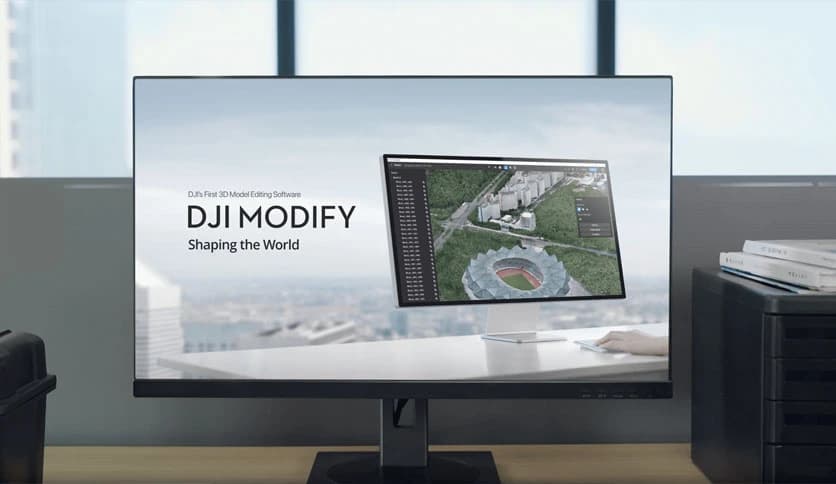
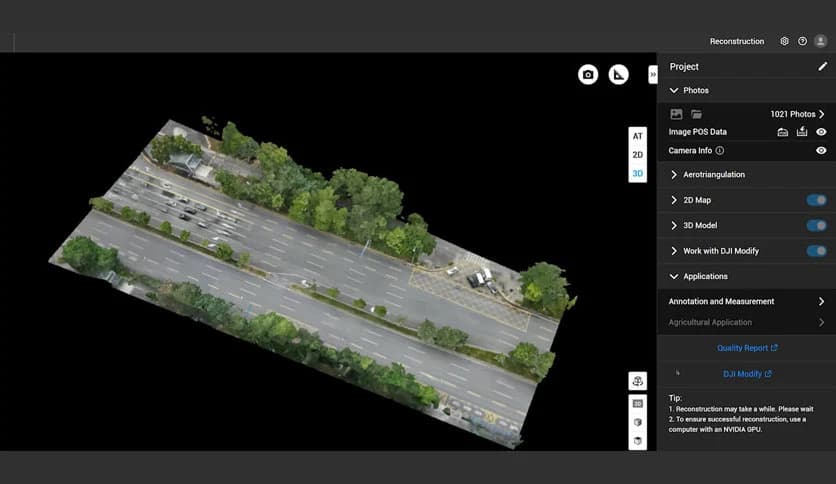
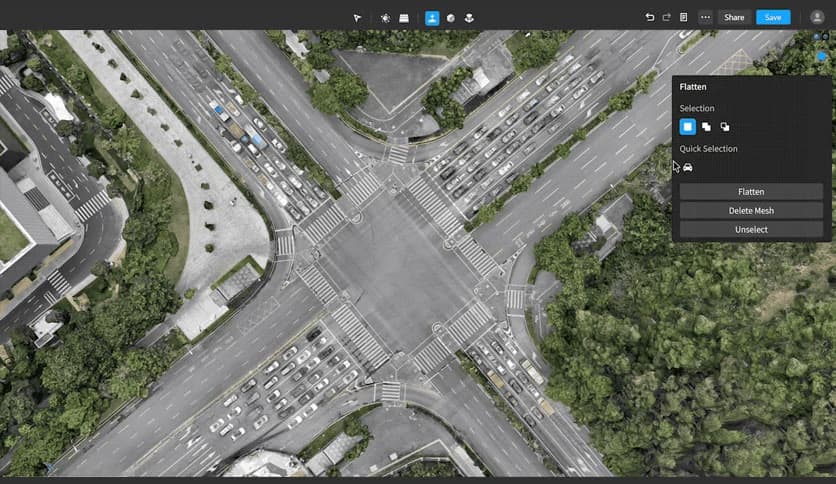
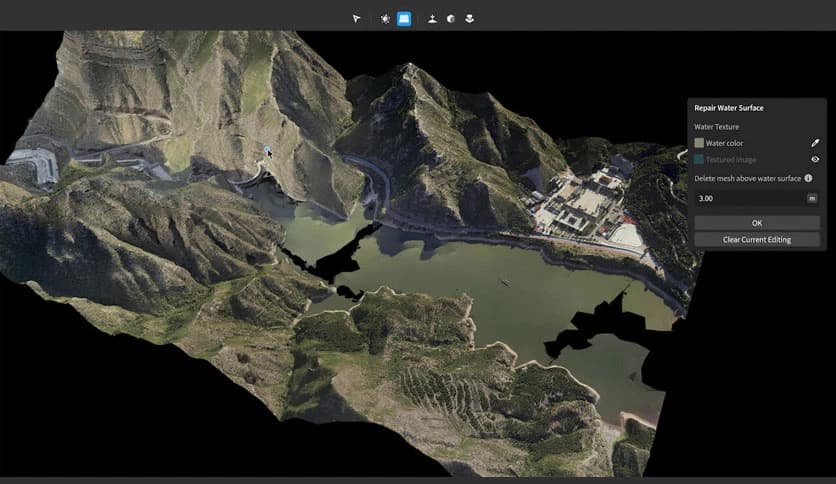
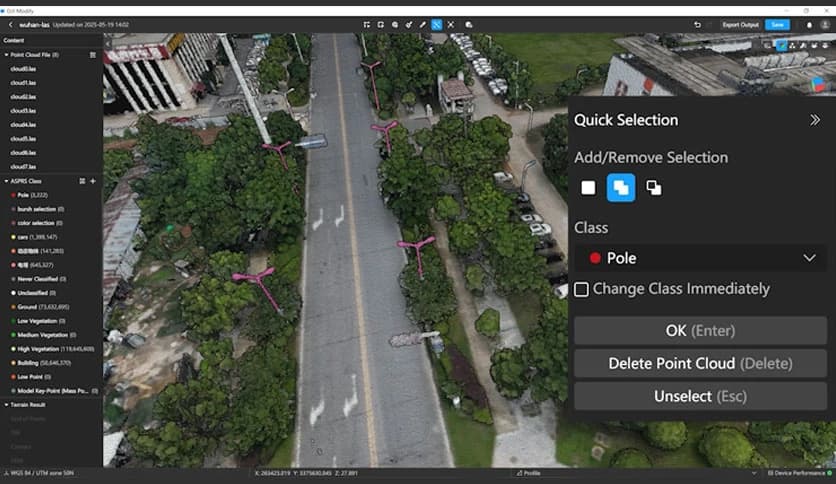
Free Download DJI Modify for Windows PC. It is an innovative 3D model-editing solution designed to clean, repair, and refine complex spatial data with speed and accuracy.
It is an intelligent editing solution created to simplify complex 3D workflows. It focuses on making point cloud and mesh editing faster, cleaner, and far more approachable, even for users who are not deep technical experts. The interface is modern and calm, allowing users to focus on results rather than confusing tools.
The software is built around ease of use. Instead of spending hours adjusting settings, users can clean and optimize data with just a few clicks. Think of it like polishing a rough stone. The heavy work happens in the background while you guide the process. This approach saves time and reduces frustration, especially on large projects.
It handles point cloud data with impressive intelligence. Noise reduction, smoothing, and downsampling are performed quickly without damaging important details. The tool also supports automatic classification, which helps cleanly and logically separate terrain, structures, and objects. This makes raw data easier to understand and ready for further use.
Creating terrain models often feels like a long road with many stops. Here, the process is shortened dramatically. With automatic terrain generation, the software analyzes data and produces accurate ground results almost instantly. This is especially helpful for surveying, planning, and environmental analysis, where speed matters.
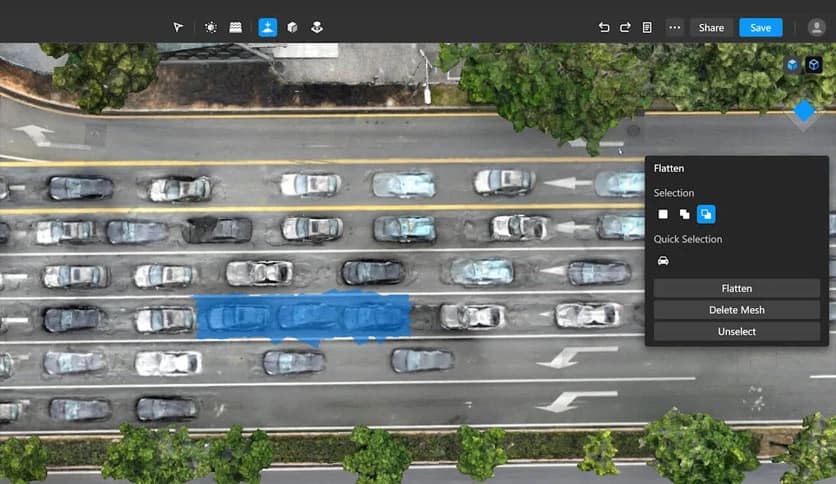
Mesh editing can be challenging when dealing with holes, floating objects, or unwanted elements such as vehicles. The tool approaches this challenge with smart detection. It identifies common mesh defects and automatically fixes them. Imagine having a digital repair kit that patches problems without manual effort.
After repairing geometry, the software focuses on visual quality. It enhances textures to make models look natural and realistic. Surfaces appear smoother, cleaner, and more aligned with real-world visuals. This makes final outputs suitable for presentation, analysis, and professional reporting.
When paired with DJI Enterprise drones and DJI Terra, the tool becomes part of a complete workflow. From aerial data capture to modeling and editing, everything connects smoothly. This one-stop setup eliminates the need to switch between unrelated tools, saving time and effort.
Edited results can be exported to popular GIS and CAD platforms without extra conversion steps. This flexibility makes it suitable for teams already using established software environments. Data moves smoothly from capture to analysis, like passing a baton in a relay race.
The software is well-suited for surveying, mapping, emergency response, firefighting, and transportation planning. In critical situations, quick and accurate data processing can make a real difference. The tool helps teams move from raw information to usable models with confidence.
Handling large datasets is where many tools struggle. This solution stays stable and responsive even with heavy files. It manages complex scenes without slowing down, allowing professionals to work without interruptions or crashes.
DJI Modify stands out as a powerful yet friendly solution for editing point clouds and 3D meshes. It reduces complexity, accelerates workflows, and delivers clean, realistic results that professionals can trust. For anyone working with aerial data and spatial models, it feels like having an extra expert on your team.
Leave a comment
Your email address will not be published. Required fields are marked *