Cursorful Download (Latest 2026) - FileCR
Free download Cursorful Latest full version - Record beautiful screen recordings with follow-cursor zooms.
Free download Cursorful Latest full version - Record beautiful screen recordings with follow-cursor zooms.
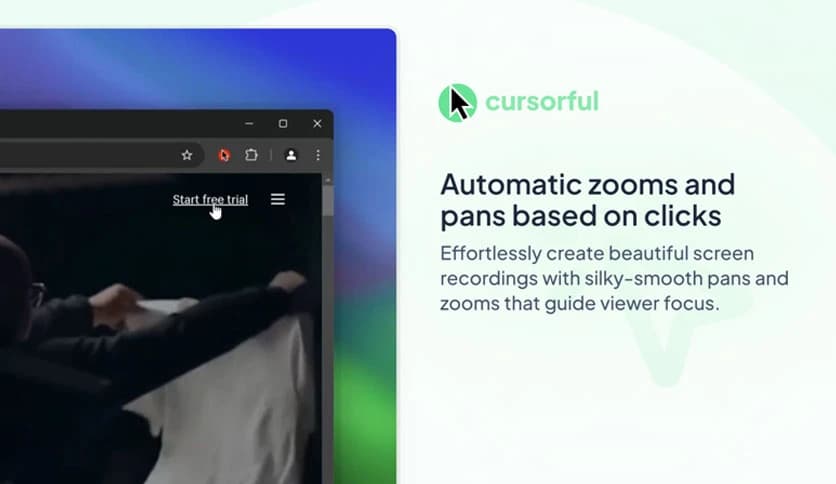
Free Download Cursorful for Windows PC. It is an innovative screen-recording solution that helps you create clean, engaging videos by automatically adding smooth cursor-based zooms and pans.
This modern recording utility is built for people who want their screen videos to look polished without spending hours editing. It focuses on cursor movement and clicks, then intelligently highlights those moments with smooth zooms. The result feels natural, like a camera operator is guiding the viewer’s eyes. Everything runs in a browser-friendly environment, making it simple to start and even easier to share.
The main goal is to remove the boring parts of screen recordings. Instead of flat, lifeless captures, the software adds motion where it matters. Think of it like a helpful assistant who gently nudges the camera closer whenever something important happens on screen. This approach keeps viewers focused and reduces the risk of losing interest halfway through a video.
One of the strongest features is its ability to track mouse movements and clicks in real time. When the cursor moves toward a critical area, the view smoothly zooms in. When the action is done, it zooms back out. This happens automatically, so you do not need to keyframe anything. It feels like watching a live demo led by an expert.
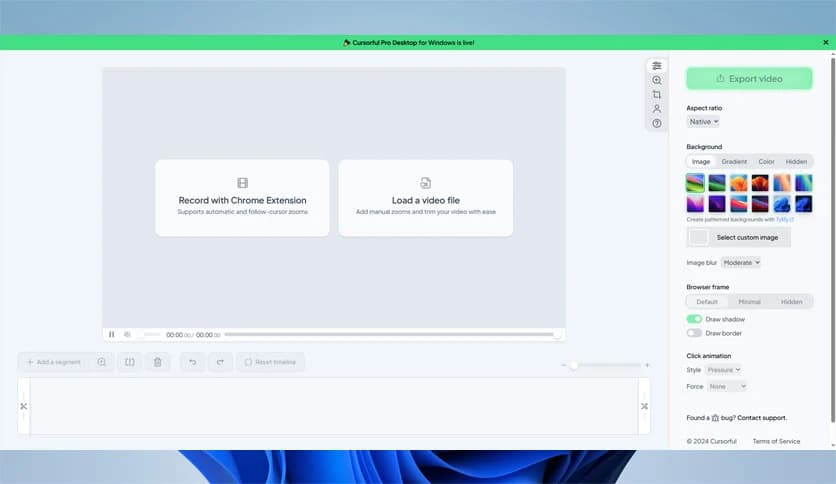
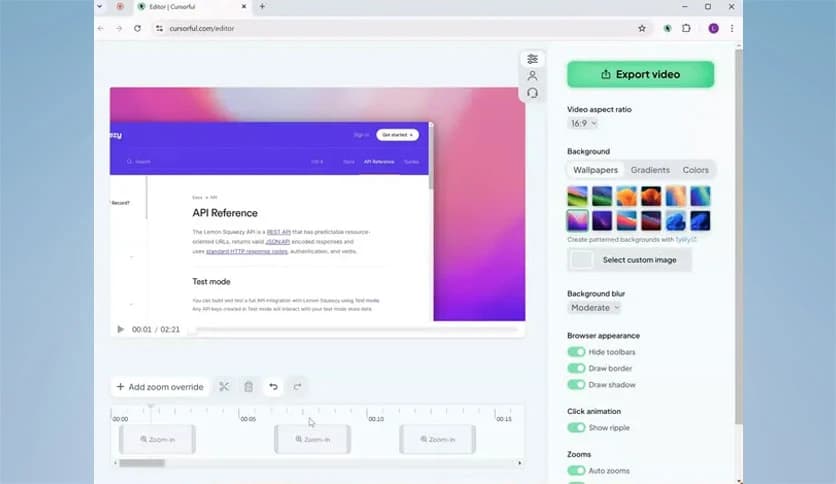
For creators who want extra control, the built-in editor allows manual zooms and pans. You can load an existing video and precisely set the focus. This is ideal for highlighting a specific button, menu, or detail. It works like adjusting a spotlight on a stage, shining exactly where the audience should look.
Recording directly from the browser keeps things lightweight and fast. There is no heavy setup or confusing menus. You hit record, do your work, and the tool handles the visuals. This makes it ideal for tutorials, walkthroughs, product demos, and short explainer clips that need to look professional without extra effort.
This solution is an excellent fit for educators, marketers, developers, and support teams. Teachers can explain lessons clearly, marketers can showcase features with style, and support agents can guide users step by step. Anyone who records screens regularly will appreciate how it turns simple actions into visually guided stories.
The workflow is simple and friendly. Start a recording, perform your actions naturally, and let the software enhance the visuals. After recording, you can quickly review the video, make minor adjustments, and export. It feels like sketching with a pencil that automatically adds color and depth as you draw.
Smooth motion is a key strength here. Zooms and pans feel fluid rather than sudden or distracting. This helps viewers stay comfortable while watching, especially during longer recordings. The balance between movement and stability makes the final output feel calm and professional.
When creating tutorials, clarity is everything. By automatically guiding attention, the tool reduces the need for lengthy explanations. Viewers instantly see where to click and what to notice. It is like having a visual narrator that quietly highlights key points without interrupting the flow.
While automation handles most of the work, customization options remain available. You can fine-tune zoom strength, timing, and focus points. This flexibility allows creators to match the video style with their brand or personal preference, keeping everything consistent and on-message.
Cursorful is a simple yet powerful way to create engaging screen recordings without complex editing. By automatically guiding the viewer’s attention with smooth zooms and pans, it turns ordinary recordings into professional-looking videos that feel clear, focused, and enjoyable to watch.
Leave a comment
Your email address will not be published. Required fields are marked *