Creality Print Download (Latest 2026) - FileCR
Free download Creality Print 7.0.1 Latest full version - Control and monitor your 3D printer.
Free download Creality Print 7.0.1 Latest full version - Control and monitor your 3D printer.
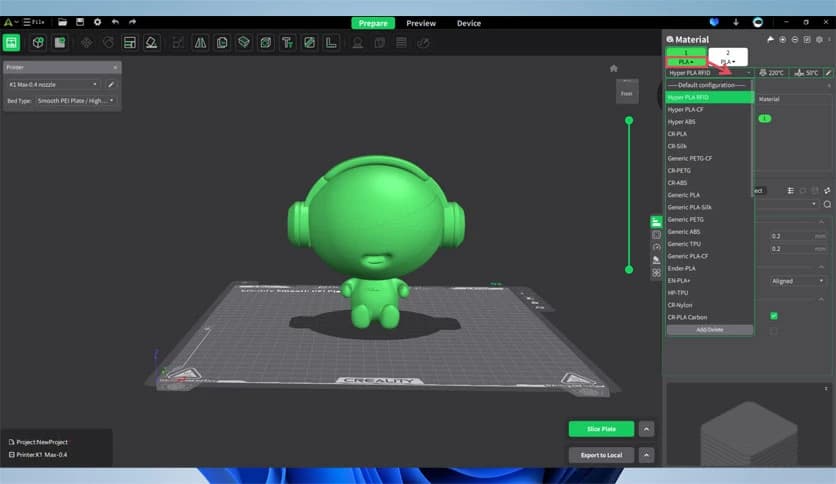
Free Download Creality Print for Windows PC. It is a powerful slicing solution designed to prepare, preview, and control 3D printing tasks with ease.
It is an official slicing solution created specifically for Creality FDM 3D printers. It acts like the control center of your 3D printing process, helping you convert digital 3D models into instructions that a printer can understand. Think of it as the translator between your creative design and the physical object that appears on the printer bed.
The software brings together everything needed for a smooth printing workflow. From importing models to adjusting slicing settings and controlling prints remotely, the entire process happens inside a single interface. This makes it very useful for beginners as well as experienced makers who want a reliable tool for preparing their prints.
The tool also connects with the Creality Cloud ecosystem, allowing users to manage their printers, access models, and monitor prints online. With remote Wi-Fi management and real-time control, it turns a regular 3D printer into a smart, connected device.
The software focuses on simplicity so users can start printing quickly without feeling overwhelmed. The interface is clean, organized, and designed to guide you step by step through the slicing process.
Importing a 3D model is straightforward. Once the file is loaded, the tool automatically analyzes the model and prepares it for slicing. Users can easily rotate, resize, or reposition objects on the virtual print bed. It feels a bit like arranging pieces on a digital table before the printer begins building them layer by layer.
This approach makes the workflow smooth and easy to understand. Even someone new to 3D printing can learn how to prepare a print within minutes.
Slicing is the heart of every 3D printing process. The software converts a 3D model into hundreds or thousands of thin layers that the printer can build one by one. This tool performs that task efficiently and with great accuracy.
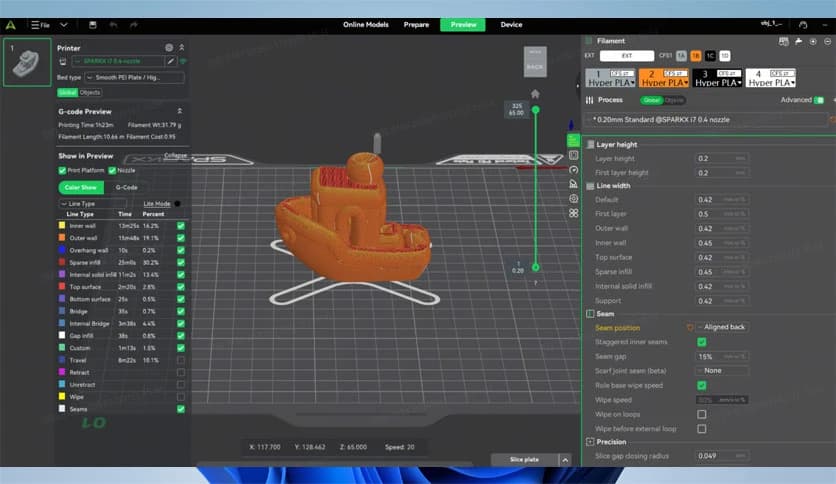
Users can adjust slicing parameters such as layer height, infill density, print speed, and support structures. These settings allow creators to control the balance between quality, strength, and printing time.
For example, reducing layer height can produce smoother surfaces, while increasing infill density makes the object stronger. It works like choosing the right recipe ingredients to get the best final result.
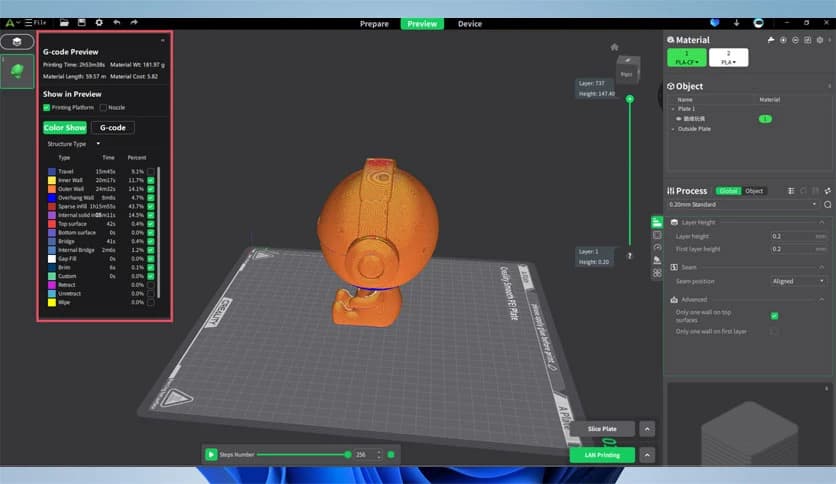
Before sending a design to the printer, the tool allows users to preview how the model will be printed. This feature is extremely helpful because it shows every layer that will be created during the printing process.
The preview mode acts like a time machine. It lets you move through each printing layer and see exactly how the object will be built. If there are weak areas or missing supports, they can be fixed before the print even starts.
This saves both time and materials because mistakes can be caught early rather than discovered after hours of printing.
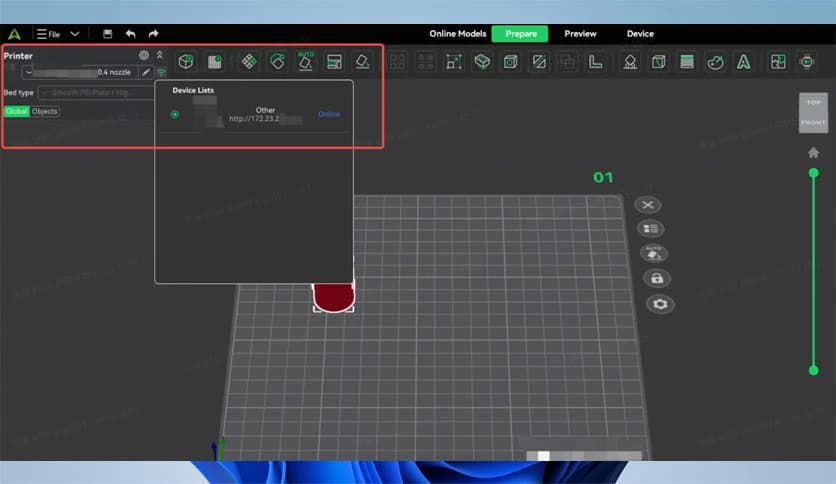
Modern 3D printing is no longer limited to sitting beside the machine. The software includes remote Wi-Fi management, allowing users to monitor and control printers from their computers.
Once connected, users can start, pause, or stop prints remotely. The tool also provides status updates so you can track a print's progress in real time. It is similar to checking the status of a download on your computer, but instead, you are watching a physical object being created.
This feature is especially helpful for long prints that can take several hours. Instead of staying near the printer all day, users can manage the process comfortably from their workstation.
The software works closely with the Creality Cloud platform. This connection opens the door to a large library of ready-to-print models and community resources.
Users can browse models, download designs, and send them directly to the slicing workspace. This removes the need for searching across multiple websites. Everything becomes available within a single connected ecosystem.
Cloud integration also makes it easier to manage multiple printers and projects. Whether you are printing at home, in a workshop, or in a classroom, the system keeps everything organized.
The tool brings the entire printing process into a single workflow. Instead of jumping between different applications, everything happens in one place.
Users can import models, adjust slicing settings, preview layers, and control the printer without leaving the software. This unified approach saves time and reduces confusion, especially for beginners.
For experienced users, the advanced settings provide deeper control over printing quality. The balance between simplicity and flexibility makes it useful for hobbyists, educators, and professional makers alike.
The software is optimized for Creality printers, helping ensure stable, reliable performance. Because it is developed by the same company that produces the printers, compatibility is carefully maintained.
This means fewer setup issues and smoother communication between the computer and the printer. The tool understands the hardware it is working with, which helps produce consistent results.
It also receives updates that improve slicing algorithms and add support for new printer models. Over time, these improvements help users achieve better prints with less effort.
Creality Print is a reliable and user-friendly slicing solution designed to simplify the entire 3D printing process. It combines model preparation, advanced slicing, preview tools, remote printer control, and cloud integration into a single workflow. Whether you are just starting with 3D printing or are already experienced, the software provides the tools needed to turn digital ideas into real objects with precision and efficiency.
Leave a comment
Your email address will not be published. Required fields are marked *