Control D Download (Latest 2026) - FileCR
Free download Control D 1.5.0 Latest full version - Smart DNS security that blocks threats and ads.
Free download Control D 1.5.0 Latest full version - Smart DNS security that blocks threats and ads.
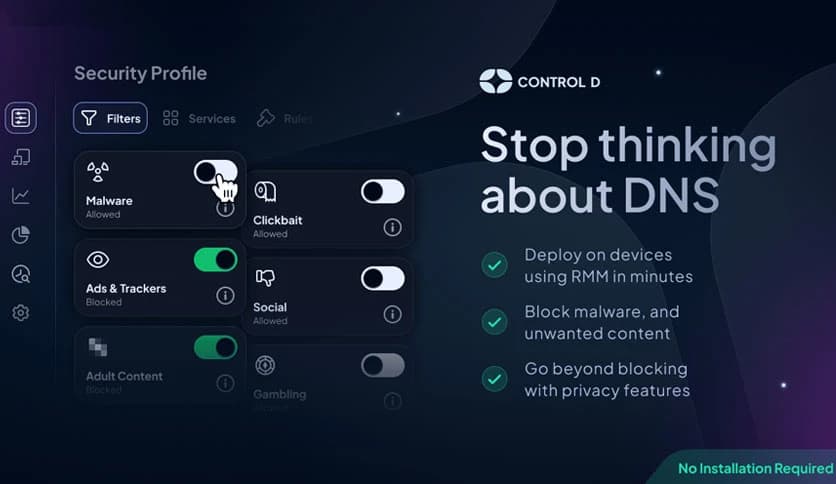
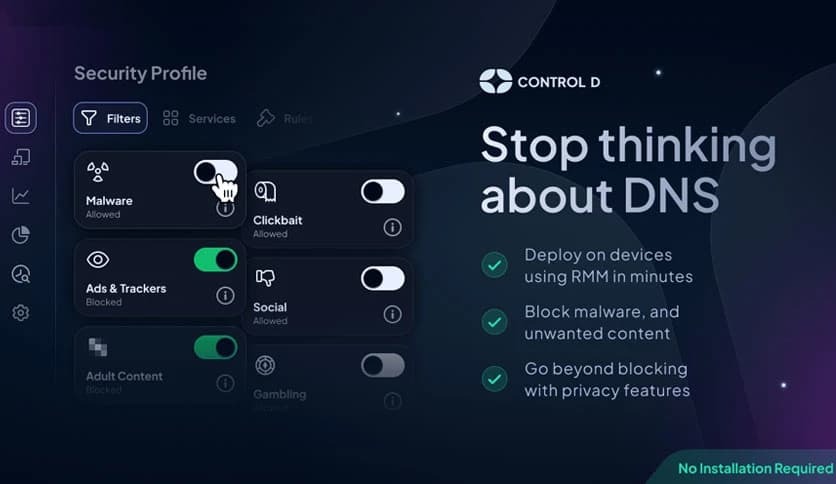
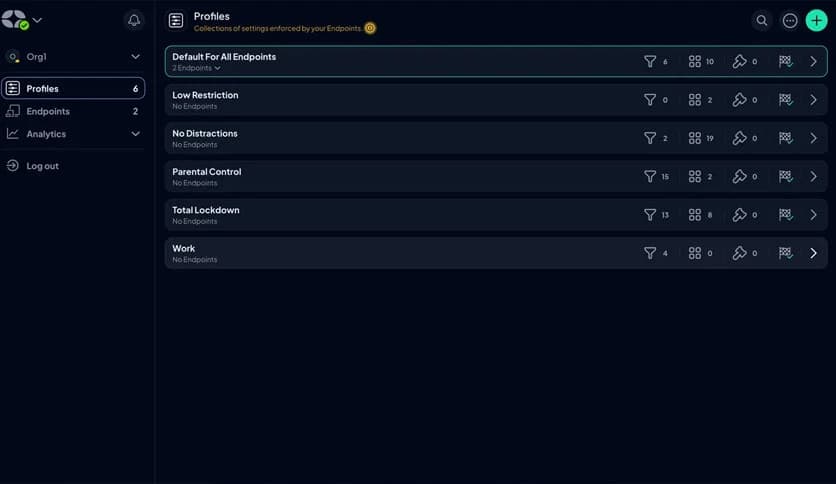
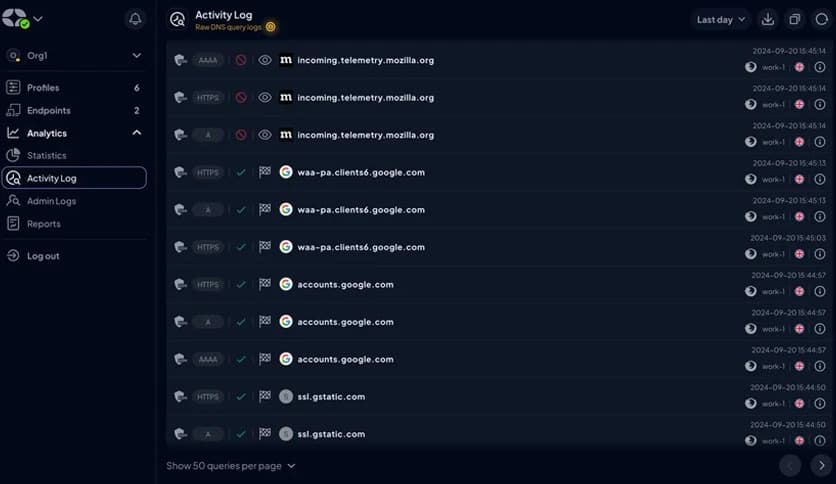
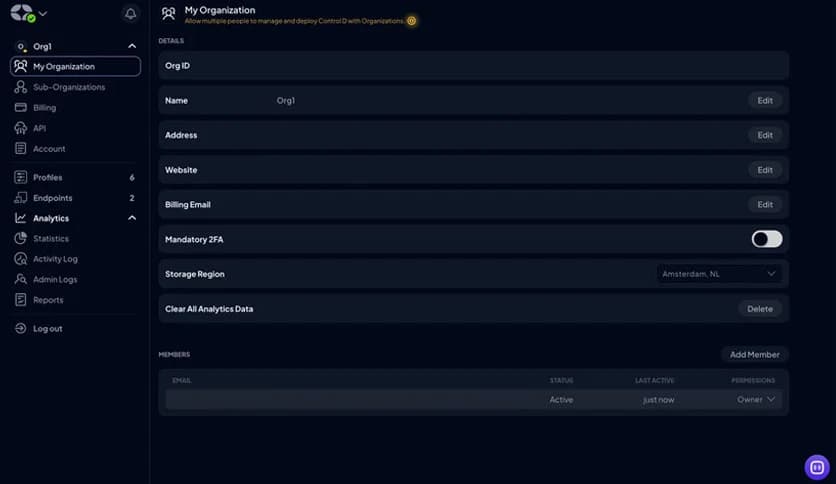
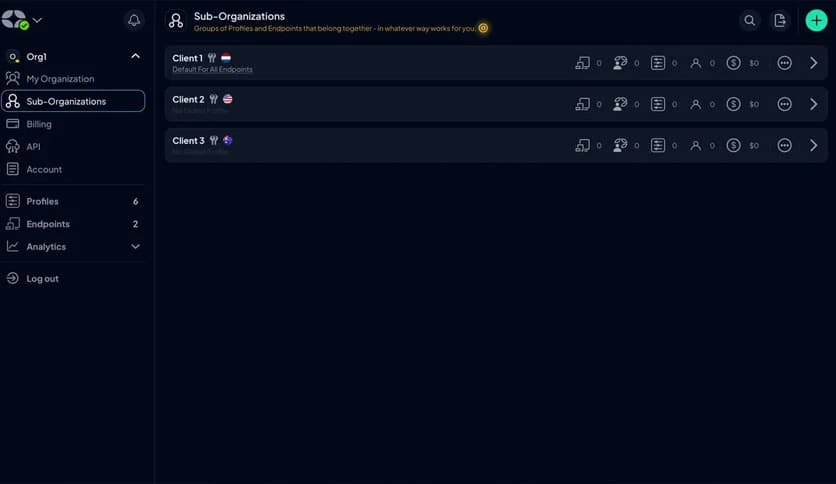
Free Download Control D for Windows PC. It is a modern, customizable DNS service that blocks threats, ads, and unwanted content across all your devices with minimal setup.
It focuses on keeping your internet experience clean, fast, and safe without adding complexity. Think of it like a smart security guard at the gate to your network, checking every visitor before letting them in. Instead of reacting after something bad happens, it stops risks before a connection is even made. This makes it a powerful choice for users who value privacy, control, and peace of mind.
The software operates at the DNS level, filtering traffic before websites or apps fully load. This early intervention helps block malware, cryptojacking attempts, phishing domains, and other digital threats silently in the background. Once configured, it runs smoothly without constant attention, much like setting a strong lock and forgetting about it.
One of the strongest points is its ability to block harmful domains at the network level. By deploying it on a router, protection extends to every connected device. Laptops, phones, smart TVs, and even IoT gadgets benefit automatically. This approach reduces the need to install separate security tools on each device.
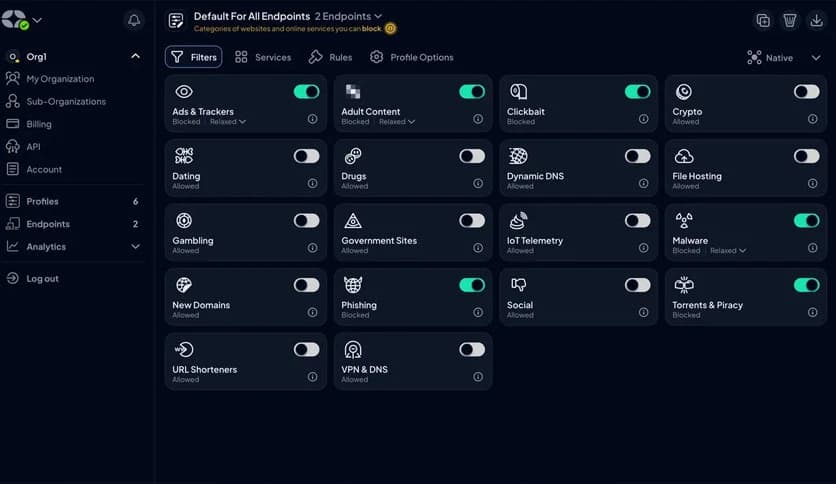
The tool gives you fine control over what gets blocked and what stays accessible. You can filter ads, adult content, tracking domains, or specific categories based on your needs. It feels like tuning a radio to the exact frequency you enjoy, cutting out noise while keeping what matters.
An optional companion app is also available for tool users. This allows quick switching between different DNS resolvers with a single click. It is helpful for users who move between networks and want consistent protection without having to dive into settings each time.
On Windows systems, the recommended approach is to use the built-in Private DNS feature. This method requires no additional software installation and keeps things lightweight. It is ideal for users who prefer a clean system with fewer background applications while still enjoying strong DNS-level security.
Getting started takes only a few minutes. Once set up, the service works quietly in the background. There are no pop-ups or constant alerts. It is like setting up autopilot for your internet safety and letting it handle the rest.
Because filtering happens early, browsing often feels faster and smoother. Unwanted scripts and ads never get the chance to load, reducing data usage and improving page load times. This is especially useful on slower connections or shared networks.
Privacy is treated as a core feature, not an afterthought. The software avoids invasive tracking and provides users with transparency into how filtering rules work. You stay in control of your data rather than blindly handing it over.
Control D stands out as a simple yet powerful way to manage online safety and content filtering at the DNS level. It blocks threats before they reach your devices, reduces ad clutter, and offers flexibility through customization and Private DNS support. For users who want strong protection without constant management, it feels like a set-and-forget solution that quietly does its job.
Leave a comment
Your email address will not be published. Required fields are marked *