CineDream Download (Latest 2026) - FileCR
Free download CineDream 1.1.3 Latest full version - An excellent cinematic color grading plugin.
Free download CineDream 1.1.3 Latest full version - An excellent cinematic color grading plugin.
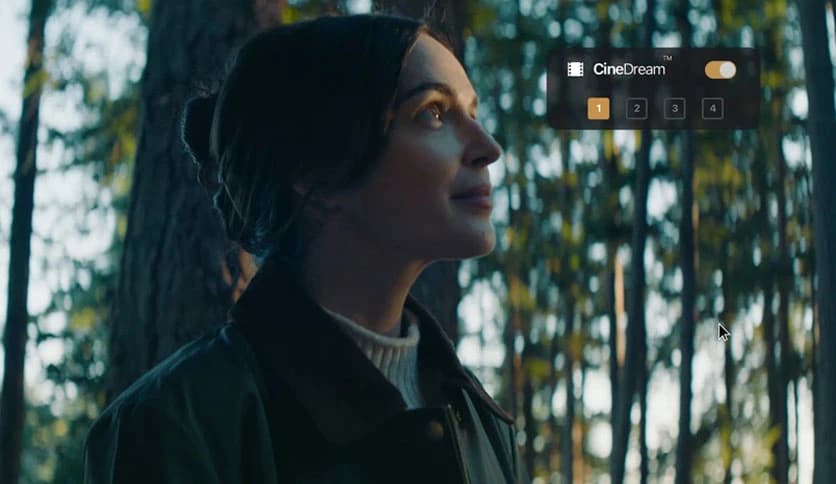
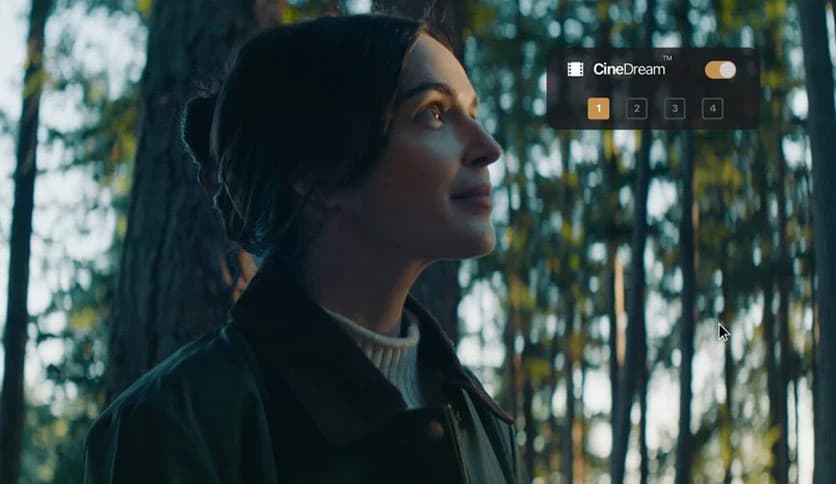
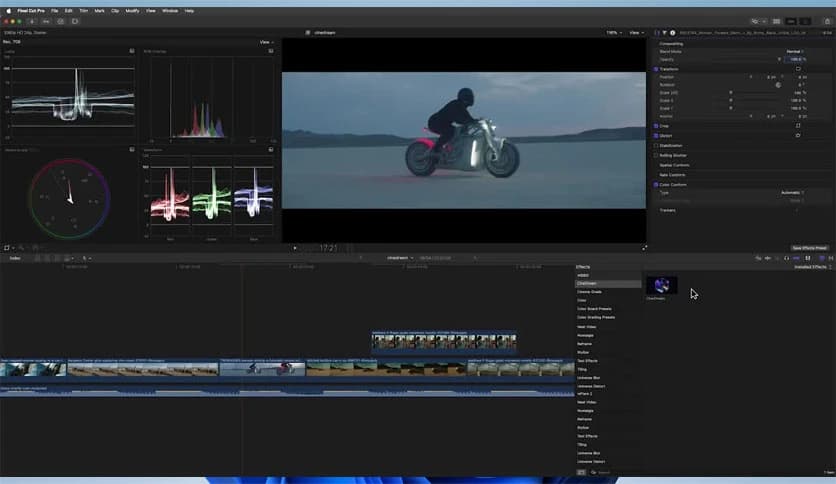
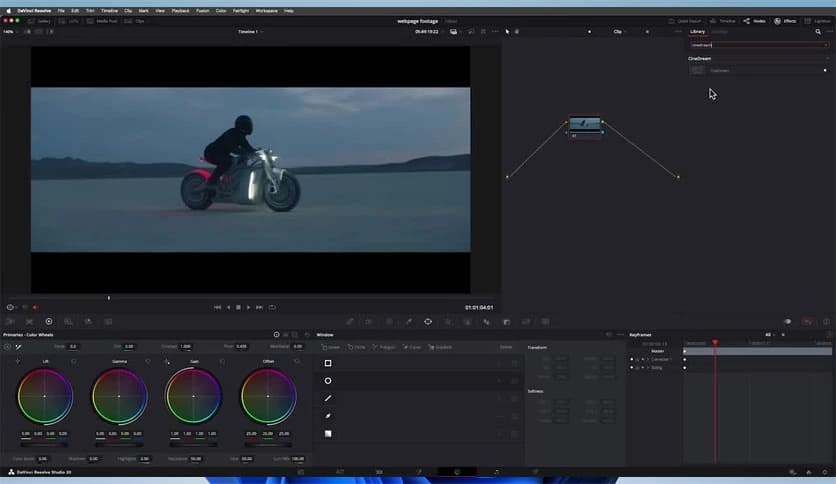
Free Download CineDream for Windows PC. It is a powerful cinematic color grading plugin that helps creators turn ordinary footage into visually rich, film-like scenes with minimal effort.
Modern video creators often want their footage to look cinematic, but achieving that polished film style often requires deep knowledge of color grading. That is where this plugin becomes extremely useful. Built on ACES color science, it creates a professional color foundation similar to the workflows used in Hollywood productions. Instead of spending hours adjusting complicated color tools, users can apply cinematic looks quickly and confidently.
The tool simplifies professional color grading while still giving advanced users the flexibility they need. It provides a balance between automation and manual control. Beginners can apply film-style grades with just a few clicks, while experienced editors can fine-tune every detail using curves, color wheels, and intensity controls.
Whether you are editing a vlog, short film, YouTube video, or commercial project, this solution makes cinematic color grading faster and more consistent. It supports both log footage and standard video formats, making it suitable for cameras for beginners to professional filmmakers.
One of the tool's biggest strengths is its use of ACES color science. ACES is widely used in professional film production because it provides a consistent and reliable color workflow. Think of it as a universal language for color grading. Instead of guessing how colors should look, this system ensures everything behaves predictably.
With this approach, raw footage immediately gains a strong cinematic base. Colors become balanced, contrast feels natural, and the image gains depth without looking artificial. This foundation makes the editing process smoother and much more efficient.
For editors who want their videos to resemble the tone and richness of Hollywood movies, this technology acts like a shortcut. It creates a professional starting point that would normally take hours to achieve manually.
Color grading can sometimes feel like navigating a maze. There are countless sliders, curves, and color wheels to adjust. This plugin removes much of that complexity with a feature known as Click and Grade.
Instead of manually adjusting dozens of settings, users can apply cinematic looks with a single click. The tool analyzes the footage and applies an optimized grade instantly. It is similar to applying a professional filter, but with much more intelligent color adjustments happening behind the scenes.
This feature saves an incredible amount of time during editing. Content creators who need to produce videos quickly can achieve high-quality results without spending hours on detailed color corrections.
Another impressive capability is film-style simulation. Different movies have unique color signatures. Some films look warm and nostalgic, while others appear cool and dramatic. This plugin recreates those styles digitally.
The software includes various film-inspired color profiles that mimic traditional cinema aesthetics. These profiles adjust contrast, saturation, and tonal balance to give footage a more cinematic character.
Imagine turning a simple travel video into something that feels like a scene from a feature film. With film-style simulation, creators can experiment with different moods and visual storytelling styles without complicated manual adjustments.
One of the most challenging aspects of color grading is maintaining natural skin tones. Even experienced editors sometimes struggle to keep faces looking realistic while adjusting overall colors.
This tool solves that problem with built-in skin tone and exposure assistance. It analyzes the footage and helps preserve natural skin color while enhancing the rest of the image. The result feels balanced and professional.
Exposure assistance also plays a key role in achieving cinematic results. Instead of guessing brightness levels, users receive helpful guidance to maintain proper lighting balance. This prevents footage from looking washed out or overly dark.
Think of it like having a professional colorist guiding you during editing. It helps ensure your visuals look natural and consistent.
When editing multiple clips from the same scene, maintaining consistent color can be difficult. Lighting conditions change, cameras behave differently, and clips may not match perfectly.
This plugin includes batch shot matching, a feature designed to quickly solve that issue. It analyzes multiple clips and automatically aligns their color characteristics. As a result, every shot looks visually consistent across the entire sequence.
For filmmakers, this feature is extremely valuable. Instead of manually adjusting each clip, editors can match shots in seconds. It keeps the workflow smooth and ensures the final project looks cohesive and professional.
While automation makes the process easier, the tool still provides full creative control. Advanced users can dive deeper into the color-grading process with professional adjustment tools.
Curves allow editors to modify brightness and contrast with precision. Color wheels help adjust shadows, midtones, and highlights independently. Intensity controls let users decide how strong or subtle the cinematic look should be.
This flexibility means the software can serve both beginners and professionals. You can rely on automatic grading for quick results or explore detailed adjustments when working on complex projects.
Modern cameras often record footage in log format to capture more dynamic range. However, footage from the log usually appears flat and dull before color grading. Many creators find it difficult to transform this raw footage into something visually appealing.
The plugin handles log footage easily. It converts flat video into a balanced cinematic image while preserving details and color depth. At the same time, it works just as well with standard video formats.
This versatility makes it suitable for a range of workflows. Whether you are editing DSLR footage, mirrorless camera recordings, or professional cinema footage, the tool adapts to the material without difficulty.
CineDream provides an efficient way to achieve cinematic color grading without needing advanced expertise. It combines professional ACES color science, film-style simulation, automated grading tools, and flexible manual adjustments into one easy-to-use plugin. The result is a powerful solution that helps creators transform ordinary footage into visually striking cinematic scenes while keeping the editing workflow simple and efficient.
Leave a comment
Your email address will not be published. Required fields are marked *