Cerebro Download (Latest 2026) - FileCR
Free download Cerebro 0.11.0 Latest full version - A launcher that searches files, web & tools instantly.
Free download Cerebro 0.11.0 Latest full version - A launcher that searches files, web & tools instantly.
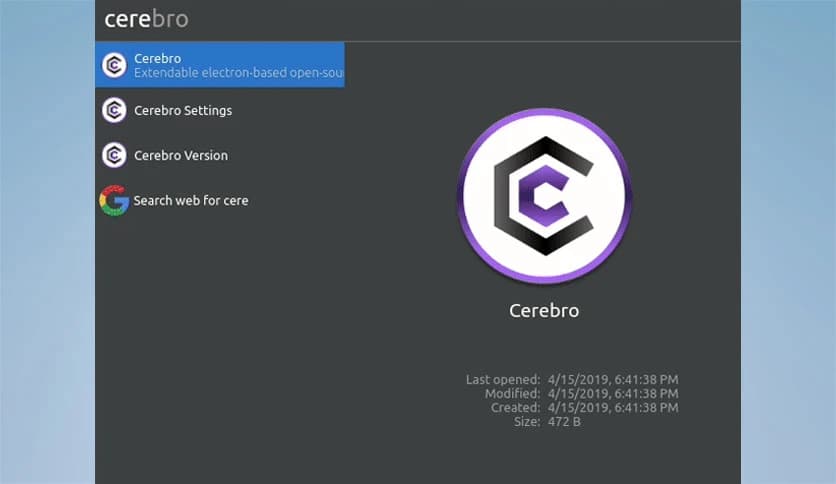
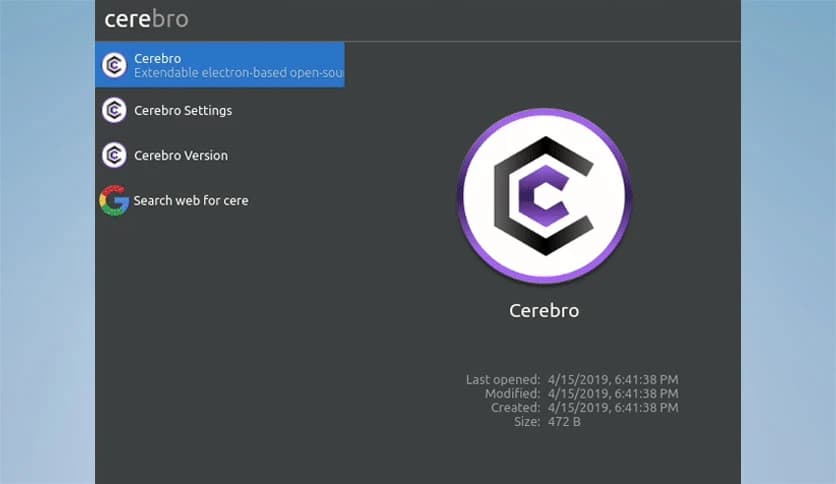
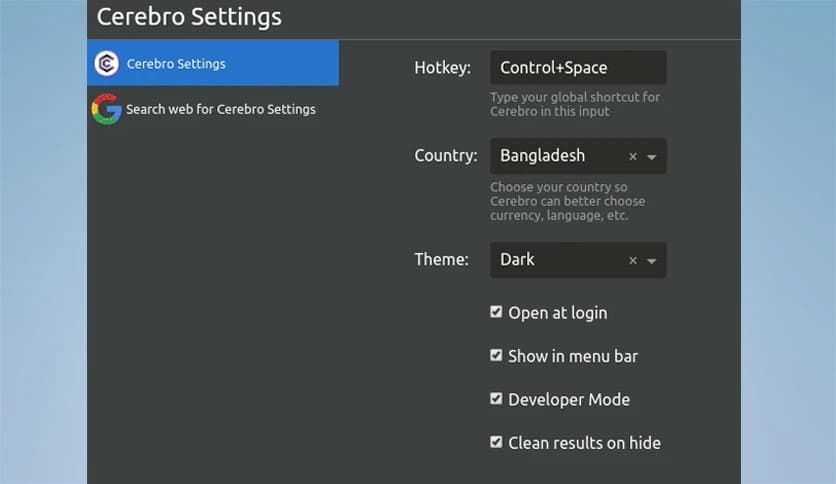
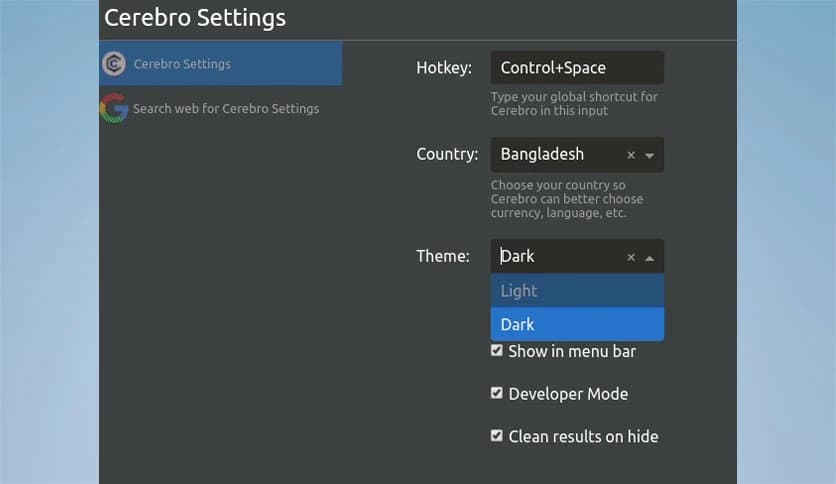
Free Download Cerebro for Windows PC. It is a fast, clean, and flexible launcher that helps you search, manage, and interact with everything from one smart place.
This tool is a modern productivity launcher designed to save time. It works quietly in the background and responds instantly when you need it. Instead of opening multiple apps or browser tabs, it brings results right in front of you. Think of it as a command center where files, web results, maps, and tools meet in one simple interface.
The first thing you notice is how clean and friendly the design feels. There are no confusing menus or heavy layouts. Everything is in a single search bar that is easy to use. You type, and results show up immediately. This makes daily tasks feel lighter, like switching on a lamp instead of searching for a torch in the dark.
It allows you to search files, folders, apps, and online content in just a few keystrokes. Local results and internet data appear side by side, saving you from jumping between tools. You can look up documents, check definitions, find locations, or get quick answers without breaking your workflow.
Searching is only the start. You can open files in their default programs, copy details directly to the clipboard, or preview information instantly. Translations, maps, and quick calculations are available directly within the interface. This feels like having a helpful assistant who brings things to your desk instead of sending you around the office.
Instead of switching between browser tabs, file managers, and utilities, everything stays neatly packed together. This reduces mental clutter and keeps your focus intact. Small time savings add up, and before you know it, your day feels smoother and more controlled.
A built-in plugin manager makes it easy to add new abilities. You can browse available extensions and activate the ones that fit your needs. From productivity helpers to creative tools, plugins turn the launcher into a flexible workspace that adapts to your workflow.
If you cannot find exactly what you want, a powerful yet simple API lets you build custom plugins. This is ideal for users who prefer to shape tools to their habits. You can create something small for personal use or share it with others who face the same challenges.
Its modern technology enables it to support multiple platforms seamlessly. This is useful for people who switch systems or work in mixed environments. Your experience stays consistent, which means less relearning and more doing.
Speed is at the heart of the experience. Commands run fast, searches feel instant, and results appear without delay. It feels less like waiting for software and more like thinking out loud and getting answers right away.
The project is fully open source, which means transparency and continuous improvement. Users can report issues, suggest features, or contribute code. This shared effort helps the tool grow in useful directions and keeps it aligned with real-world needs.
From students managing notes to professionals handling files and quick lookups, it fits a wide range of routines. It serves as a shortcut through daily digital noise, helping you stay focused on what matters rather than on how to reach it.
Cerebro stands out as a smart productivity companion that keeps everything within reach. It reduces friction, accelerates daily tasks, and scales with your needs through plugins and community support. For anyone who values speed, simplicity, and control, it feels like a well-organized desk, with every tool exactly where you expect it.
Leave a comment
Your email address will not be published. Required fields are marked *