CapyCursor Download (Latest 2026) - FileCR
Free download CapyCursor 1.0.1 Latest full version - Screen Annotation & Cursor Highlight Tool for Presentations.
Free download CapyCursor 1.0.1 Latest full version - Screen Annotation & Cursor Highlight Tool for Presentations.
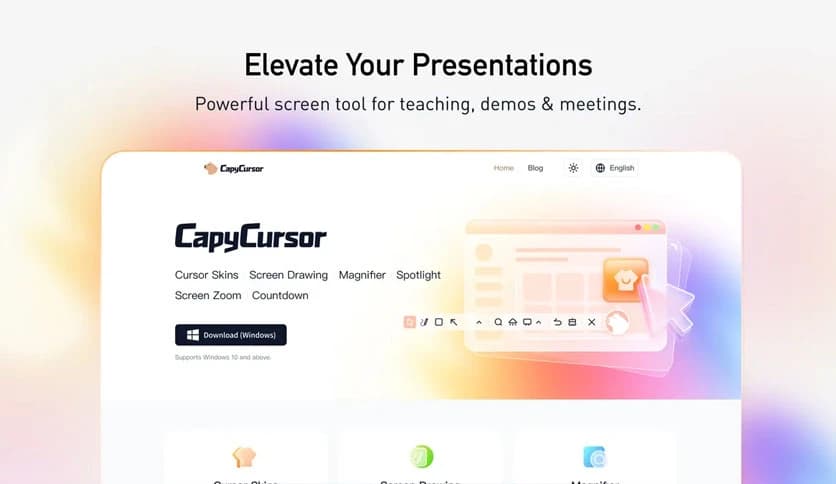
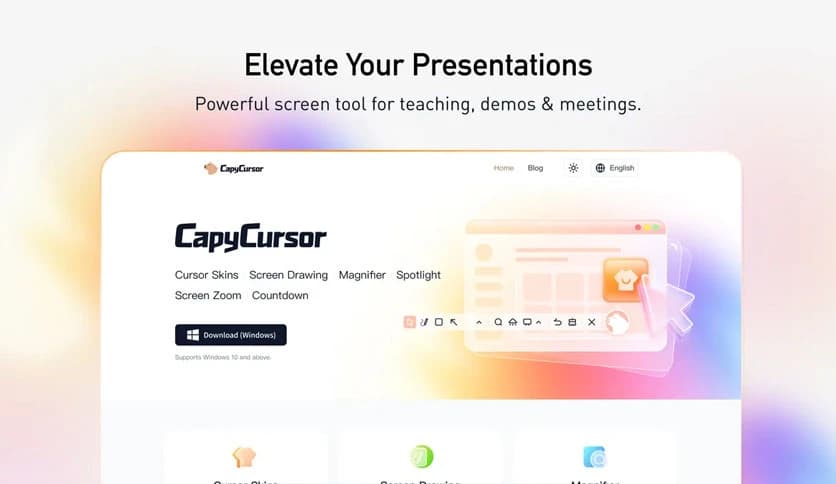
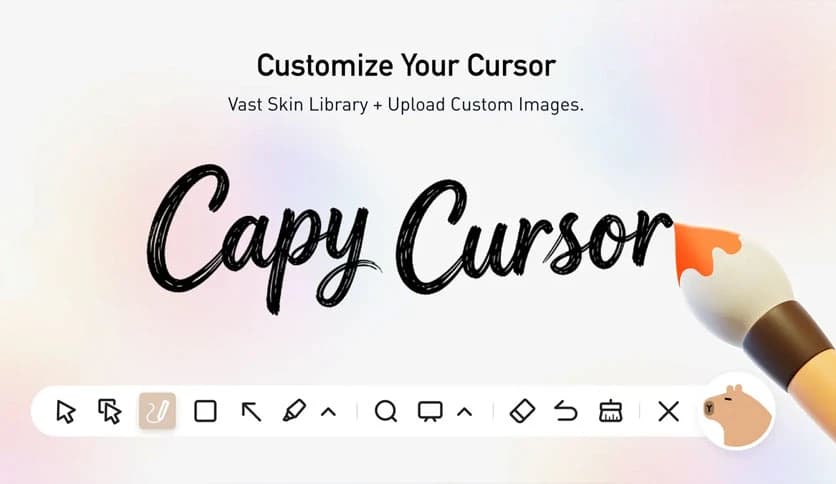
Free Download CapyCursor for Windows PC. It is a lightweight cursor customization and screen highlighting tool that makes presentations, teaching, and demonstrations clearer and more engaging.
When you're presenting, teaching, or demonstrating something on your screen, clarity matters. Sometimes the mouse pointer becomes difficult to follow, especially during live sessions or recorded tutorials. That is where this software becomes extremely helpful. It enhances cursor visibility and lets you draw, highlight, and magnify areas in real time.
The software is designed to be lightweight yet powerful. It does not slow down your system or consume unnecessary resources. Whether you are an educator explaining a concept, a YouTube creator recording tutorials, or a business professional giving a product demo, this tool helps make your message clearer and easier to follow.
It also provides visual effects that make your cursor stand out. These features help viewers focus on important areas of the screen. Instead of explaining verbally, you can visually guide your audience, making communication faster and more effective.
One of the biggest advantages of this software is its lightweight design. It runs smoothly even on older computers without affecting performance. You can run presentations, screen recordings, and other applications simultaneously without lag.
The compact size also means quick installation. You do not need complicated setup steps. Simply install, launch, and start using it immediately. This simplicity makes it ideal for both beginners and professionals.
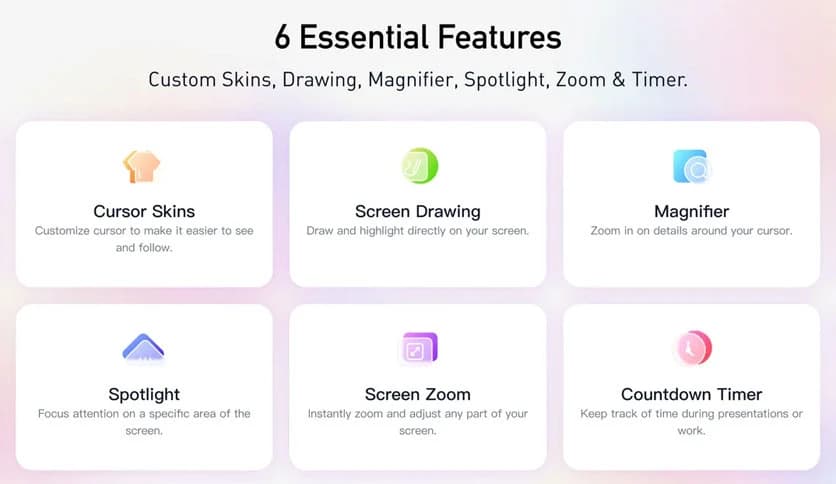
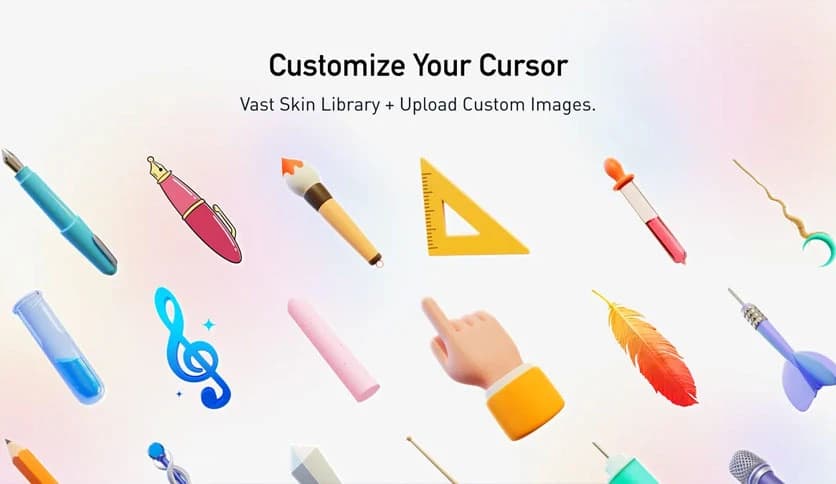
Sometimes, the default cursor is too small or hard to track. This tool lets you customize the cursor's size, color, and effects. You can choose styles that match your presentation theme or personal preference.
These customization options help make your cursor visible from a distance. For example, during webinars or classroom presentations, participants can easily follow your movements. It works like a laser pointer, but in a more flexible, digital way.
Highlighting areas on the screen becomes simple with built-in tools. You can draw circles, underline text, or mark specific elements as you explain. This feature helps guide viewers directly to important information.
Instead of saying "look at the top right corner," you can visually highlight it. This saves time and improves understanding. It also makes your presentation look more professional and engaging.
The annotation tools allow you to draw directly on your screen. These include pen, shapes, and highlighting features. You can explain concepts visually, just like using a whiteboard.
This is especially useful for teachers and trainers. Complex ideas become easier to understand when visual examples are provided. It transforms your screen into an interactive teaching space.
Sometimes small details need extra attention. The magnifier feature allows you to zoom into specific areas. This helps viewers clearly see menus, buttons, or small text.
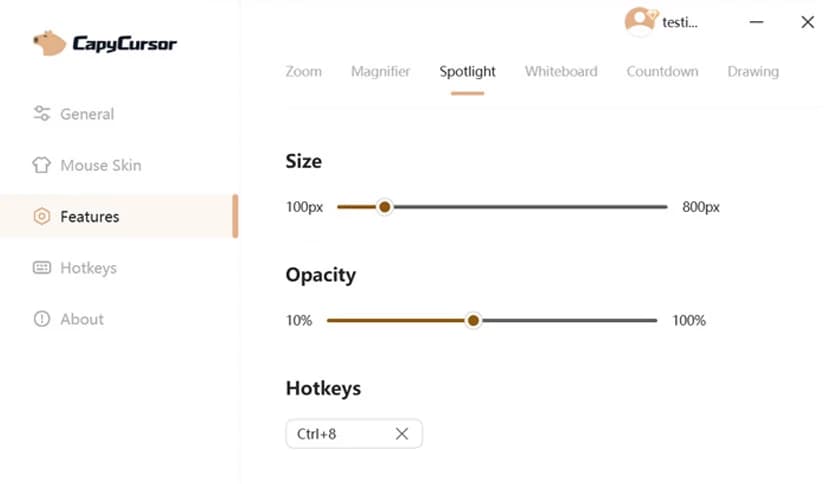
The spotlight feature dims the rest of the screen while focusing on a selected area. It acts like a stage light, directing audience attention exactly where needed. This creates a professional and polished presentation experience.
This tool is ideal for live presentations, online teaching, and recorded tutorials. It improves communication by adding visual clarity. Whether you are explaining software features or presenting slides, it helps deliver your message effectively.
YouTube creators also benefit from these features. Tutorials become easier to follow, and viewers stay engaged. The result is better content and improved audience retention.
Corporate presenters often need to demonstrate products or services. With cursor highlighting and annotation tools, you can clearly show features. This helps clients understand functionality quickly.
It also improves professionalism during meetings. Instead of struggling to explain details, you can visually demonstrate them. This creates a smoother and more confident presentation.
The interface is designed to be simple and user-friendly. You do not need technical skills to use it. All tools are accessible and easy to understand.
Even first-time users can quickly learn the features. The clean layout ensures that you focus on your presentation rather than navigating complicated menus.
Performance matters, especially during live sessions. This software uses minimal system resources. It runs quietly in the background without slowing down your computer.
This ensures smooth screen recording, video conferencing, and presentations. You can rely on consistent, uninterrupted performance.
This tool fits many scenarios. Teachers can explain lessons visually. Content creators can enhance tutorials. Business professionals can improve product demonstrations.
It also works well for live streaming. Streamers can easily highlight content and guide viewers. The flexibility makes it useful across various industries.
CapyCursor is a simple yet powerful cursor customization and screen highlighting tool that improves presentations, tutorials, and demonstrations. It provides real-time annotation, magnification, and cursor effects to make content easier to follow. With its lightweight design and user-friendly interface, it is an excellent choice for educators, creators, and professionals who want to deliver clear, engaging presentations.
Leave a comment
Your email address will not be published. Required fields are marked *