Pumble Download (Latest 2026) - FileCR
Free download Pumble 1.4.6 Latest full version - The all-in-one team communication app.
Free download Pumble 1.4.6 Latest full version - The all-in-one team communication app.
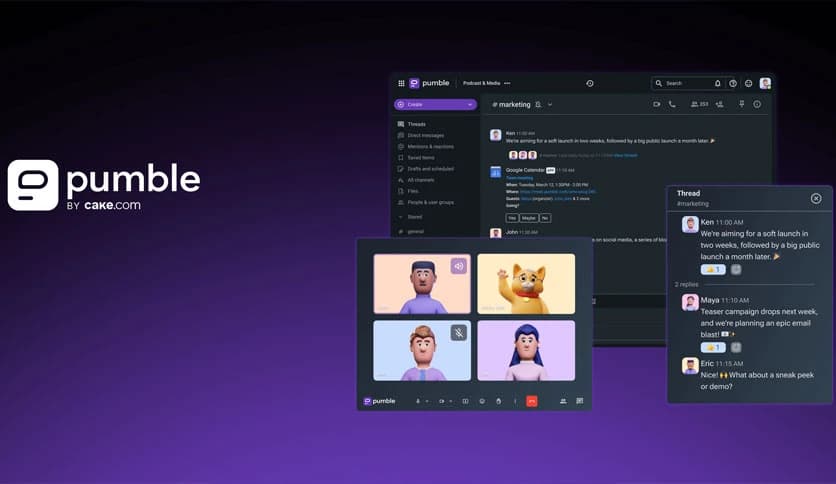
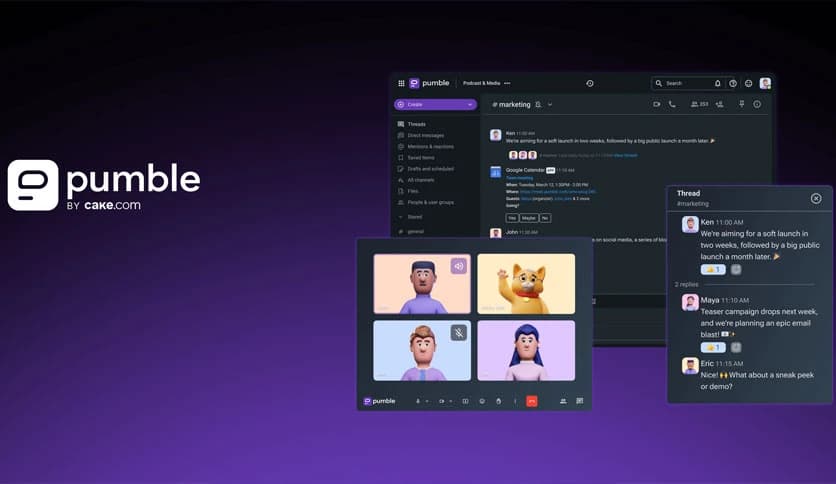
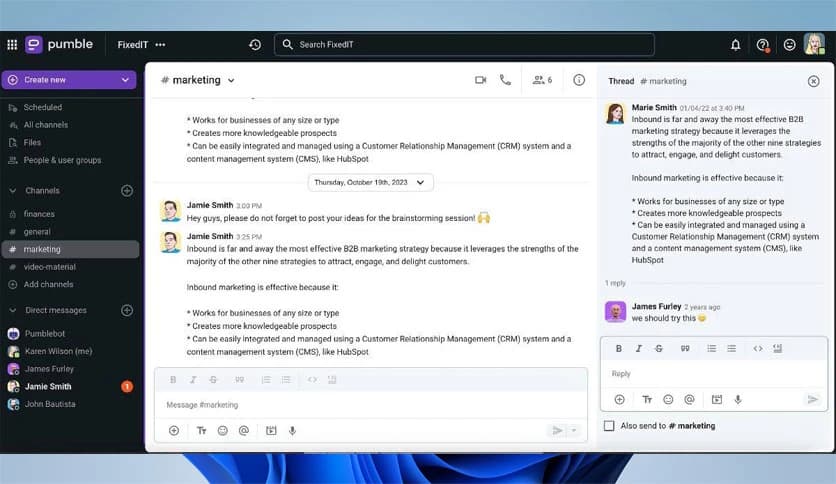
Free Download CAKE Pumble for Windows PC. It is a modern team communication platform that brings messages, calls, and collaboration tools together to keep work flowing smoothly.
It is designed to replace long email chains with fast, clear conversations. The software acts as a shared workspace where teams can chat, share files, and meet without jumping between apps. Everything stays in one place, making daily work feel lighter and more organized.
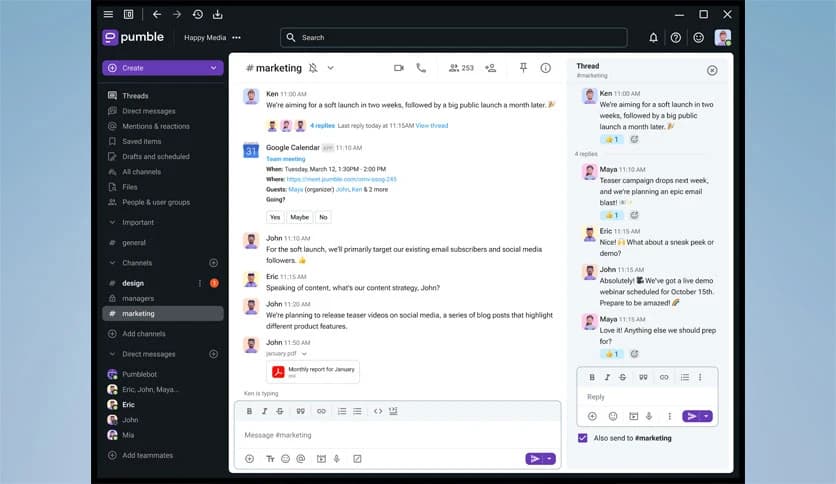
It supports both one-on-one and group messages, making everyday communication feel natural. You can chat with a teammate privately or loop in the whole group when a topic matters to everyone. Conversations stay searchable, so finding an old message feels like flipping to the right page in a notebook.
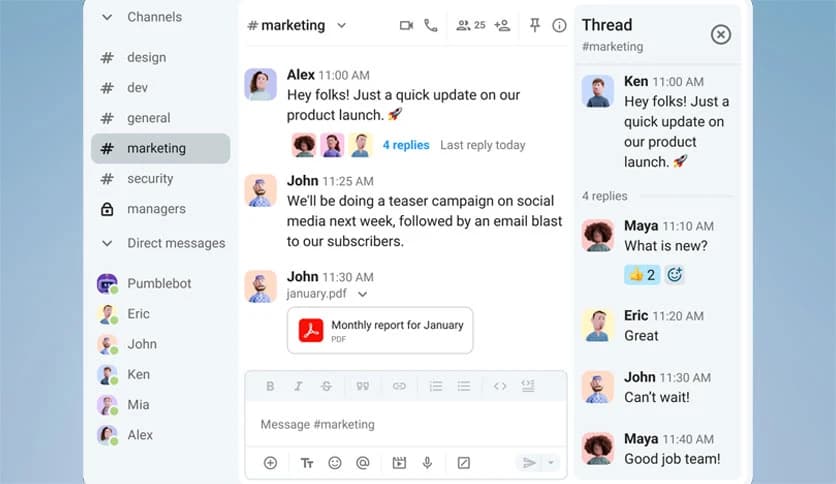
The tool lets teams create channels based on topics, projects, or departments. Instead of mixing everything together, each subject gets its own space. Think of channels like labeled folders where every conversation lands exactly where it belongs.
Threads help keep side discussions from taking over the main conversation. When a message needs deeper discussion, it can branch off into a thread. This keeps things tidy and helps everyone stay focused on what matters most.
Sharing files, images, and links feels effortless. Drag a document into the chat, and it is instantly available to the team. No more digging through email attachments or wondering which version is the latest.
It keeps an unlimited message history, which means nothing gets lost. New team members can look back and understand past decisions, while existing members can quickly refresh their memory. It is like having a digital memory for the entire team.
Video meetings can be started with a single click. There is no need for extra tools ora complicated setup. Whether it is a quick check-in or a full team meeting, face-to-face conversations are always within reach.
Sometimes typing feels slow. Voice calls allow quick conversations without scheduling a meeting. It works like tapping a colleague on the shoulder for a fast discussion.
The software allows you to create meeting links that can be shared instantly. Send the link to teammates or external partners, and they can join without hassle. This makes collaboration with clients and partners smooth and stress-free.
Screen sharing helps explain ideas visually. You can walk someone through a process, present a demo, or offer support by showing exactly what is on your screen. It saves time and avoids confusion.
By bringing messages, calls, files, and meetings into one place, the tool reduces distractions. Teams spend less time switching apps and more time getting work done. It feels like upgrading from scattered notes to a clean, shared dashboard.
You can invite external partners to collaborate in specific channels. This keeps communication transparent while still controlled. Everyone stays on the same page without exposing unnecessary information.
The interface is clean and easy to understand. New users can jump in without training, while experienced users enjoy the smooth workflow. It feels familiar, like a well-organized workspace rather than a complicated system.
Pumble stands out as a practical communication solution for modern teams. It replaces cluttered emails with organized chats, supports quick calls and meetings, and keeps everything searchable. For teams looking to work smarter and stay connected, it feels like a natural upgrade.
Leave a comment
Your email address will not be published. Required fields are marked *