BrowserOS Download (Latest 2026) - FileCR
Free download BrowserOS 0.41.0 Latest full version - Agentic browser that runs AI agents locally.
Free download BrowserOS 0.41.0 Latest full version - Agentic browser that runs AI agents locally.
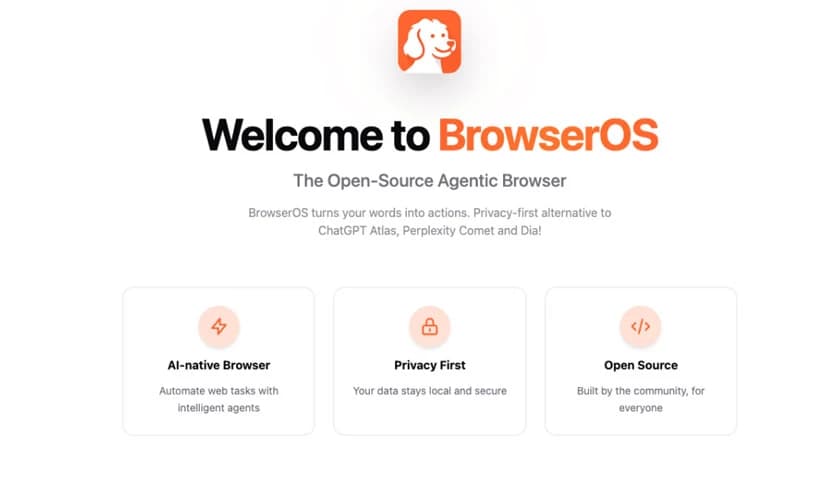
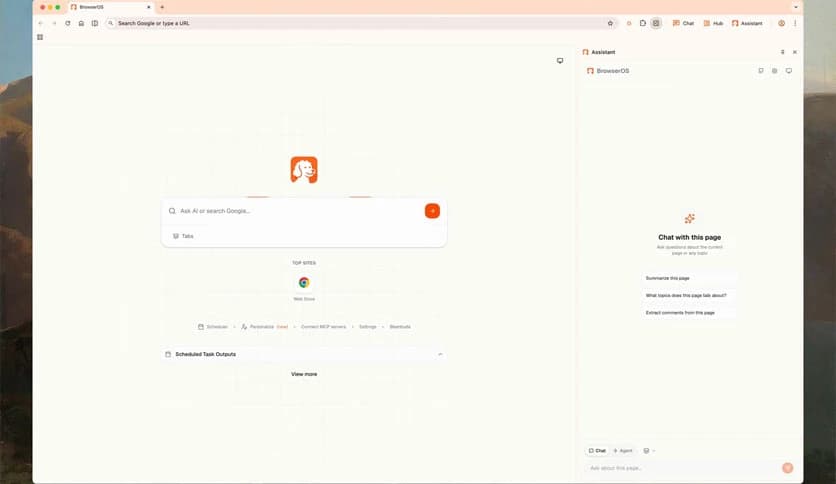
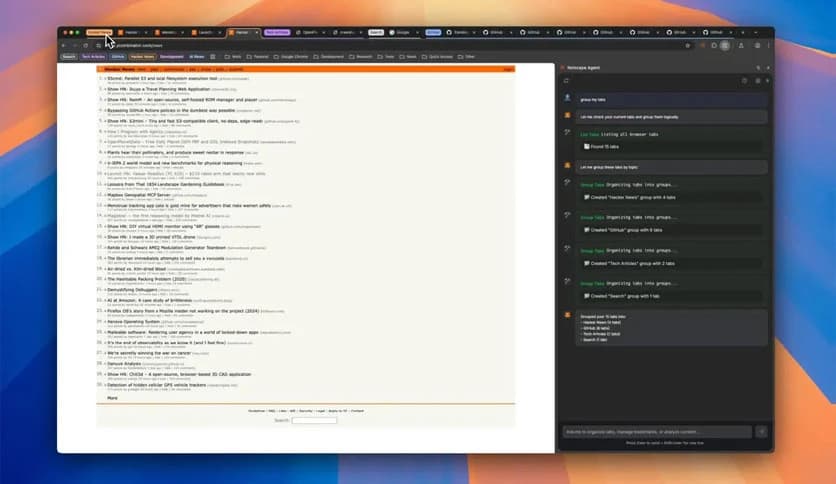
Free Download BrowserOS for Windows PC. It is an AI-powered browser that turns simple words into real actions by handling clicks, typing, and navigation for you while keeping everything private and local.
It is designed for people who want the web to work for them, not the other way around. Instead of jumping between tabs, filling forms, and repeating the same steps again and again, you just explain what you want to do. The tool listens, understands, and carries out the task as if a smart assistant is sitting right beside you.
What makes it different is its focus on local AI processing. Everything runs on your own system, which means your data stays with you. No silent tracking, no cloud dependency, and no feeling that someone is watching your every move.
The biggest strength of this software is its natural understanding of instructions. You can type something like “open my email, search for the latest invoice, and download it,” and it does exactly that. No special commands or technical wording are needed.
Think of it like giving directions to a friend who already knows the web. You speak normally, and the job gets done. This approach saves time and removes friction from everyday browsing.
Manual browsing can feel like walking the same road every day. Clicking the same buttons, logging in again, and copying information from one place to another quickly becomes tiring. This tool replaces those repetitive steps with smart automation.
Once you describe a task, it handles the full flow. It clicks links, fills forms, scrolls pages, and even waits for content to load. The result feels smooth, like setting something on autopilot and watching it work.
Many modern browsers rely heavily on cloud-based AI, which often means your data travels far away from your computer. This software takes the opposite path by running AI agents locally.
That means your browsing activity, prompts, and results stay on your machine. It is like having a personal assistant who works inside your room instead of reporting to an office across the world.
Transparency matters, especially when AI is involved. Being open-source allows anyone to inspect how things work under the hood. Developers can contribute, improve features, and ensure there are no hidden surprises.
For users, this brings peace of mind. You know what you are using, how it operates, and where your data goes. It builds trust through openness rather than marketing promises.
Traditional browsers are built around tabs, bookmarks, and extensions. While powerful, they still rely heavily on manual effort. This software rethinks that structure by putting tasks at the center.
Instead of asking “which site should I open?” you ask “what do I want to achieve?” The browser figures out the rest. It is a shift from browsing pages to completing goals.
Behind the scenes, intelligent agents handle different parts of your request. One might focus on navigation, another on form filling, and another on extracting information.
Because these agents run locally, responses feel quick and controlled. There is no long wait for cloud processing, and performance depends mainly on your own system.
This tool fits naturally into daily routines. For work, it can help gather information, manage online dashboards, or complete repetitive admin tasks. For personal use, it can handle bookings, downloads, or research.
It feels like delegating small digital chores, freeing your time for things that actually need your attention.
Despite using advanced AI, the interface stays simple. There is no clutter and no steep learning curve. You type what you want, review the action, and let it run.
This balance between power and ease makes it approachable for beginners while still attractive to advanced users.
BrowserOS represents a fresh way to interact with the internet by turning intentions into actions. Instead of managing tabs and clicks, you focus on results while keeping full control over your privacy. It feels like the web finally learned how to listen.
Leave a comment
Your email address will not be published. Required fields are marked *