Brisk Download (Latest 2026) - FileCR
Free download Brisk 2.3.8 Latest full version - Ultra-fast, modern download manager for desktop.
Free download Brisk 2.3.8 Latest full version - Ultra-fast, modern download manager for desktop.
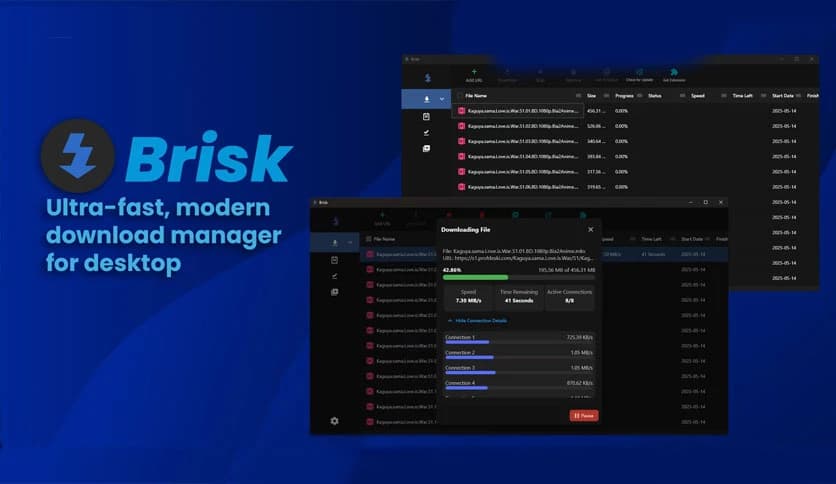
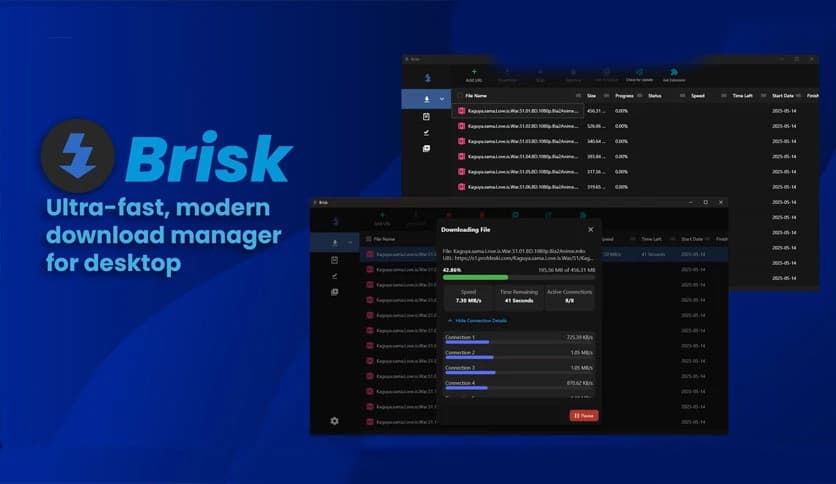
Free Download Brisk for Windows PC. It is a lightweight yet powerful download manager designed to give you maximum speed and smooth control over your downloads.
It is an ultra-fast, modern download manager built for desktop users who want better speed, stability, and control. It comes with a high-performance custom engine and a browser extension that work together to accelerate downloads from start to finish. Whether you download large software files, videos, or multiple items at once, it keeps everything organized and running at peak speed.
Unlike traditional tools that slow down midway, this solution dynamically adjusts connections to maintain consistent performance. It feels like upgrading from a bicycle to a sports car. Everything becomes faster, smoother, and more responsive.
The heart of this software is its custom-built engine. It is carefully designed to deliver maximum download speed throughout the entire process. Instead of using a fixed number of connections, it intelligently adapts as the download progresses.
Think of it like opening more lanes on a highway when traffic increases. When the file size demands more power, the engine adds new connections on the fly. When fewer are needed, it adjusts accordingly. This smart behavior ensures that system resources are used efficiently.
Downloads begin with a single connection. As the file continues to load, the system automatically creates additional connections if required. This method prevents unnecessary overload at the start while still unlocking full speed potential when needed.
Gradually scaling connections helps avoid bandwidth waste and maintain stable performance. You get speed without chaos, power without instability.
Once a connection completes its assigned byte range, it does not sit idle. Instead, it is immediately reassigned to help another active connection. This smart reuse keeps the engine working at full strength.
It is like having a team that instantly moves to assist wherever help is needed. No waiting, no wasted effort. This ensures that downloads remain fast and consistent from start to finish.
Sometimes connections can hang or freeze due to unstable networks. The tool detects such issues automatically and resets those connections without interrupting the entire process.
This automatic recovery system helps maintain speed and reliability. You do not have to manually restart anything. It quietly fixes issues in the background while you continue working.
One standout capability is the ability to capture and download M3U8 video streams directly from the browser. Its browser extension can detect streaming content and save it efficiently.
It even supports soft-subbing during video stream downloads. That means subtitle data can be preserved alongside the video, making it ideal for users who watch international content or educational material.
The included browser extension makes everything effortless. Instead of manually copying and pasting links, download requests are automatically captured and sent directly to the desktop application.
You can also highlight text containing multiple links, and the extension will extract all of them at once. This is extremely useful when downloading files in bulk. It saves time and reduces repetitive work.
The extension can also detect M3U8 streams inside the browser and forward them instantly. It acts like a bridge between your web activity and the desktop manager.
Managing multiple downloads becomes simple with built-in queues and scheduling options. You can organize files into queues and decide when they should start.
For example, you might want heavy downloads to begin at night when internet usage is low. The scheduling feature lets you set specific times for downloads to run automatically.
This makes it ideal for professionals, students, and anyone who wants better control over bandwidth usage.
Adding a new download is even faster with a customizable hotkey. Simply copy a URL to your clipboard and press your chosen shortcut. The tool instantly detects the link and prepares it for download.
This small feature may seem simple, but it dramatically improves workflow. It feels smooth and natural, especially for users who frequently download files throughout the day.
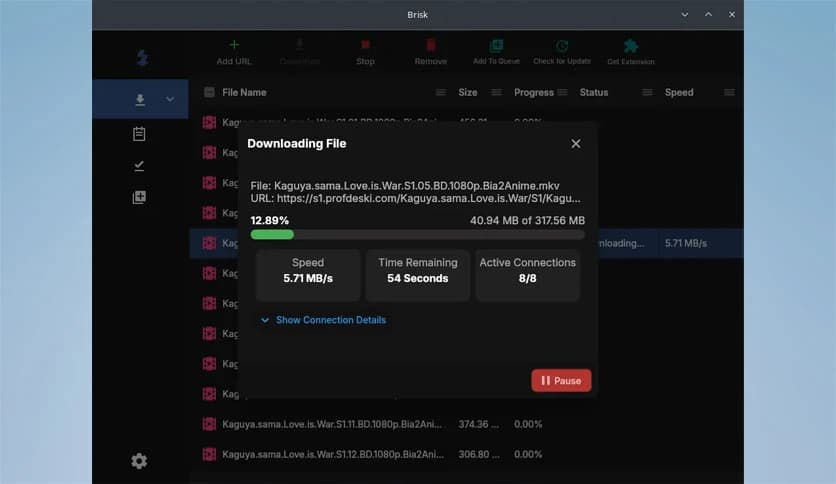
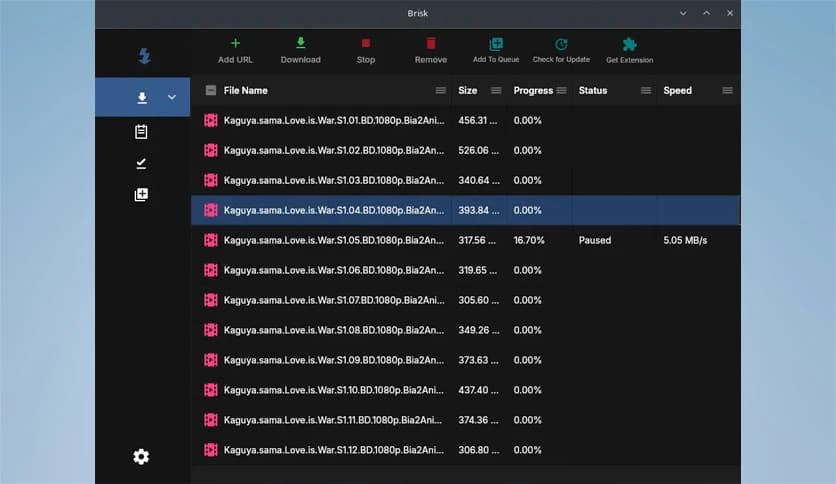
The interface is minimal and easy to understand. You do not need technical knowledge to use it. Everything is clearly organized, from active downloads to completed files.
Buttons are responsive, progress indicators are clear, and status updates are easy to read. It keeps the experience straightforward and stress-free.
The software is optimized for speed without consuming excessive system resources. Even on older machines, it runs smoothly. CPU and memory usage remain balanced, allowing you to multitask comfortably.
This balance between power and efficiency makes it suitable for daily use. You get top performance without slowing down your computer.
Brisk stands out as a fast, modern, and reliable download manager for Windows PC. It combines a smart high-performance engine with seamless browser integration to deliver maximum speed and stability. With features like dynamic connection handling, M3U8 stream downloading, scheduling, and hotkey support, it provides both power and simplicity. If you want smoother downloads, better control, and consistent performance, this solution delivers exactly that.
Leave a comment
Your email address will not be published. Required fields are marked *