BOINC Download (Latest 2026) - FileCR
Free download BOINC 18.0 Latest full version - Create and maintain a science project.
Free download BOINC 18.0 Latest full version - Create and maintain a science project.
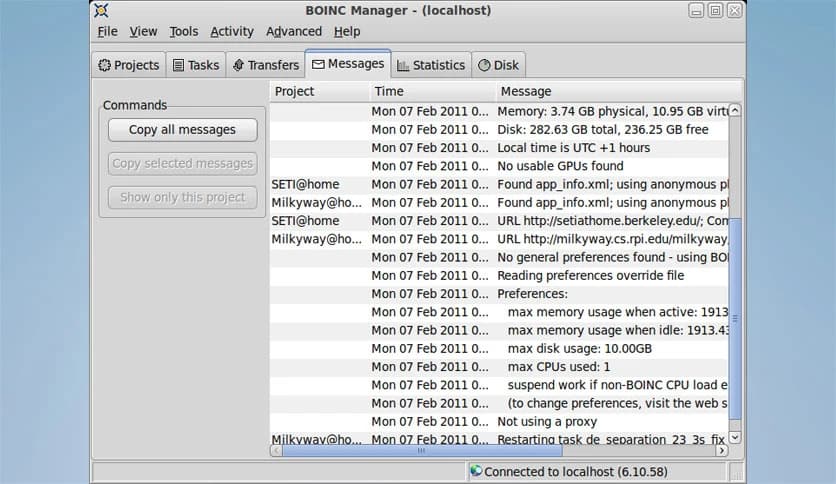
Free Download BOINC for Windows PC. It is a powerful volunteer computing platform that lets you support real scientific research by using your computer’s idle processing power.
This platform is designed to connect your computer to global research projects. Instead of letting your PC sit idle when you are not using it, the software puts that spare power to work. It downloads small scientific tasks, processes them quietly in the background, and sends the results back to researchers. You do not need advanced knowledge or special hardware. If you can install a normal Windows application, you can start helping real-world research.
Think of it like donating a few drops of water into a massive ocean. Alone, your computer might seem small. But when millions of users join together, the combined power becomes stronger than many supercomputers. That is the idea behind volunteer computing, and it makes modern research faster and more affordable.
The tool operates through a simple client application installed on your Windows PC. Once installed, you choose from a list of research projects that interest you. These projects can focus on space exploration, climate modeling, disease research, physics simulations, and more.
After you join a project, the software automatically downloads small computing jobs. These jobs run silently in the background while you browse the web, watch videos, or even leave your computer idle. When a task is complete, it uploads the results and downloads the next one. You stay in full control the entire time.
Scientific research often requires enormous computing power. Building and maintaining supercomputers is expensive. By using distributed systems like this, researchers can tap into millions of everyday computers worldwide.
Imagine solving a giant puzzle. Instead of one person working on it for years, thousands of people each solve a small piece at the same time. The result is faster discovery and lower costs. This approach has helped scientists analyze massive data sets, simulate complex systems, and accelerate breakthroughs that would otherwise take decades.
The software includes many practical features that make it user-friendly and efficient:
These features ensure that you can contribute without slowing down your daily work. You decide how much power to donate, and you can pause or stop tasks at any time.
One of the biggest concerns people have is performance. Nobody wants their computer to feel sluggish. That is why this platform gives you full control over how much CPU and GPU power it uses.
You can set limits such as running only when the computer is idle, using a specific percentage of CPU cores, or pausing while on battery power. It is like having a smart assistant that knows when to step back and when to step in.
Even on older machines, the tool adapts to available resources. If you are gaming or editing videos, it reduces activity. If your PC is sitting idle overnight, it quietly increases productivity.
Security is a priority. The platform runs tasks inside a controlled environment. Projects are reviewed, and tasks are verified before and after processing. Data exchanged between your computer and research servers is encrypted.
You are not giving researchers access to your personal files. The application processes only scientific data packages from approved projects. It behaves like a sealed box, working only with the information it receives for computation.
The range of supported projects is impressive. You can help study the universe, search for pulsars, model climate change, simulate protein folding, or analyze complex mathematical problems. Each project has its own mission and community.
This variety allows you to align your contributions with your personal interests. Love space? Choose astronomy-based research. Passionate about health? Join medical studies. The flexibility keeps participation engaging and meaningful.
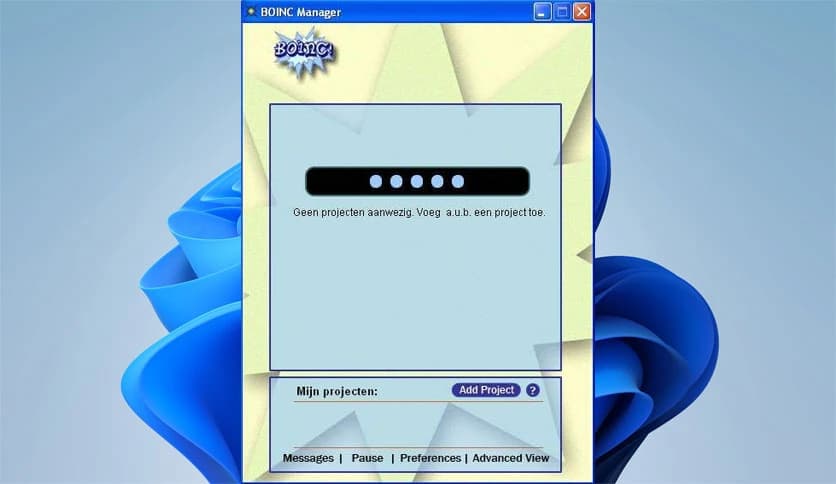
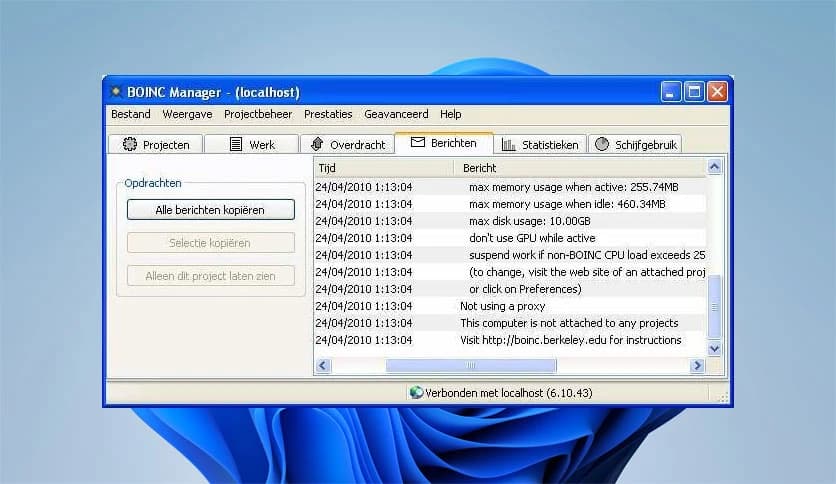
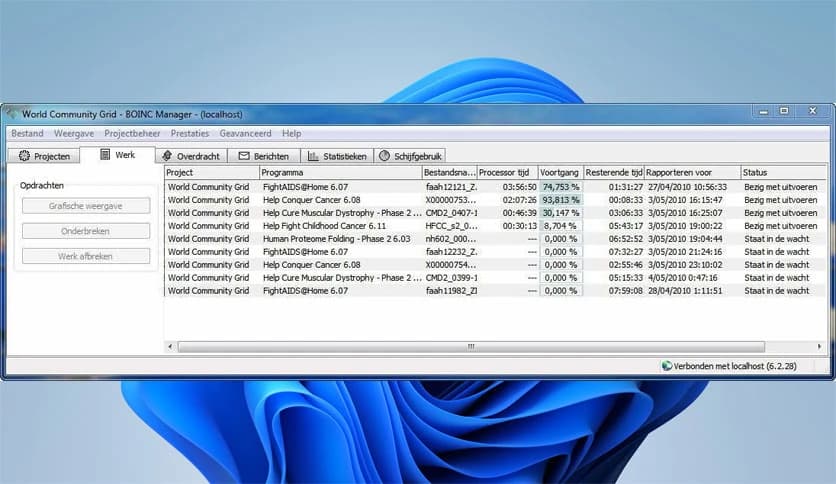
The dashboard is simple and clean. You can view active tasks, track progress, check statistics, and manage project preferences in one place. Even beginners can navigate it easily.
Graphs and activity logs show how much work your system has completed. Some projects even offer community rankings and badges, adding a fun, motivational layer to your contributions.
It feels less like a technical tool and more like being part of a global team working toward real solutions.
The application is designed with energy awareness in mind. You can schedule active hours, avoid peak electricity times, or restrict operations when your PC is on battery. This flexibility ensures that participation remains responsible and cost-effective.
For many users, it runs mainly during sleep hours. You wake up to find your computer has quietly run hours of scientific computation while you slept. It is like planting seeds at night and seeing progress by morning.
There is a strong community behind this platform. Users can join teams, compare contributions, and share achievements. Discussion forums provide updates on research progress and allow direct communication with project scientists.
This social element transforms computing into a shared mission. You are not just running software. You are collaborating with thousands of volunteers worldwide.
BOINC is more than just software. It transforms your personal computer into a small but meaningful part of a global scientific engine. With easy installation, strong security, and flexible performance controls, it makes supporting research simple and safe. Whether you care about space, medicine, climate, or mathematics, it gives you a practical way to contribute. Instead of leaving your system idle, you can turn it into a quiet partner in discovery.
Leave a comment
Your email address will not be published. Required fields are marked *