Bintracker Download (Latest 2026) - FileCR
Free download Bintracker 0.2.0 Latest full version - An advanced, cross-platform chiptune music editor.
Free download Bintracker 0.2.0 Latest full version - An advanced, cross-platform chiptune music editor.
Free Download Bintracker for Windows PC. It is a modern, programmable chiptune music editor designed for creative minds who love low-level sound design and retro-style music creation.
It is a fresh take on chiptune music creation, designed for users who want deep control without being locked into a single system or sound chip. It is currently under active development, with a beta release planned soon. Even in its alpha stage, the software already shows strong potential for musicians, coders, and retro-sound enthusiasts who enjoy experimentation and pushing boundaries.
The tool blends classic tracker workflows with modern ideas. Instead of locking users to a single platform or sound engine, it enables access to multiple systems through a flexible, smart design. This makes it suitable for both learning and serious creative work.
One of the key strengths of this software is its all-in-one design. Instead of juggling multiple tools for different sound chips or platforms, everything is managed in a single environment. Through the MDAL abstraction layer, it supports many music engines across different platforms.
Thanks to its use of MAME as an emulation backend, composing music for a wide range of 8-bit and 16-bit systems becomes much easier. Whether you want classic SID tones, AY sounds, FM synthesis, or even simple beeper audio, it all lives under one roof. This saves time and keeps creativity flowing.
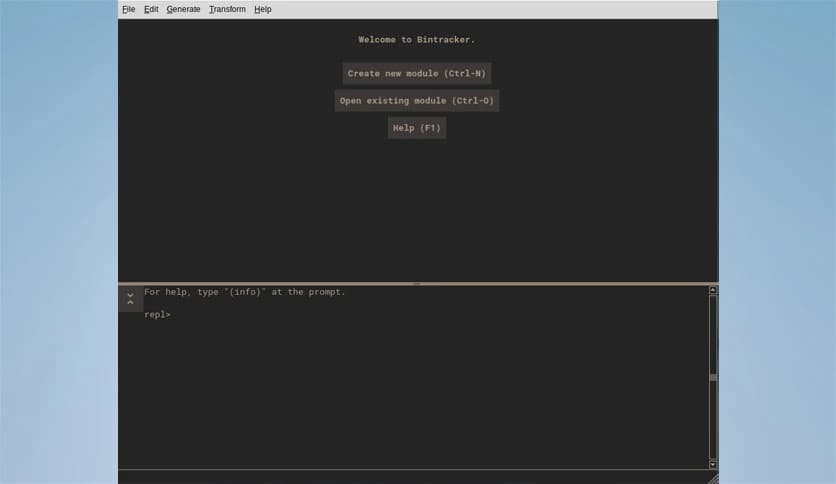
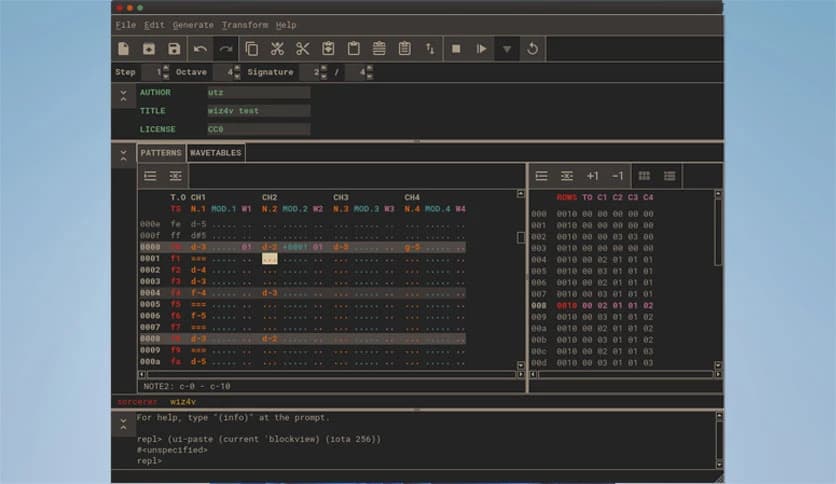
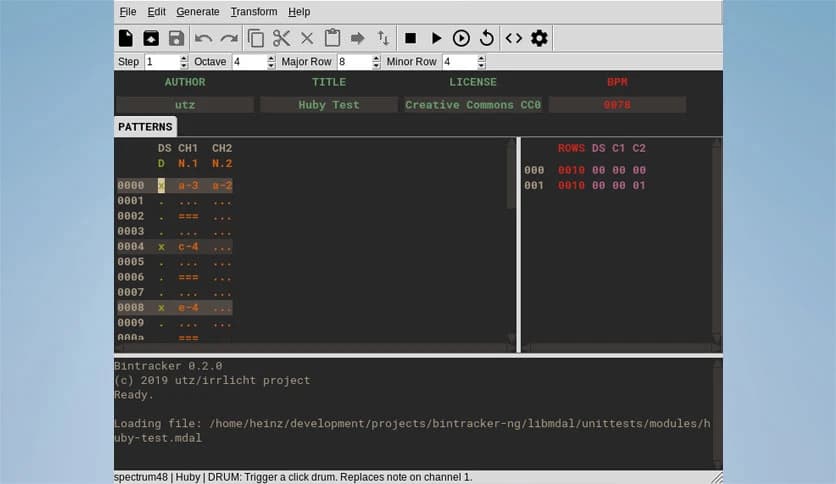
At first glance, the interface appears clean and minimal, reducing distractions. But under the surface, the tool is built to grow. Its plug-in system allows users to add new features as needed, turning a simple setup into a powerful workstation.
Possible extensions include piano roll views, parameter automation, online collaboration tools, or even algorithmic composition features. This means you start simple and expand only when required, like adding new instruments to a studio as your skills grow.
Everyone works differently, and this software understands that well. Its configuration system lets you customize almost every part of the experience. Colors, fonts, widget styles, and themes can all be adjusted to match your taste.
Keybindings can be changed to fit your muscle memory, and number formats can be tuned for clarity. This level of control helps you feel at home quickly, which is important when working on long music sessions or detailed sound experiments.
What truly sets this tool apart is its programmable nature. It is written in Scheme using the CHICKEN Scheme implementation. This means the full power of the language is available while the program is running.
In simple terms, you can customize and extend the software from within itself. You are not just using a music editor, you are shaping it. This is like being able to redesign your instrument while playing it, which opens doors to creative workflows rarely seen in music tools.
This software is especially attractive to adventurous users. Since the source code and Windows builds are already available, curious minds can explore how things work under the hood. It is a great playground for learning about sound synthesis, trackers, and music programming.
Even if you are new to chiptune music, the clean layout and logical structure make it easier to understand patterns and sound behavior. Over time, simple experiments can turn into complex compositions.
Being in the alpha stage means change happens quickly. New ideas are regularly tested, refined, and improved. Early users can help shape the tool's direction by sharing feedback and creative use cases.
This stage also creates a strong sense of community. Users are not just consumers; they become part of the journey. Watching a tool grow while contributing ideas can be very rewarding.
Bintracker is a bold, flexible chiptune music editor that blends retro sound creation with modern programmability. It offers freedom, customization, and depth without overwhelming the user. For musicians who enjoy control, experimentation, and creative coding, it feels less like a tool and more like a living instrument that grows with you.
Leave a comment
Your email address will not be published. Required fields are marked *