WinFsp Download (Latest 2026) - FileCR
Free download WinFsp 2.1 Latest full version - Create virtual drives and manage files smarter.
Free download WinFsp 2.1 Latest full version - Create virtual drives and manage files smarter.
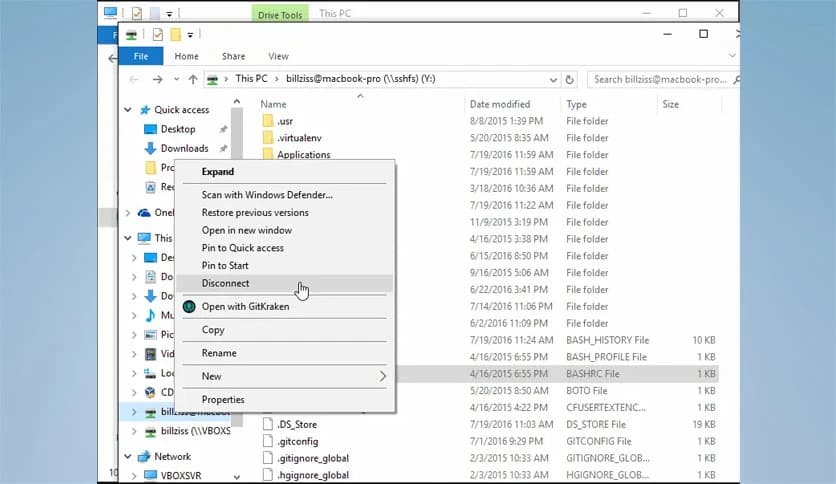
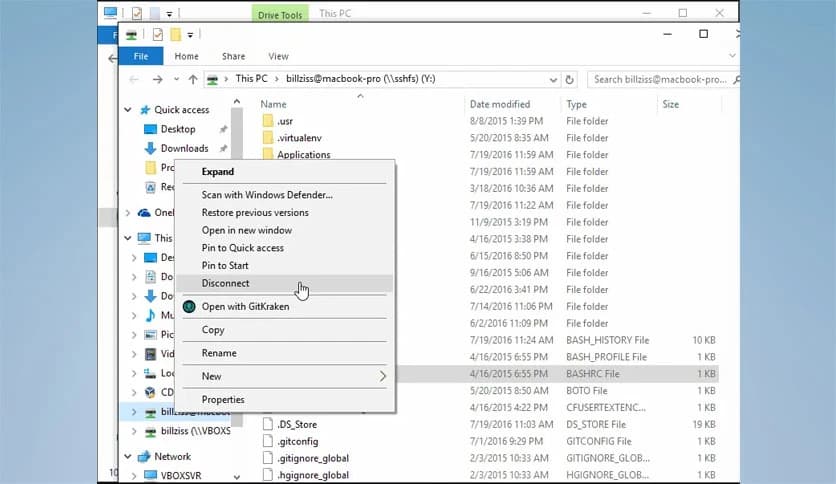
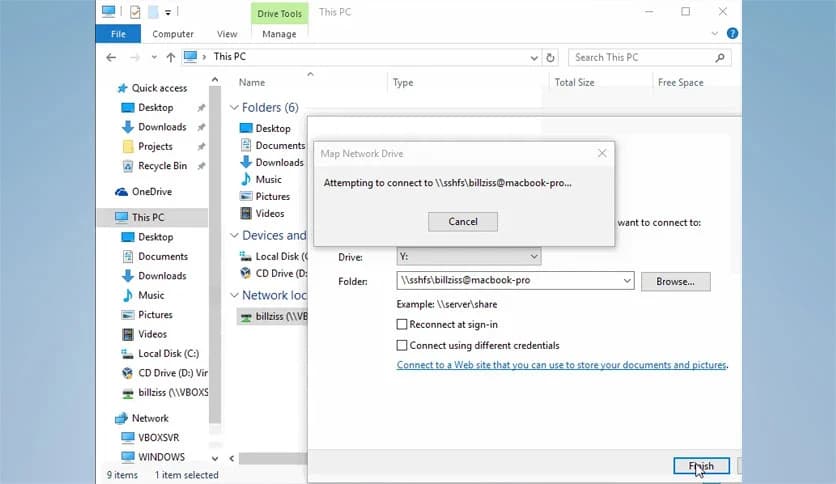
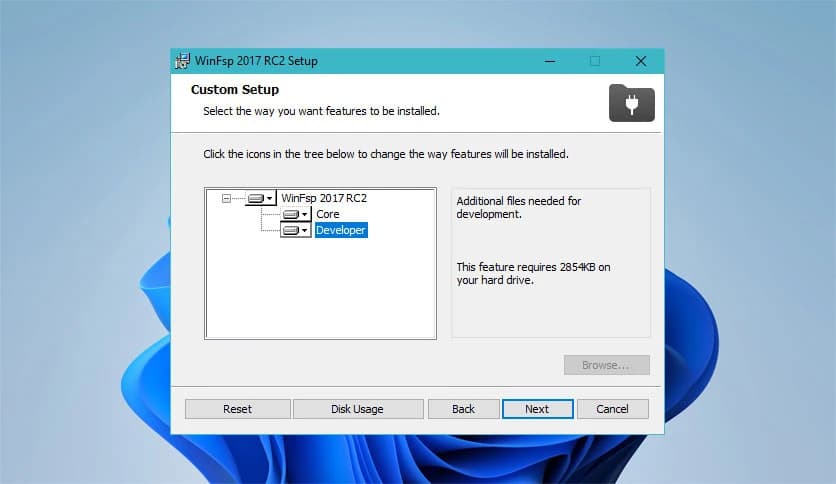
Free Download Bill Zissimopoulos WinFsp for Windows PC. It is a powerful platform that allows developers to create custom file systems in user mode on Windows.
It is a smart platform that helps developers build and run custom file systems on Windows computers. Think of it as a bridge that connects different storage or information types to the Windows file system. Instead of being limited to traditional drives or folders, developers can expose almost any data source as a normal file system.
The idea behind this technology is similar to FUSE, a well-known system used on UNIX-like platforms. It brings the same flexibility to Windows, allowing file systems to operate in user mode instead of kernel mode. This design makes development easier, safer, and more accessible.
The platform provides both development tools and runtime support. Developers can create virtual file systems that interact with data stored in different places, such as network services, cloud storage, or databases. Once implemented, the system behaves like any normal Windows drive, meaning any Windows application can access it using standard file operations.
Traditionally, file systems run in kernel mode, which is the core part of the operating system. While this provides high performance, it also makes development complex and risky. Even a small mistake can cause system crashes or instability.
This technology changes the game by allowing file systems to run in user mode. Imagine working on a machine where you can test and build new ideas without touching the engine itself. That is exactly what user-mode development provides.
Developers can design and experiment with file system logic without worrying about breaking the operating system. It simplifies debugging, testing, and updating. If something goes wrong, the process can simply restart rather than affecting the entire system.
The platform works as a development environment for creating virtual file systems. Developers can build systems that present data in new and creative ways. For example, a cloud storage service can appear as a local drive on a computer.
This approach gives programmers incredible flexibility. Instead of forcing applications to connect directly to remote servers or APIs, data can be accessed through familiar file operations, such as opening folders or copying files.
It also reduces complexity for applications. Since everything behaves like a regular file system, software can interact with it without needing special integrations or custom code.
The system provides a framework that allows developers to define how files and directories behave. It acts like a translator between the Windows operating system and the custom file system logic written by developers.
When an application tries to read or write a file, the request is passed through the framework. The framework then sends the request to the custom file system implementation running in user mode. That implementation decides how to respond.
For example, if the file system represents cloud storage, the request may be sent to an online service. The response then travels back through the framework and appears to the application as a normal file operation.
This process happens quickly and seamlessly. From the user's perspective, it feels like working with a normal folder or drive.
The platform offers many advantages for developers who want to create advanced storage solutions. One of the biggest benefits is safety. Since everything runs in user mode, development becomes far less risky.
Another advantage is flexibility. Developers can design file systems that connect to almost any data source. Databases, remote servers, encrypted storage, or cloud services can all appear as normal folders.
Debugging is also much easier. Traditional kernel development often requires special tools and system restarts. With user mode systems, developers can test changes quickly and fix issues without disrupting the operating system.
This efficiency saves time and makes innovation easier.
Many modern applications rely on virtual file systems. For example, cloud storage services often mount remote data as local drives. This allows users to browse files just like they would with a regular folder.
Developers also use the platform to build secure storage solutions. Encrypted file systems can protect sensitive information while still providing easy access to authorized users.
Another common use case involves network storage. Data stored on remote servers can appear locally, making collaboration and data sharing more convenient.
Even complex systems like version control or backup tools can use virtual file systems to present information in a clear and organized way.
One of the strongest features of this platform is its seamless integration with Windows applications. Since the virtual file system behaves like a normal one, almost any program can interact with it without modification.
This means applications can open, read, and write files using standard Windows file APIs. From the software's perspective, there is no difference between a real disk and a virtual one.
This compatibility makes it easy to adopt the technology in many projects. Developers do not need to redesign existing applications. Instead, the virtual file system works quietly in the background.
The result is a smooth experience for both developers and users.
Even though it runs in user mode, the platform is designed to deliver reliable performance. The framework efficiently handles communication between the operating system and the custom file system.
Many applications require fast file access, and the platform can support those needs. Developers can optimize their implementations to improve speed and responsiveness.
Reliability is another strong point. Since the system runs outside the kernel, errors do not crash the operating system. Instead, they remain isolated within the user-mode process.
This design greatly improves system stability and makes maintenance easier.
WinFsp provides a powerful and flexible platform for building custom file systems on Windows computers. By allowing file systems to run in user mode, it simplifies development while improving safety and stability. Developers can present almost any type of information as a normal file system, making data easier to access and manage. Whether working with cloud storage, encrypted drives, or remote services, this platform opens the door to creative storage solutions while maintaining full compatibility with standard Windows applications.
Leave a comment
Your email address will not be published. Required fields are marked *