Armory 3D Download (Latest 2026) - FileCR
Free download Armory 3D 25.09 Latest full version - Powerful open-source 3D engine for creators.
Free download Armory 3D 25.09 Latest full version - Powerful open-source 3D engine for creators.
Free Download Armory 3D for Windows PC. It is an open-source 3D game engine designed for high performance, compact size, and seamless integration with Blender.
It is designed for developers who want power without complexity. It focuses on portability, enabling your projects to run across multiple platforms with ease. The engine keeps a minimal footprint, so it does not overload your system with unnecessary files or heavy processes. At the same time, it delivers impressive performance that feels smooth and responsive.
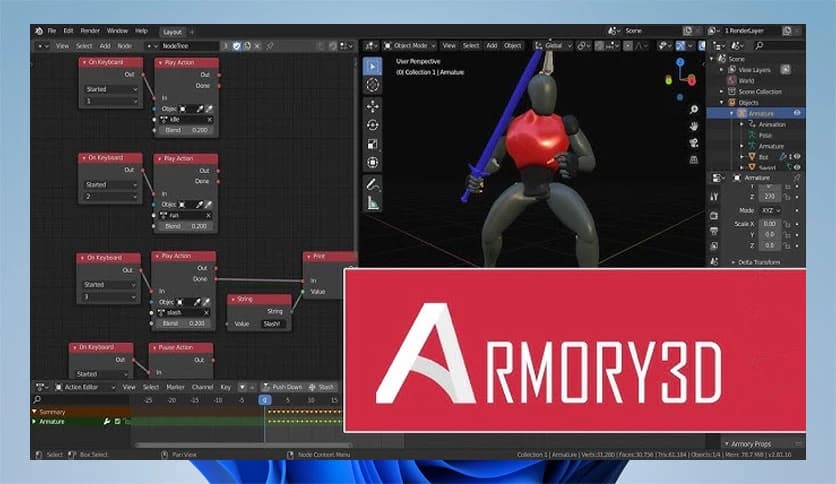
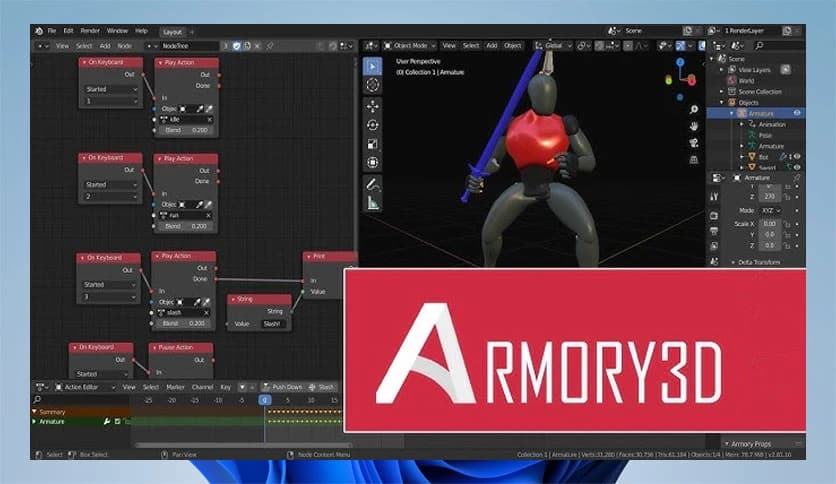
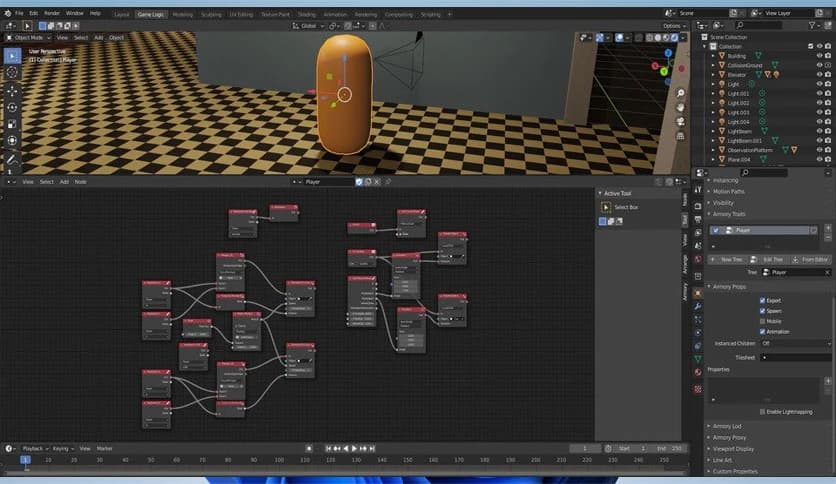
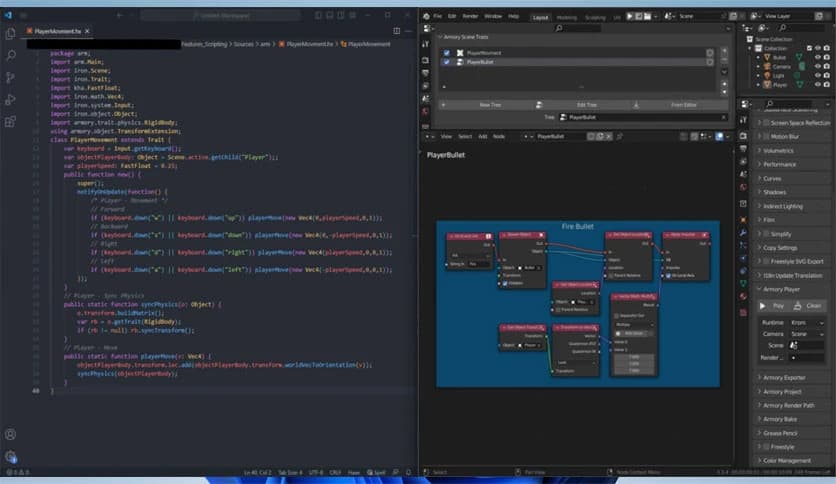
What makes it special is its tight integration with Blender. Instead of jumping between different programs, you can build, design, animate, and export your game all from one place. Think of it as turning Blender into a full game studio right on your desktop. This unified workflow saves time and preserves your creative flow.
One of the tool's strongest points is that it runs directly within Blender as an add-on. You do not need to learn a completely new environment. If you already know Blender, you are halfway there. The engine transforms Blender into a complete game development platform.
You can model characters, design levels, set up animations, and instantly test your game without switching windows. This smooth workflow feels natural. It is like having all your tools neatly organized in one toolbox instead of scattered across the room.
The renderer is fully scriptable and supports both deferred and forward rendering paths out of the box. This gives developers flexibility. Whether you are building a simple indie game or a visually rich 3D experience, the engine adapts to your needs.
Deferred rendering handles complex lighting with multiple light sources, while forward rendering is well-suited to simpler or mobile-friendly scenes. You get the freedom to choose what works best for your project. Performance stays sharp, even when scenes become more detailed.
The engine allows deep customization through scripting. Developers can control rendering, logic, and behaviors using its scripting system. This makes it ideal for those who like to fine-tune every detail.
Instead of being locked into fixed rules, you can shape the engine to match your vision. It feels like building your own custom machine rather than using a factory-made device with a limited number of buttons.
Creating user interfaces in games can be time-consuming, but this software simplifies the process. It includes its own UI library and editor, enabling you to design menus, buttons, and overlays directly within your project.
You can create clean main menus, health bars, inventory screens, and other interactive elements without relying on external tools. The process feels direct and efficient. Everything stays within your workflow, which keeps development smooth and organized.
Physics plays a big role in modern games. The engine uses Bullet for both rigid- and soft-body simulations. This means objects can collide realistically, bounce naturally, and even deform when needed.
It can also be configured to use the Oimo physics engine if preferred. This flexibility gives developers more control over how physics behave in their games. Whether you are simulating falling crates or soft fabric movement, the system handles it reliably.
Visual effects bring a game world to life. The software supports both emitter and hair particle systems. These systems can create smoke, fire, sparks, rain, grass fields, or even dense forests.
Under the hood, GPU instancing is used to achieve strong performance. This means you can display large numbers of objects, like trees or particles, without slowing down your game. It is like planting thousands of virtual trees while keeping everything running smoothly.
Portability is one of its core goals. The engine is built to deploy projects across different platforms with minimal hassle. Developers can focus on creativity rather than fighting compatibility issues.
Its small footprint also makes it appealing. It does not demand massive storage space or excessive resources. This makes it ideal for both beginners and experienced developers seeking a clean, efficient development environment.
Being open-source means the engine is transparent and community-driven. Developers can inspect the code, modify it, and contribute improvements. This fosters a collaborative environment in which the tool evolves over time.
You are not tied to hidden systems or locked features. Instead, you become part of an ecosystem that grows through shared knowledge and innovation.
Armory 3D is a powerful yet lightweight game engine that transforms Blender into a complete development studio. It combines performance, flexibility, physics support, and advanced rendering in a compact package. Whether you are building your first indie game or experimenting with advanced 3D mechanics, it provides the tools you need without overwhelming you. Its open-source nature, portable design, and smooth workflow make it a smart choice for modern developers.
Leave a comment
Your email address will not be published. Required fields are marked *