AppControl Download (Latest 2026) - FileCR
Free download AppControl Latest full version - A historical Task Manager for Windows PCs.
Free download AppControl Latest full version - A historical Task Manager for Windows PCs.
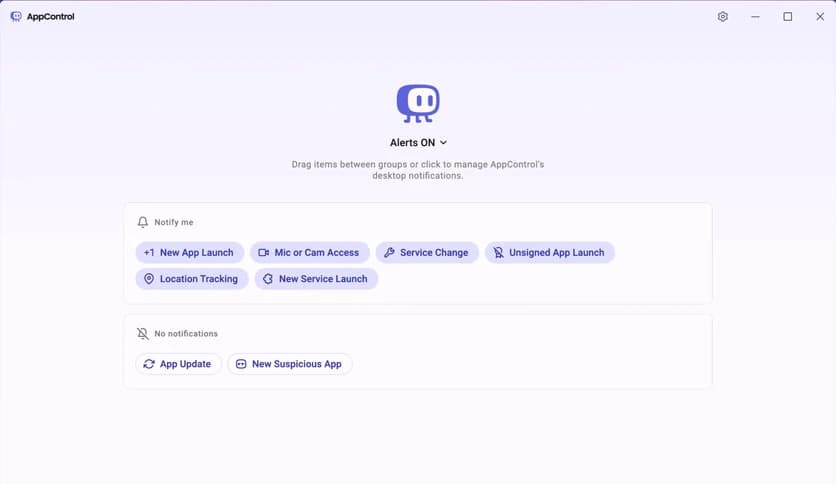
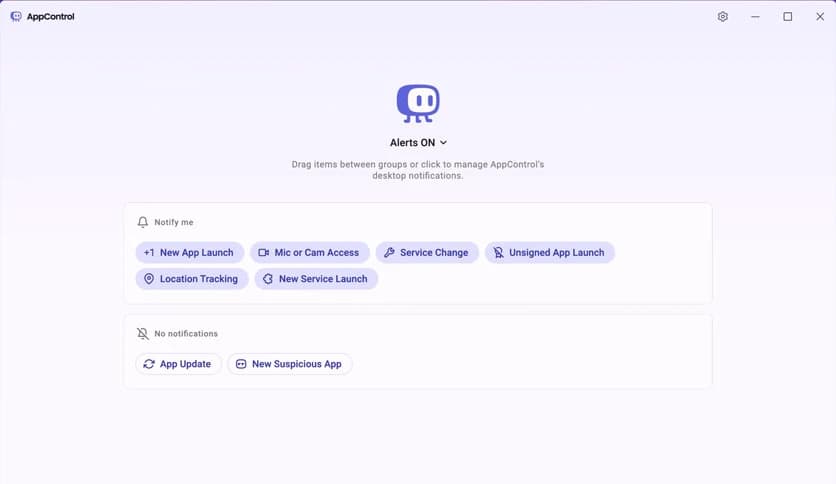
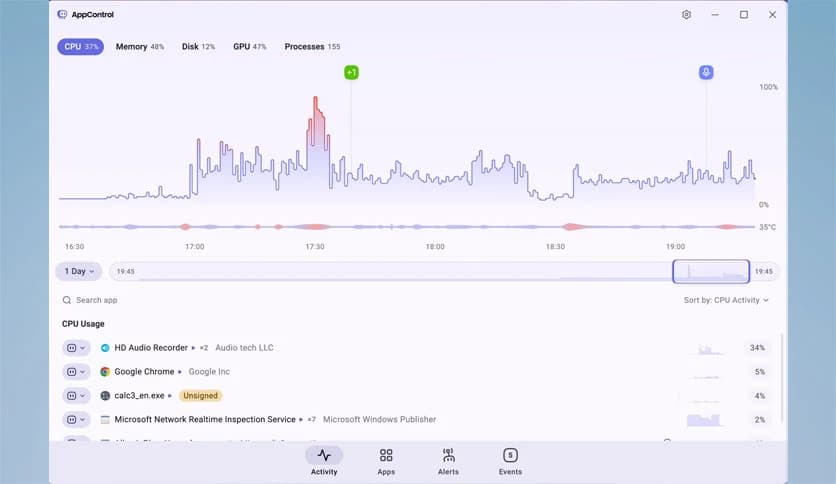
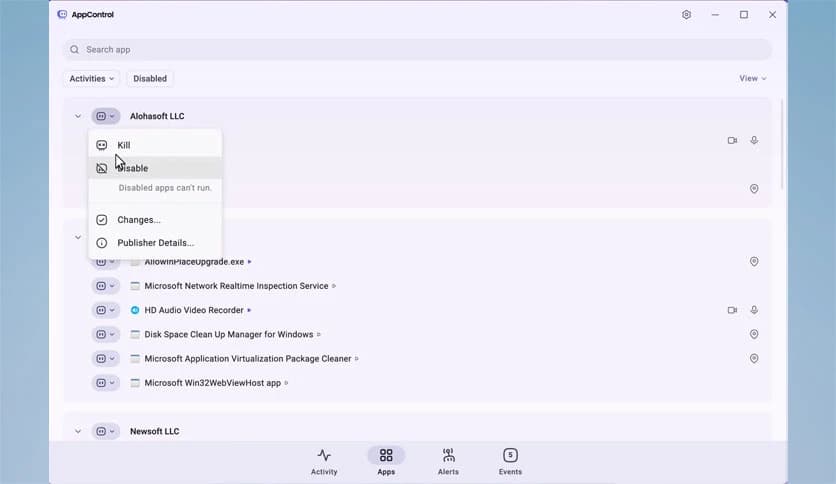
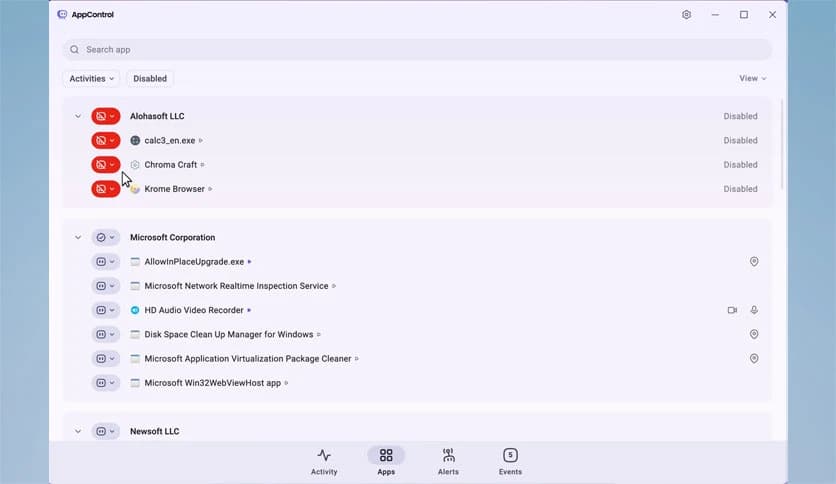
Free Download AppControl for Windows PC. It is a smart historical system monitoring tool that helps users track resource usage, control unwanted apps, and identify hidden activity that affects performance, privacy, and security.
It works like a time machine for your computer. Instead of showing only what is happening now, it lets you look back through days of system activity. This makes it easy to understand what really slowed down your PC, drained memory, or pushed your graphics card to the limit. Everything is presented clearly, so you do not need to be a technical expert to understand the data.
The software records detailed system activity over time and stores it in an easy-to-review timeline. You can scroll back and see exactly when CPU usage spiked, which process consumed most of your RAM, or when GPU usage suddenly jumped. This feels like checking your browser history, but instead of websites, you are reviewing your computer’s behavior.
This long-term view is extremely useful for spotting patterns. If your system slows down every afternoon or struggles after installing a new app, the tool helps you pinpoint the cause rather than guess.
Rather than dumping raw numbers on the screen, it organizes data in a human-friendly way. You can quickly identify which applications were resource-intensive and how long they remained active. This clarity helps you decide whether to keep or remove an app.
Think of it like a fitness tracker for your PC. You can see which apps are healthy and which ones are constantly pushing your system too hard.
One of the standout strengths is its focus on privacy awareness. The tool shows which apps accessed your webcam, microphone, or location. Many users are surprised to learn how often certain programs request sensitive access in the background.
Having this information in one place makes it easier to stay in control. You can spot unusual behavior early and take action before it becomes a real concern.
Sometimes apps are installed in a system without clear permission, often bundled with other software. This solution highlights those hidden installs so nothing goes unnoticed. It functions as a security camera, monitoring the doors and windows of your operating system.
By exposing these silent additions, it helps keep your system clean and prevents unwanted programs from quietly running in the background.
Beyond monitoring, it gives you practical control. You can identify problematic applications and manage them effectively. Whether an app is consuming too many resources or behaving suspiciously, the software helps you take informed action.
This balance between visibility and control makes everyday system management far less stressful and much more precise.
The creators built this tool for their own use first, which shows in the design. It focuses on real-world problems such as slowdowns, privacy concerns, and unexplained behavior. The interface stays clean and approachable, avoiding unnecessary clutter.
It feels less like a technical utility and more like a helpful assistant that quietly monitors your system.
By understanding how resources are used over time, users can optimize performance without trial and error. Removing or limiting heavy apps often leads to faster startup times and smoother daily use.
At the same time, better visibility into background activity strengthens security. Knowing what runs on your PC gives you confidence that nothing harmful is hiding in plain sight.
Beginners appreciate the clear explanations and simple layout, while advanced users enjoy the depth of historical data. It bridges the gap between basic task managers and complex diagnostic tools.
No matter your skill level, it provides insights that are both understandable and actionable.
AppControl is a practical way to understand and manage what truly happens on your PC. By combining historical monitoring, privacy awareness, and simple controls, it turns hidden system behavior into clear, useful insight. For users who care about performance, security, and peace of mind, it offers a reliable companion that keeps the system honest and efficient.
Leave a comment
Your email address will not be published. Required fields are marked *