AOMEI Partition Assistant 10.9.2 + WinPE

AOMEI Partition Assistant 10.9.2 + WinPE Free Downlaod - FileCR

Free Download AOMEI Partition Assistant 10.9.2 + WinPE Full Version - Editions: Professional, Technician, Unlimited, Server.
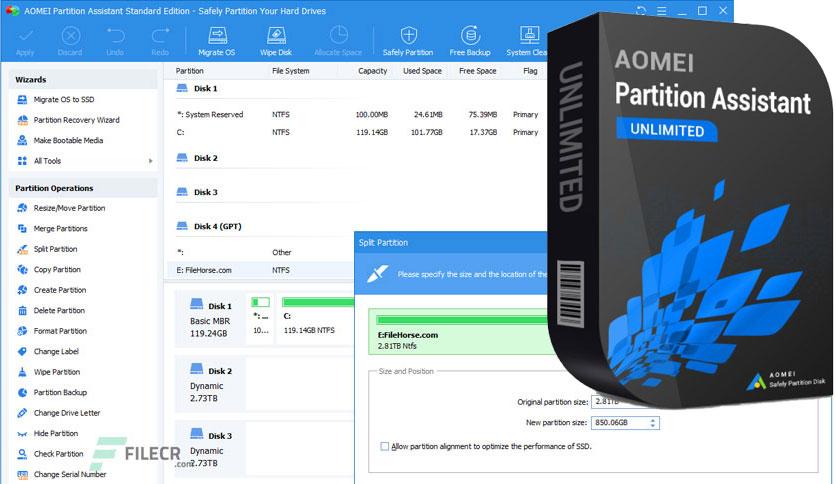
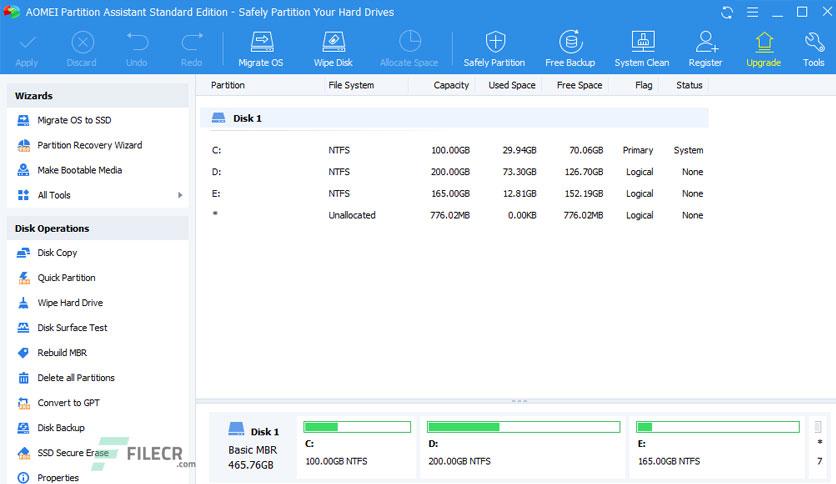
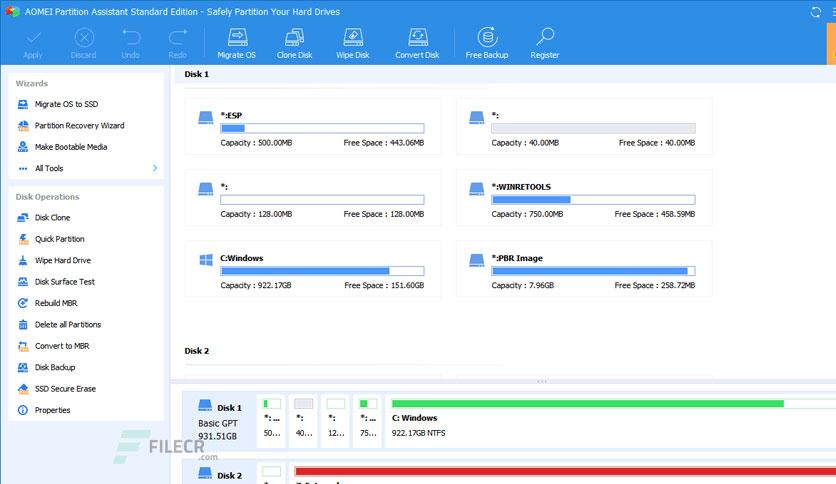
Screenshot
Screenshot
Screenshot
Screenshot

Free Download AOMEI Partition Assistant Professional / Technician / Unlimited / Server WinPE ISO for Windows PC. It is a comprehensive Disk Management Tool & Partition Manager for home, professional, and enterprise users.

Overview of AOMEI Partition Assistant

AOMEI Partition Assistant is designed for IT professionals, system administrators, technicians, and consultants to generate new revenue by providing paid technical services to their clients. It is a valuable and independent hard disk partition management toolkit. Also, it is available for internal use to manage large, distributed groups of PCs and servers across multiple locations.

The Technician Edition includes all features of AOMEI Partition Assistant and enjoys lifetime free upgrades to every latest version. A single technician can use a single license to register the program on unlimited company machines and individual PCs.

Specifically designed for larger enterprise environments, the Unlimited Edition provides an all-in-one disk partitioning solution and flexible, complex disk management. It includes all features of this program and grants you the right to install it on all company-owned computers, regardless of location.

The Pro version has more features than the Standard Edition. It is designed for PC, workstation, commercial, and advanced users who are willing to pay for an excellent product.

Features of AOMEI Partition Assistant

  • Resize and move partitions without data loss.
  • Merge adjacent partitions into one.
  • Merge unallocated space into a partition.
  • Split one big partition into two or more.
  • Allocate free space from one partition to another.
  • Copy (Clone) the partition to the new hard drive.
  • Align the partition to improve disk performance and lifespan.
  • Change the partition type ID and change the serial number.
  • Linux partition management: create, delete, format, wipe, copy, recover Ext2/Ext3 partition, etc.
  • Create more partitions even without unallocated space.
  • Easily delete, format, and wipe partitions.
  • Convert a primary to a logical partition, and vice versa.
  • Convert the FAT partition to NTFS.
  • Change the partition label and drive letter.
  • Hide and check the partition, wipe the unallocated space.
  • Set active partition and view partition properties.

Supported Technologies

  • Improved algorithm to ensure a faster, safer process for moving partitions.
  • Enhanced data protection technologies to keep data safe.
  • The flexible, adjustable drag-and-drop interface makes the complicated simple.
  • Preview any partitioning tasks before applying them to the hard disk.
  • Provide the option to shut down the computer after completing all operations.
  • Support all hardware RAID configurations, including 0, 1, 5, 10, etc.
  • Support virtual disk partition in VMware, VirtualBox, and Virtual PC.
  • Support most HDD standards, such as IDE, SCSI, SATA, SAS, SSD, USB 1.0/2.0, IEEE 1394 (FireWire)
  • Support removable devices, such as USB flash drives (New!), memory cards, memory sticks, and so on.
  • Support file systems, including FAT, FAT32, and NTFS.
  • New! Support MBR disk and GPT disk up to 4TB.
  • Support up to 32 disks in one system.

Previous version

date
Additional info
downloads
File Name:AOMEI Partition Assistant 10.9.1 Multilingual + WinPE
Version:10.9.1
File Name:AOMEI Partition Assistant 10.9 Multilingual
Version:10.9
File Name:AOMEI Partition Assistant 10.8.2 Multilingual
Version:10.8.2
File Name:AOMEI Partition Assistant 10.8.1 Multilingual
Version:10.8.1
File Name:AOMEI Partition Assistant 9.14 Multilingual
Version:9.14
File Name:AOMEI Partition Assistant 9.13.1 Multilingual
Version:9.13.1
File Name:AOMEI Partition Assistant 9.13 Multilingual
Version:9.13

Comments

Leave a comment

Your email address will not be published. Required fields are marked *