AngelBossKey Download (Latest 2026) - FileCR
Free download AngelBossKey 25.0.0.1 Latest full version - Instantly hide applications with custom hotkeys.
Free download AngelBossKey 25.0.0.1 Latest full version - Instantly hide applications with custom hotkeys.
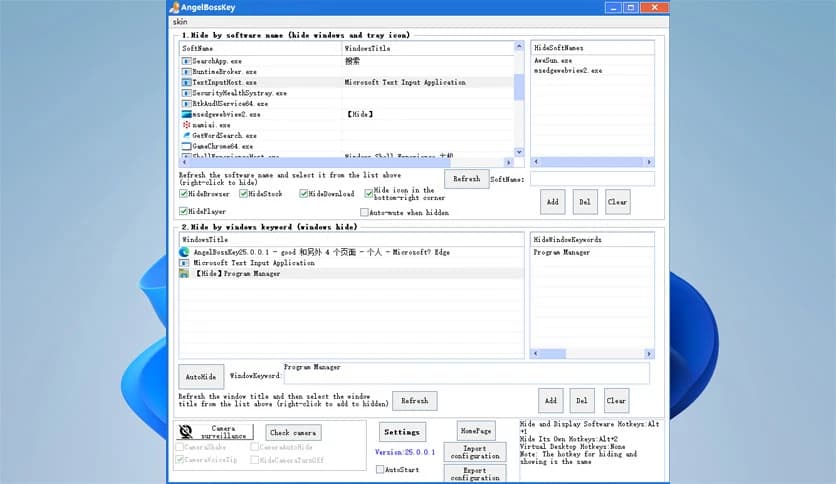
Free Download AngelBossKey for Windows PC. It is a lightweight privacy-focused utility that lets you instantly hide active applications with a single hotkey, keeping your screen clean and your work private.
This utility is designed for people who need quick control over what appears on their screen. Think of it like pulling a curtain over your desktop whenever you need discretion. With a single shortcut, visible windows vanish instantly and return just as quickly. The focus is speed, stability, and zero disruption, making it ideal for office environments, shared spaces, or remote work setups.
It lets you hide open windows with a hotkey of your choice. One press makes everything disappear, another brings it all back exactly as it was. There is no lag, no reload, and no broken layouts. This feels like flipping a light switch, fast, predictable, and reliable when seconds matter.
The software operates at a deeper system level, so actions remain smooth even when heavy applications are running. Games, editors, browsers, and work tools remain stable in the background. This approach avoids conflicts with other programs and maintains steady system performance.
Instead of forcing a one-size-fits-all method, it lets you choose what to hide and how. Windows can disappear based on their title, the process name, or the application type. This makes it easy to hide only what you want while keeping essential tools visible.
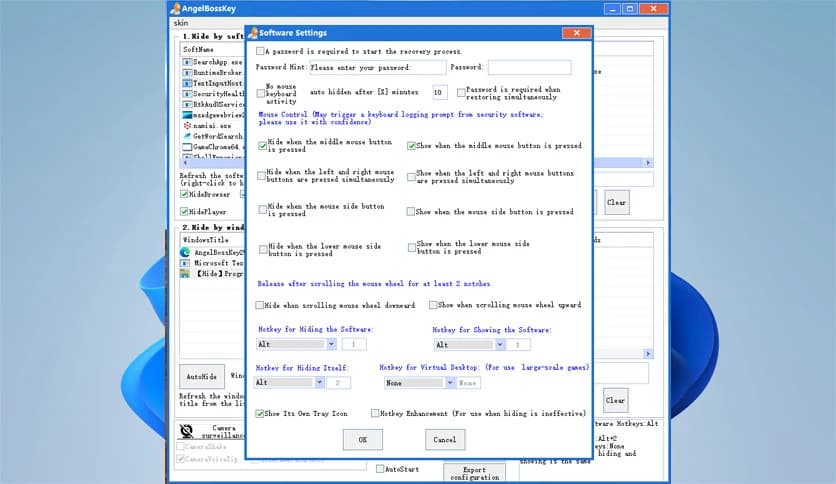
Large full-screen programs like games or media players can be tricky to manage. The built-in virtual desktop option handles these smoothly by instantly moving them out of sight. It feels like sliding a heavy object into another room rather than trying to squeeze it into a corner.
Sound can give away more than visuals. When windows are hidden, audio can be muted automatically. This ensures silence during sensitive moments, helping you avoid awkward situations caused by sudden sounds or background noise.
For users who care deeply about privacy, optional camera monitoring adds another layer of protection. If camera activity is detected, alerts can trigger with voice warnings or subtle window shaking. It works like a watchful guard, quietly notifying you when attention is needed.
Every workflow is different, so hotkeys are fully customizable. You can choose combinations that feel natural and avoid conflicts with other shortcuts. Once set, muscle memory takes over, and control becomes effortless.
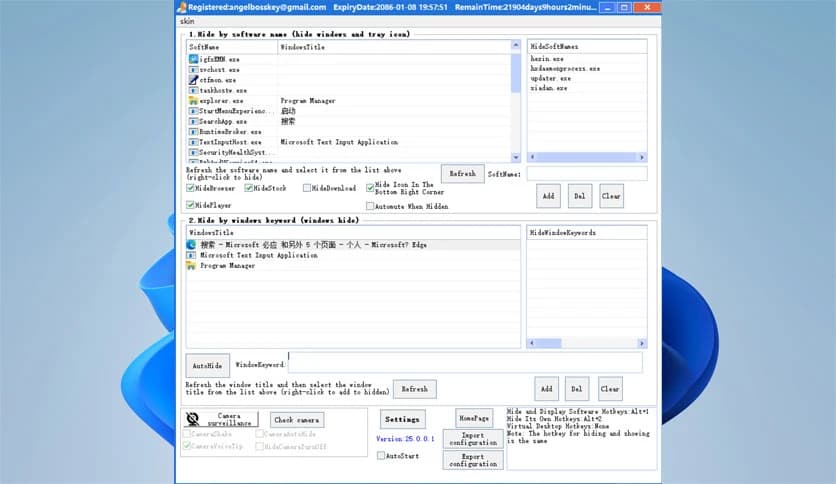
The interface stays simple and clean. There are no confusing menus or unnecessary options. Everything is placed where you expect it, making setup quick, even for first-time users. It runs quietly in the background without slowing down daily tasks.
This tool fits many scenarios. Office workers can protect sensitive data, students can keep focus during presentations, and remote workers can maintain professionalism during calls. It adapts easily, like a multitool for screen privacy.
AngelBossKey stands out as a fast and reliable solution for instant screen privacy. It combines deep system stability with simple controls, making everyday protection feel natural rather than forced. Whether at work or at home, it delivers peace of mind with a single keystroke.
Leave a comment
Your email address will not be published. Required fields are marked *