Akaunting Download (Latest 2026) - FileCR
Free download Akaunting 3.1.21 Latest full version - Accounting software for small businesses and freelancers.
Free download Akaunting 3.1.21 Latest full version - Accounting software for small businesses and freelancers.
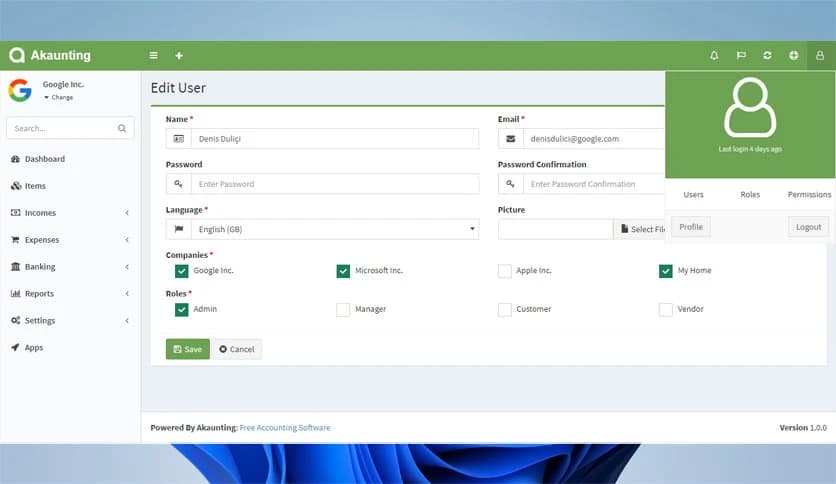
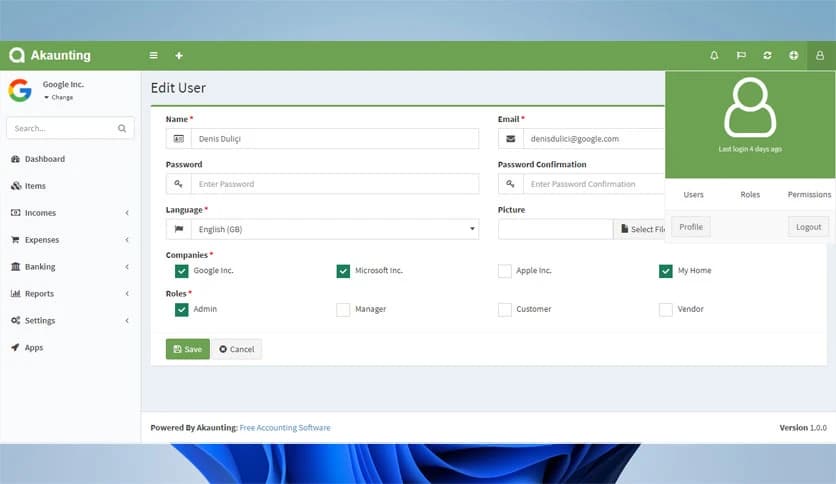
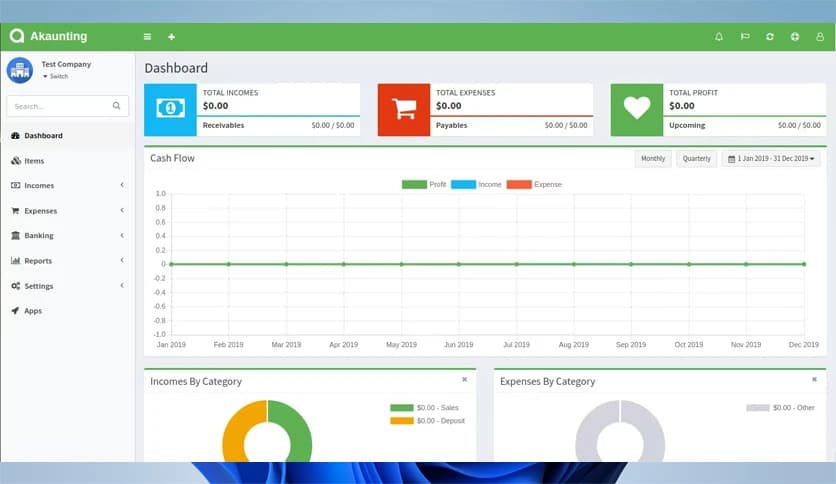
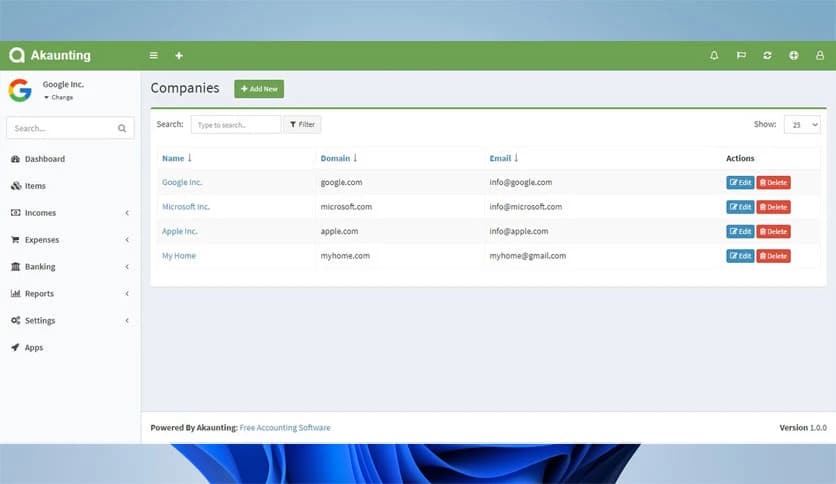
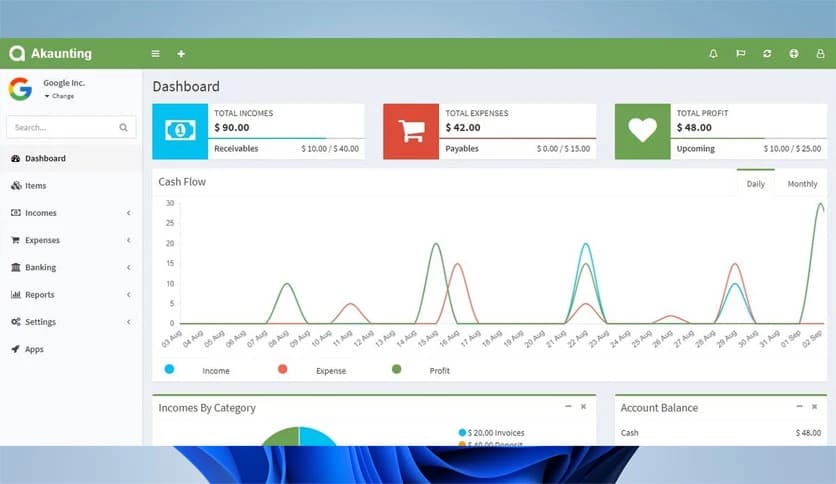
Free Download Akaunting for Windows PC. It is a free, open-source online accounting software designed to help small businesses and freelancers manage their finances with ease.
Running a business without proper financial tracking is like driving a car without a dashboard. You might move forward, but you have no idea how fast you are going or when you will run out of fuel. This software works as that dashboard for your money. It gives you a clear picture of your income, expenses, invoices, and overall financial health in one simple place.
Built specifically for small businesses, startups, and freelancers, it offers a clean, user-friendly interface. You do not need to be an accounting expert to use it. Even if numbers usually confuse you, the layout makes everything feel simple and organized. Since it is open source, users can customize and extend it to meet their needs.
Because it works online, you can access your financial data anytime and from anywhere. Whether you are at your office desk or working remotely, your accounting system is always just a login away. It helps you stay in control of your finances without spending money on expensive accounting tools.
What makes this tool stand out is its wide range of features packed into one free platform. It covers almost every financial task a small business needs.
Creating invoices should not feel like solving a math puzzle. With this system, it feels more like filling out a simple form. You enter client details, add items or services, set the price, and you are done. The layout looks clean and professional, which builds trust with your clients.
You can also set recurring invoices for regular clients. This means you do not have to recreate the same invoice every month. It saves time and reduces mistakes. Automated reminders help ensure that you get paid on time without awkward follow-up emails.
Keeping track of expenses is like plugging tiny leaks in a water tank. If you ignore them, your profits slowly disappear. The tool helps you record every expense so nothing slips through the cracks.
You can assign categories to expenses, making it easier to see where most of your money goes. Are you spending too much on marketing? Or maybe subscriptions? The clear breakdown helps you adjust your budget wisely.
At the same time, tracking income becomes straightforward. You can see trends over weeks or months. This gives you a better understanding of seasonal patterns and business growth.
One of this platform's biggest strengths is its open-source nature. This means developers can modify and improve it. If you have specific business needs, you or your developer can customize features.
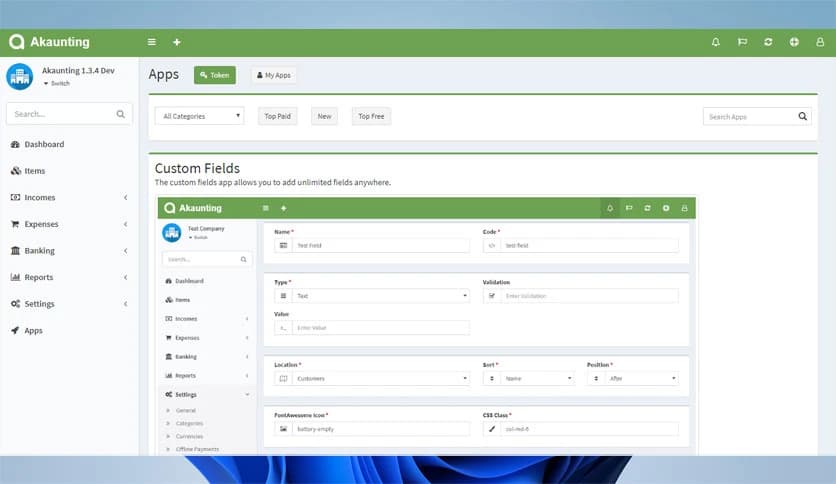
There are also additional apps and extensions available. These allow you to expand functionality, such as adding payment gateways or advanced reporting tools. It grows with your business instead of limiting it.
Since it works online, you do not need to install heavy software on your computer. Think of it as your financial office stored safely in the cloud. You just log in and start working.
This also means automatic updates. You do not have to worry about manually updating versions or losing data. Everything stays up to date and secure. It is especially helpful for freelancers who work from different locations.
Accounting tools sometimes feel cold and complicated. This one feels different. The interface is clean, modern, and easy to navigate. Menus are clearly labeled, and dashboards show key numbers at a glance.
Even if you are new to accounting software, you will not feel overwhelmed. The simple design helps you focus on your work rather than struggle with confusing settings.
Handling financial data requires strong security. The software uses secure systems to protect your information. Since it is open-source, the community constantly reviews and improves its security features.
You also have control over your data. Backups and user permissions let you control who can view or edit financial information. This adds another layer of protection for your business.
Akaunting is a powerful yet simple solution for small businesses and freelancers who want to manage their finances without spending extra money. It combines invoicing, expense tracking, reporting, and cloud access into one easy platform. If you want clear control over your income and expenses without complicated systems, this software is a practical, flexible choice.
Leave a comment
Your email address will not be published. Required fields are marked *