Download Synephoria Game For PC (Latest 2026) - FileCR
Free Download Synephoria Game Latest Version 2026 for Windows PC. Paint glowing sculptures with your voice.
Free Download Synephoria Game Latest Version 2026 for Windows PC. Paint glowing sculptures with your voice.
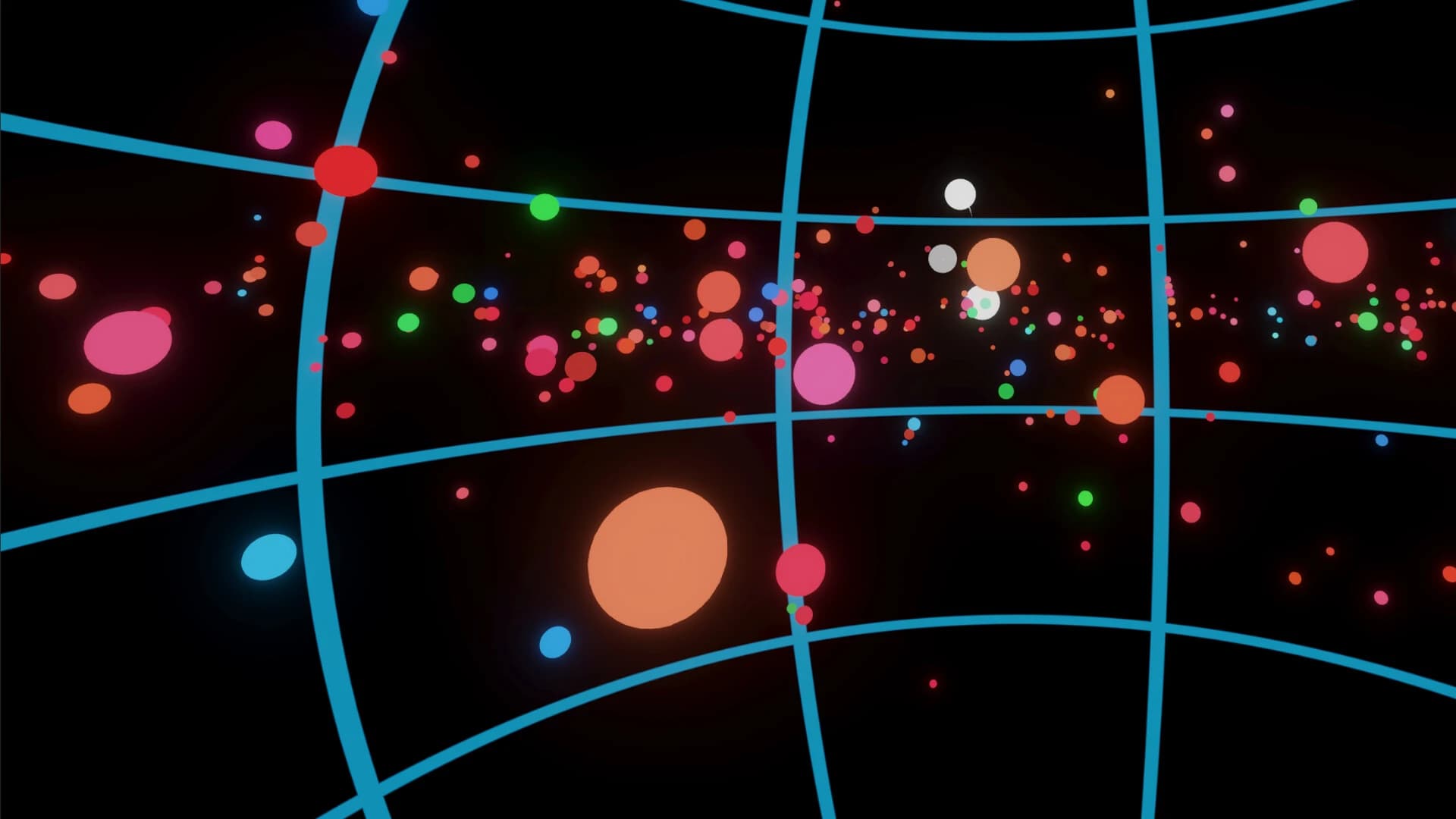
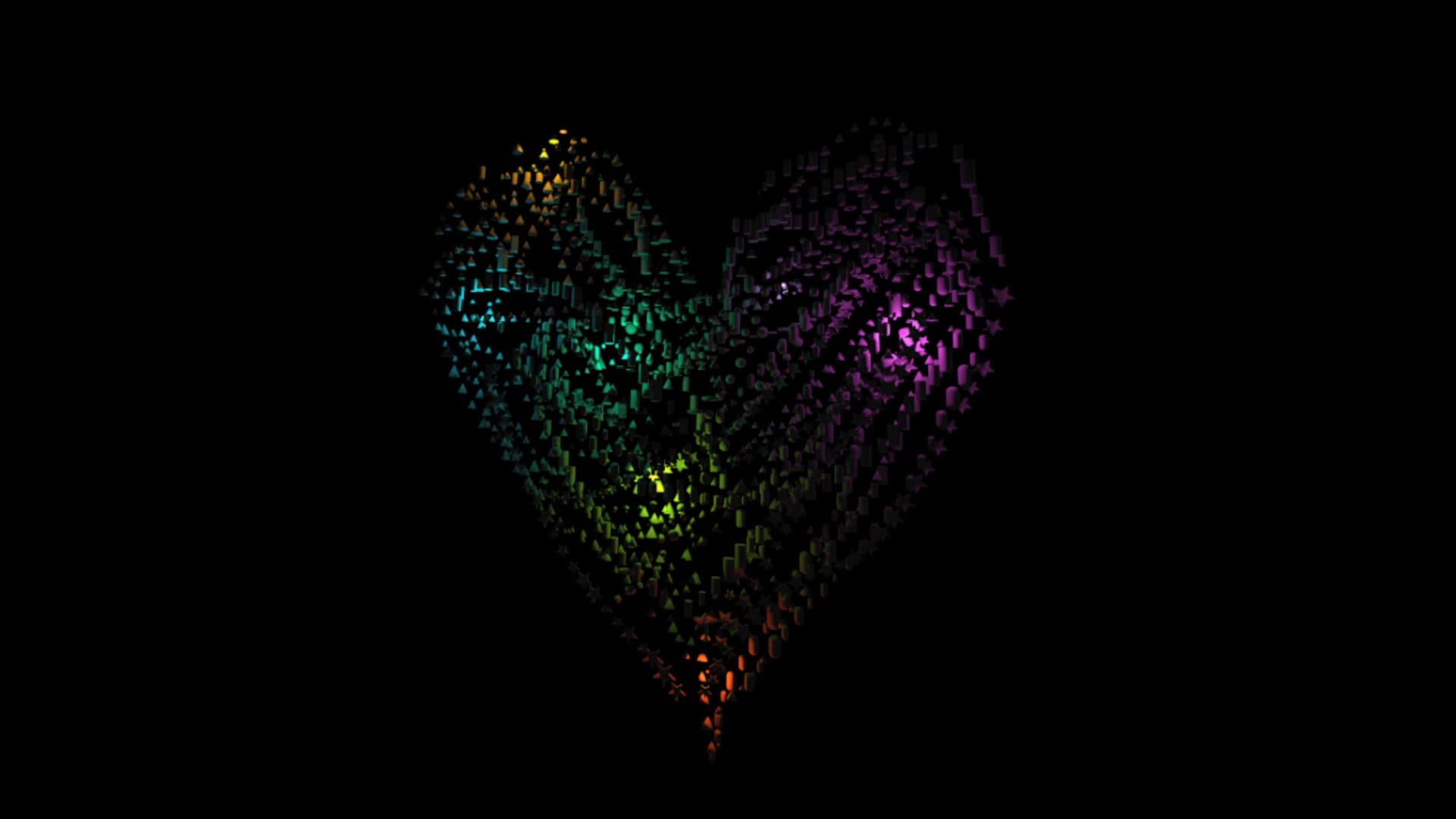
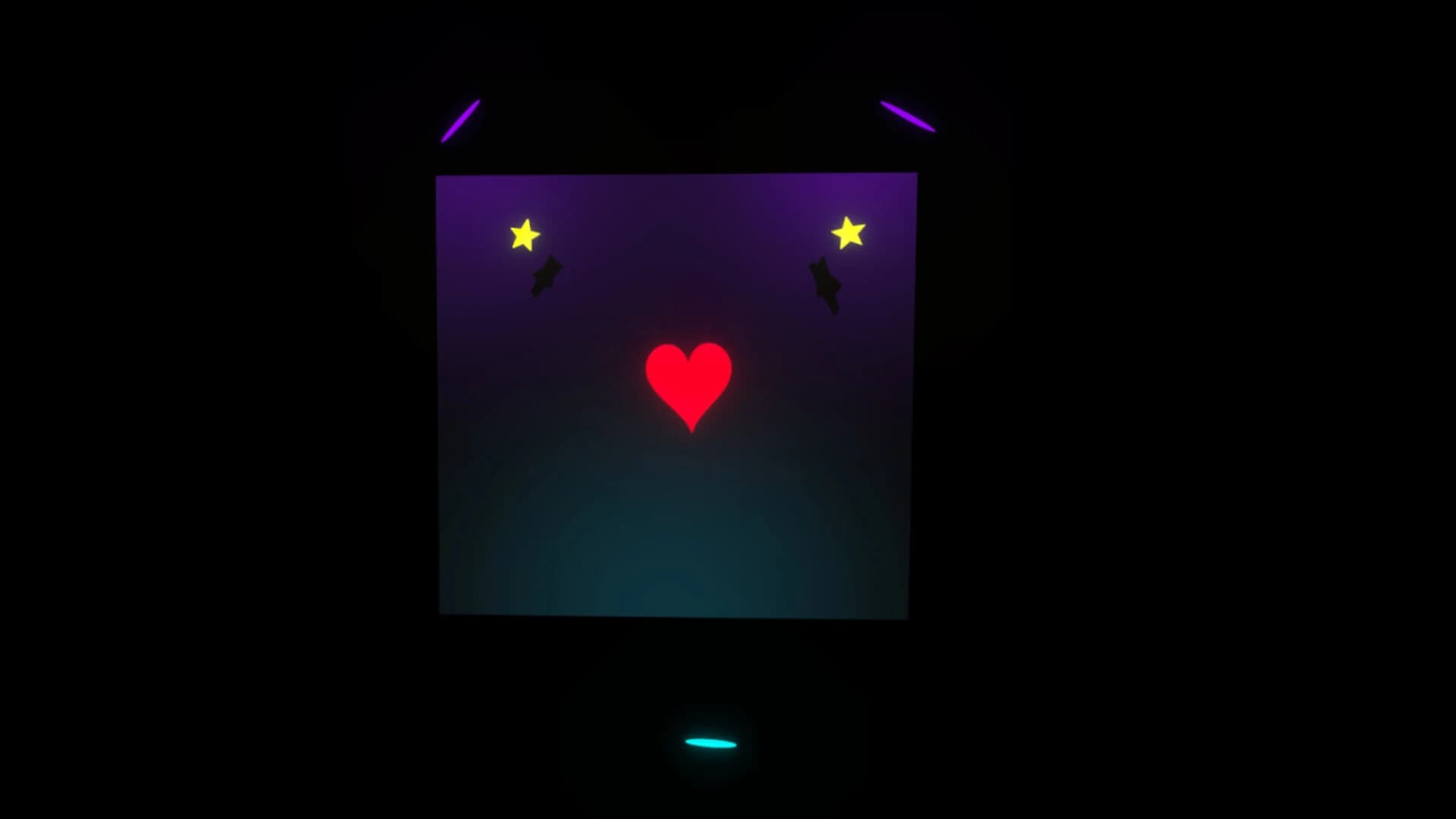
Free Download Synephoria For Windows PC. Step into a peaceful VR studio where your voice sculpts glowing shapes, colors float in the air, and creativity flows like music around you.
Synephoria is an atmospheric VR art experience created by Court Les Rues LLC. Instead of using a traditional canvas or tablet, this creative space surrounds you with a glowing cavern that reacts to your voice. When you speak or sing, the environment responds with shifting shapes and luminous patterns, turning sound into visual expression.
This unique creative tool blends art, music, and engaging technology. Instead of sitting at a desk with brushes and palettes, you stand inside a living studio where light becomes your paint and space becomes your canvas. The experience feels calm, almost meditative, allowing players to relax as they shape beautiful digital sculptures.
The goal is not competition or scoring points. Instead, it focuses on creativity and personal expression. You can paint colorful lines across the air, build structures from geometric shapes, and arrange them in ways that look like floating art installations.
Another important aspect is flexibility. Creations can be exported in OBJ or FBX formats, allowing your VR artwork to be refined in professional 3D programs. This transforms the software from a relaxing experience into a powerful creative tool for designers, artists, and VR enthusiasts.
Everything about this VR studio is designed to keep the experience comfortable and simple. Controls are intuitive, movement options can be adjusted for comfort, and the interface appears as a wrist-mounted panel that keeps everything within reach. The result is a calm, creative playground where imagination becomes visible.
The gameplay in Synephoria free download feels more like stepping inside a dream than playing a traditional video game. Once you enter the VR space, you find yourself surrounded by a glowing grotto filled with soft lighting and relaxing soundscapes.
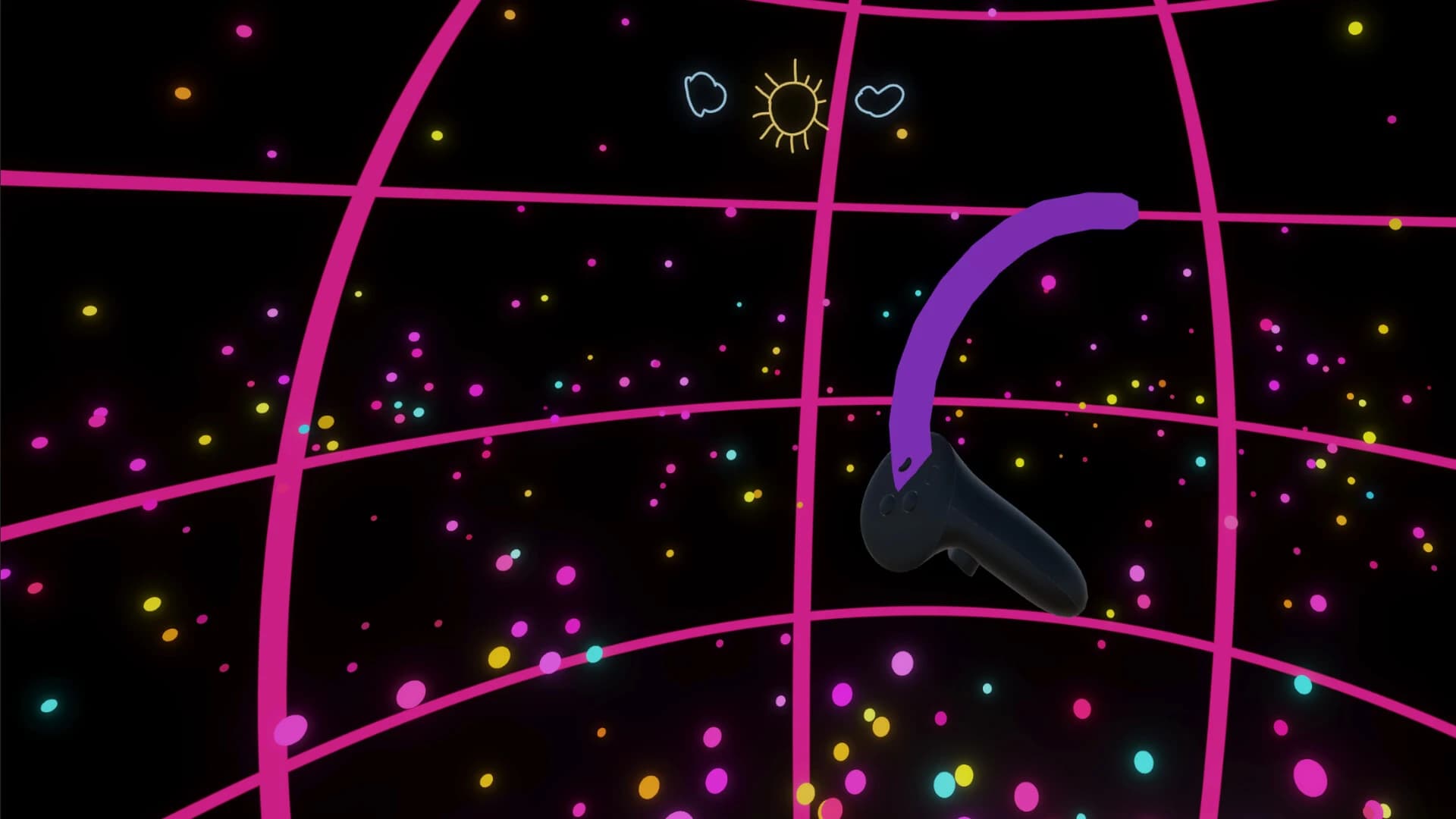
Instead of menus and missions, your tools float in front of you. Using VR controllers, you can start painting lines in midair. Each stroke becomes a glowing trail that floats like light ribbons.
Imagine drawing in the air with a neon brush. Every movement leaves a colorful mark that becomes part of the environment.
The real magic appears when you use your voice. Talking or humming causes shapes in the grotto to grow and shift. The cavern reacts like a living organism responding to sound. Whisper softly, and the environment changes gently. Speak louder, and the structures expand in more dramatic ways. This interaction turns simple speech into a creative tool.
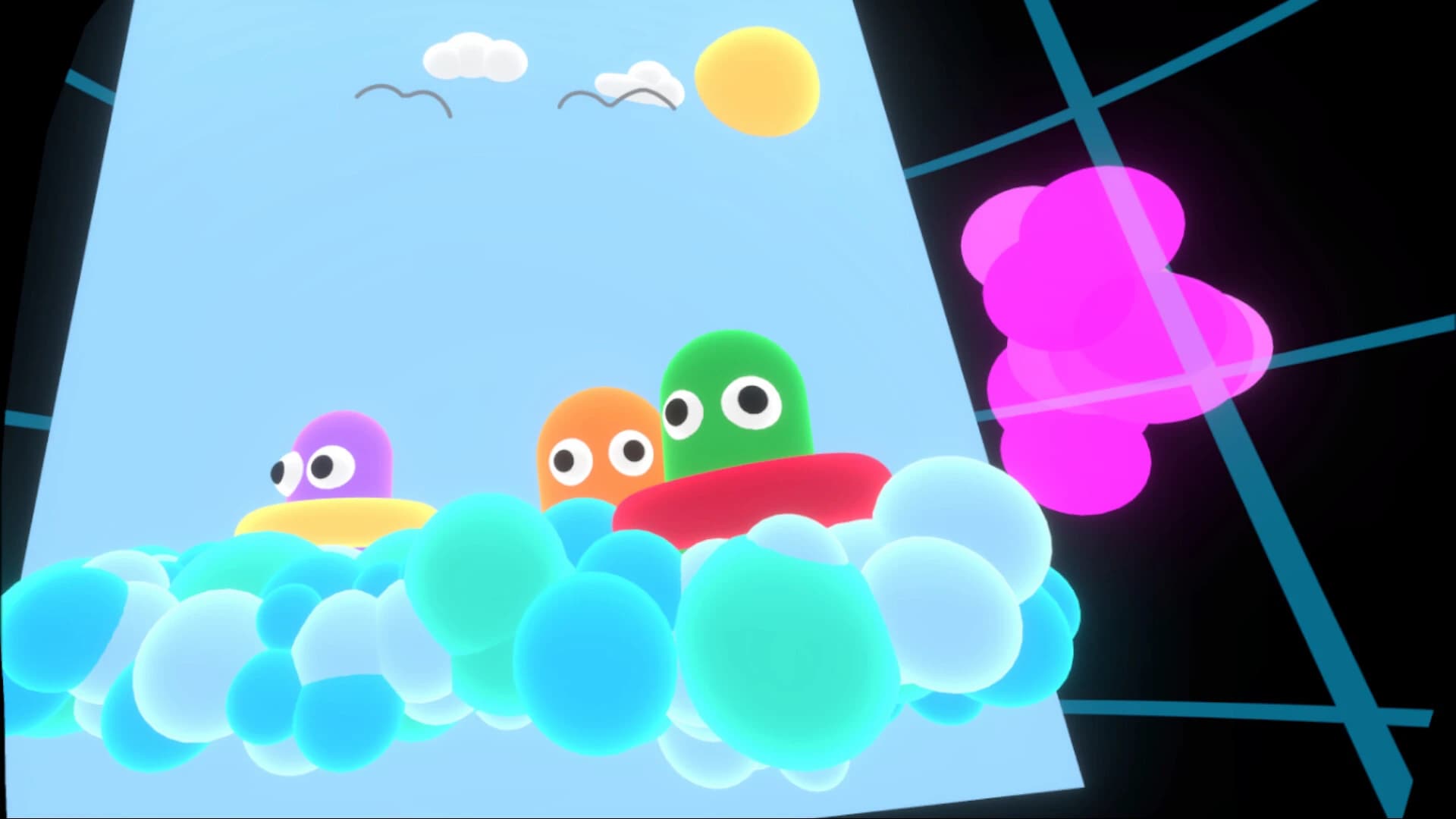
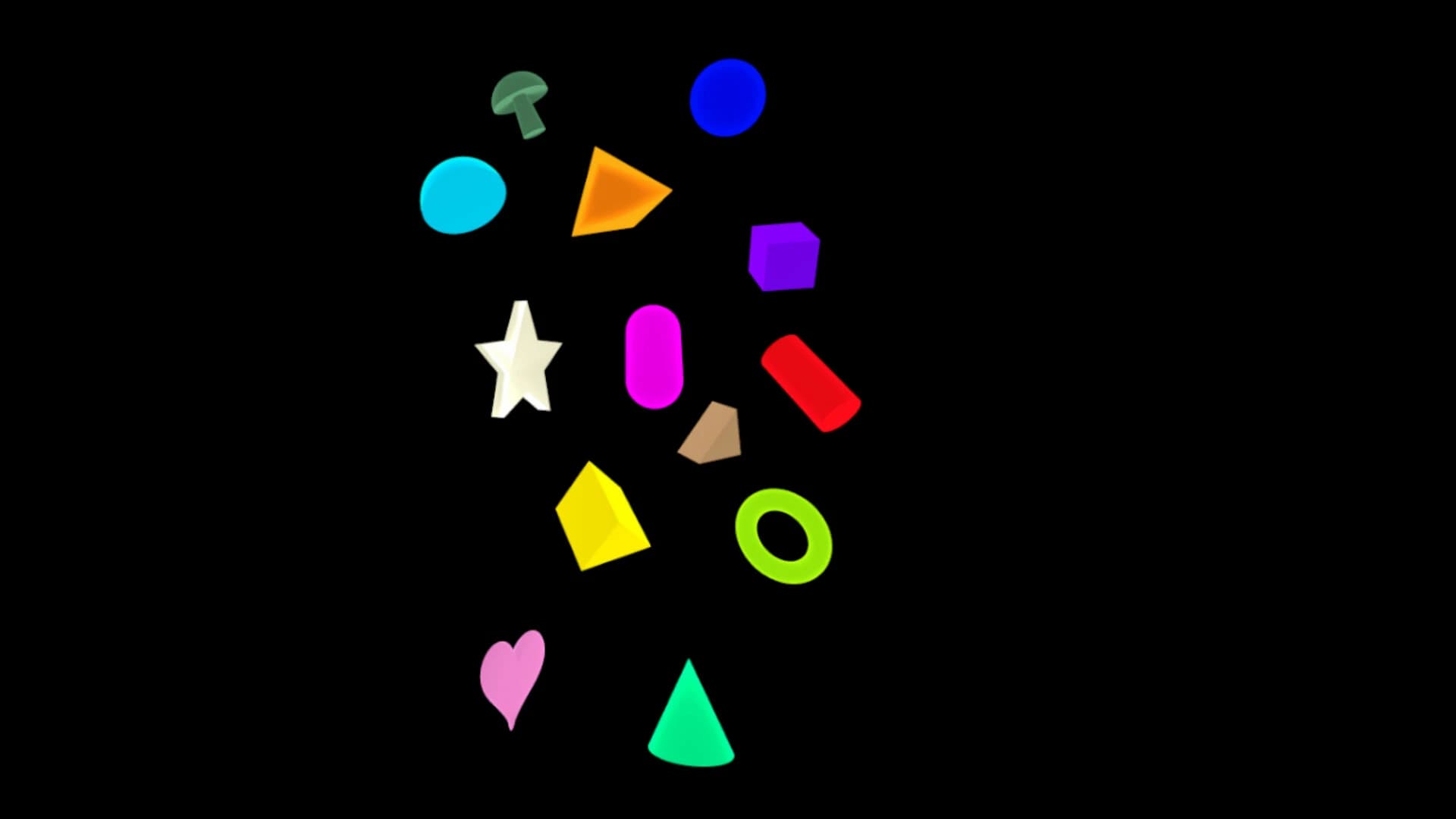
Players can build sculptures using geometric shapes like spheres, cubes, and glowing forms. These shapes can be resized, rotated, or moved anywhere in the space.
Because everything happens in three dimensions, the experience feels much more natural than drawing on a flat screen. You can walk around your creation, view it from different angles, and keep adding details until the artwork feels complete.
One of the strongest aspects of Synephoria free download for PC is the creative freedom it provides. Instead of limiting users with strict tools or rules, the studio presents a flexible set of instruments that encourage experimentation.
You can paint glowing lines across the sky, create floating sculptures, or design abstract installations that feel like digital architecture.
The geometric shape tools work almost like building blocks made of light. Each shape can be resized or rotated to form structures such as spirals, towers, or layered patterns.
Another powerful tool is grouping. When a project becomes large, you can select multiple shapes using a lasso tool and combine them into a group. Once grouped, they move and rotate together as a single structure. Think of it like assembling pieces of a sculpture, then moving the entire statue in one motion.
This workflow makes it easier to manage complex creations without losing control of individual elements. Artists who enjoy experimenting with light and color will appreciate the freedom this studio delivers.
The most distinctive feature of Synephoria PC download is its voice-reactive system. Instead of treating sound as background noise, the software turns it into a creative input. When you speak, the grotto responds instantly. This reaction happens locally on your computer, which means no internet processing or data collection is required.
As you talk, glowing forms grow and shift around you. The environment feels alive, almost like a digital cave responding to the echoes of your voice.
The effect can be subtle or dramatic depending on how you interact with it. Soft sounds might produce gentle movements, while stronger vocal tones can cause more noticeable changes. The system transforms ordinary speech into a tool for shaping the space.
For artists, this creates a new way of thinking about creativity. Instead of only using hands and tools, your voice becomes part of the artistic process. It feels like sculpting sound itself.
A major part of the experience comes from the soundtrack. The studio includes over 90 original music tracks. These songs cover ambient, chill, pixelwave, and pulse styles. Each track helps create a relaxing mood that supports creativity.
Some tracks feel calm and dreamy, while others provide a gentle rhythm that encourages movement and experimentation.
Imagine painting glowing shapes while soft electronic melodies drift around you. The combination of music and visuals makes the entire environment feel like an interactive art installation.
Players who prefer silence can disable the music completely. This option allows you to focus entirely on the visuals and your own creative flow. Because of this flexibility, the experience works well for both relaxation and serious artistic work.
While Synephoria game download feels like a creative playground, it also presents practical tools for artists. One of the most useful features is the ability to export projects into OBJ or FBX formats.
These file types are widely used in 3D modeling software such as Blender, Maya, and other animation tools. This means the artwork you create inside VR does not stay trapped in the studio. Instead, it can become part of larger creative projects.
For example, an artist might design a glowing sculpture in VR and later import it into a 3D animation program to add textures, motion, or lighting effects.
This bridge between VR creativity and professional tools makes the software useful for both hobbyists and digital artists. The process is simple. Once a creation is finished, it can be exported with a few quick actions from the interface.
VR experiences can sometimes feel overwhelming, but Synephoria PC download focuses heavily on comfort. Movement options can be adjusted depending on the player's preference. Some users prefer smooth motion, while others prefer teleport-style movement. The studio supports both approaches.
Controls are intuitive, which helps new users learn quickly. The wrist-mounted panel acts as the main control center. From this panel, you can save projects, load previous work, or return to the main menu. This design keeps everything accessible without breaking depth.
The software also works for seated play or room-scale movement. This flexibility makes it suitable for many VR setups. Instead of forcing players into a single interaction style, the experience adapts to the user.
Modern games often require accounts, analytics tracking, and constant online connections. Synephoria takes a different approach.
Everything runs locally on your computer.
This privacy-focused design keeps the studio clean and distraction-free. When you enter the VR space, it feels like stepping into a personal creative sanctuary. Nothing pulls your attention away from the artwork. For many users, this simplicity is refreshing. It allows creativity to remain the central focus.
Synephoria is not a typical video game. Instead, it feels like a peaceful, creative space where art, sound, and technology blend together. By turning voice into visual motion and giving players the ability to paint in three dimensions, the studio delivers a creative experience that feels both relaxing and inspiring.
The combination of glowing sculptures, engaging music, and flexible tools makes it easy to spend hours experimenting with shapes and colors. Artists can simply enjoy the creative flow, while professionals can export their creations for use in other 3D projects.
With its focus on comfort, privacy, and creative freedom, Synephoria stands out as a refreshing VR art studio that transforms imagination into glowing digital sculptures.
Leave a comment
Your email address will not be published. Required fields are marked *