Download RoboCo Game For PC (Latest 2026) - FileCR
Free Download RoboCo Game Latest Version 2026 for Windows PC. Build crazy robots that actually work.
Free Download RoboCo Game Latest Version 2026 for Windows PC. Build crazy robots that actually work.

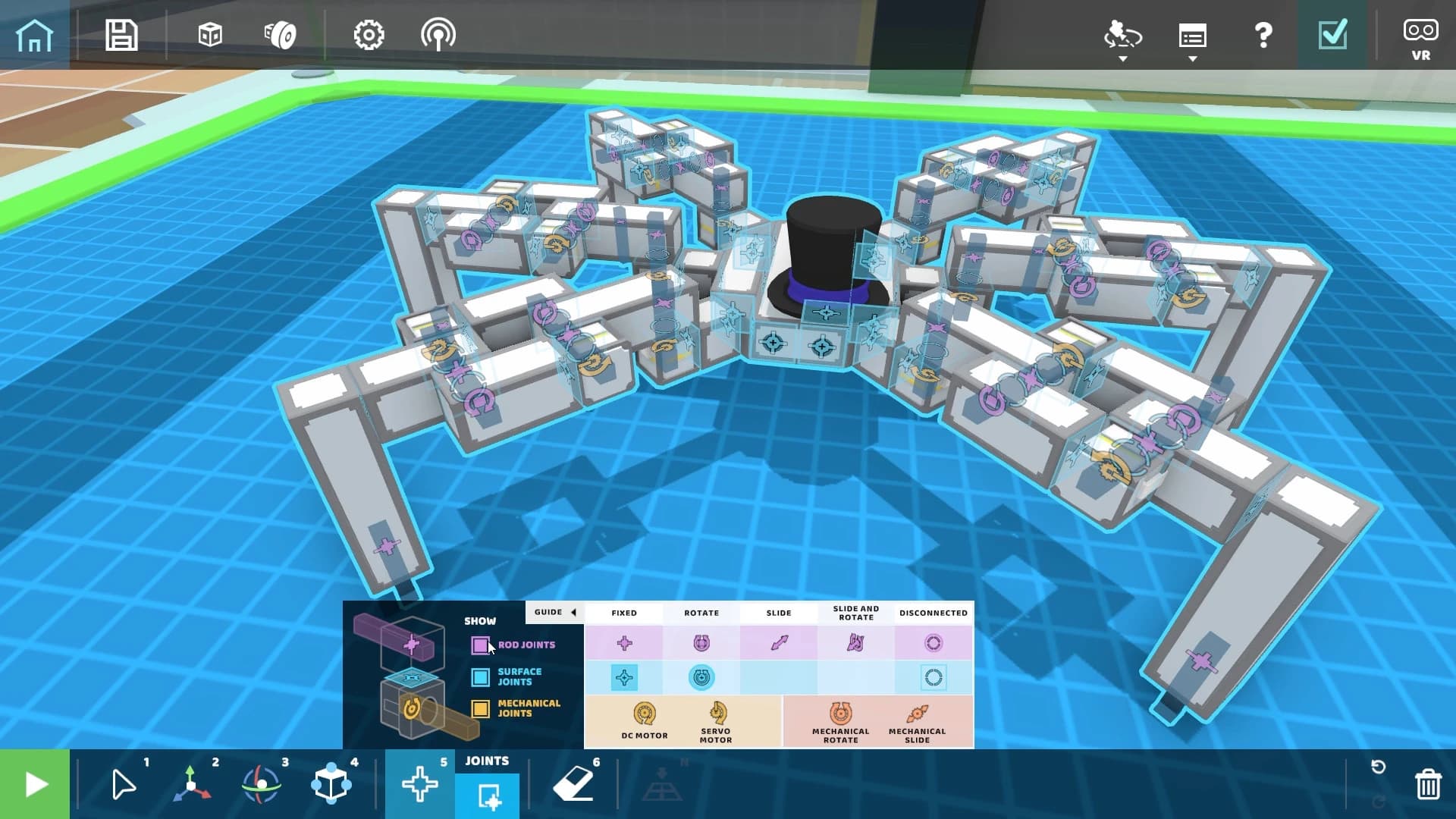
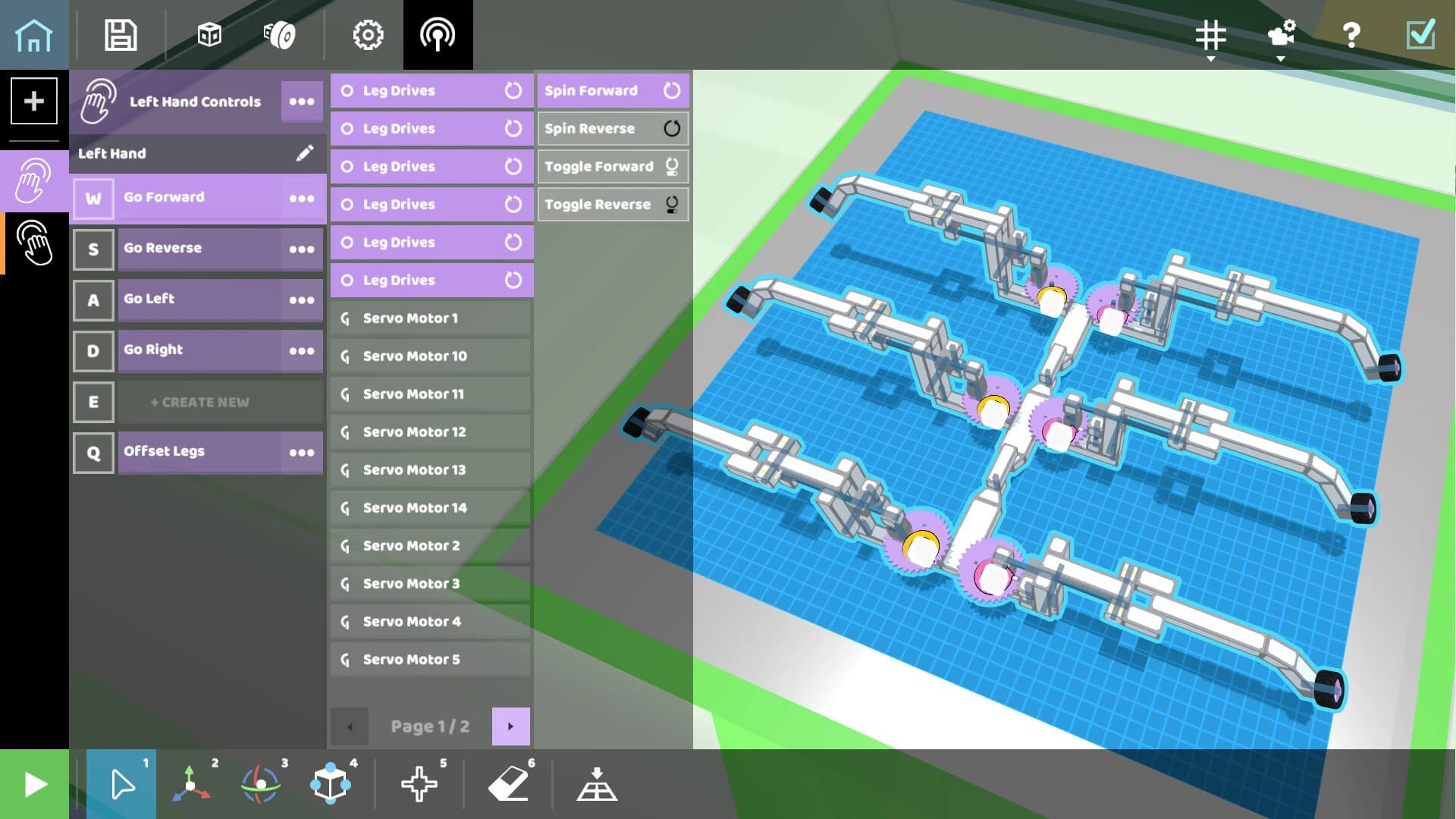
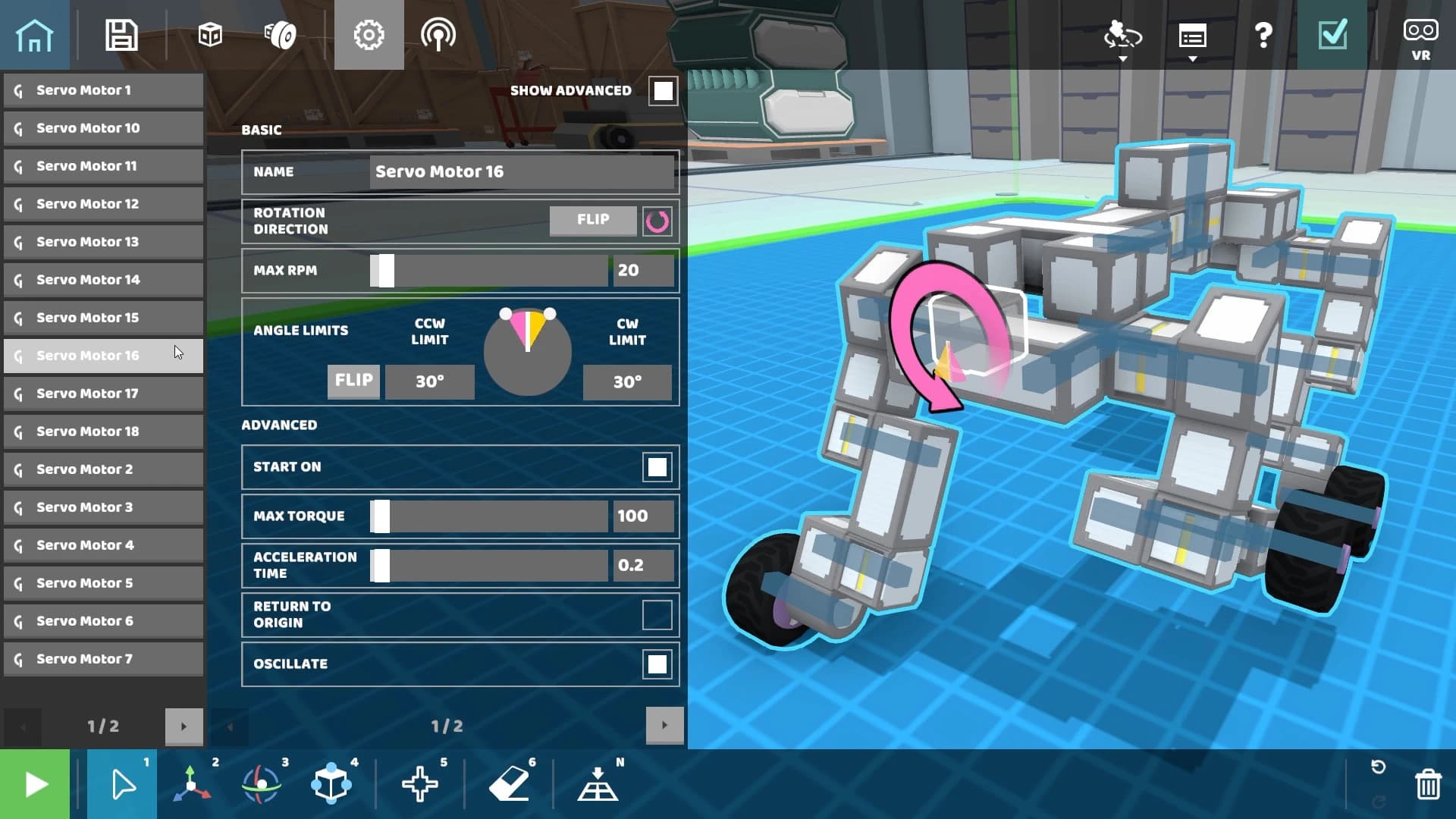
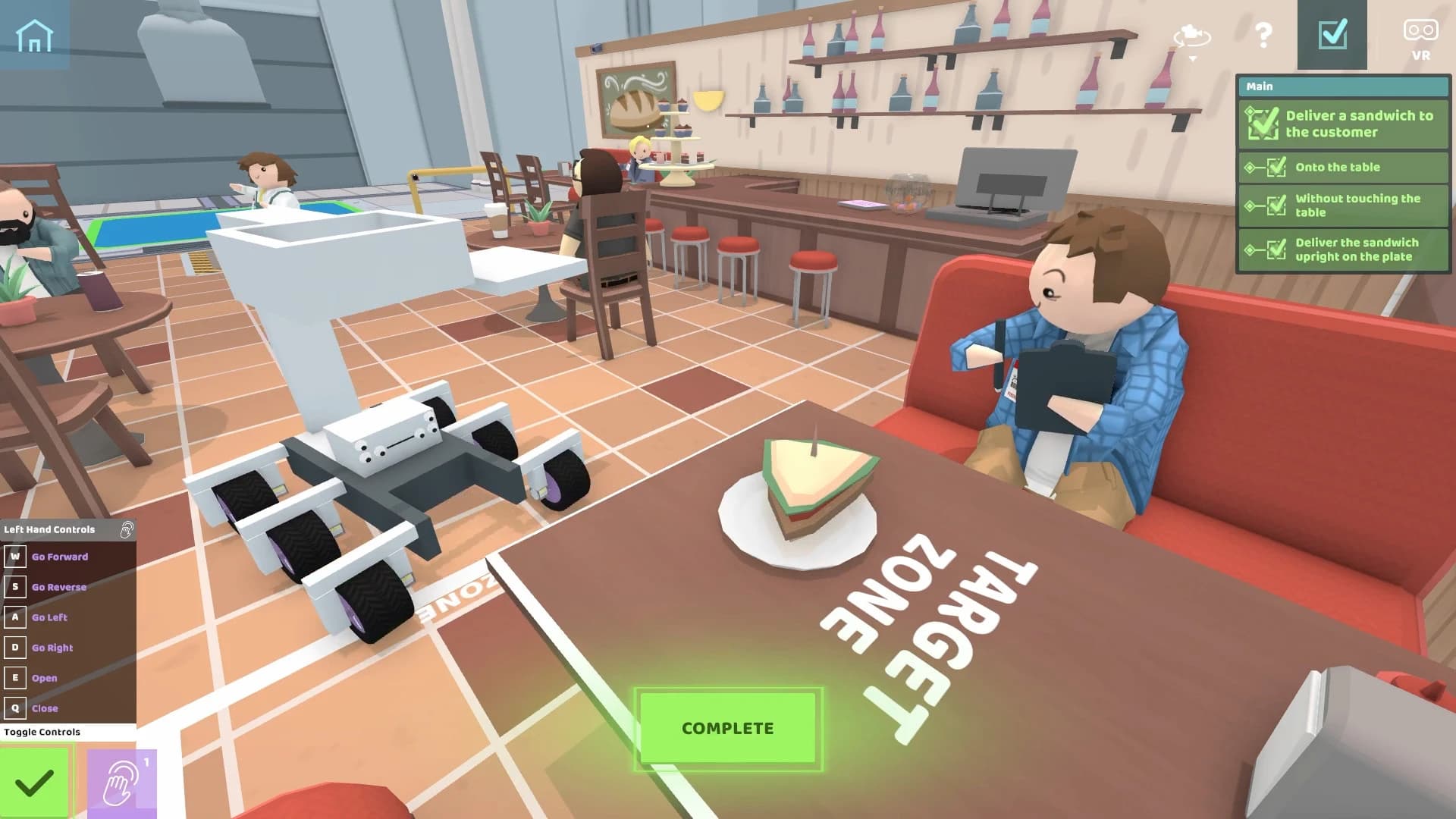
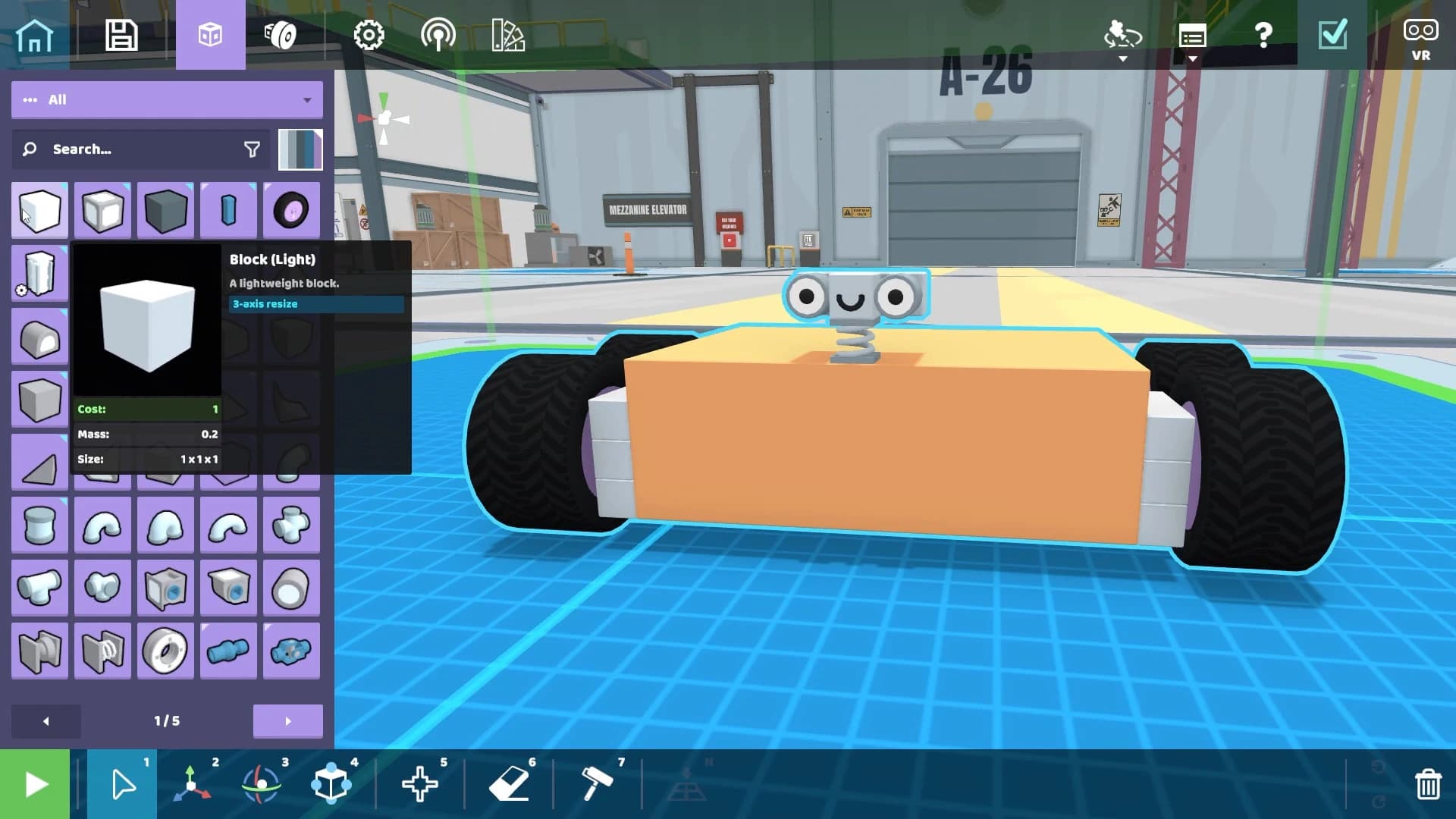
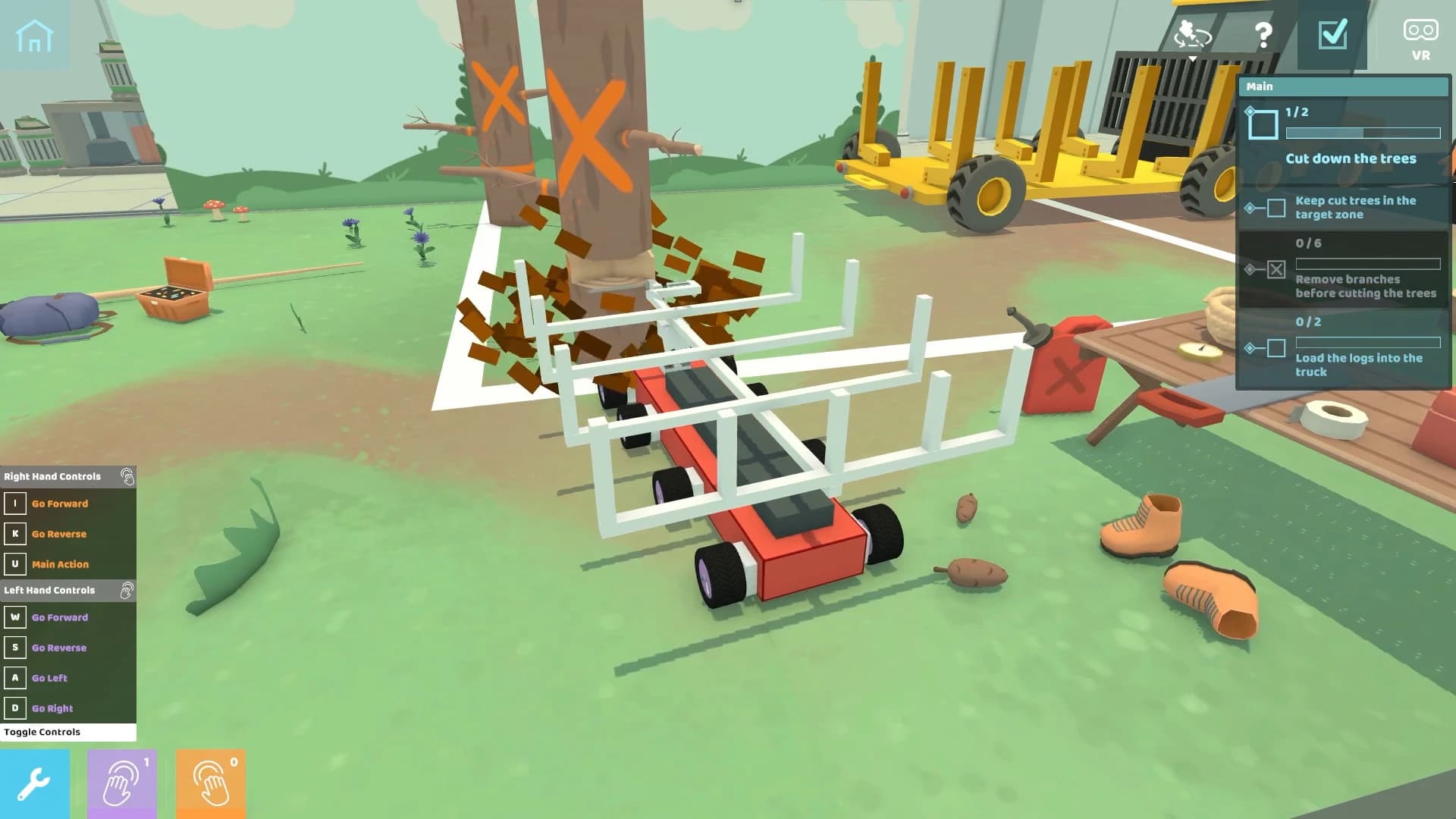
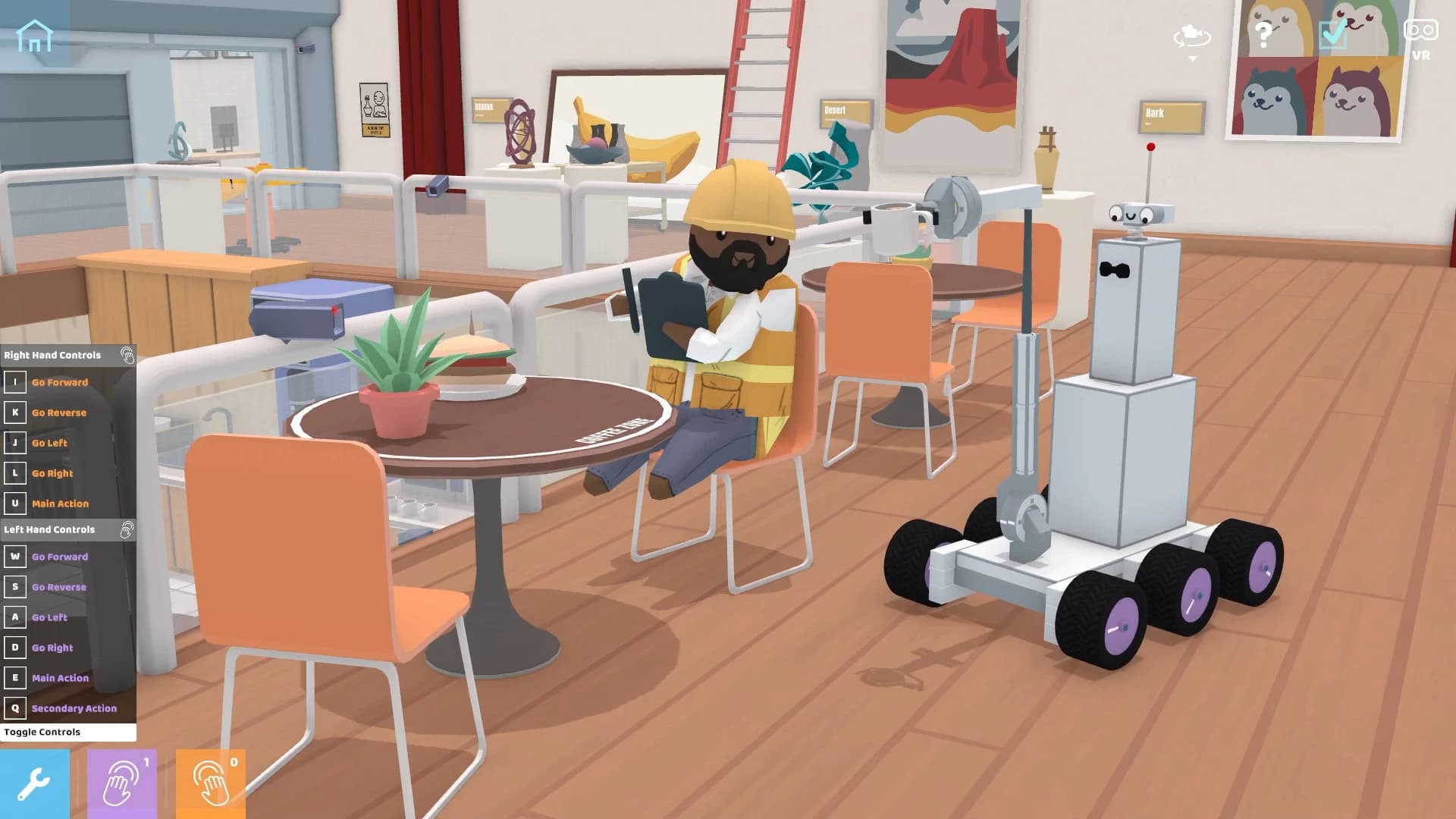
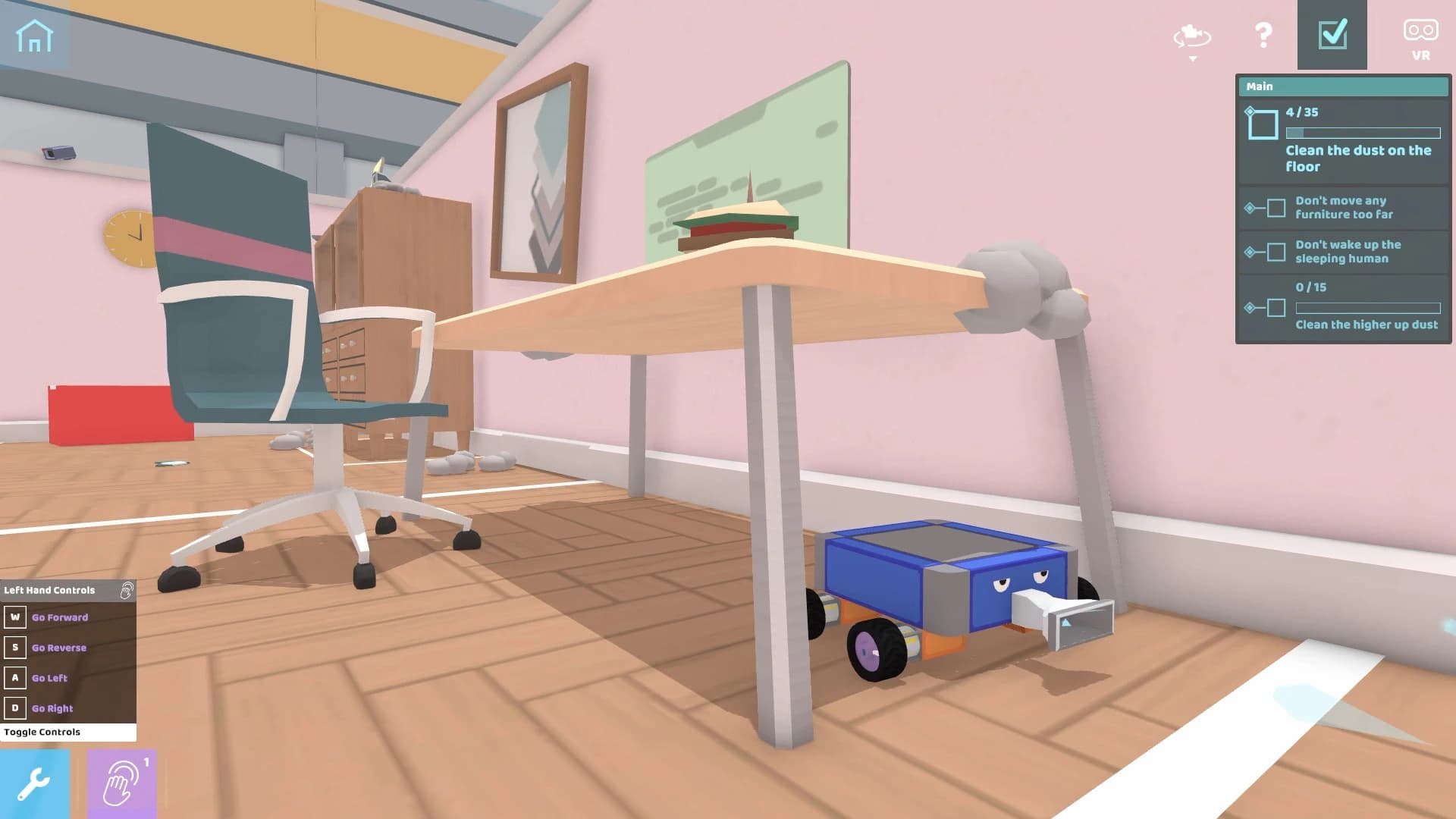
Free Download RoboCo For Windows PC. Build wild robots, solve hilarious challenges, and turn your crazy engineering ideas into working machines that actually move, spin, flip, and serve humans in the future.
RoboCo is a creative sandbox simulation game developed and published by Filament Games. It gives you total freedom to design, assemble, and control your own robots from scratch. Instead of following a strict storyline, you’re handed a giant toolbox and told, Go make something awesome.
The idea is simple but powerful. Humans in the future need help. They are soft, clumsy, and rely on robots to do everything from cooking dinner to delivering food. Your job is to design machines that can complete these tasks without falling apart.
You can either jump into full creative mode and build whatever your imagination cooks up, or test your skills in open-ended challenges. Think of it like having a digital workshop where metal parts, motors, wheels, and wires are your LEGO bricks.
This game isn’t just about building something that looks cool. It has to work. It has to move properly. It has to balance. It has to perform. And that’s where the fun begins.
At its core, RoboCo free download for PC feels like being an engineer in a playful lab. You start by snapping parts together. Wheels, joints, sensors, motors, arms, hinges, everything connects piece by piece.
Once your structure is built, you hook up controls. This is where your machine comes alive. You decide how it moves. Does it roll forward? Does it extend an arm? Does it spin like a confused blender? That’s up to you.
The physics system makes every decision matter. If your robot is too heavy on one side, it tips over. If your arm is too long without support, it wobbles like spaghetti. You quickly learn that balance and structure are just as important as creativity. Then come the tasks.
You might need to deliver sandwiches across a room without dropping them. Sounds easy? Try doing it with a robot that you built using spinning wheels and unstable legs. Or maybe you’ll prepare a romantic dinner, carefully positioning plates and moving objects without knocking everything over.
The open-ended nature of the challenges means there’s no single “correct” solution. You can build a walking robot. Or a rolling one. Or a strange mechanical spider. If it works, it works. And if it doesn’t? Back to the workshop.
Sandbox mode is where the real value is created. There are no limits here. No time pressure. No task objectives. Just you and a giant toolbox of robotic parts.
This mode feels like having an empty garage and unlimited materials. Want to build a robot with ten arms and googly eyes? Go ahead. Want to create a machine that only exists to dance? No one’s stopping you.
The snap-together system makes construction smooth and intuitive. The parts connect logically, but you still need to consider alignment and support. It’s simple enough for beginners but layered enough to keep experienced players experimenting for hours.
You’re not just building robots. You’re building solutions, experiments, and sometimes hilarious failures.
If sandbox mode is your creative playground, challenge mode is your exam hall. Here, you’re given specific tasks. Maybe a human needs food delivered. Maybe dinner must be prepared. Maybe you need to perform a dance routine to impress someone. Each scenario pushes you to rethink your approach.
The beauty of these challenges lies in their flexibility. There’s no strict step-by-step guide. The game doesn’t hold your hand. Instead, it sets a goal and helps you determine how to reach it.
Sometimes your first design collapses instantly. Sometimes it barely works. And sometimes you accidentally create a mechanical masterpiece. It feels rewarding because the solution is truly yours.
Not a fan of manual controls? RoboCo free download for Windows presents another automation option with Python. Yes, real programming.
You can write simple scripts that control how your robot behaves. Instead of pressing buttons to move arms and wheels, you can program your creation to perform actions automatically. Think of it like giving your robot a brain.
The Python support is approachable. You don’t need to be a coding expert to start. Basic commands can control movement, timing, and actions. For advanced players, this opens a whole new layer of complexity. Now you’re not just building robots. You’re teaching them how to think.
Engineering is serious work. But RoboCo doesn’t forget to have fun. After building the mechanical side, you can add cosmetic elements like googly eyes, hats, and decorative pieces. It sounds small, but it changes everything. Suddenly, your robot isn’t just a machine. It has personality.
A wobbly robot with giant eyes trying to serve dinner becomes hilarious. A dancing robot wearing a top hat feels like a mechanical performer. These little touches add charm and humor to the experience.
One of the strongest parts of RoboCo download for PC is its community integration. Using Steam Workshop, you can upload your creations for others to try. If you build something incredible, the whole community can download it.
You can also download other players’ robots and learn from their designs. Maybe someone solved a challenge in a way you never thought possible. You can remix their creation, tweak it, and make it your own.
It turns the game into a shared engineering playground. Instead of playing alone, you’re part of a growing collection of robotic inventors.
RoboCo download for Windows uses physics-based simulation, so your robots behave according to their weight, momentum, and balance.
If you build a tall robot with tiny wheels, it might fall forward. If you attach too many parts without support, it bends awkwardly.
This system makes every design meaningful. It encourages experimentation.
It’s like building a real machine in a workshop. Trial and error become part of the fun. Each mistake teaches you something.
When your robot finally completes a task smoothly, it feels earned.
The visual style is colorful and clean. The environments look futuristic but friendly. Humans appear soft and slightly silly, which adds humor to the concept.
The interface is clear and easy to understand. Tools are accessible. Parts are organized well. You won’t feel overwhelmed, even with many components.
Animations are smooth, and watching your robot move is satisfying, especially after you’ve spent time fine-tuning its mechanics.
There are many building games out there. But RoboCo download for PC focuses specifically on robotics and problem-solving.
It blends creativity with logic. It mixes humor with engineering. It enables simple builds while also rewarding advanced experimentation.
The addition of Python programming sets it apart. Few sandbox games support real coding integration. It feels like a cross between a toy box and a tech lab.
RoboCo is a creative robotics sandbox that turns engineering into playful experimentation. It provides the tools, freedom, and challenges to build machines that operate in a physics-based environment. From silly sandwich-delivery robots to fully automated, Python-controlled creations, it keeps you thinking, testing, and improving. If you enjoy building, solving problems, and watching your ideas come to life, this game is absolutely worth trying.
Leave a comment
Your email address will not be published. Required fields are marked *