Download picoCAD 2 Software For PC (Latest 2026) - FileCR
Free Download picoCAD 2 Software Latest version 2026 for Windows PC. Create retro 3D models in minutes.
Free Download picoCAD 2 Software Latest version 2026 for Windows PC. Create retro 3D models in minutes.
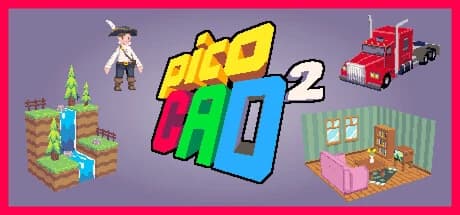
Free Download picoCAD 2 for Windows PC. Create charming low-poly 3D models in minutes with a lightweight, beginner-friendly tool that focuses on creativity rather than complexity.
picoCAD 2 is a lightweight 3D modeling software designed for artists, developers, and hobbyists who want to create low-poly models quickly and easily. Developed by Johan Peitz and published by Apskeppet, this tool focuses on simplicity while still delivering creative freedom. Instead of overwhelming users with complicated menus and professional-grade complexity, it keeps things straightforward and enjoyable.
The software is built around a retro-inspired design philosophy. It encourages creativity through low-resolution textures, minimal polygon counts, and charming visuals. This makes it perfect for indie game developers, pixel artists, and creators who appreciate classic aesthetics.
Unlike traditional 3D modeling tools that take weeks to learn, this one lets you start creating right away. The interface is clean, the tools are intuitive, and the workflow feels natural. Even beginners can build impressive models within minutes.
The second version has been rebuilt from the ground up. It presents improved performance, animation support, advanced texture editing, and better export options. These improvements make it far more powerful while retaining the lightweight, accessible feel that made the original popular.
If you enjoy pixel art, retro visuals, or simple 3D design, this software delivers an enjoyable creative experience without unnecessary complexity.
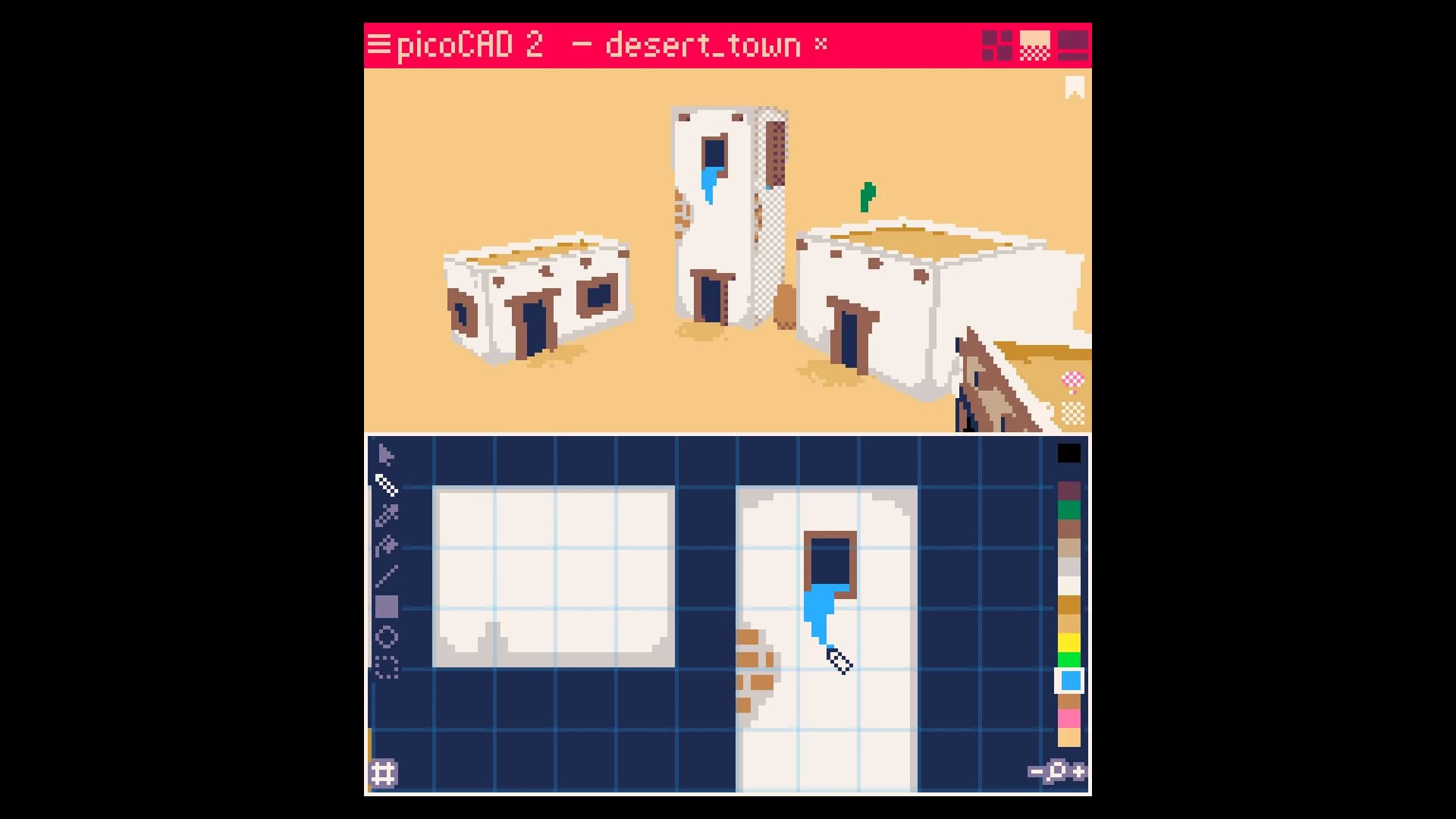
Using picoCAD 2 free download for PC feels less like technical modeling and more like drawing with shapes. The experience is smooth, simple, and focused on creativity. You start with basic shapes and gradually build them into detailed low-poly models.
Instead of complex modeling tools, the software keeps everything easy to understand. You can move vertices, adjust shapes, and build objects quickly. The controls feel natural, and you do not need prior experience to begin.
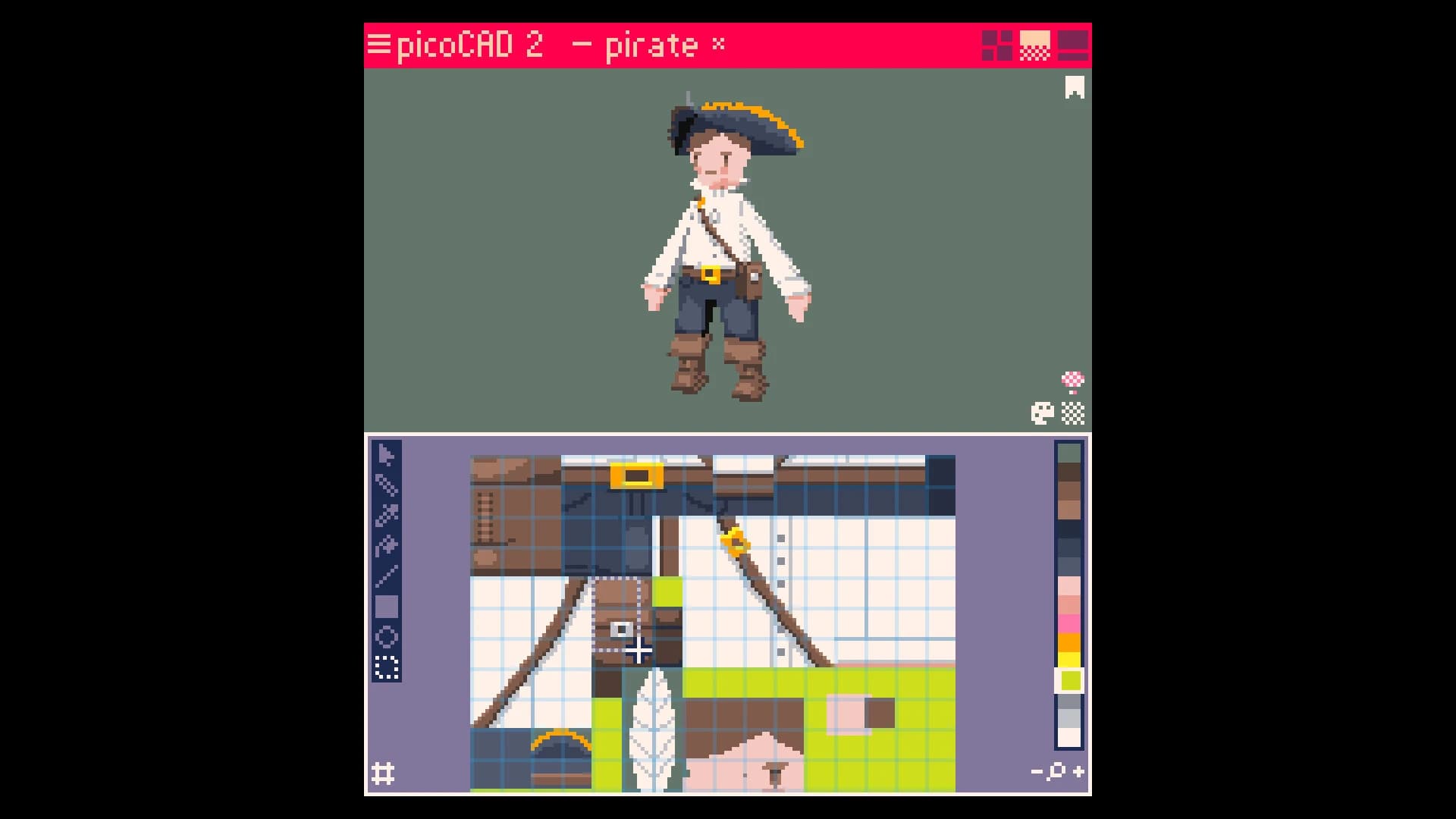
The built-in texture editor is one of the most enjoyable features. You can paint directly on your model and instantly see the result. This makes the process feel interactive and satisfying. It is similar to painting a miniature figure, but you do it digitally.
Animation tools add another layer of creativity. You can make simple movements and bring your models to life. These animations can then be exported as GIFs, making it easy to share your creations online.
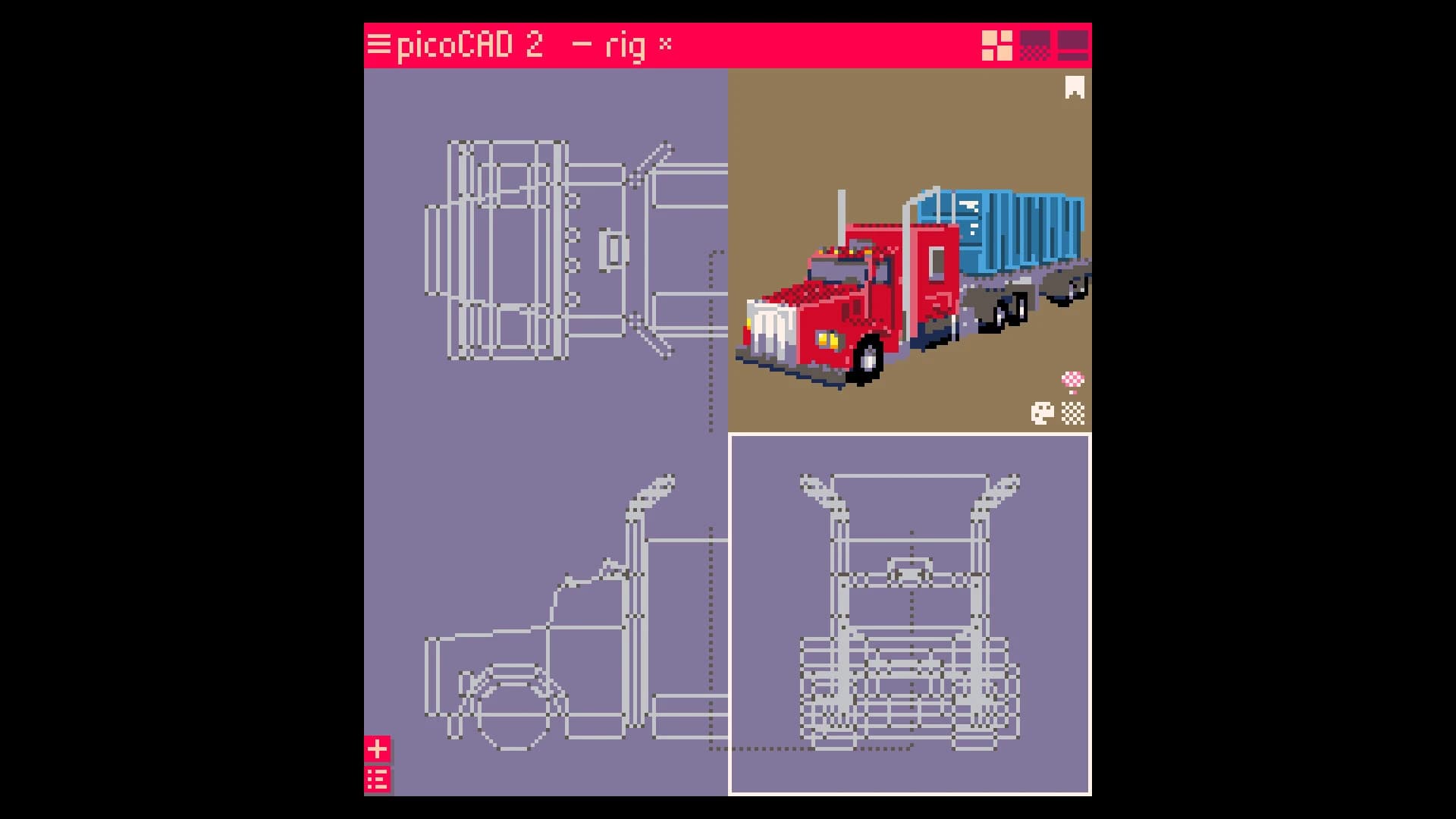
The workflow is fast and efficient. You can create characters, props, vehicles, or environments within minutes. The simplicity encourages experimentation. You can try new ideas without worrying about complicated steps.
For game developers, this software delivers a quick way to create assets. For artists, it provides a fun, creative outlet. For beginners, it presents an easy entry into 3D modeling.
One of the most appealing aspects of picoCAD 2 free download for Windows is its retro visual style. The low-poly design and pixel textures create a nostalgic feel reminiscent of classic games.
This style is not only visually appealing but also practical. Low-poly models require less processing power. This makes them ideal for indie games, mobile applications, and stylized art projects.
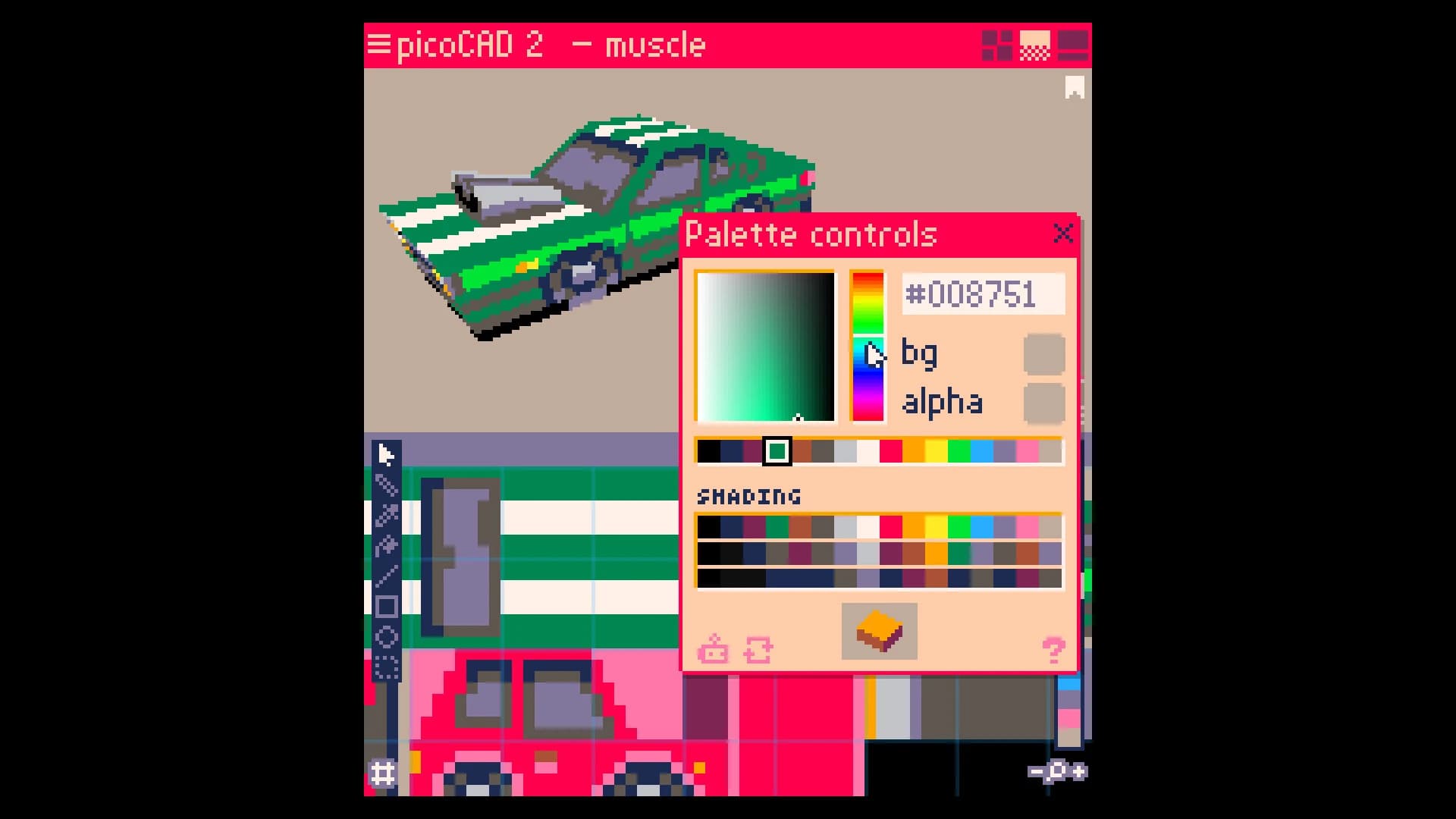
The limited palette encourages creativity. Instead of relying on high-resolution textures, you focus on color and shape. This often leads to more unique and memorable designs.
The software also includes palette and shading editors. These tools allow you to fine-tune lighting and color ramps. With just a few adjustments, you can create distinct visual styles.
Artists often compare the experience to building 3D pixel art. The process is simple but surprisingly powerful.
Animation in picoCAD 2 software download is designed to be simple yet effective. You can create movement without learning complex animation systems.
The motion tools let you easily animate parts of your model. This enables the creation of walking characters, moving objects, or animated scenes.
Once animations are complete, you can export them as GIF files. This feature is perfect for sharing animations on social media or using them in presentations.
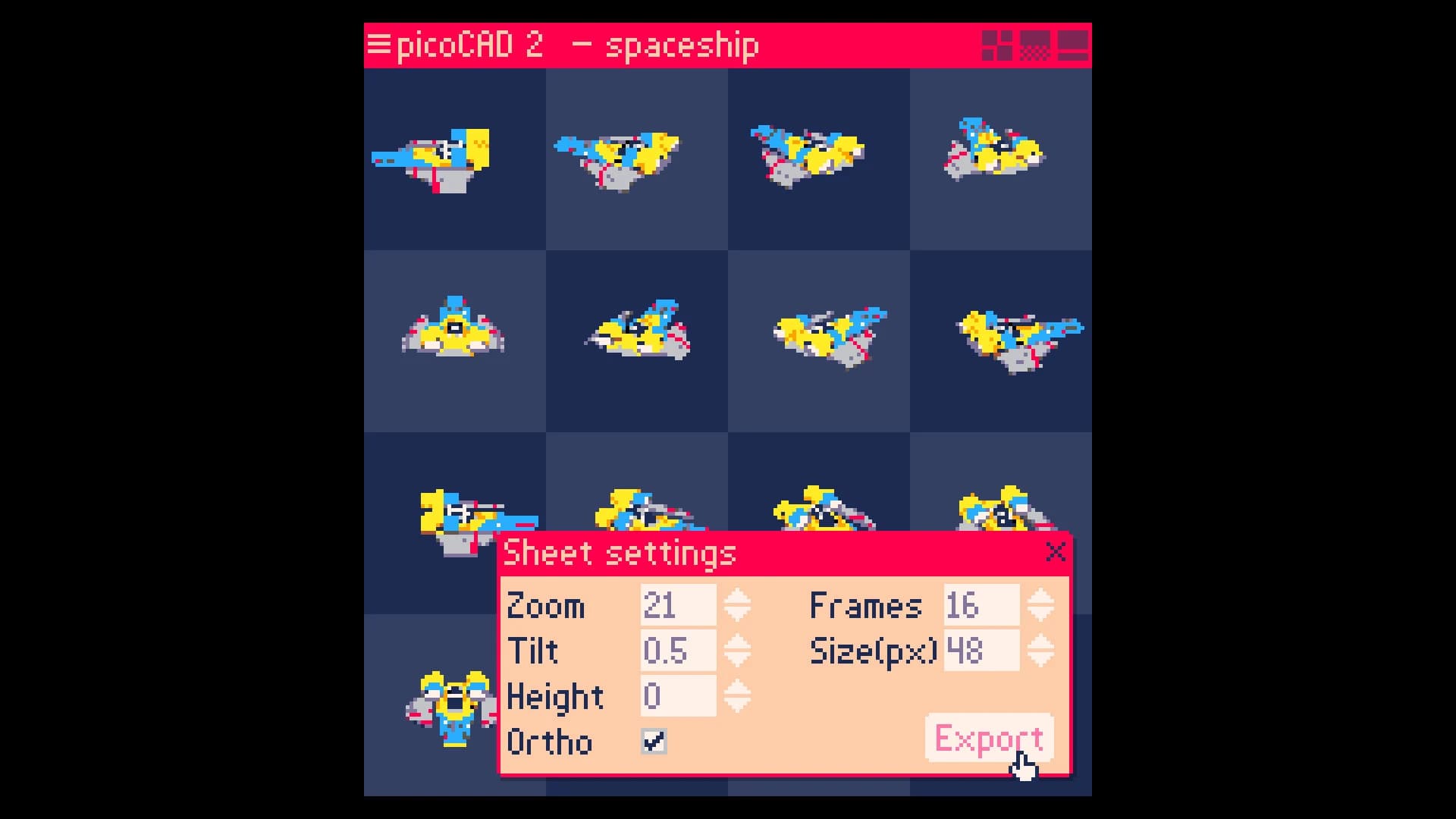
Sprite sheet export is another helpful feature. You can generate sprite sheets with multiple frames. These are useful for game development or animation workflows.
The animation tools remain lightweight and easy to use. This keeps the software beginner-friendly while still delivering creative possibilities.
The second version introduces major improvements over the original. It has been rebuilt from scratch, presenting better performance and more flexibility.
One of the biggest improvements is the removal of project limits. You can now create larger scenes without restrictions. This opens the door to more complex designs.
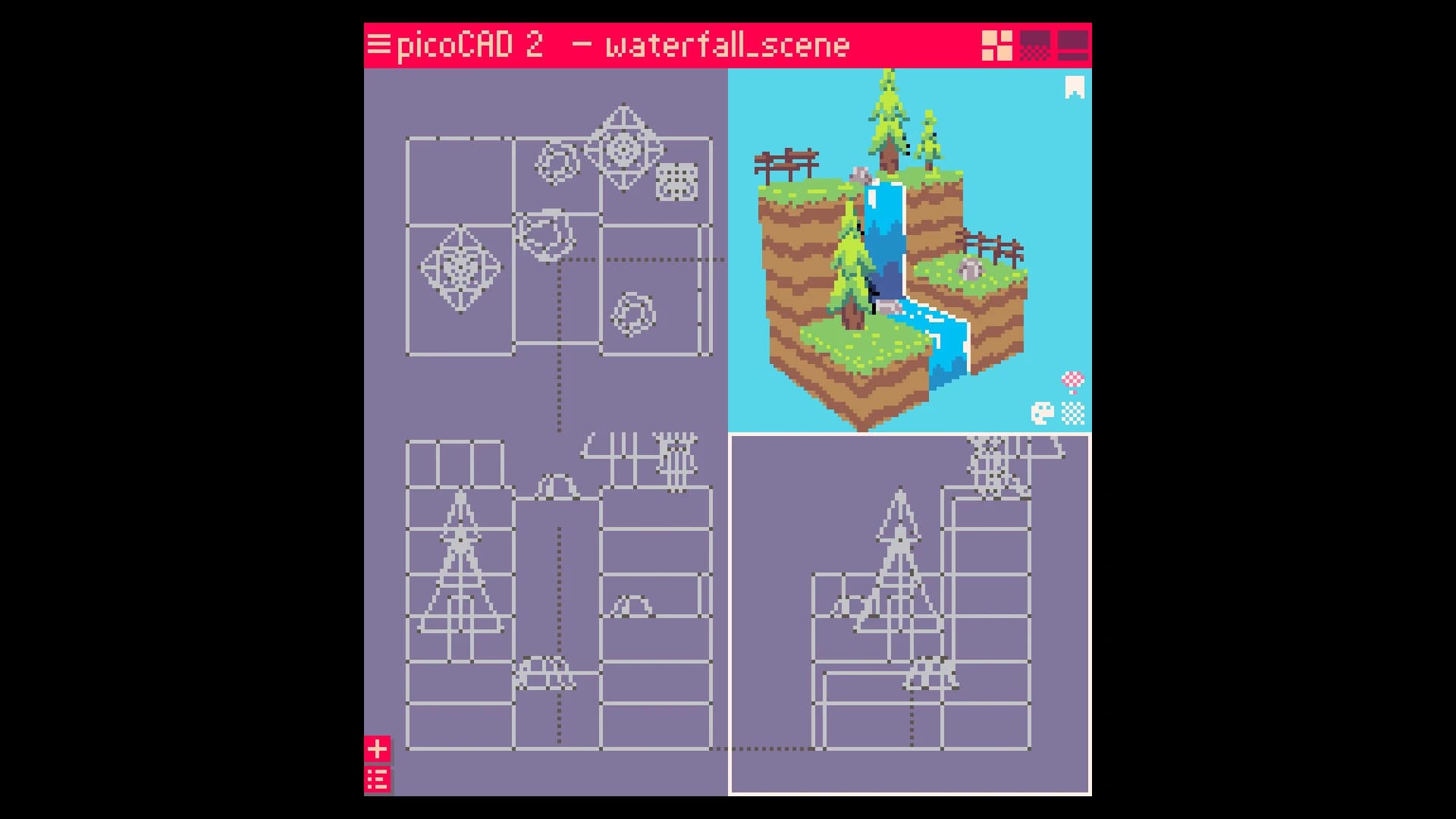
The new texture editor is fully integrated into the workflow. Painting textures now feels smoother and faster. Per-pixel depth sorting improves visual clarity. It prevents graphical issues and ensures clean rendering.
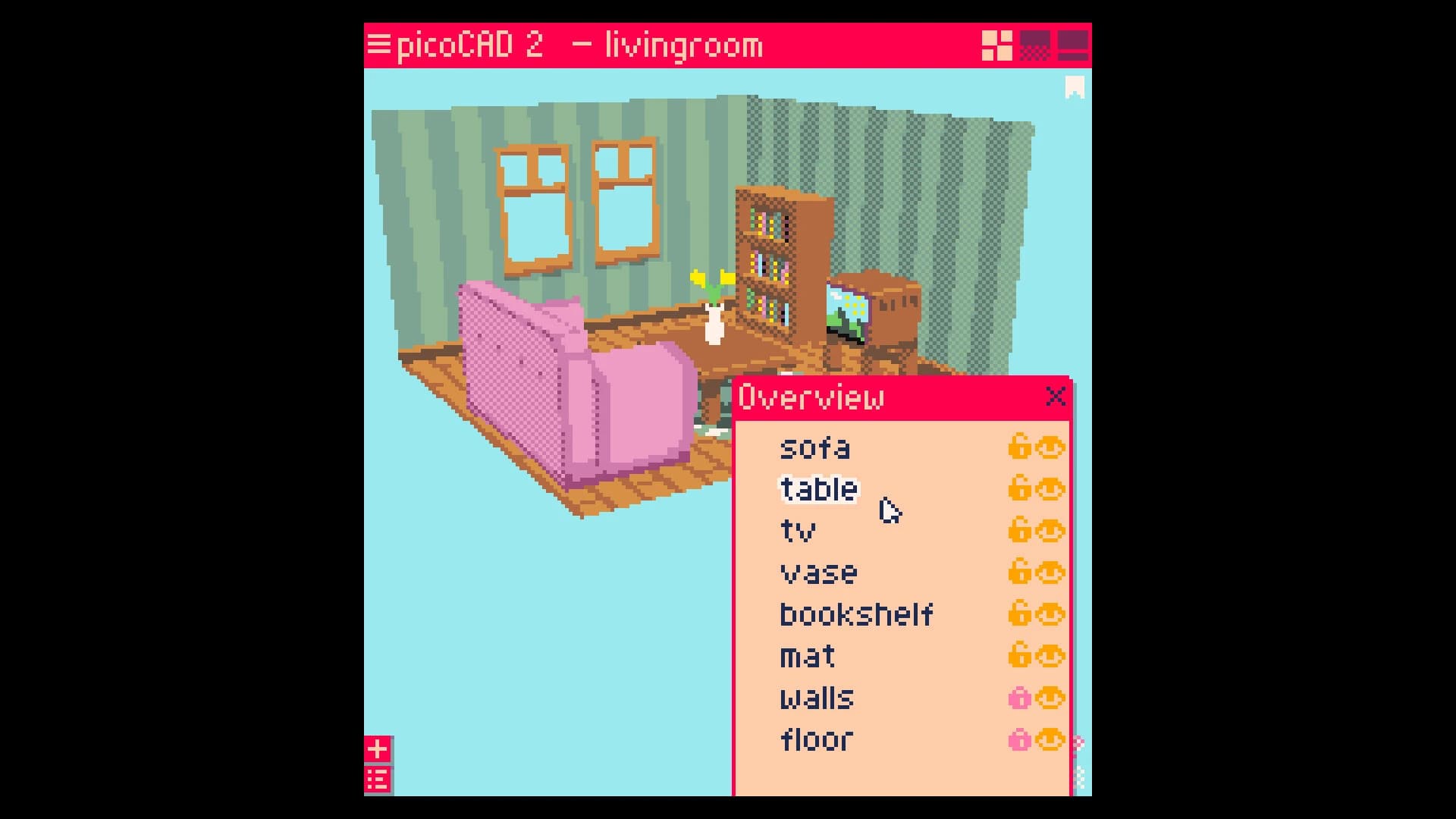
Mesh editing controls allow you to hide or lock parts of your model. This makes editing easier and more organized. Custom export settings provide flexibility. You can adjust output options based on your needs.
The interface has also been refined. Fonts, layout, and readability have all been improved. These updates make the software more powerful while maintaining its simplicity.
Export options are essential for creative workflows, and picoCAD 2 provides several useful formats. You can export models in GLTF format. This is compatible with modern game engines and applications.
OBJ and MTL exports are also supported. These formats work with many 3D software tools. GIF export lets you share animations instantly. This is perfect for showcasing creations online.
Sprite sheet export helps game developers create animated assets. These export options make the software versatile and practical.
The interface in picoCAD 2 PC download is designed for simplicity. Everything is easy to find and understand.
The layout is clean and minimal. You do not have to search through complicated menus. The controls are intuitive. Beginners can learn quickly without tutorials.
Even experienced users appreciate the fast workflow. It allows them to focus on creativity instead of technical details.
The software's lightweight nature also improves performance. It runs smoothly even on basic systems. This makes it accessible to a wide range of users.
picoCAD 2 software download is suitable for many types of users. Indie developers can create game assets quickly. Artists can experiment with low-poly design.
Beginners can learn 3D modeling without difficulty. Students can explore 3D design concepts. Content creators can build animated visuals. The simplicity makes it appealing to everyone.
picoCAD 2 delivers a simple yet powerful way to create low-poly 3D models. Its lightweight design, intuitive tools, and creative flexibility make it suitable for beginners and experienced users. The animation features, texture editor, and export options add extra value while maintaining ease of use. If you want a fun, fast, and creative 3D modeling tool that's easy to use, this software delivers an enjoyable experience.
Leave a comment
Your email address will not be published. Required fields are marked *