Download MyDockFinder Software For PC (Latest 2026) - FileCR
Free Download MyDockFinder Latest Version 2026 for Windows PC. Turn your desktop into a faster launch zone.
Free Download MyDockFinder Latest Version 2026 for Windows PC. Turn your desktop into a faster launch zone.

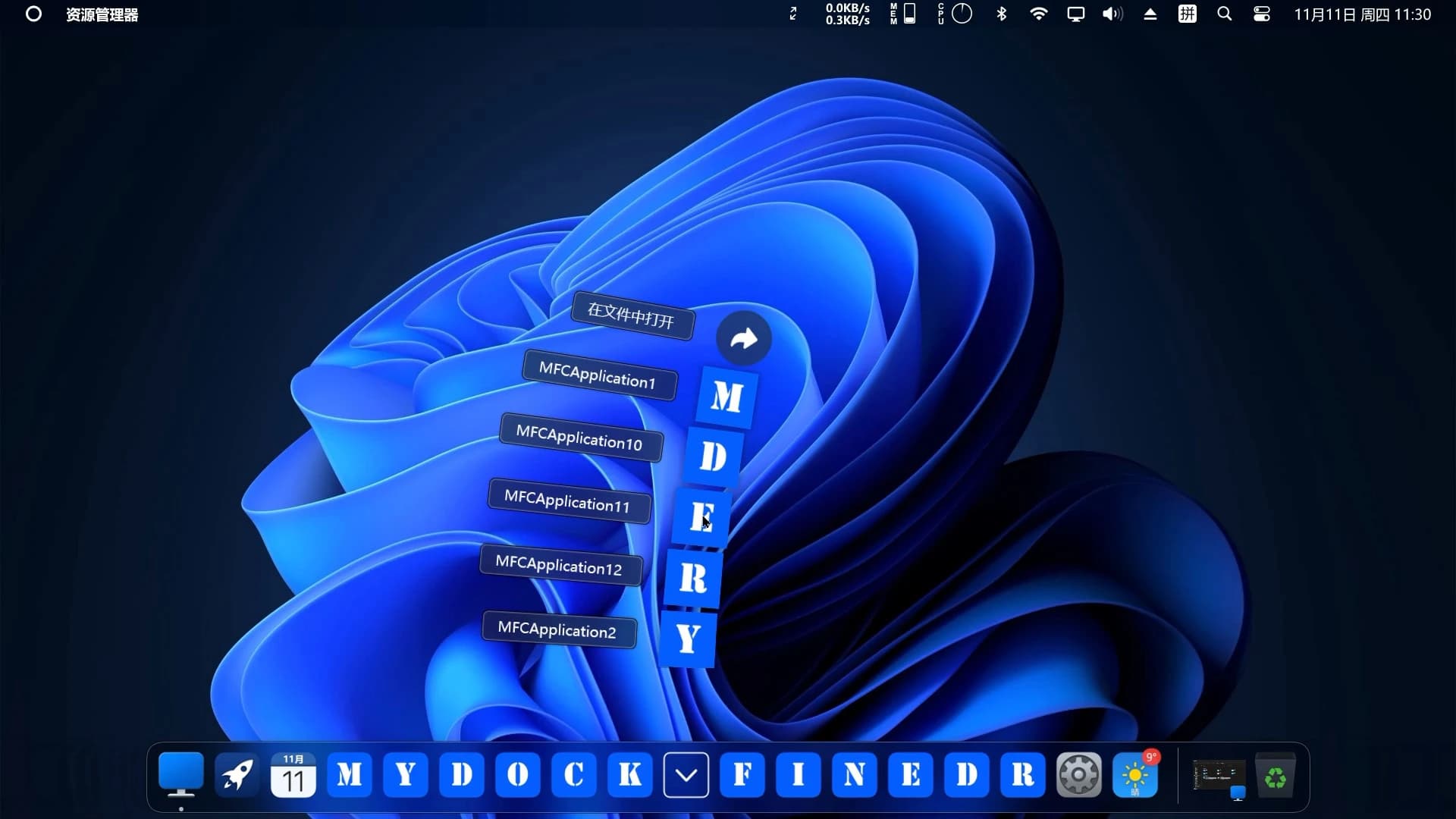
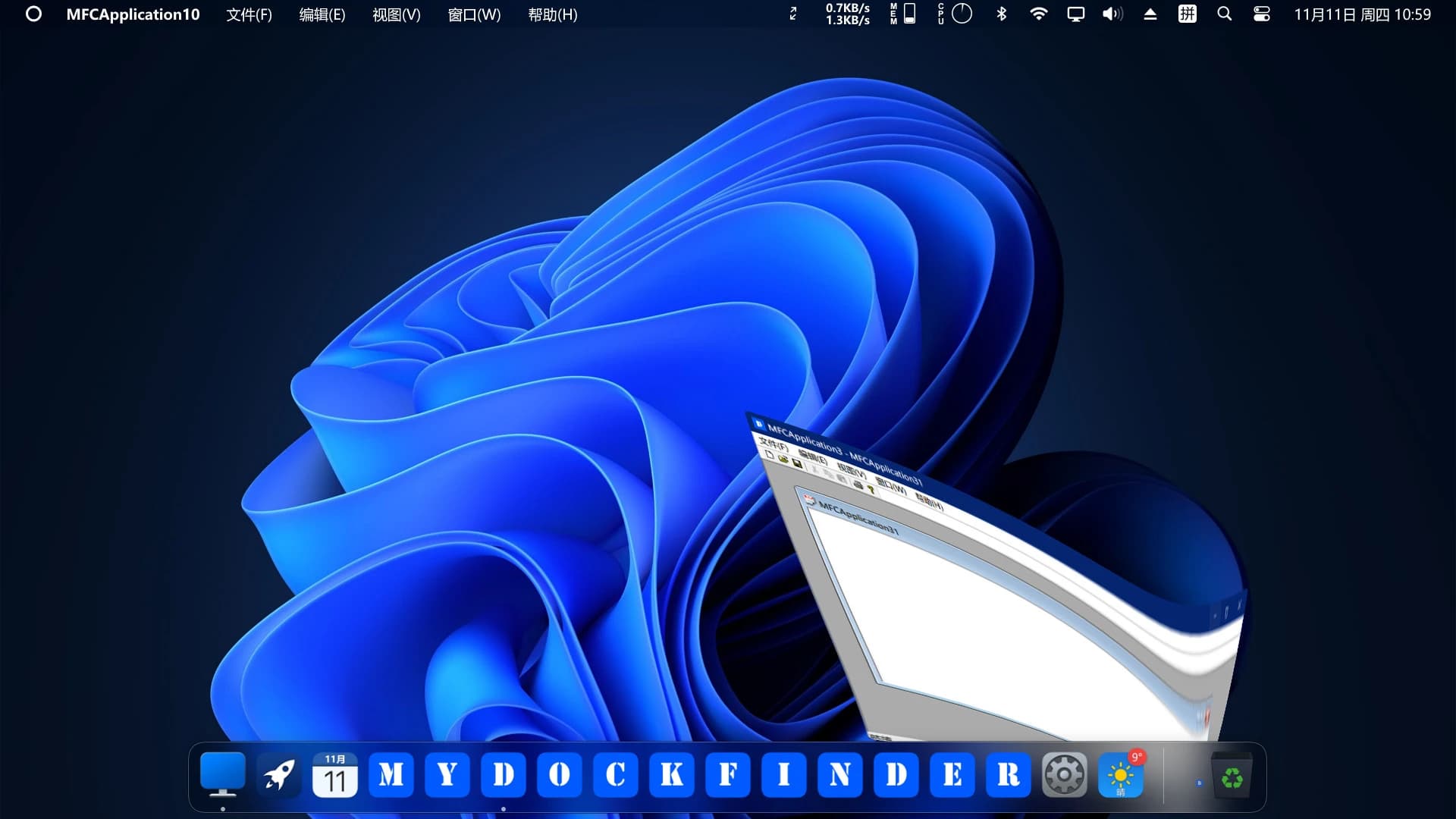
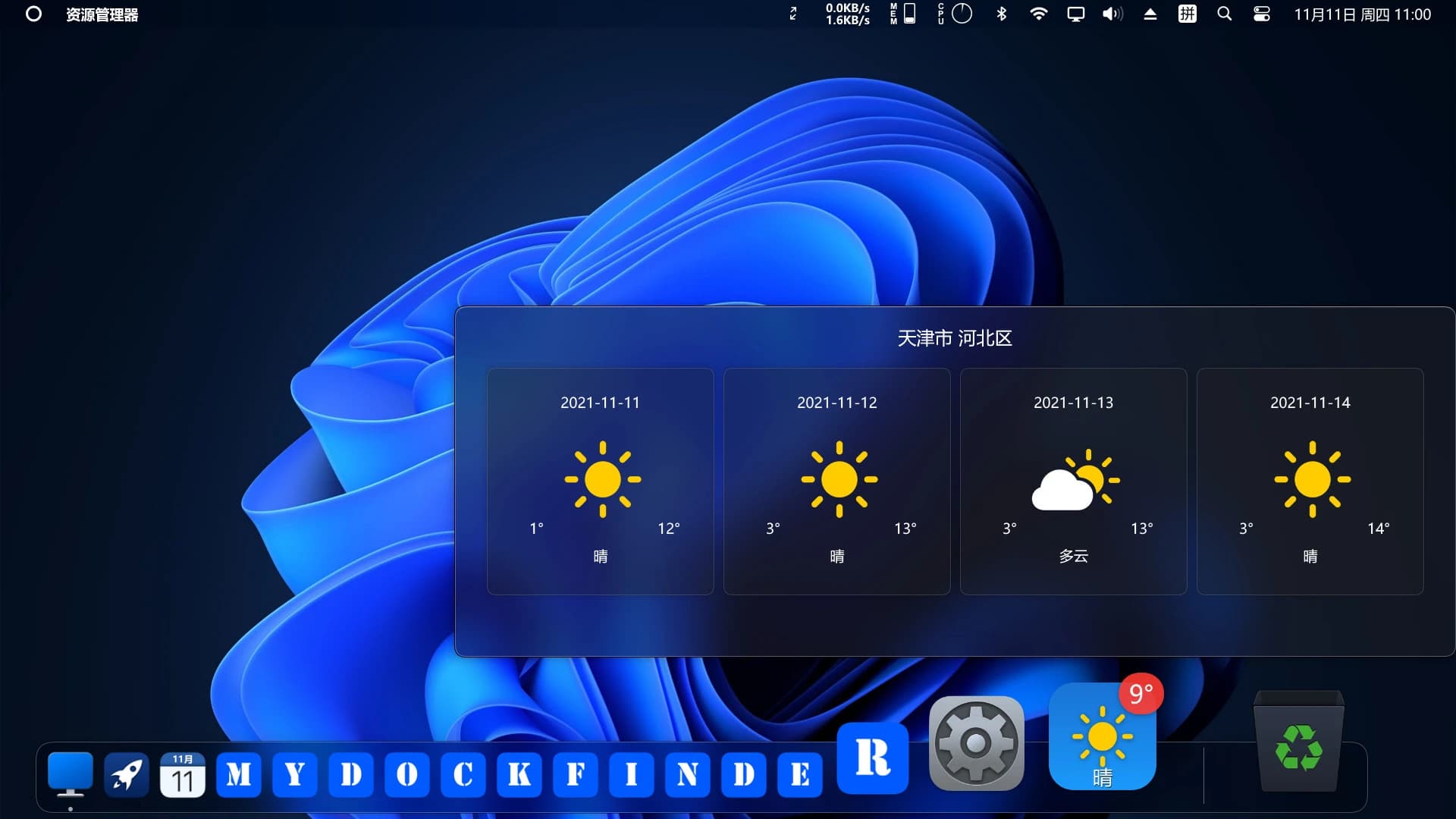
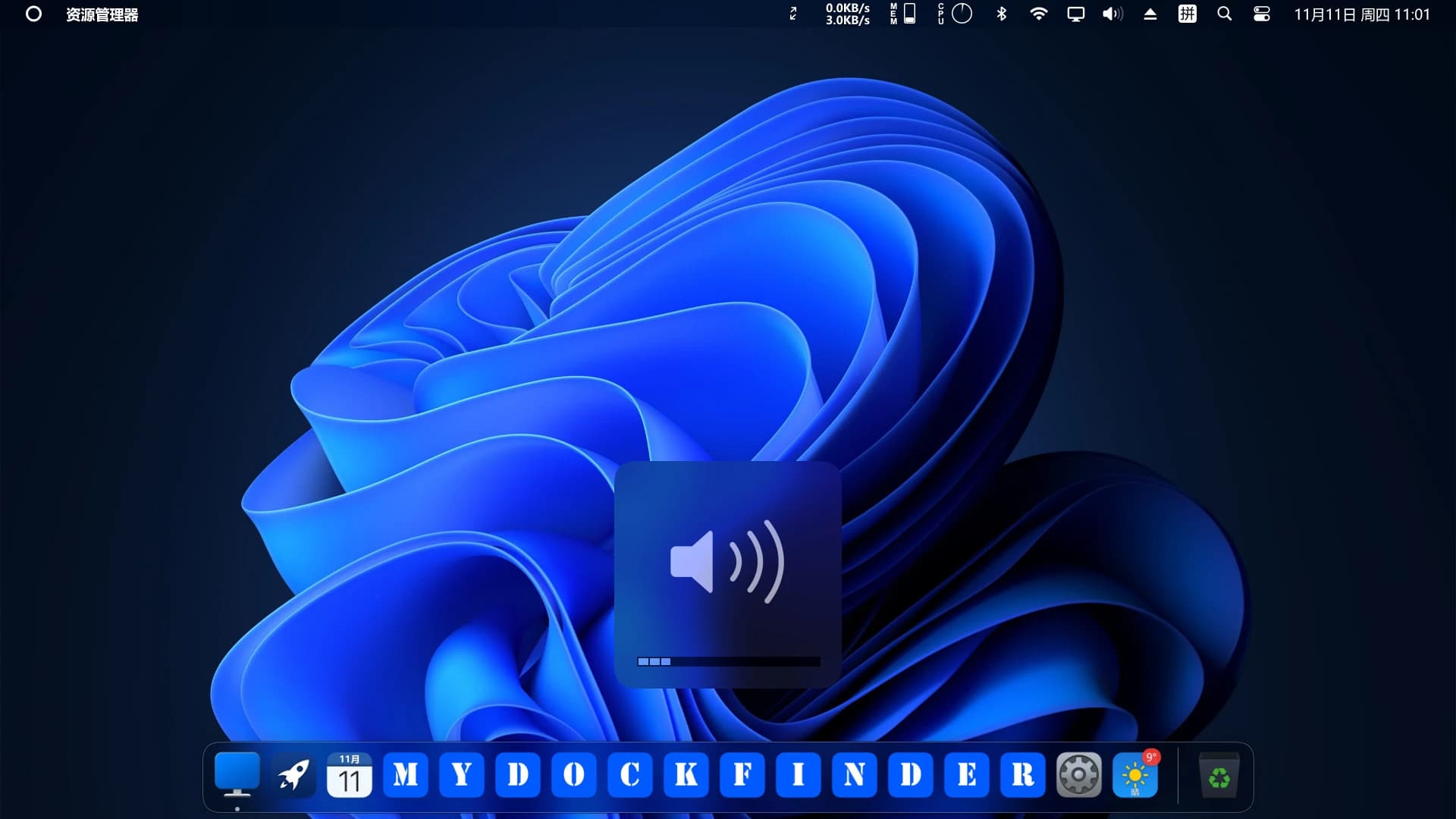
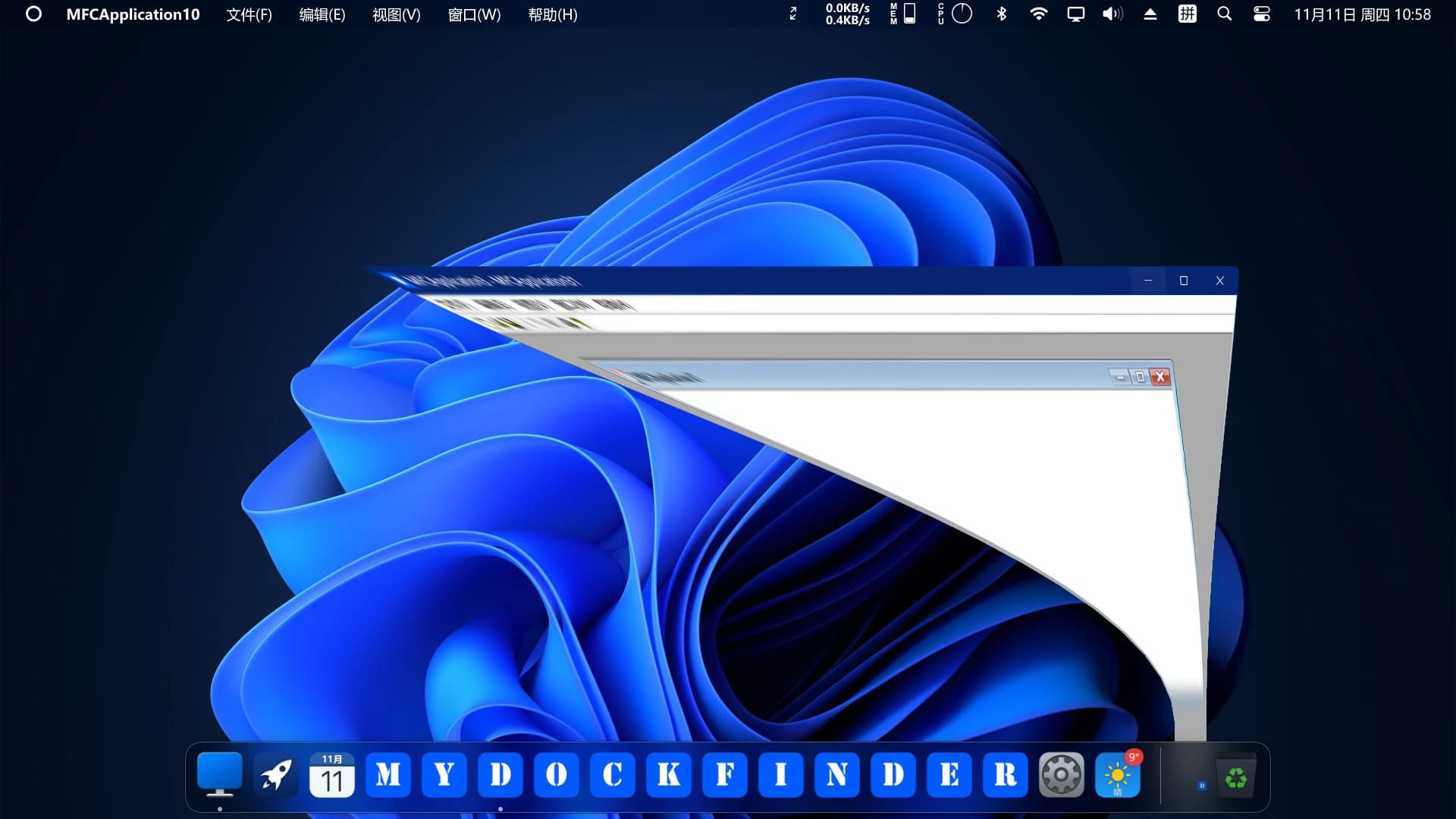
Free Download MyDockFinder For Windows PC. This handy desktop tool brings faster access, smoother control, and a stylish dock-style experience that makes daily PC use feel simpler and more organized.
MyDockFinder is a lightweight yet powerful desktop utility created to improve how you start programs, manage windows, and interact with system functions. Instead of clicking through menus or hunting for shortcuts, it places everything you need right in front of you through a clean, animated dock and finder-style interface.
Built on WinUI and powered by GPU rendering, the software focuses on speed, visual smoothness, and usability. Animations feel fluid, transitions are soft, and the overall layout looks polished without putting pressure on system resources. It works well on both single and multi-monitor setups, including high-resolution 4K displays.
What makes this tool stand out is how practical it feels in daily use. You can drag apps, folders, or files directly onto the dock. You can also drag files onto app icons to open them instantly. It saves time in small but meaningful ways, especially if you open the same tools again and again.
The project is developed by a single creator, which means updates take time, but each update adds useful improvements. The roadmap includes visual customization, creative workshops, achievements, and more appearance options, showing clear long-term support.
The dock is the heart of MyDockFinder free download. It serves as a fast launchpad for applications and a visual manager for running programs. Icons respond instantly, animations remain smooth, and spacing stays consistent even when many apps are pinned.
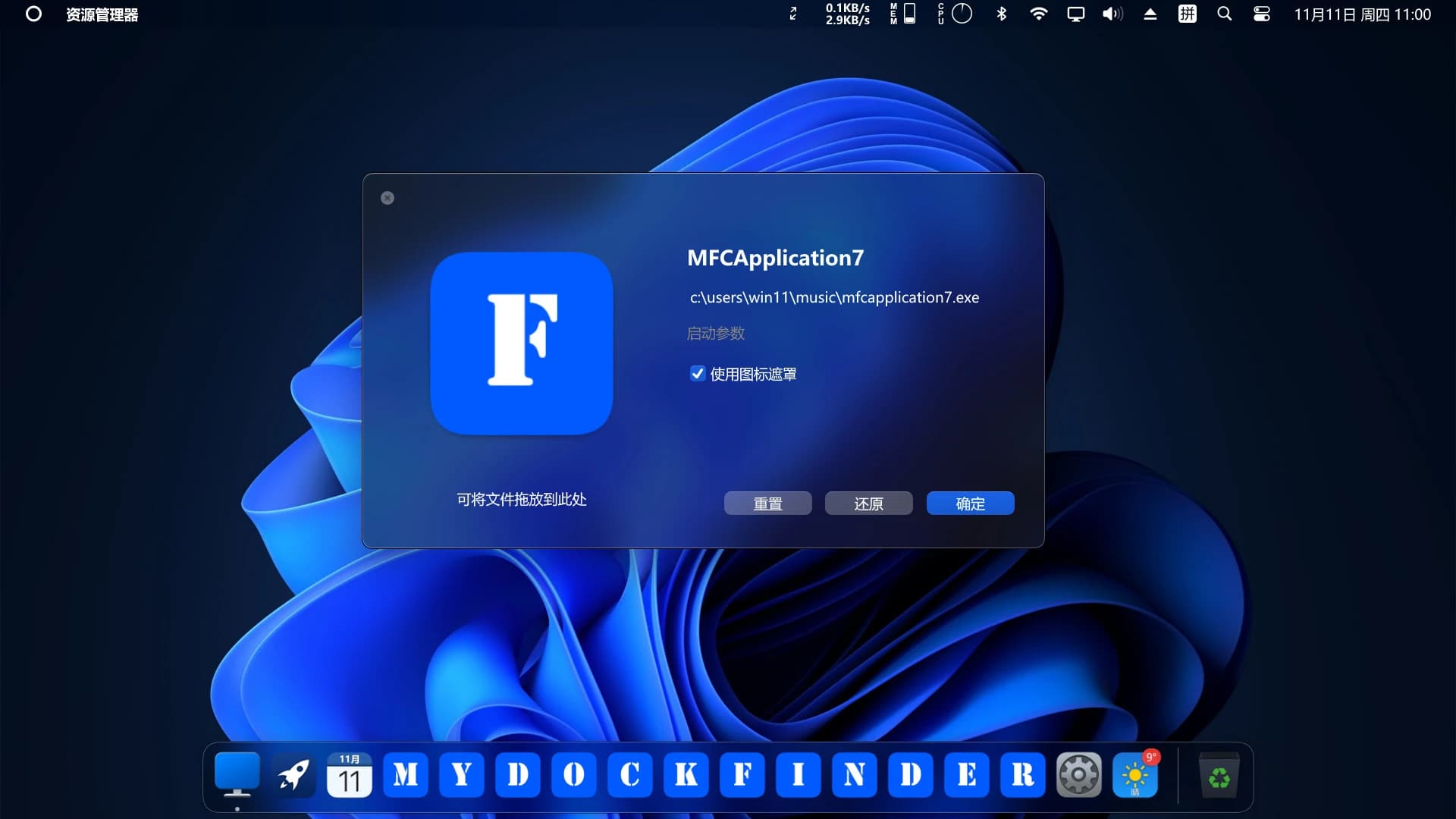
You can manually replace icons to match your style or keep everything uniform using the built-in mask feature. This keeps the dock looking tidy instead of cluttered. Hidden modes let you control when and how icons appear, which is helpful if you prefer a cleaner desktop.
The dock also shows live activity. When an app is downloading something or playing media, progress bars appear directly on the icon. This removes the need to switch windows just to check progress.
Window preview features make multitasking easier. Hovering over icons gives a quick look at open windows, helping you jump between tasks without confusion.
Beyond launching apps, MyDockFinder free download for PC includes a finder-style control panel that puts many system tools in one place. From here, you can shut down, restart, or log off your PC with a single click.
System monitoring tools let you check CPU usage, memory usage, disk activity, network speed, and temperature. These options need to be enabled manually, but once active, they deliver quick insight into system health.
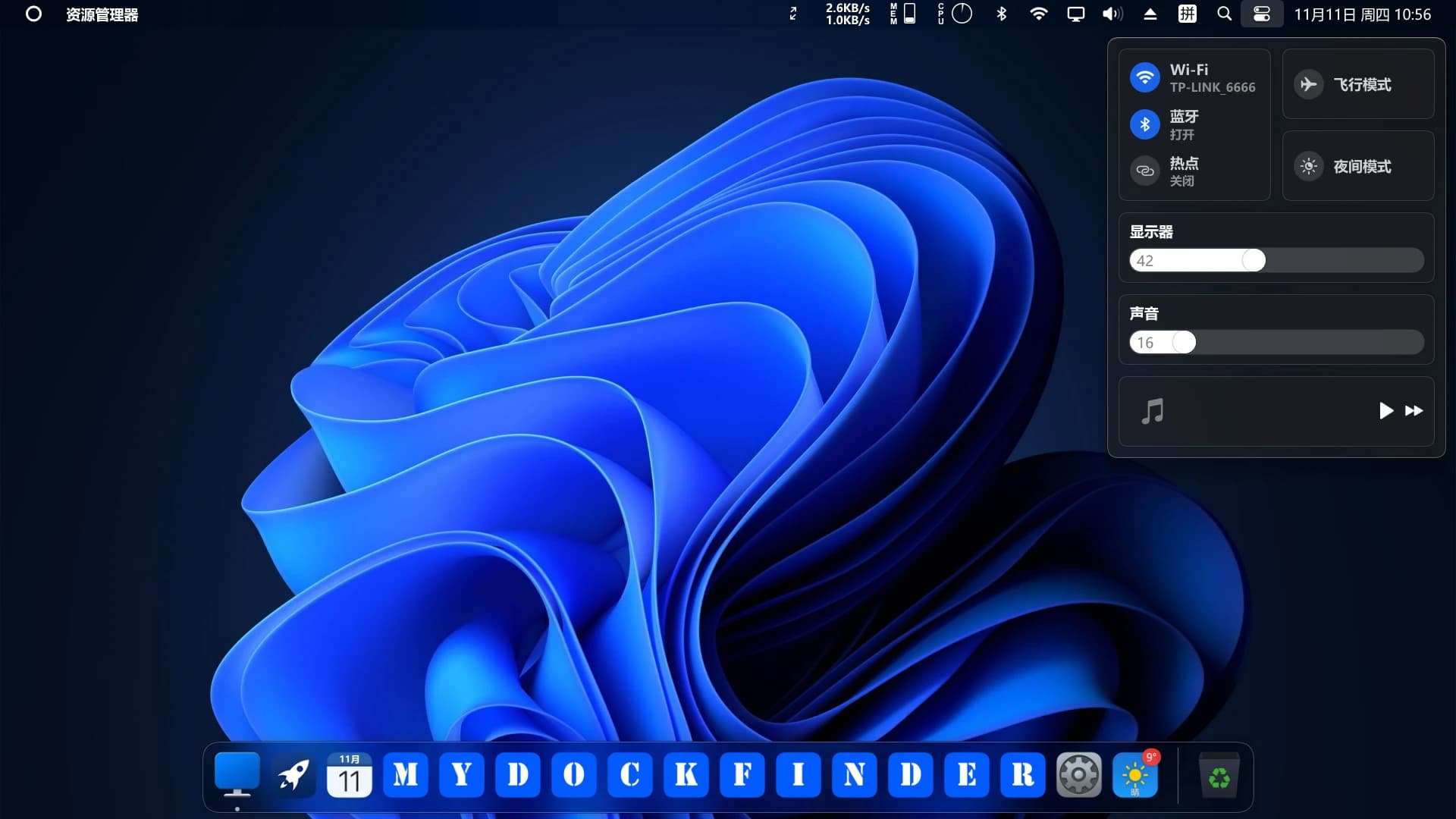
Audio controls are also built in. You can adjust volume levels, switch output devices, and even control volume per application. Media playback buttons let you pause, skip, or resume content without opening the media player.
Bluetooth pairing, WiFi management, and system tray control are included, reducing the need to repeatedly open Windows settings. Right-clicking on function buttons reveals related system options, keeping advanced controls within reach.
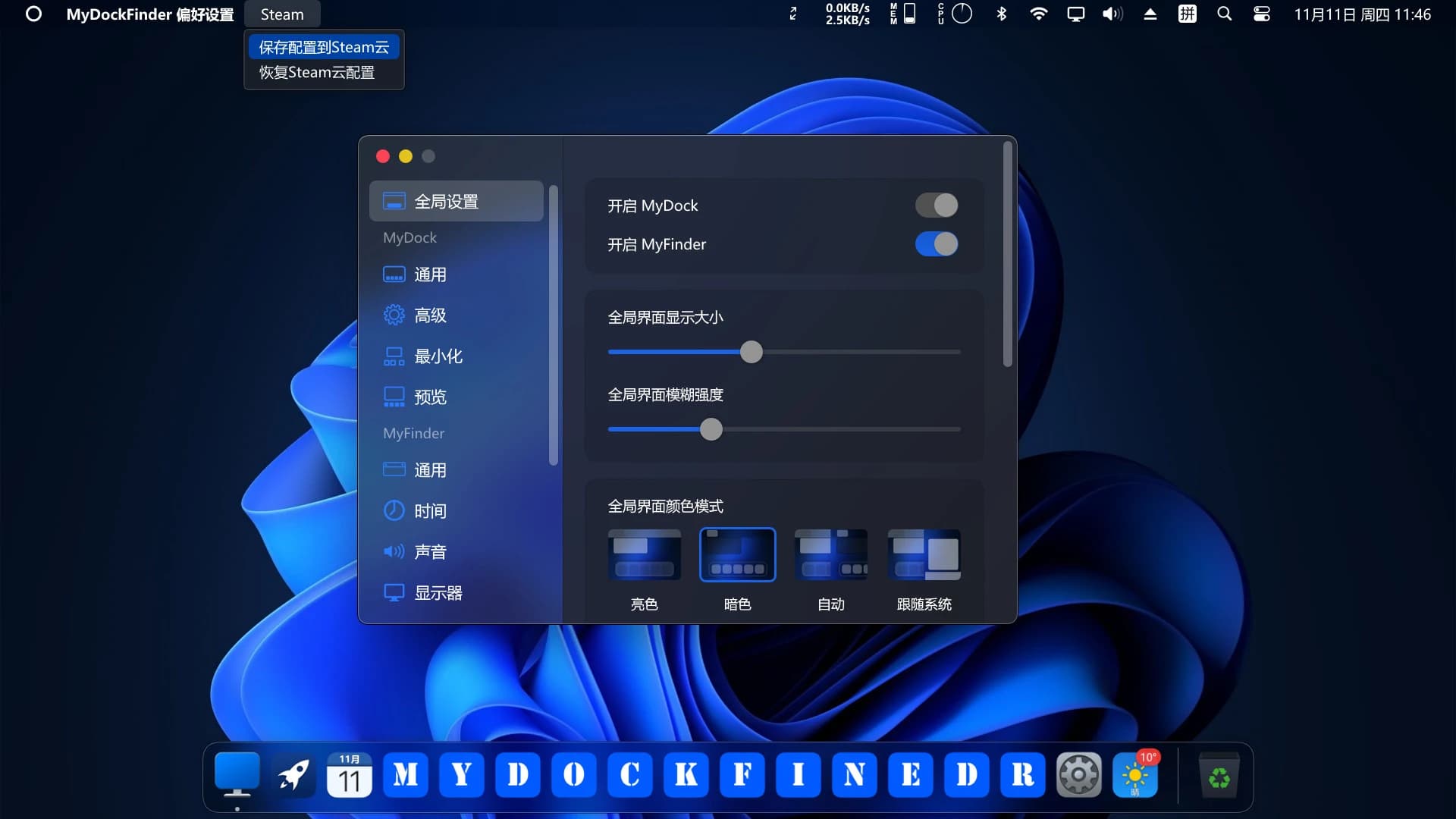
One of the strongest points of MyDockFinder software download is its visual polish. The real-time blur effect applies across the interface and can be tuned to your preference. You can keep it subtle for clarity, or make it stronger for a softer background look.
Rounded corners and engaging backgrounds help windows blend smoothly with the desktop. The transition effects feel natural and do not cause stutter, even on modest hardware.
Brightness adjustment is available for supported monitors. This includes external desktop displays, though caution is advised, as some interfaces, such as HDMI, may not be safe. DisplayPort connections handle brightness control more reliably.
Light and dark modes can be switched together with the operating system, keeping everything consistent throughout the day or night.
Despite its visual quality, MyDockFinder download for PC remains light on system resources. It starts quickly with Windows and runs quietly in the background. GPU acceleration ensures animations stay fluid without stressing the CPU.
The developer releases updates regularly, usually every few weeks. Since it is a solo project, progress may feel gradual, but updates tend to focus on real user feedback instead of filler changes.
If the program crashes or behaves unexpectedly, users are encouraged to report issues. Feedback directly shapes future versions, and planned updates include more customization options, achievements, and visual themes.
Steam Cloud support lets you manually back up configuration files, which is useful if you switch systems or reinstall Windows.
Think of this tool as a well-organized desk. Instead of searching through drawers, everything sits where your hand naturally reaches. Launching programs feels instant, managing windows feels simpler, and system controls feel closer.
For users who enjoy clean layouts, smooth visuals, and faster workflows, this software fits naturally into everyday routines. It does not try to replace Windows but works alongside it, adding convenience without confusion.
MyDockFinder delivers a refined desktop experience focused on speed, control, and visual comfort. It simplifies launching apps, managing windows, and accessing system tools, all while maintaining smooth performance and a clean interface. With steady updates and thoughtful design choices, it stands as a reliable companion for users who want their Windows desktop to feel more responsive and organized.
Leave a comment
Your email address will not be published. Required fields are marked *