Download Move My Moc Game For PC (Latest 2026) - FileCR
Free Download Move My Moc Game Latest Version 2026 for Windows PC. Build Custom Cars And Drive Them Wild.
Free Download Move My Moc Game Latest Version 2026 for Windows PC. Build Custom Cars And Drive Them Wild.
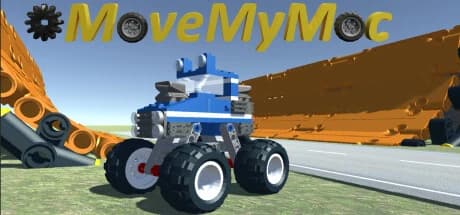
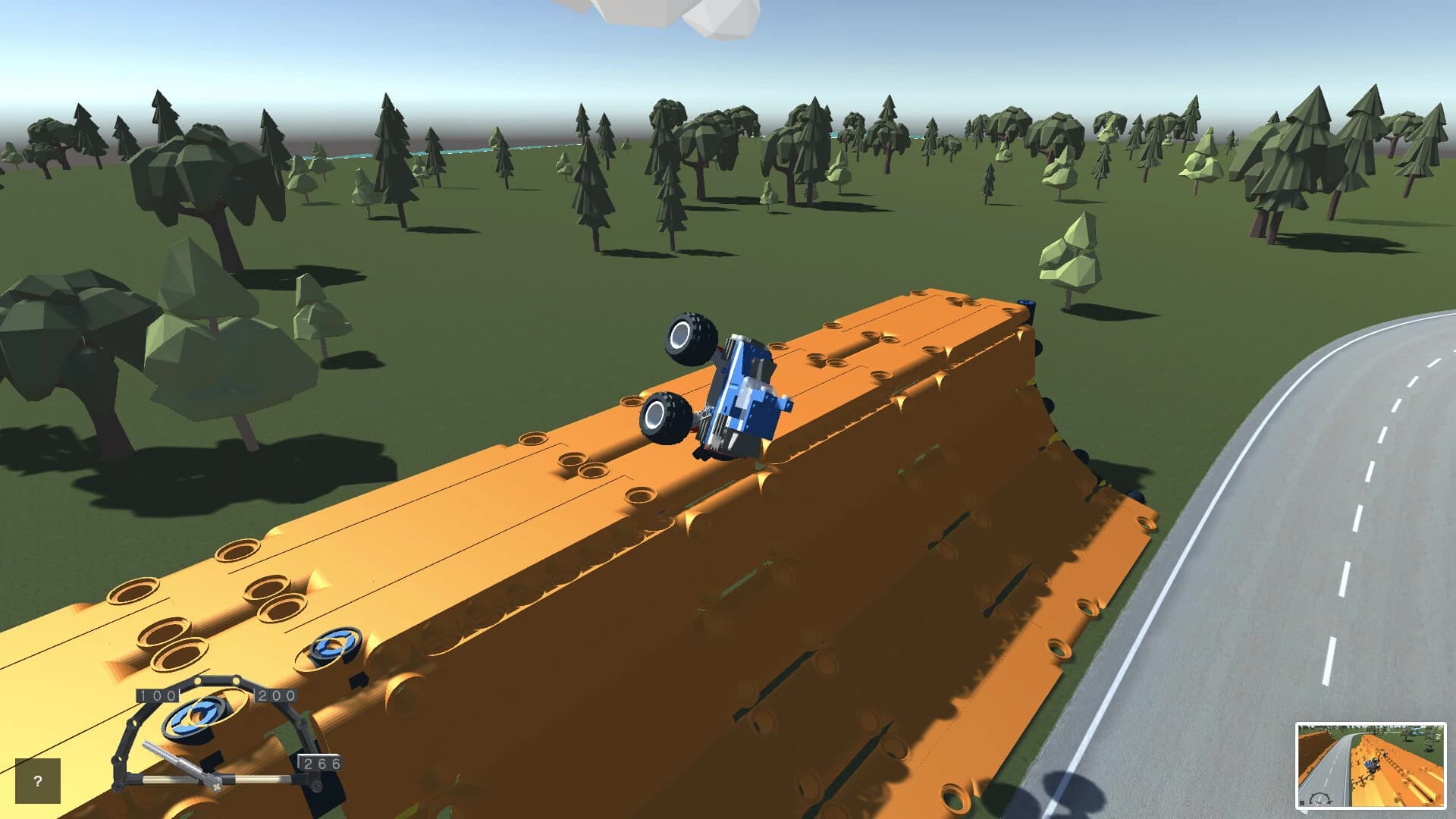
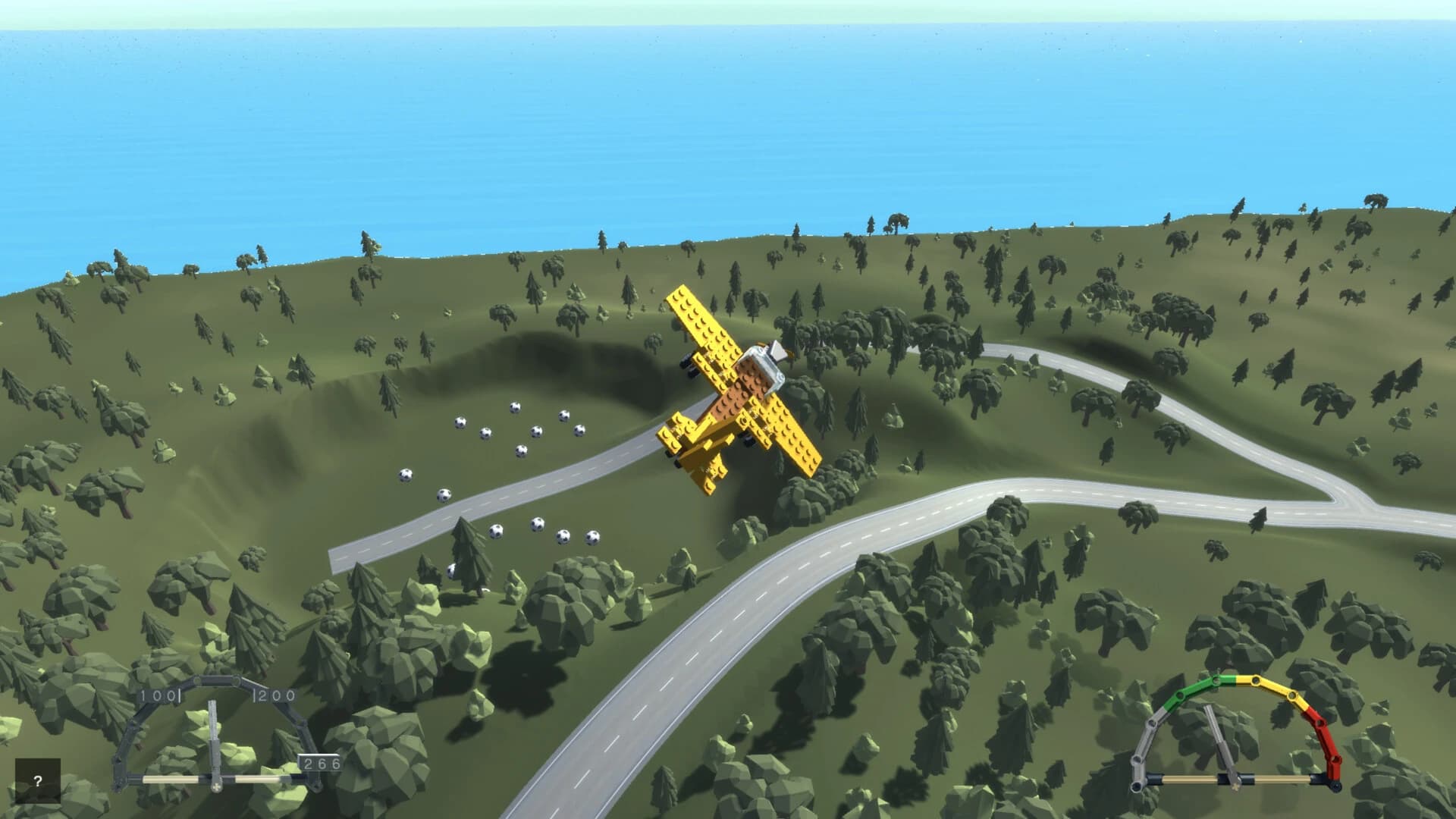
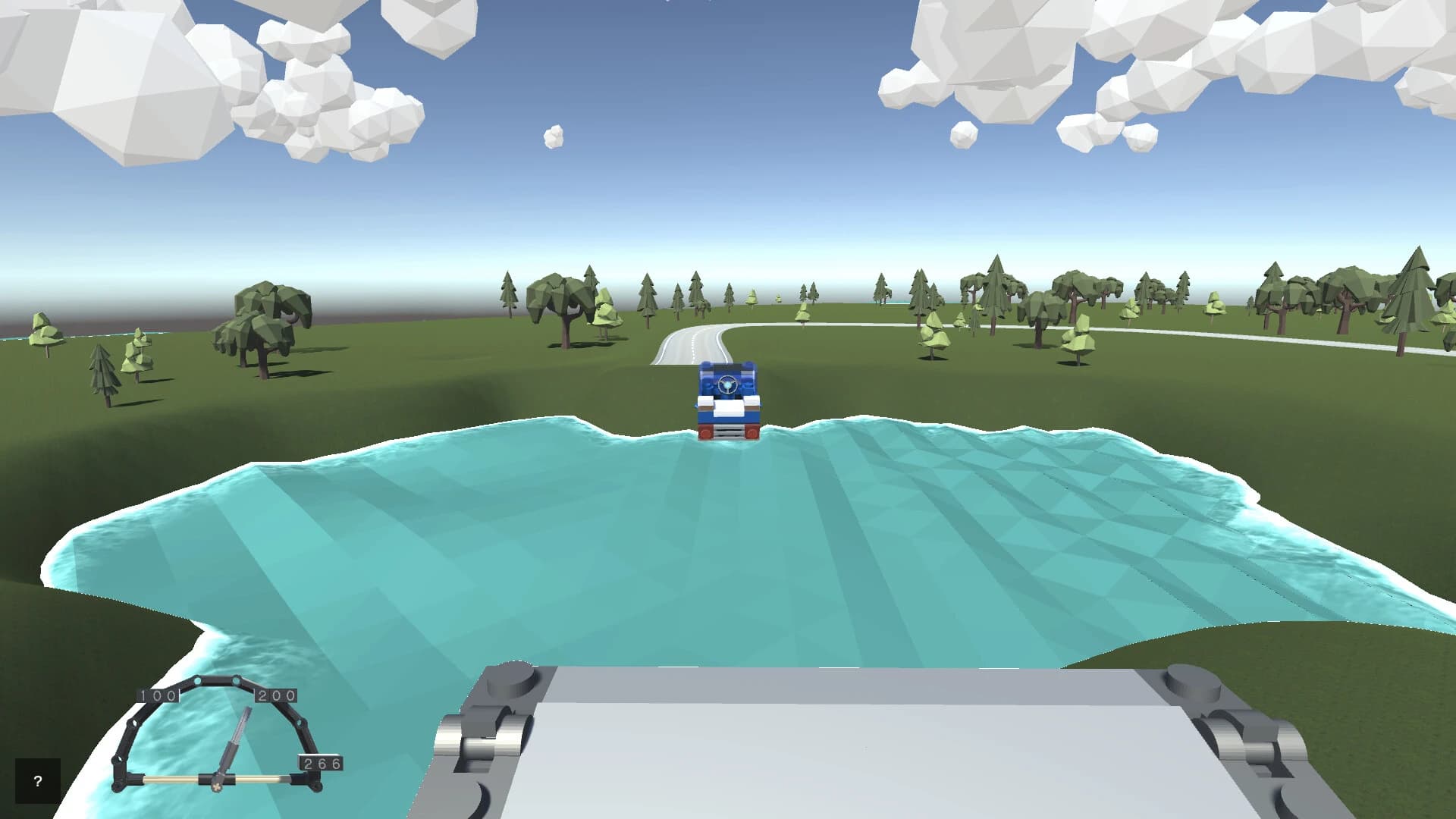
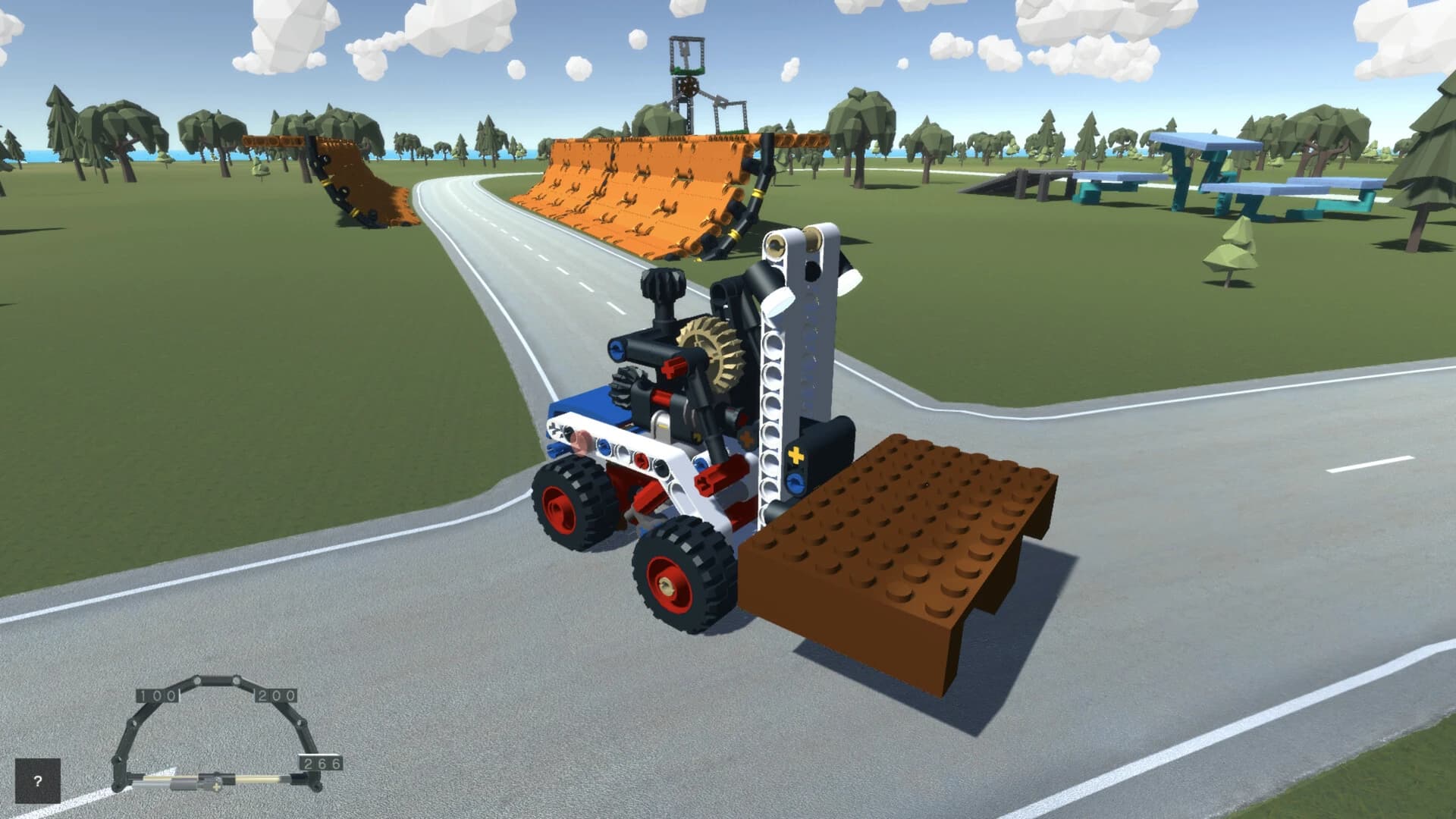
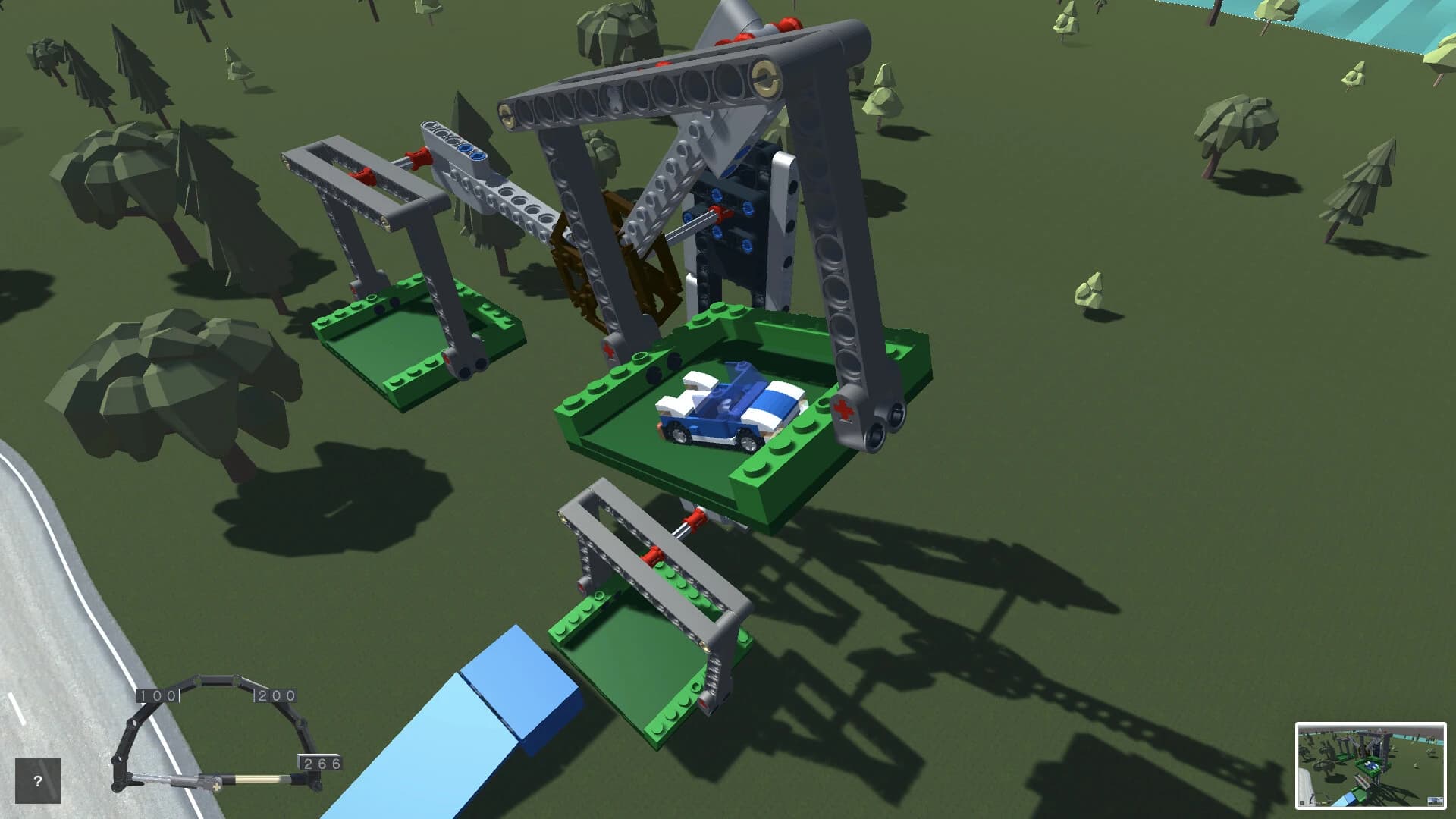
Free Download Move My Moc For Windows PC. Turn your brick-built car ideas into drivable machines inside a fully interactive open-world sandbox that runs on real physics and pure creativity.
Move My Moc is a creative, car-focused sandbox game developed and published by Gabor Farkas. It allows you to import LDraw models directly into an open-world environment and instantly turn them into playable vehicles. If you enjoy building custom cars in Bricklink Studio or any other LDraw-supported tool, this software gives your designs a second life.
Instead of handing you scripted missions or fixed objectives, it gives you a giant playground. You design the car. You shape the terrain. You decide what happens next. It feels like taking your LEGO-style creations off the desk and placing them into a living, moving simulation.
There are no predefined stages or forced goals. It is a pure sandbox experience. You can experiment, test physics, tweak vehicle behavior, and explore custom maps at your own pace. The focus is freedom, creativity, and technical exploration.
These features make it feel less like a traditional game and more like a digital garage mixed with a construction site.
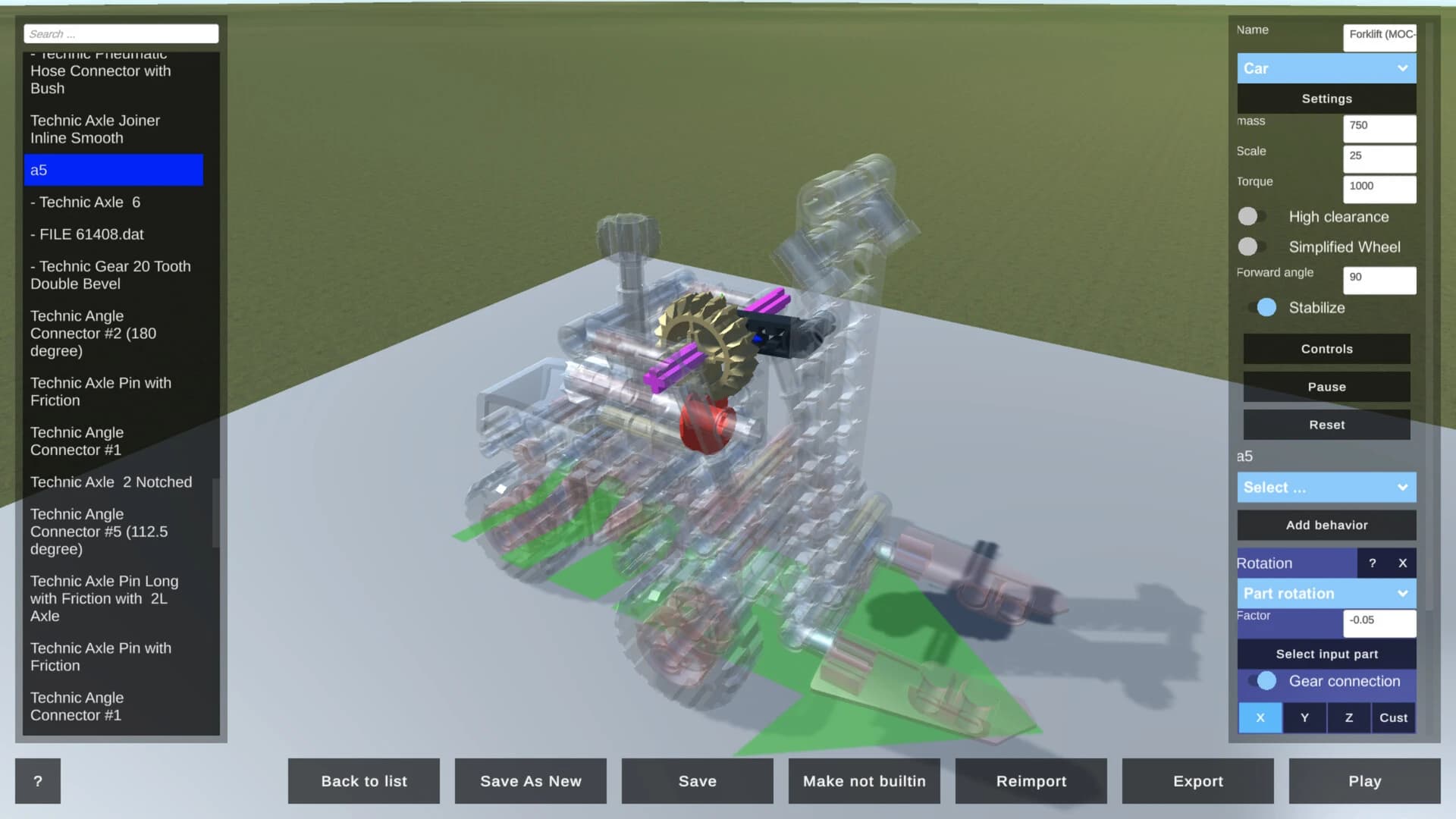
The gameplay loop is simple but powerful. First, you design your vehicle using an external tool that supports LDraw, such as Bricklink Studio. Once your model is ready, you import it into the sandbox. The game then analyzes your design and identifies common car components, such as wheels and chassis elements. Within moments, your static model transforms into a drivable vehicle.
Driving your own creation feels different from controlling a pre-built car in a racing game. There is pride attached to it. You know every brick, every angle, every design choice. When the car accelerates, jumps, or flips, it is your design reacting to the laws of physics.
The physics system plays a major role. Weight distribution matters. Suspension placement affects handling. The way you design the chassis influences stability. It feels like testing a prototype in a digital wind tunnel, except you are the engineer and the driver at the same time.
Because there are no fixed objectives, you create your own challenges. Build a steep hill and see if your truck can climb it. Design a race track with sharp corners and test handling. Construct ramps and check how well your suspension absorbs impact. The sandbox becomes your personal laboratory.
The heart of Move My Moc free download lies in its import system. It does not just load your LDraw file as a decorative object. It tries to recognize structural parts and convert them into functional components.
That means wheels rotate. The chassis interacts with terrain. The model responds to gravity and collisions.
This process feels almost magical. You build something outside the game, bring it in, and suddenly it is alive. It is like sketching a blueprint and then watching the machine roll off the assembly line.
You can also configure interactive behaviors after importing. That gives you more control over how the vehicle behaves. You are not locked into one setup. You can tweak and refine. For creators who love iteration, this is gold. Design, test, adjust, repeat. Each loop improves your vehicle.
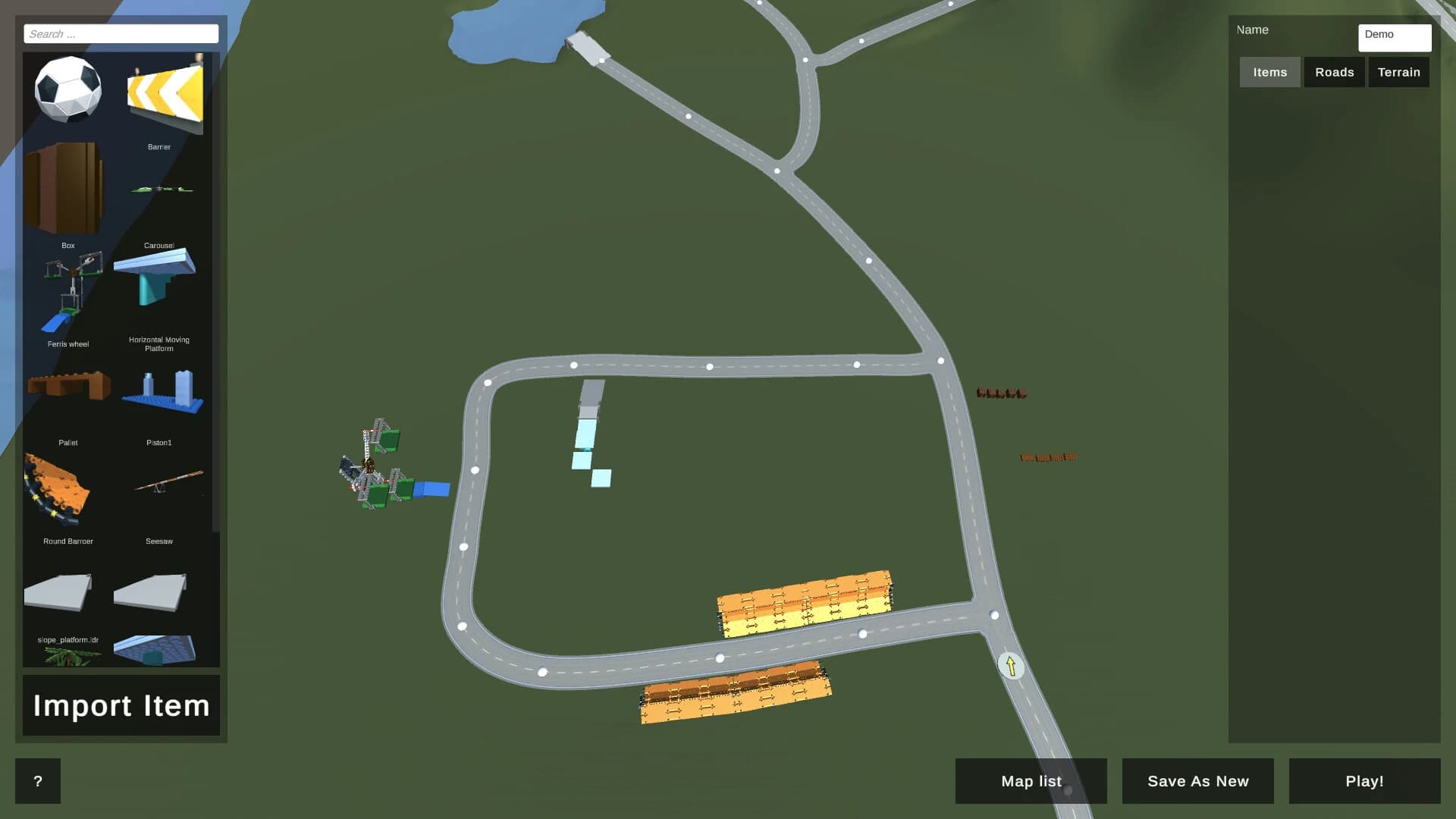
The included environment designer deserves serious attention. It lets you create custom maps from scratch. You can shape terrain elevation, create hills, valleys, and flat plains. Then you can lay down roads, place objects, and build interactive elements.
Think of it as your own miniature city planner tool. Instead of driving on someone else’s track, you build your own.
The terrain tools allow height adjustments and landscape shaping. Road placement tools let you create structured driving paths. Interactive items can be positioned to enable additional experimentation.
The environment becomes part of the gameplay. A well-designed map can highlight your vehicle’s strengths or expose its weaknesses.
Move My Moc free download for PC does not push you toward a story. It does not guide you with mission markers. That is intentional. It is a pure sandbox.
There are no built-in levels to complete. No story arc. No scoreboard telling you what to do next. Instead, it hands you creative tools and says, Go ahead.
This type of freedom can feel strange at first if you are used to structured games. But once you adjust, it feels liberating. You set your own goals. You decide what success looks like.
It is similar to having a box of bricks on a table. There is no instruction booklet. The only limit is your imagination.
For players who enjoy experimentation and technical design, this open-ended structure is refreshing.
Move My Moc game download includes a small selection of vehicles and two example maps. These are useful starting points. They show you how imported creations can behave and what kind of environments are possible.
The example maps act like templates. You can study how the terrain and roads are arranged. Then you can apply those ideas to your own designs.
The included vehicles help you understand how the physics system reacts to different builds. You can drive them, observe suspension behavior, and analyze stability before designing your own.
They are not the main attraction, but they serve as helpful learning tools.
The physics engine gives weight to every action. Acceleration feels grounded. Collisions have an impact. Slopes test traction.
This is not an arcade-style racer where cars float unrealistically. The simulation attempts to respect physical behavior. If your design is top-heavy, it may flip. If your suspension is uneven, handling might suffer.
That creates a strong connection between design and performance. Your creative decisions directly influence results.
It feels like building a real-world prototype. If something fails, you know it is your design that needs refinement. That makes improvements satisfying.
The roadmap includes Steam Workshop integration. That means players will be able to share imported creations and custom environments in the future. This has huge potential.
Imagine downloading someone else’s custom racetrack or testing a highly detailed car built by another designer. The sandbox could grow into a community-driven platform.
Sharing creations adds a social layer. Instead of building alone, you contribute to a larger pool of ideas. While this feature is not yet fully implemented, it signals long-term growth and community focus.
Many sandbox games allow building. Many racing games allow driving. Few combine custom external model creation with in-game physics simulation like this.
The bridge between LDraw modeling and interactive driving sets it apart. It feels like two hobbies merging into one.
If you already enjoy designing digital brick models, this gives them purpose beyond static display. If you enjoy physics-based driving, this gives you control over the vehicle’s architecture. It is like owning both the factory and the test track.
That combination creates a unique experience that does not rely on flashy graphics or dramatic storytelling. Instead, it relies on creativity and experimentation.
Move My Moc is a creative sandbox that turns your brick-based car models into playable vehicles inside a physics-driven open world. It removes structured missions and instead gives you a toolbox. You build the vehicle. You shape the environment. You define the experience.
If you enjoy designing digital models and want to see them come alive, this is a rewarding platform. It feels like stepping into your own engineering workshop where ideas roll, crash, climb, and evolve.
There is no pressure. No strict path. Just creativity, testing, and improvement. For players who love freedom and hands-on experimentation, it delivers exactly that.
Leave a comment
Your email address will not be published. Required fields are marked *