Download EmoteLab Software For PC (Latest 2026) - FileCR
Free Download EmoteLab Latest Version 2026 for Windows PC. Create cute animated emotes in minutes.
Free Download EmoteLab Latest Version 2026 for Windows PC. Create cute animated emotes in minutes.

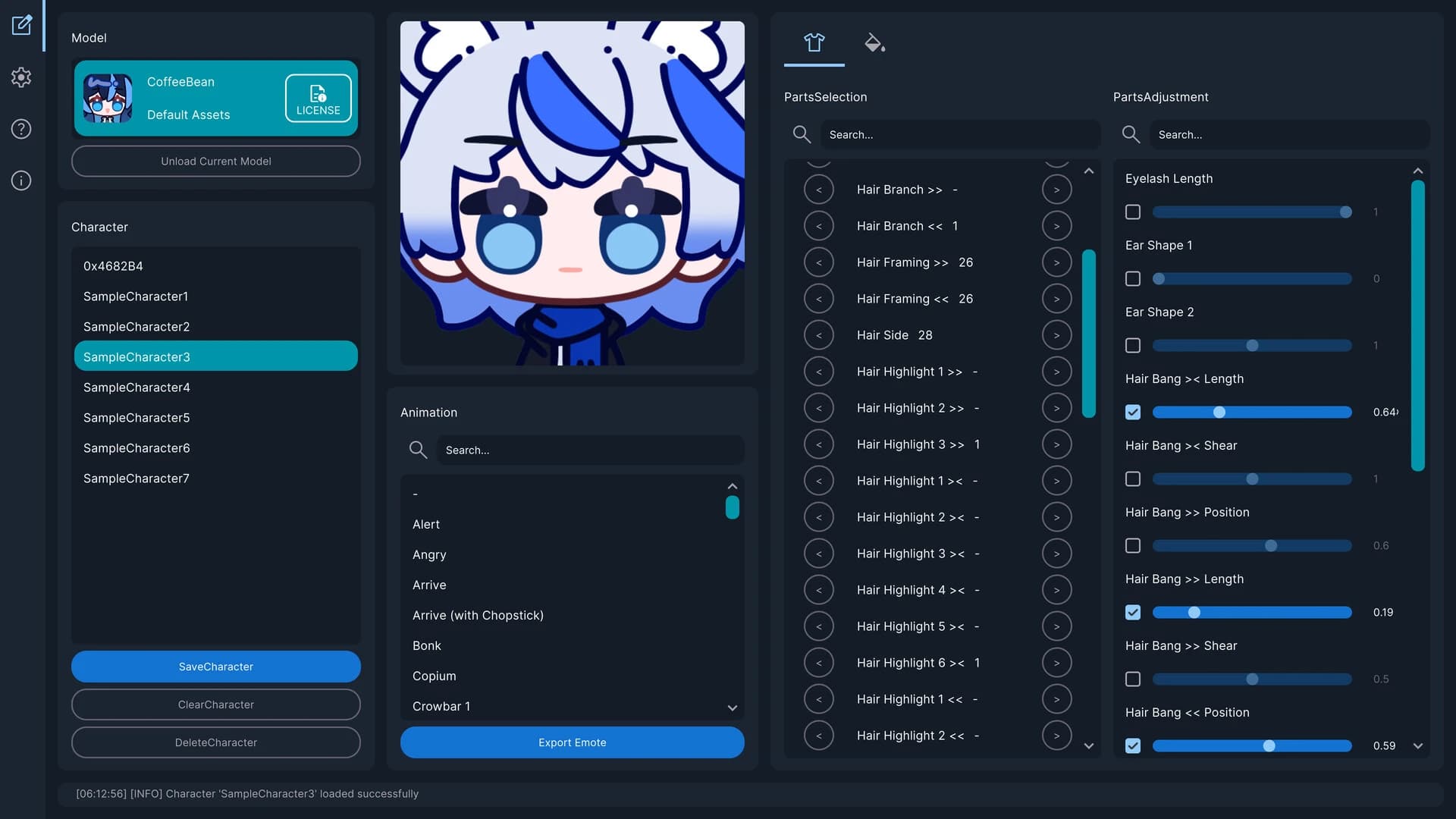
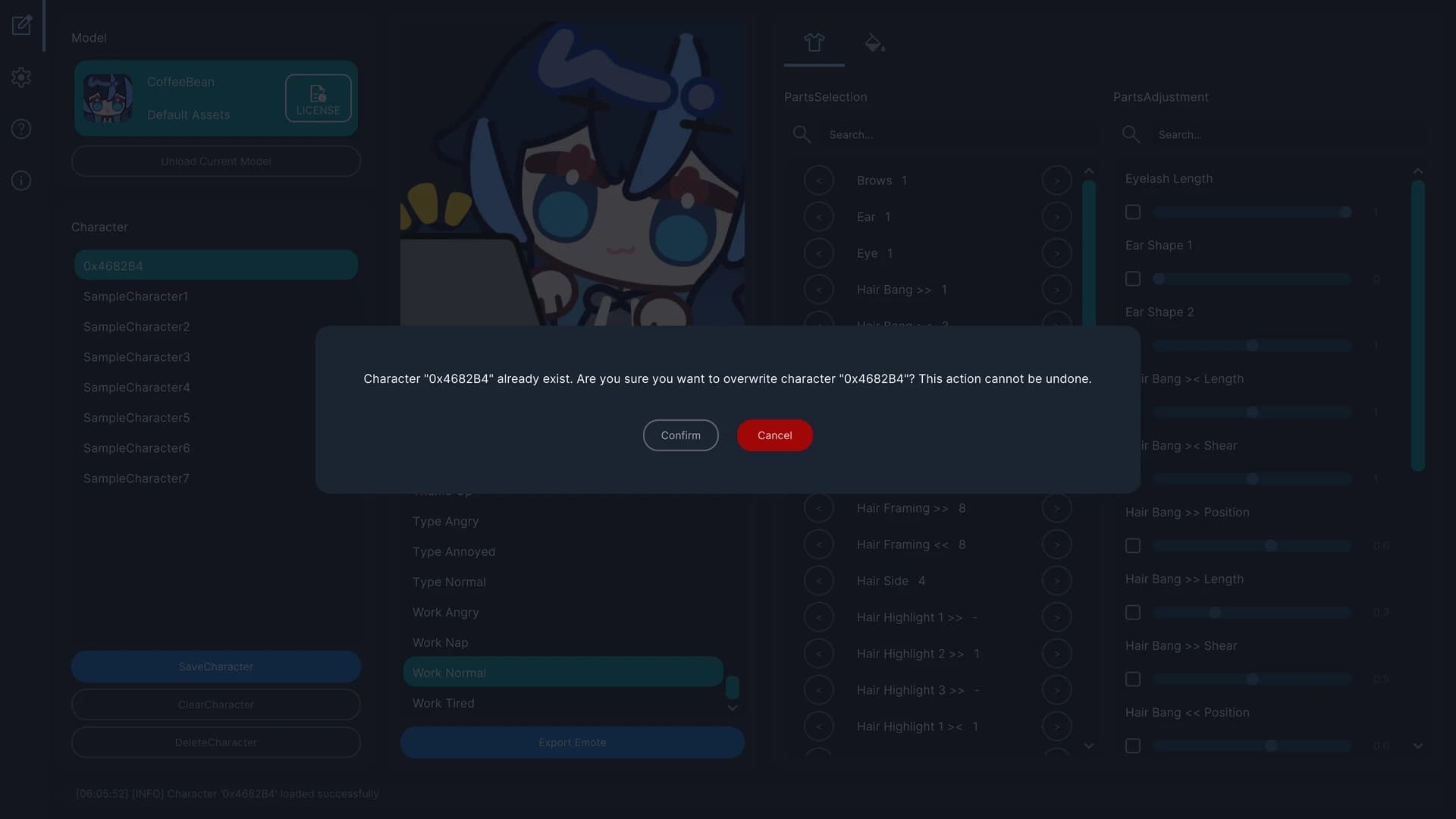
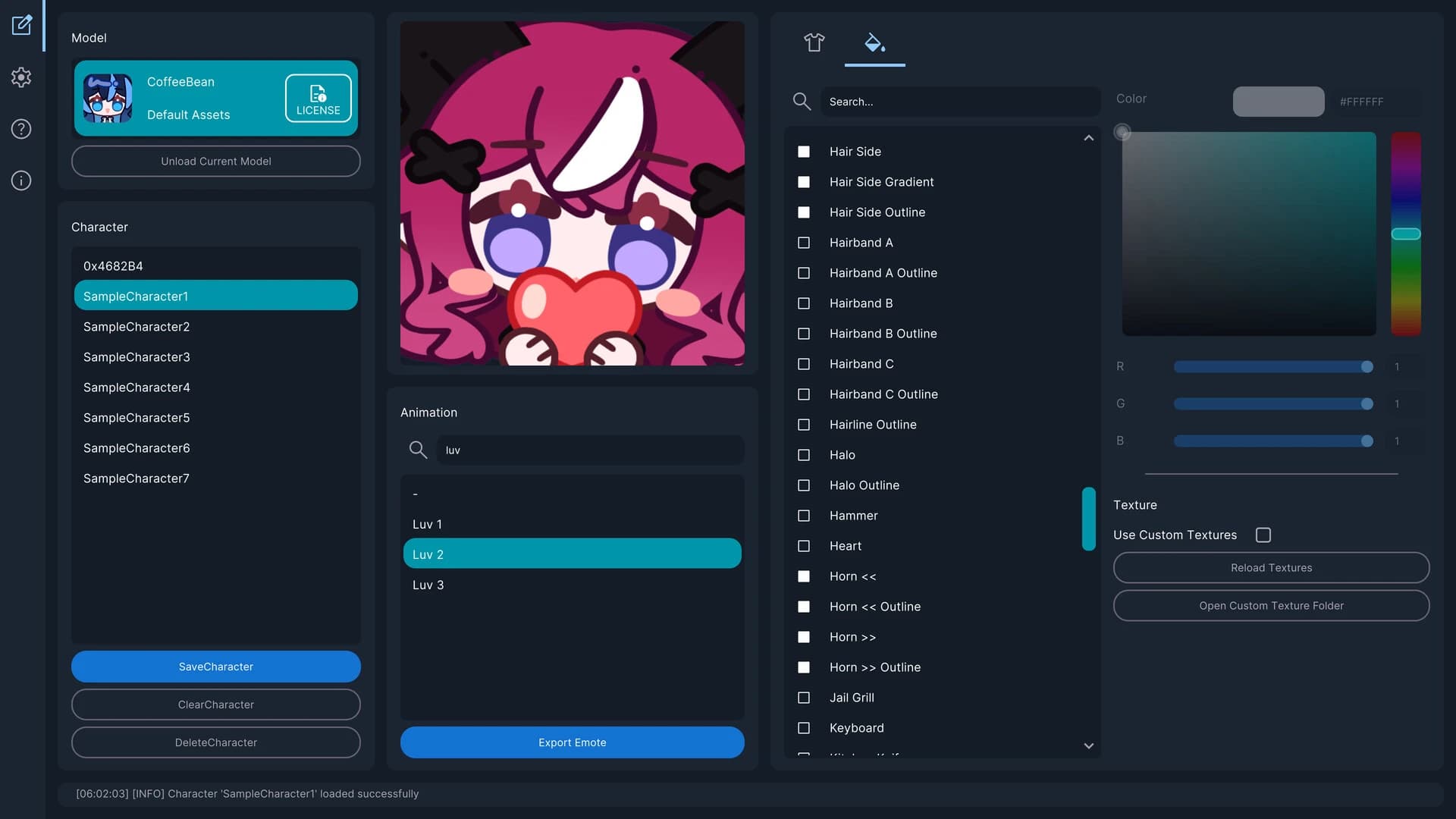
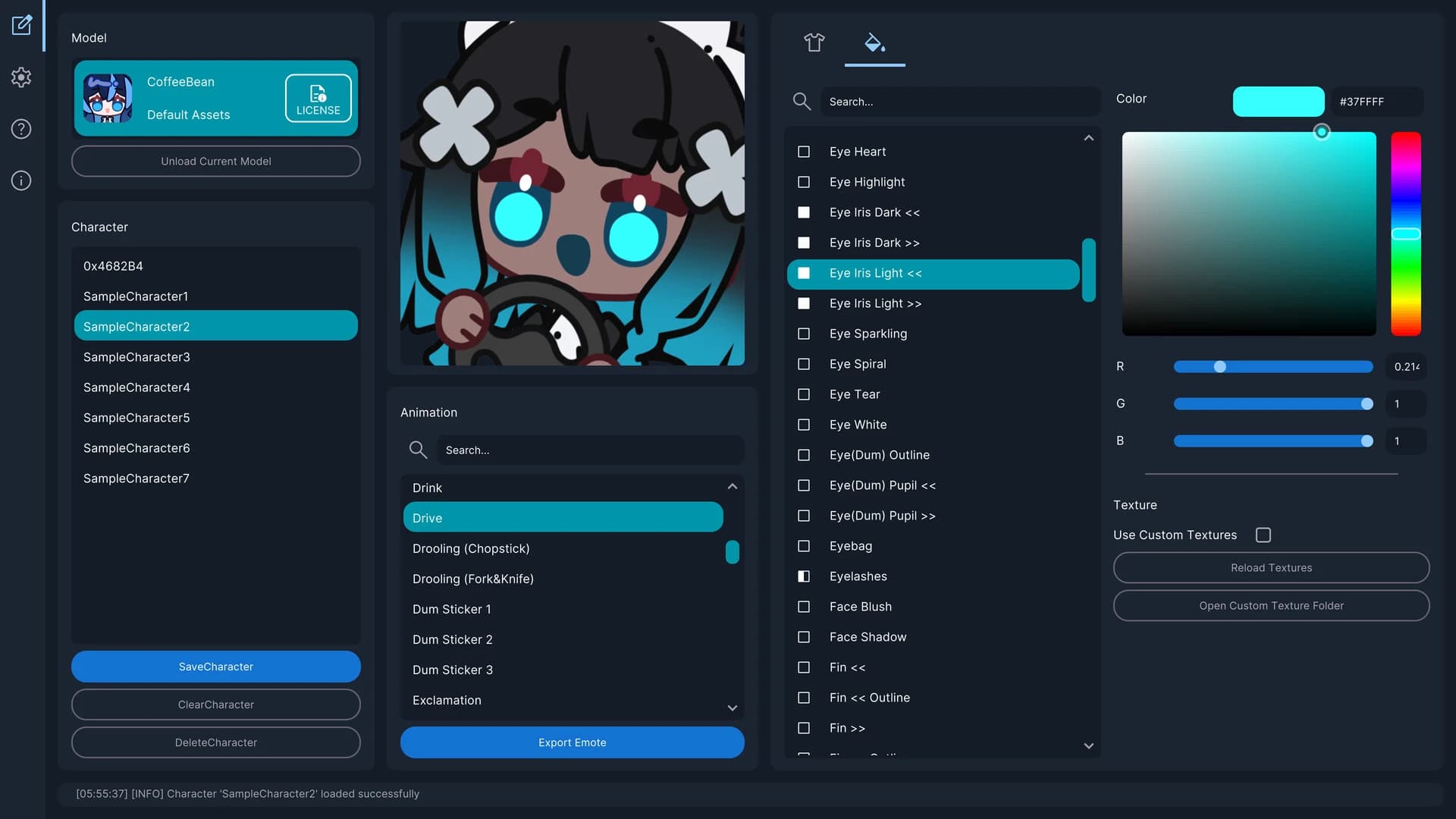
Free Download EmoteLab For Windows PC. Want to turn your ideas into adorable animated emotes in minutes? This tool makes character creation feel like snapping together digital Lego blocks, fast, fun, and surprisingly addictive.
EmoteLab is a lightweight character and emote creation software developed by 0x4682B4 and published by GlycoProduction. It’s built for anyone who wants to create animated emotes without learning complex animation software. You don’t need experience, technical skills, or design knowledge. If you can click, drag, and adjust sliders, you’re good to go.
This software lets you design custom characters using ready-made parts and built-in animations. Once you’re happy with your design, you can export it as an animated GIF for Discord, Twitch, and other chat platforms. Everything is optimized for easy sharing, so your emotes look clean and smooth wherever you post them.
It’s simple, practical, and focused. No heavy menus. No confusing timelines. Just pick parts, test animations, and export.
While EmoteLab free download for PC technically a utility tool, using it feels almost like playing a creative sandbox game. You open the program and start building a character piece by piece. Hair first. Then eyes. Maybe a hoodie. Add glasses. Try a different color tone. Suddenly, your simple idea turns into a personality.
The real-time preview is where things get exciting. As soon as you make a change, you see the result immediately. No waiting. No rendering delays. It’s like looking into a digital mirror that responds immediately to your changes.
Then comes the animation testing. You can scroll through preloaded animation clips and watch your character move. Wave. Blink. Cheer. React. It’s satisfying to see your creation come to life with a single click.
The zoom and rotate options make adjustments easier. You can reposition the character to match platform requirements or to focus on a specific pose. Everything feels direct and responsive.
Customization is the heart of EmoteLab free download for Windows. The built-in model includes preset parts that you can combine in many ways. Hairstyles, facial features, clothing pieces, and accessories can all be mixed freely.
You’re not drawing from scratch. Instead, you’re assembling. Think of it like customizing a character in a casual game. The sliders allow you to adjust size and placement. Color tint options let you change tones for individual parts. Want blue hair with a darker shade? Easy. Want pastel clothing? Done in seconds.
You can save presets, which is extremely helpful. Create multiple versions of your character, maybe one for happy reactions and another for dramatic expressions. Switch between them quickly without rebuilding everything.
There’s also support for Spine2D models, as long as you follow the required naming conventions and use Version 4.3. That adds flexibility for users who want to expand beyond the default model.
Animation previewing is one of the strongest features here. You don’t have to guess how your emote will look. You test it before exporting.
The built-in animation library includes a variety of ready-made clips. You can play them, pause them, and evaluate how your character behaves. It’s like auditioning your creation before presenting it on stage.
The viewport controls help refine positioning. Zoom in for detail checks. Rotate slightly to ensure alignment. Move the character to fit the platform size limits. Trying combinations is fast. You can swap a hairstyle and immediately test how it looks during a wave animation. This quick feedback loop makes the whole process smooth and fun.
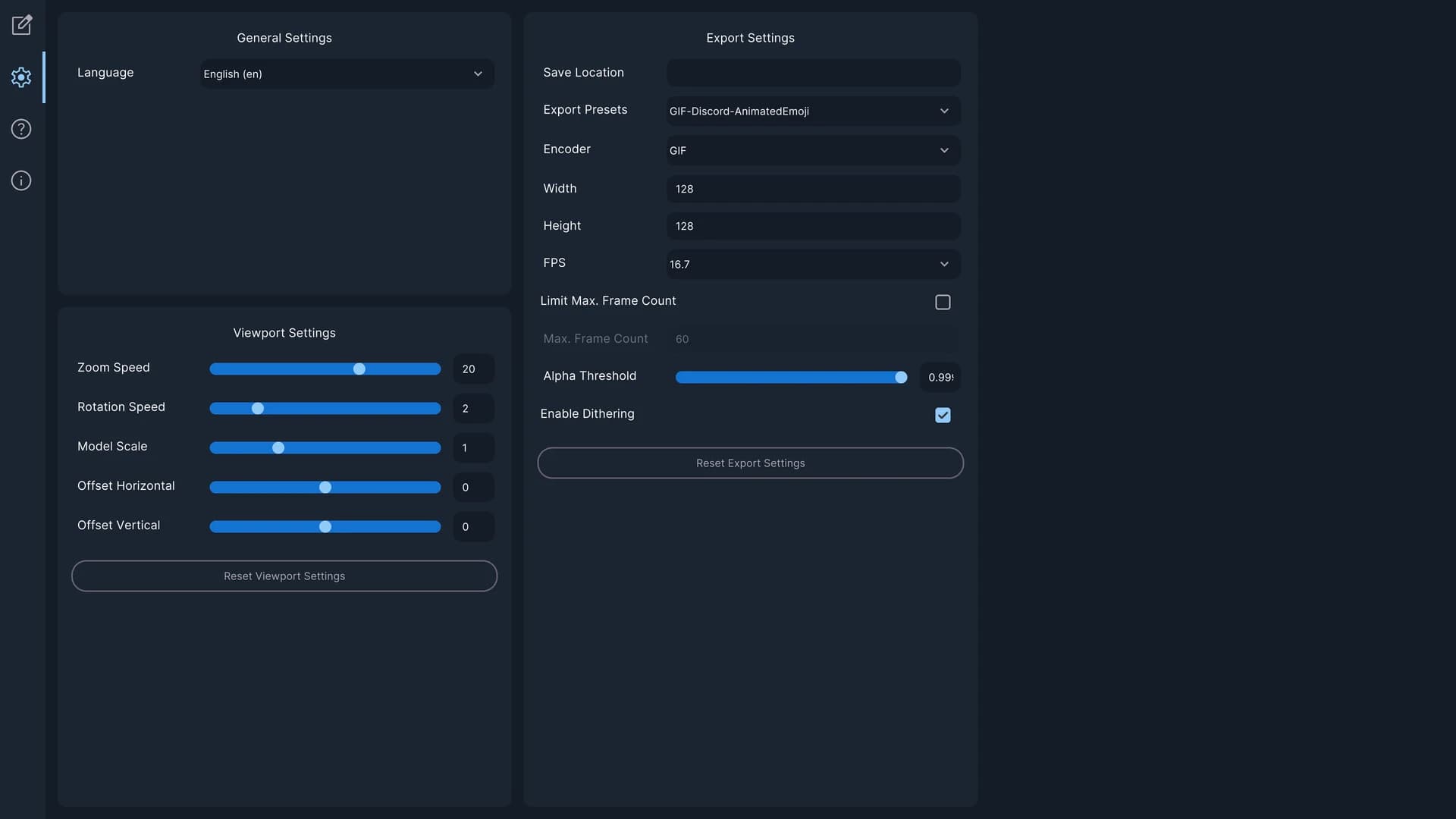
When it’s time to export, the software gives you flexible settings. You can export animated GIFs with transparent backgrounds, which is ideal for Discord and Twitch.
You control:
There are preset options optimized for common platforms, so you don’t have to guess what dimensions work best. Just select the platform preset and export.
The transparent background feature is especially useful. It ensures your emotes blend perfectly into chat interfaces instead of sitting inside a white box. This focus on compatibility makes it practical for streamers, community managers, and casual users alike.
Organization is essential when creating multiple designs. Thankfully, EmoteLab includes a clean character management system.
You can:
That shareable format is a nice touch. You can exchange presets with colleagues. It’s like trading creative blueprints.
For content creators who build themed emote packs, this system keeps everything structured and accessible.
EmoteLab software download is designed for general users. You don’t need animation training. There’s no keyframing or manual part movement editing. It focuses on simplicity.
It’s perfect for:
If you just want cute animated reactions for daily conversations, it works great. If you’re building a community and need consistent emote branding, it helps. It’s not a professional animation suite. It doesn’t aim to replace advanced tools. Instead, it acts like a shortcut, fast, focused, and friendly.
EmoteLab PC download uses a premade, customizable character model. That means you can’t create every possible character type. You’re limited to the parts and animation clips included in the current version.
New parts might be added later based on user feedback, but there’s no guarantee that specific requests will be fulfilled. It’s smart to review the documentation and assess what’s available before making a purchase decision. Also, this tool doesn’t support manual animation editing. You can’t keyframe or adjust individual limb movements. It relies on built-in animation clips.
If you’re looking for advanced animation control, you may need professional software. But if you want something simple and effective, this does the job well.
EmoteLab is a straightforward, enjoyable character-creation tool that makes animated emotes accessible to everyone. It removes technical barriers and allows you to focus on creativity. With its real-time preview, simple customization system, and easy GIF export, it feels like a creative playground designed for everyday users. If you want fast, adorable emotes without complexity, this software delivers exactly that.
Leave a comment
Your email address will not be published. Required fields are marked *