Download Breadbox for PC (Latest 2026) - FileCR
Free Download Breadbox Game Latest Version 2026 for Windows PC. Relive vintage coding and media loading moments.
Free Download Breadbox Game Latest Version 2026 for Windows PC. Relive vintage coding and media loading moments.
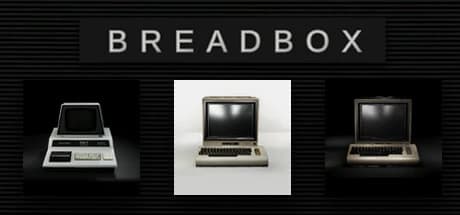
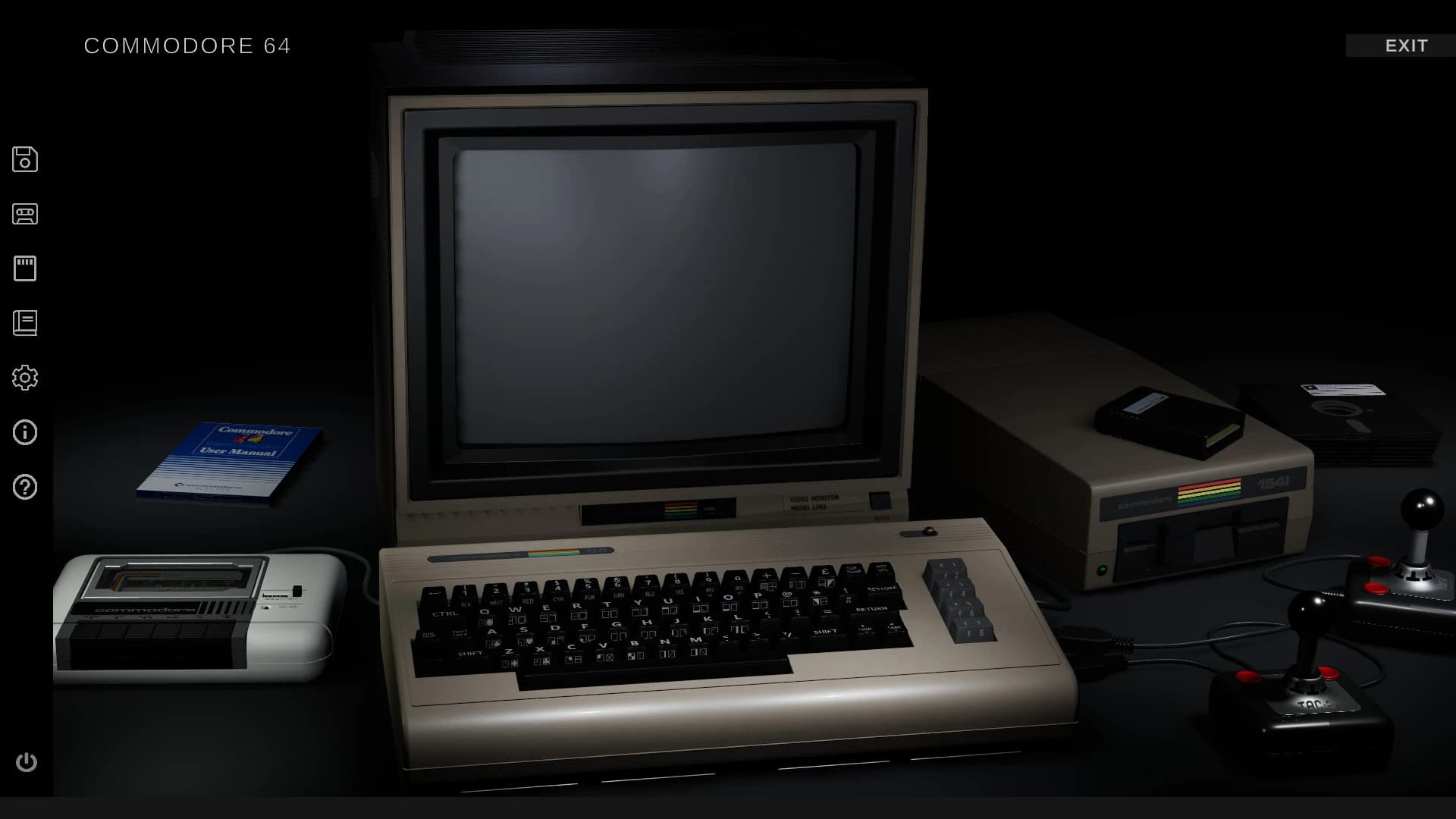
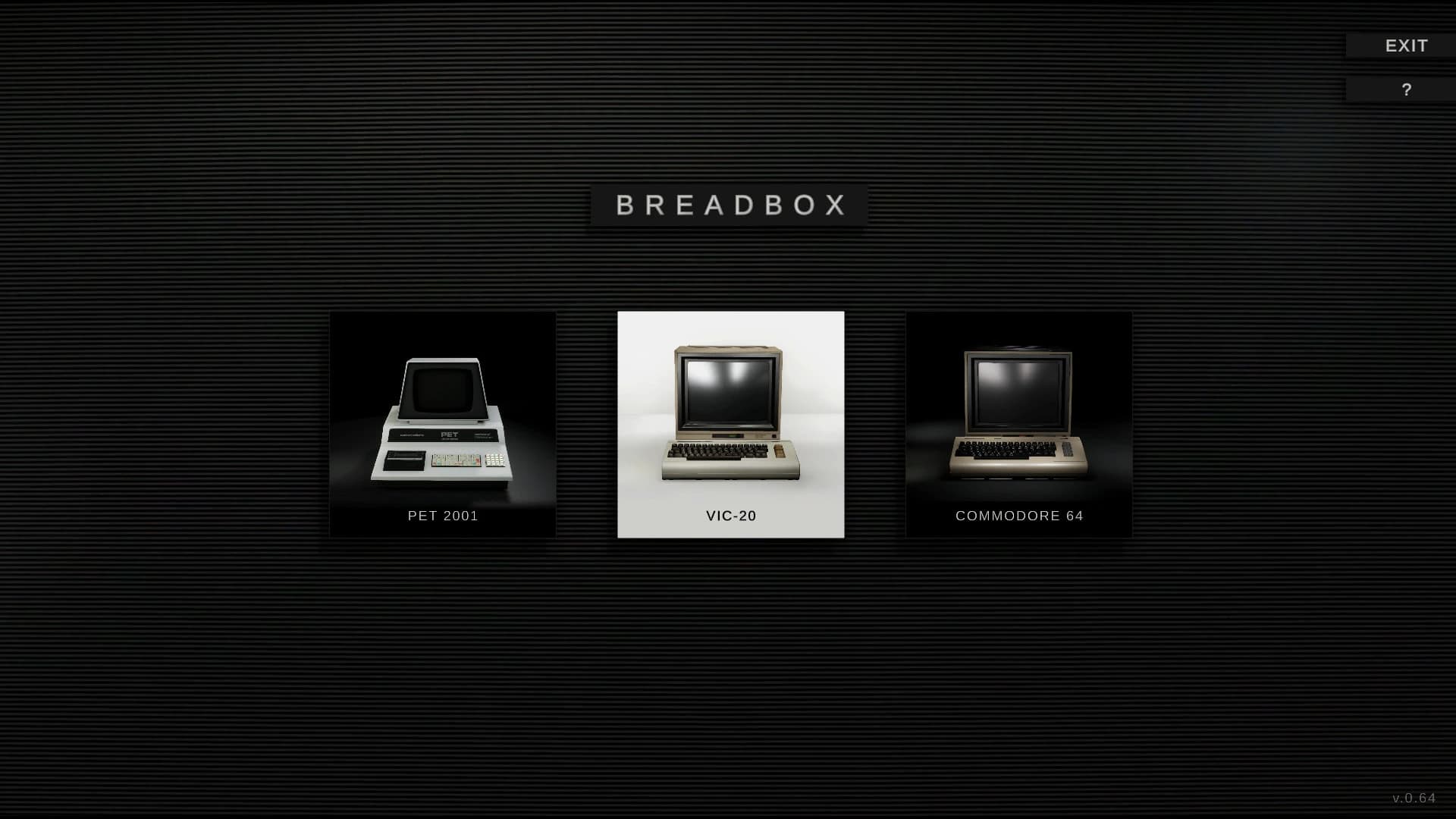
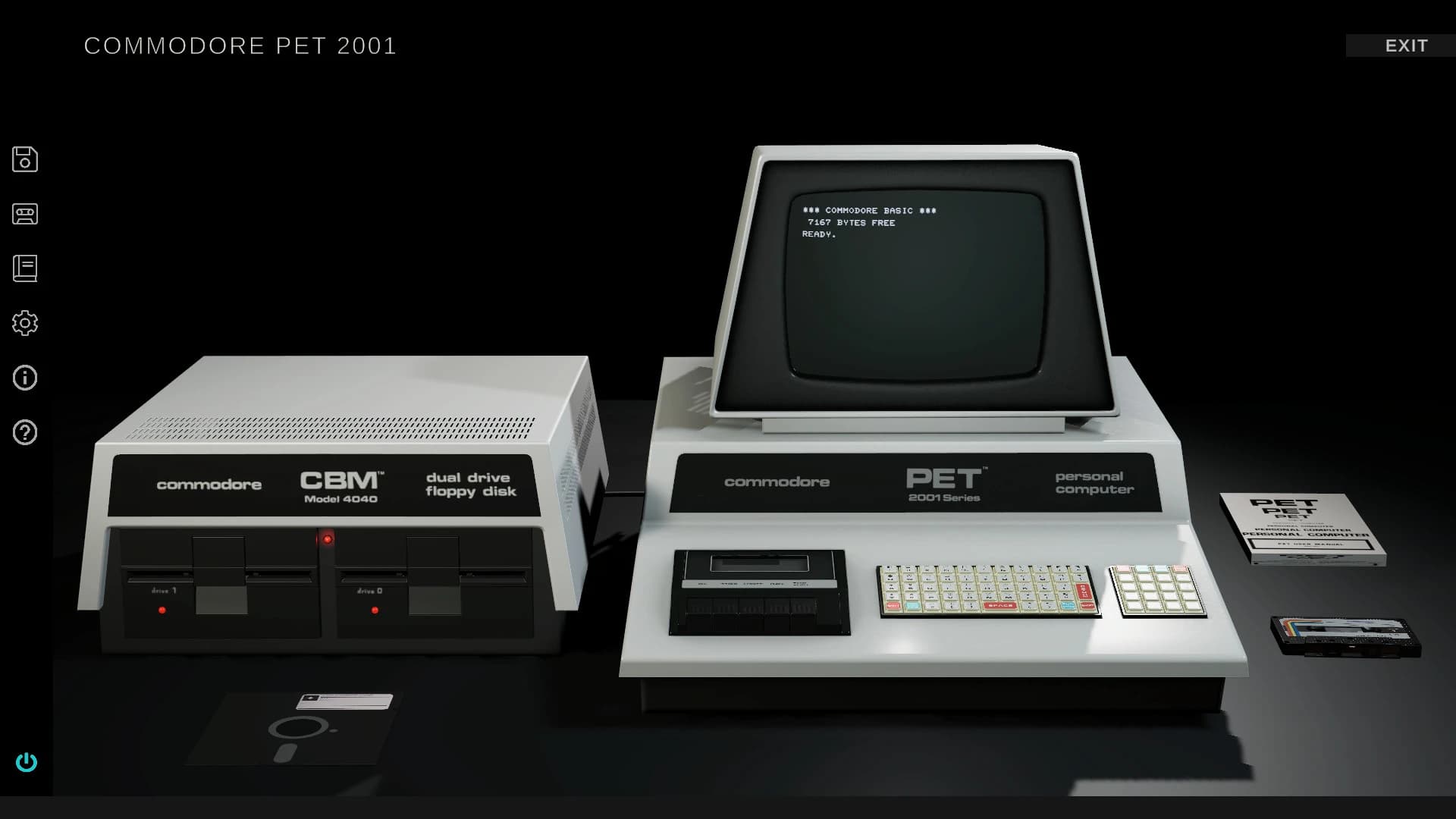
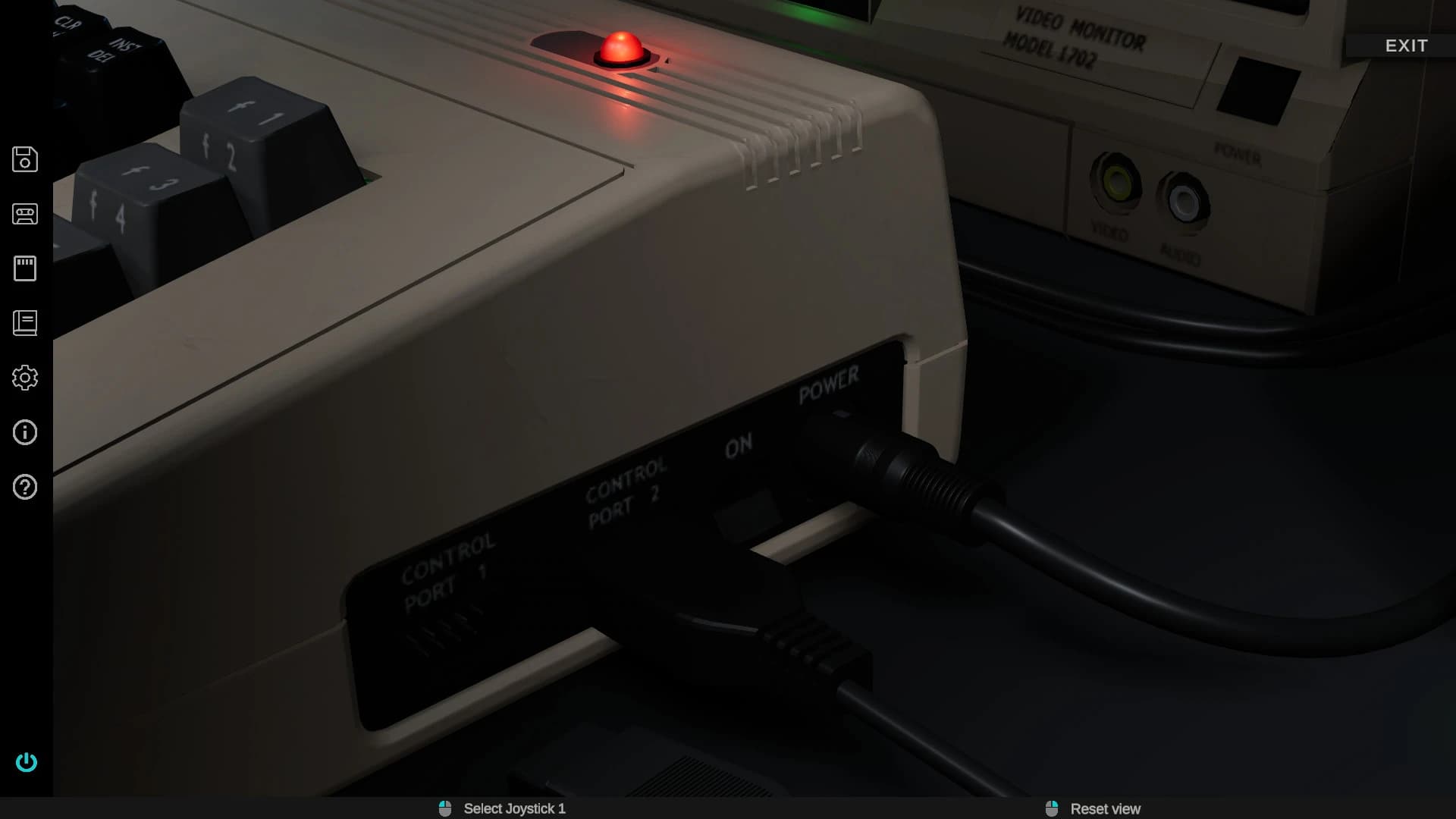
Free Download Breadbox For Windows PC. This retro simulator takes you back to the early days of home computing, presenting a nostalgic yet hands-on experience that is both refreshing and engaging.
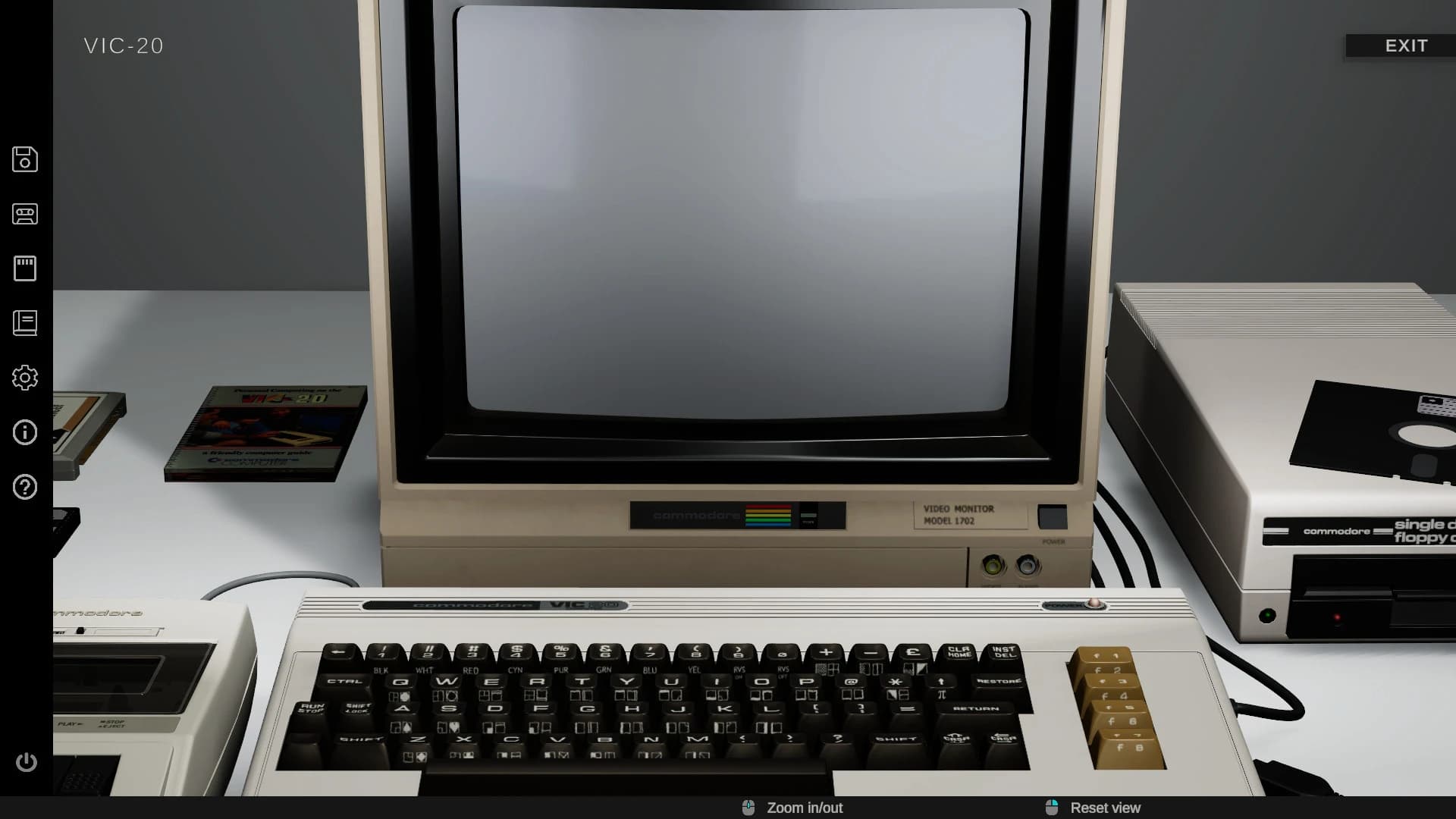
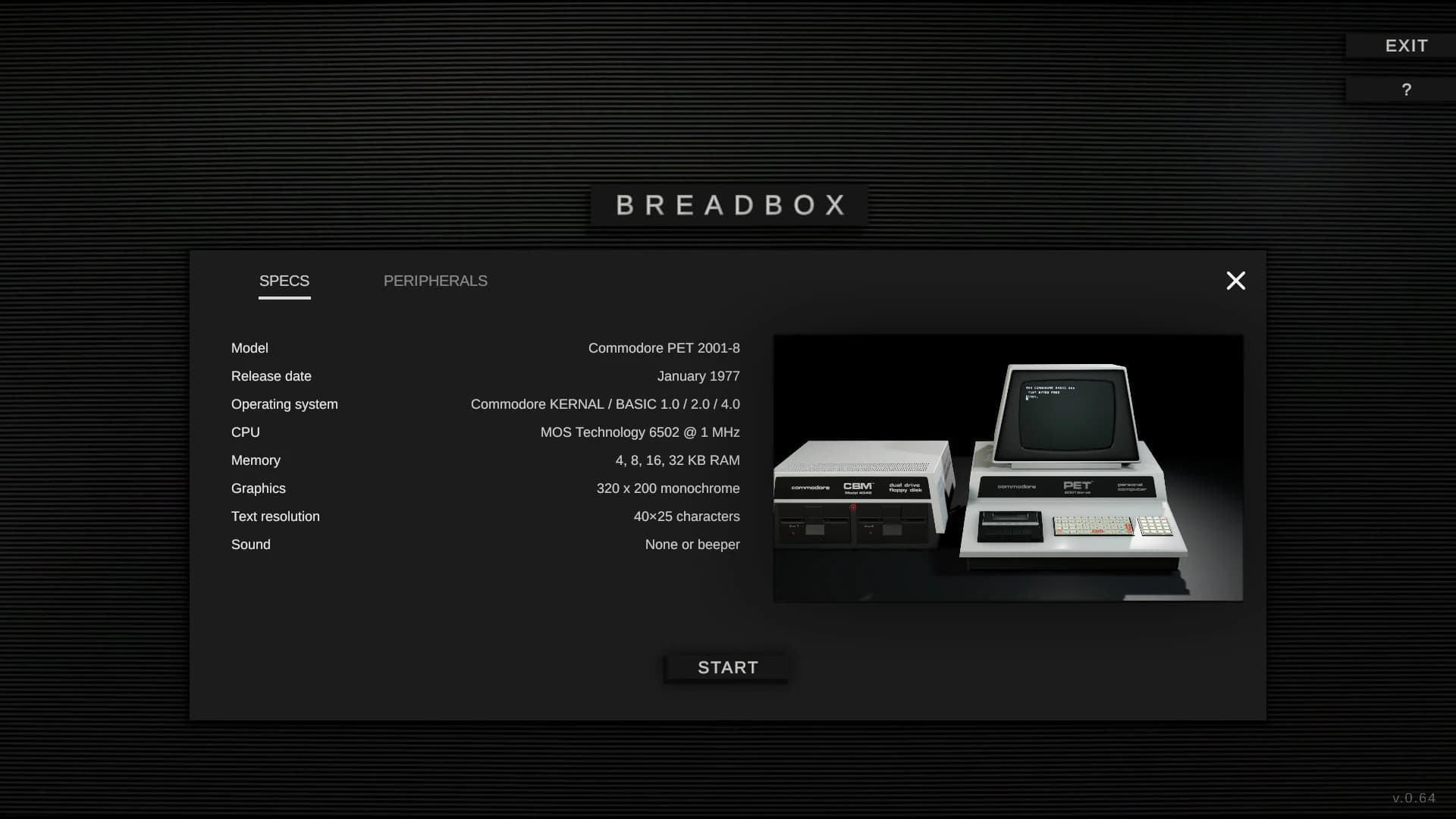
Breadbox is built for anyone who loves classic machines or wants to explore how early computers worked. Instead of providing only an interface, this simulator creates a virtual environment where you can interact with vintage hardware as if it were on your desk. From loading tapes to inserting floppy disks, the entire climate reacts in a way that mirrors real physical equipment. Developed and published by Bitfall, this project focuses on recreating classic systems such as the Commodore 64, VIC-20, and PET 2001-8 with remarkable detail.
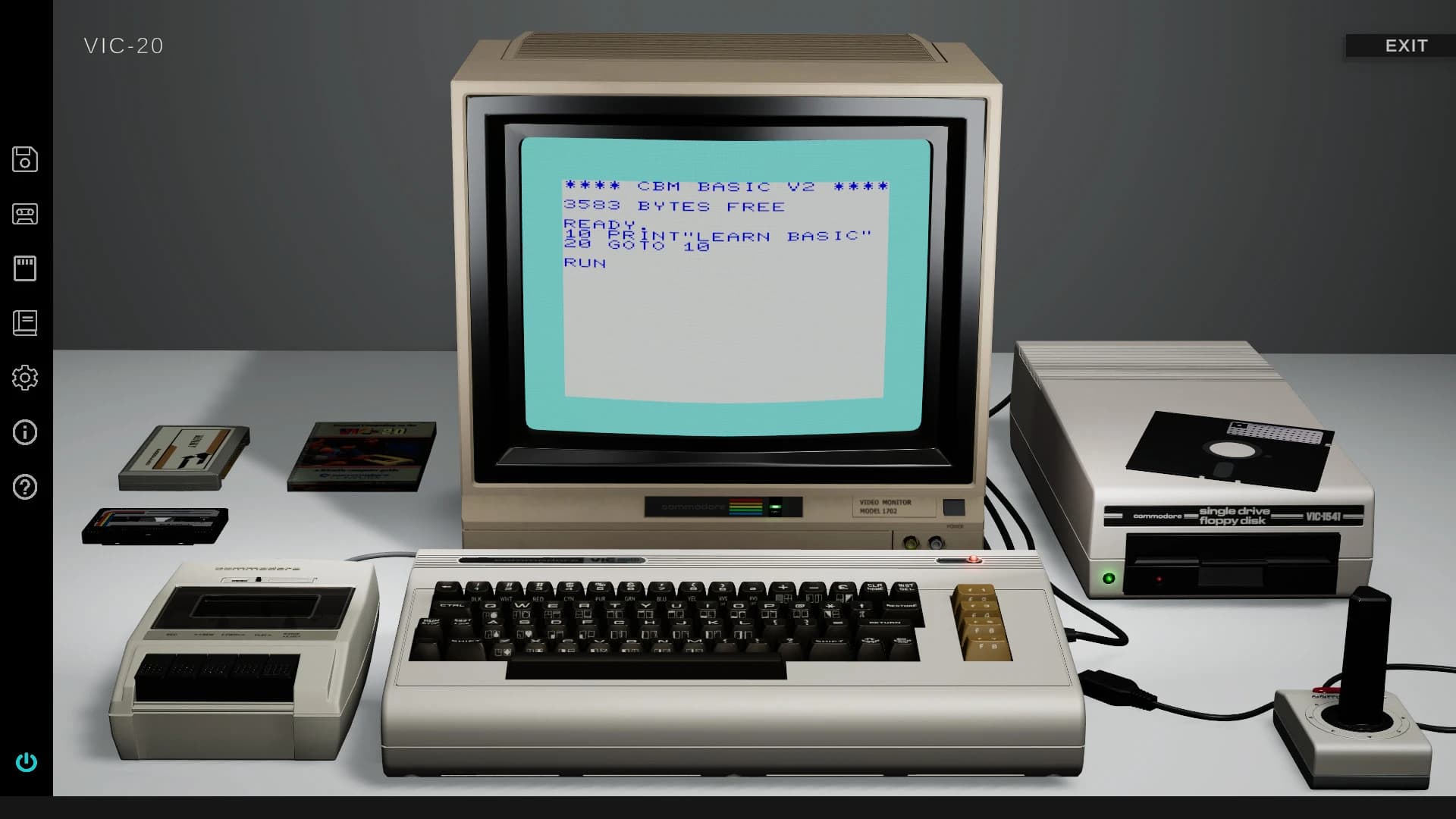
Breadbox free download for PC focuses on giving you a fully interactive retro computing playground. When you start using it, you're dropped into an area designed to look and feel like an old-school workstation. You can click on devices, insert media, toggle switches, and adjust settings exactly like people did decades ago.
There’s no virtual layer of shortcuts here. Everything behaves like real hardware. Disks spin, tapes roll, cartridges click into place, and screens glow softly with that signature CRT charm. This simulator encourages experimentation. You can load programs, type commands, and work your way through menus just like users once did on 8-bit systems.
If you enjoy exploring how things operate under the surface, you can write BASIC scripts, try machine code tasks, and build your own small retro programs. It’s a hands-on learning tool as much as a nostalgic experience.
There are no traditional characters in this title since it isn’t a narrative-driven game. The star of the experience is the ecosystem of devices you can interact with. Each machine has a unique personality shaped by its design, sound, and behavior. The way a Commodore 64 responds compared to a PET 2001-8 offers an interesting contrast that long-time retro fans will instantly recognize.
Breadbox simulator download presents more than a screen to view. Every element can be manipulated as if it were physically present. Think of it as a classic computer museum on your PC, where you can touch every item and make it work.
You can:
The interaction rewards patience and curiosity. You’ll notice how each device handles inputs differently, how media loads at varying speeds, and how commands were structured back in the day.
One of the strongest attractions of Breadbox game free download is its encouragement to learn or revisit coding. BASIC, the programming language once used by millions, remains accessible and friendly. Writing small scripts feels oddly rewarding, especially when you see them run on a simulated 8-bit machine.
Those interested in trying machine code can also experiment with lower-level programming. It’s a great way to understand how early computers operated and why certain limitations shaped modern computing trends.
The included tutorials do a solid job of guiding you through loading software, using commands, and handling vintage formats. This turns the simulator into both an educational and a nostalgic experience.
Many software emulators replicate old computers, but few create an entirely physical-inspired environment. Breadbox simulator free download doesn’t overwhelm you with overly complex tools. Instead, it invites you to play, explore, and experiment at your own pace.
Here’s what sets it apart:
It’s essentially a time machine on your PC, letting you experience computing as it once was, complete with all its quirks and charms.
Breadbox delivers a refreshing chance to relive early computing with accuracy, charm, and hands-on interaction. The simulator blends education, nostalgia, and fun into a single package that appeals to both newcomers and long-time retro fans. If you enjoy old-school hardware or want to understand how early machines worked, this experience delivers a warm, engaging way to explore that history.
Q: Can I load my own retro games into the simulator?
A: Yes, you can add your own emulator files and vintage software for use inside the environment.
Q: Is programming supported inside the simulator?
A: Yes, you can write in BASIC or practice machine code, just like old computers allowed.
Leave a comment
Your email address will not be published. Required fields are marked *