Download Add Cross Game for PC (Latest 2026) - FileCR
Free Download Add Cross Game Latest Version 2026 for Windows PC. Enjoy clear number grids for a refreshing puzzle break.
Free Download Add Cross Game Latest Version 2026 for Windows PC. Enjoy clear number grids for a refreshing puzzle break.
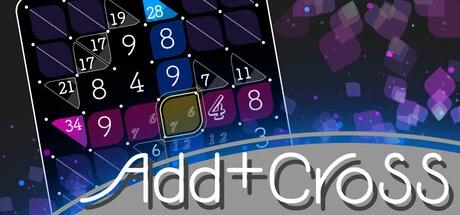
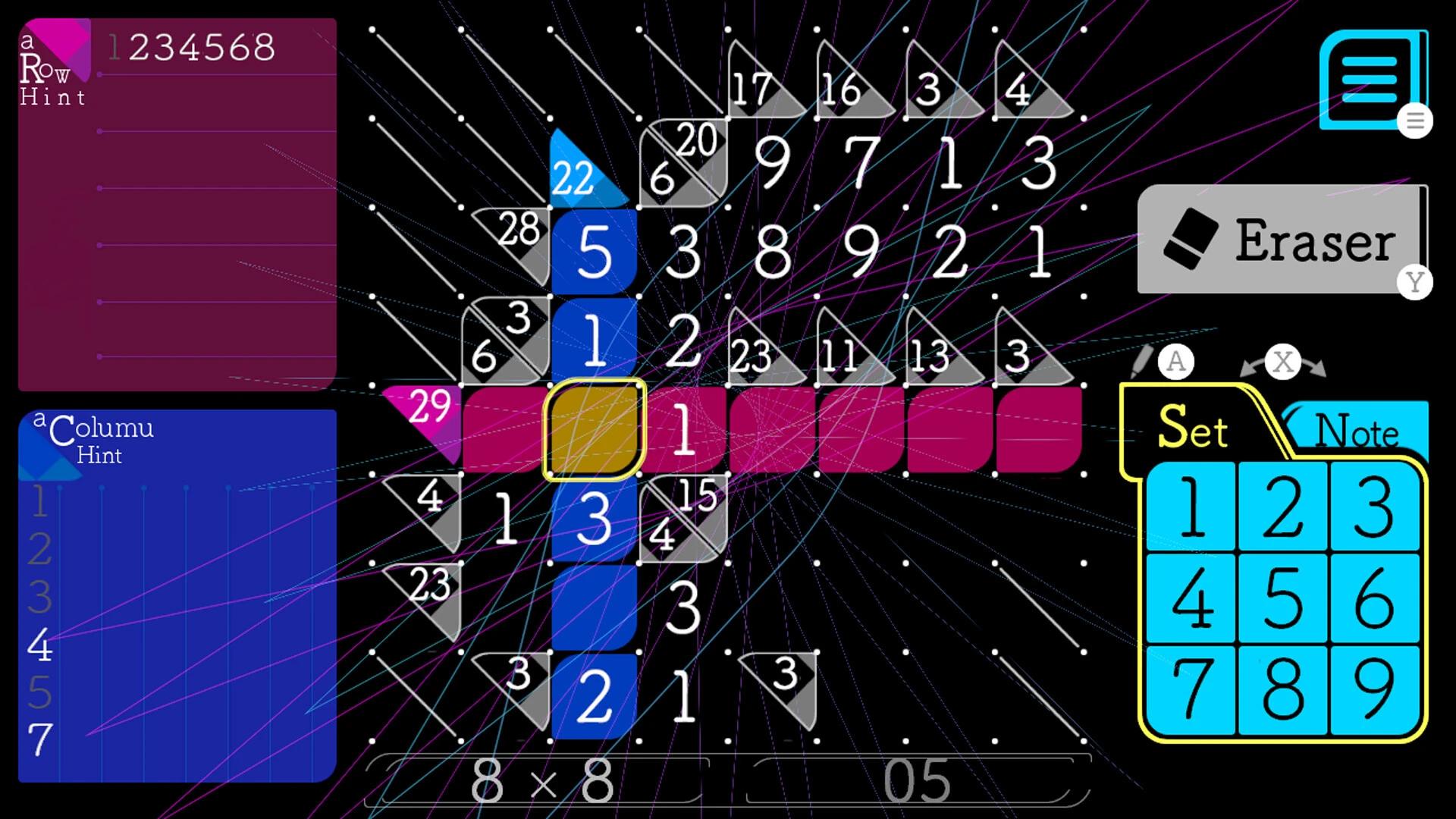


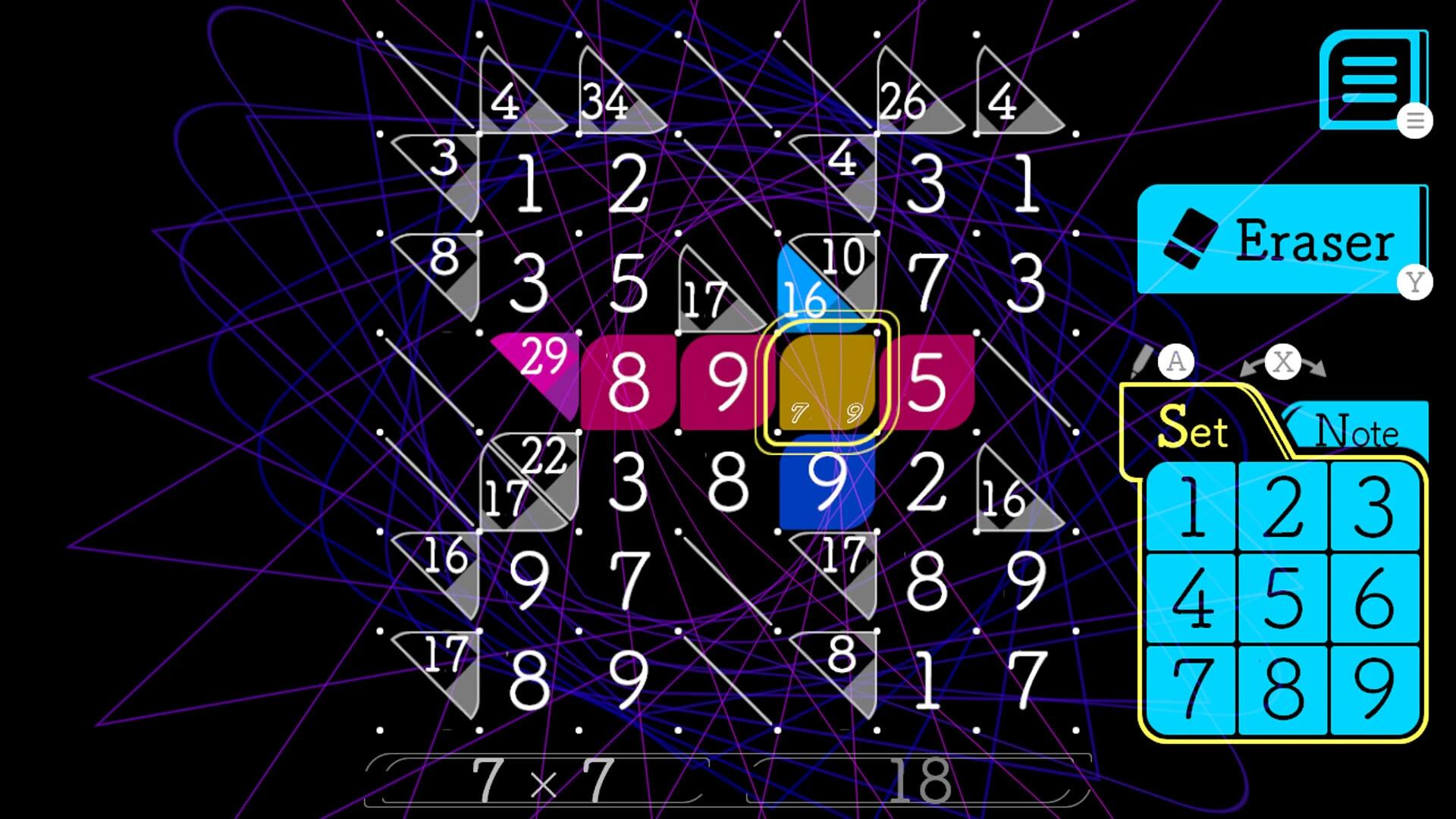
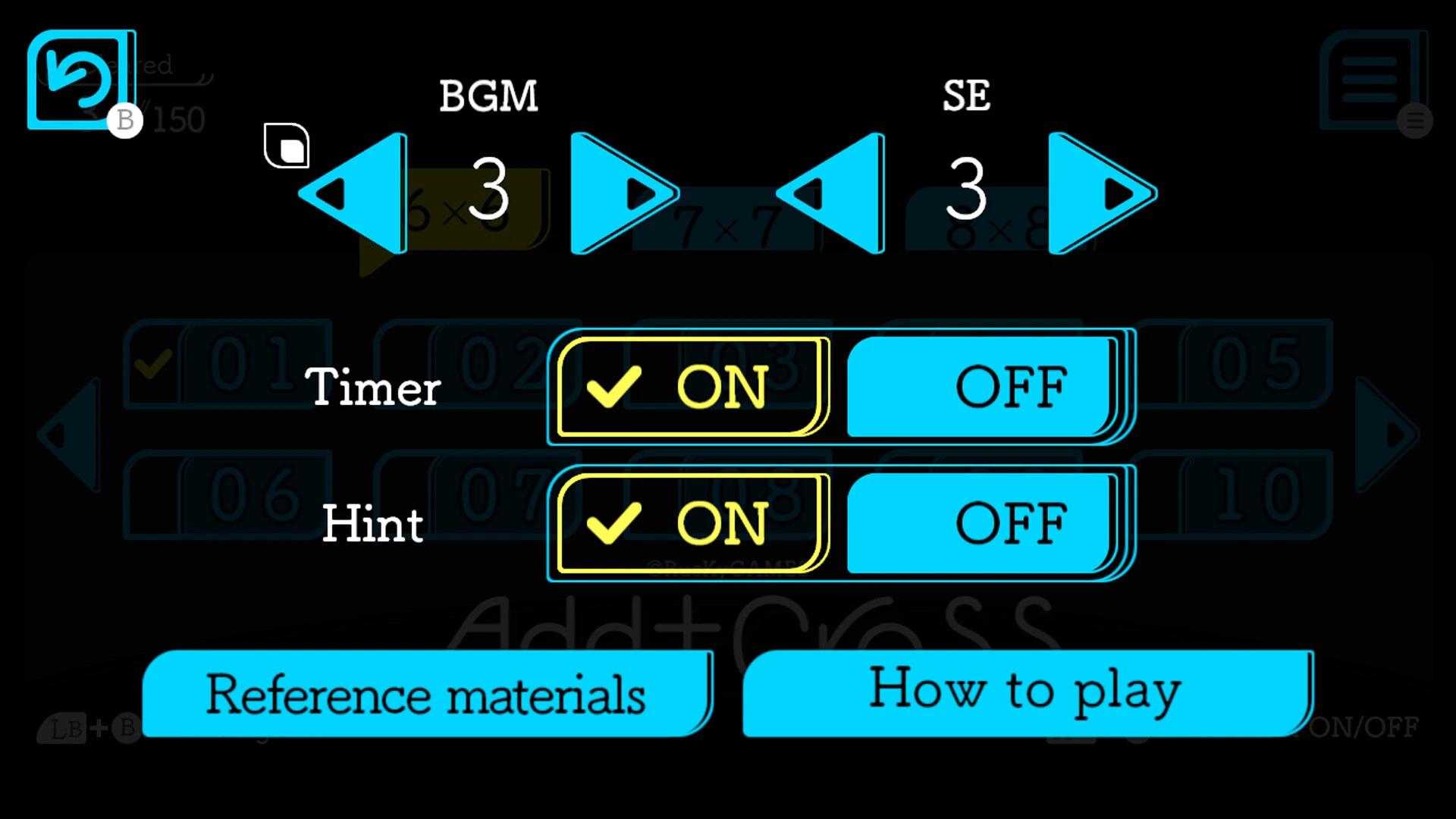

Free Download Add Cross For Windows PC. This number-filling puzzle brings you a relaxing blend of logic, clarity, and soft sound effects that make each session feel refreshing and enjoyable.
Add Cross is a calm yet stimulating pencil-style puzzle where you fill blank spaces with digits from 1 to 9. Your task is to match the required values shown inside special problem squares. With simple rules, soft visuals, and a very friendly interface, this title becomes a great option for players who enjoy thoughtful number challenges without any stress.
Created and published by RucKyGAMES, this puzzle focuses on smart thinking, pattern spotting, and efficient number placement. Each board starts empty, and you gradually turn it into a clean, completed grid using confirmed digits, temporary values, and unmarked spaces. Its structure feels soothing, and the gameplay runs smoothly even on low-end PCs.
The gameplay in Add Cross free download for PC is all about placing numbers logically. Fill the empty squares with digits from 1 to 9 to match the number requirements in the problem blocks. Each connected group of squares allows you to use each number only once. If a hint block interrupts the group, the restriction resets, and numbers may repeat in the next section.
You start by checking the value of the problem block. That number represents the total you must create by placing digits around it. You can use temporary digits to test possibilities, almost like writing in pencil on paper. Confirmed numbers appear boldly, while unconfirmed ones stay lightly displayed, helping you track what still needs adjustment.
The feel of the game is much like classic notebook math puzzles, where you try combinations until the solution clicks. With no rushing and no pressure, the entire experience encourages calm thinking and gentle reasoning.
Add Cross game download for PC does not include story-based characters, but it does offer three distinct number states that act like puzzle roles:
Each state helps you slowly build your solution without stress.
The structure of every puzzle grid is based on blocks connected around a hint or problem zone. Each group must respect the rule of not repeating digits from 1 to 9. If a hint block breaks the connection, the repetition rule resets, letting you place the same number again on the other side.
This pattern gives the puzzle a flowing rhythm. Your mind jumps between possible totals, compares combinations, and tries out arrangements, like pieces on a silent board. Each match you confirm gives a small sense of satisfaction.
Add Cross PC game follows a natural three-step thinking method:
This method mimics solving logic puzzles on paper, making the experience friendly and enjoyable.
The puzzle is designed to feel calming. The light sound effects and simple presentation reduce distractions and help your brain settle into a smooth thinking pace. Many players use it as a quiet break between tasks or as a relaxation tool thanks to its simple concept and tranquil feel.
The entire design focuses on clarity. You don’t need to memorize complicated instructions. Each board presents a simple set of blanks and a matching number. The game lets you control the pace, switch possibilities, or experiment without penalty.
Thanks to the handwritten-style aesthetic and soft animations, each action feels gentle and satisfying. It resembles solving a quiet puzzle in a notebook, except everything is digital, clean, and instantly reversible.
Add Cross game free download for PC works just as well for a two-minute break as it does for a long relaxed session. You can jump in, test combinations, clear a board, and exit without losing progress. Its lightweight nature makes it suitable for all kinds of puzzle fans, including beginners and older players who enjoy simple number challenges.
The key goal of Add Cross PC game download is to match totals while respecting the placement rules. No timer forces you, no penalties push you back, and no harsh sound interrupts your focus. Everything is designed to let your thinking flow smoothly from one step to the next.
Because each block uses 1 to 9 and repeats are only allowed past hint sections, your brain stays alert without feeling pressured. It’s simple enough for casual play yet thoughtful enough to keep you engaged.
Add Cross proposes a peaceful, numbers-based puzzle experience that blends logic, clarity, and calm visuals. Thanks to its simple rules, trial-and-error testing, and light effects, it becomes a comforting choice for puzzle lovers. Anyone who enjoys filling grids, matching values, or relaxing with quiet number challenges will appreciate how clean and pleasant this title feels.
Q: How do I place numbers inside the blank squares?
A: Just click a cell and choose a digit from 1 to 9, then adjust it anytime.
Q: What are temporary numbers used for?
A: They help you test options before confirming a final choice.
Q: Does the game save progress automatically?
A: Yes, your puzzle state remains stored, so you can return anytime.
Leave a comment
Your email address will not be published. Required fields are marked *