PearPass Password Manager for MacOS Download (Latest 2026) - FileCR
Free download PearPass Password Manager for MacOS Latest full version - An Open-Source Password Manager.
Free download PearPass Password Manager for MacOS Latest full version - An Open-Source Password Manager.
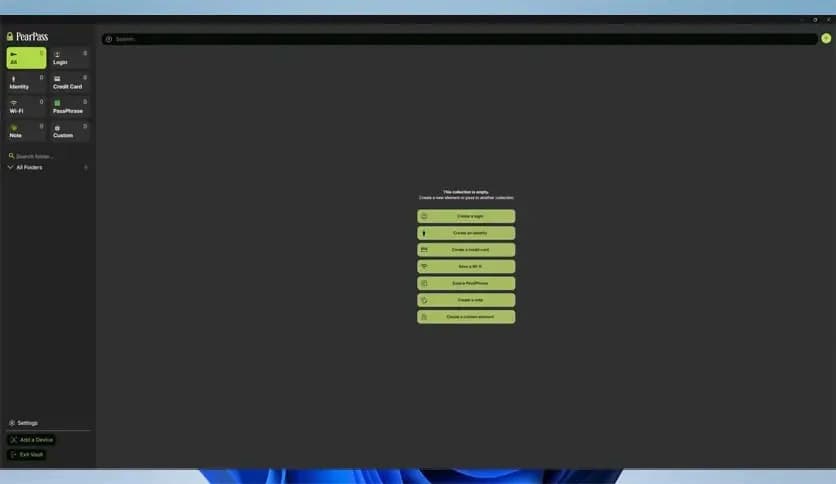
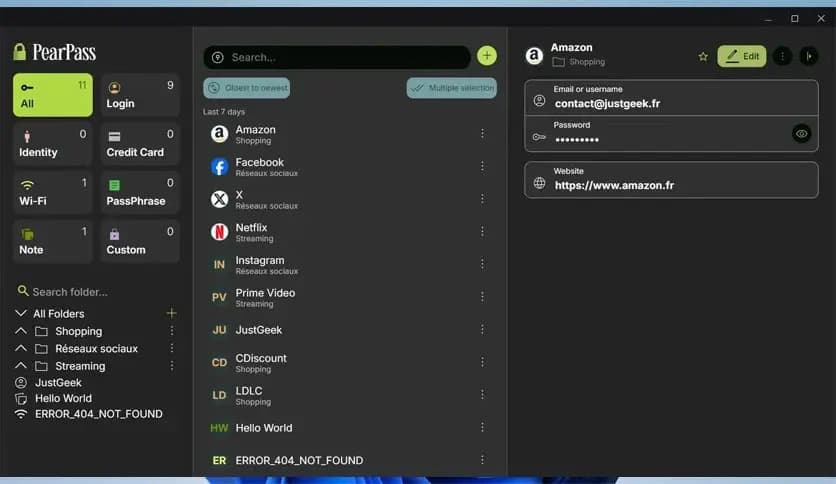
Free Download the latest standalone offline installer for PearPass Password Manager for macOS. Managing passwords can be a headache, especially when juggling multiple accounts across various platforms. It is here to change that for users by providing a reliable, secure, open-source password manager.
It is designed to simplify password management while keeping your data private and secure. This password manager is particularly beneficial for those who value their privacy and prefer not to store sensitive information in the cloud. Available exclusively for MacOS, it offers a straightforward, no-fuss interface that makes managing your passwords an easy task. The app's open-source nature means its code is accessible to anyone, promoting transparency and trustworthiness.
One key feature is its offline functionality. This means all your password data is stored locally on your Mac, so you're not reliant on external servers or cloud-based data centers. It's a great option for users who want to reduce their digital footprint and prioritize privacy. Moreover, it regularly updates its security measures, ensuring that your passwords are protected against the latest threats.
What sets it apart from other password managers is its commitment to privacy and open-source transparency. By using a local storage model and offering a free platform, it provides users with a level of security they may not always get from cloud-based alternatives. Its simple design also ensures that even those who aren’t tech-savvy can use it without hassle.
It takes a step further by allowing users to create highly secure passwords using its built-in password generator. It also supports two-factor authentication, ensuring that your accounts are doubly protected against unauthorized access. Since it is open source, users can audit the code for potential security flaws, adding an additional layer of trustworthiness that closed-source competitors may not offer.
Q: Can I sync my passwords across multiple devices?
A: Yes, it allows synchronization across multiple Macs, though it stores your passwords locally for added security.
Q: Is it safe to use?
A: It uses strong encryption methods to protect your passwords. Additionally, since it’s open-source, anyone can audit the code for security flaws.
Q: Does it support two-factor authentication?
A: Yes, it supports two-factor authentication (2FA) for extra protection on your accounts.
Q: Can I generate secure passwords using it?
A: Yes, it comes with a built-in password generator that allows you to create strong, unique passwords with just a few clicks.
Q: How can I back up my password vault?
A: It provides an easy way to back up and restore your password vault, ensuring you don’t lose access to your credentials.
Leave a comment
Your email address will not be published. Required fields are marked *