OpenWhispr for MacOS Download (Latest 2026) - FileCR
Free download OpenWhispr for MacOS Latest full version - Voice-to-text dictation app.
Free download OpenWhispr for MacOS Latest full version - Voice-to-text dictation app.
Free Download OpenWhispr latest standalone offline installer for macOS. It is an AI voice-to-text dictation tool. Leveraging advanced AI, this software provides a hands-free experience, allowing users to dictate text directly into their applications without typing.
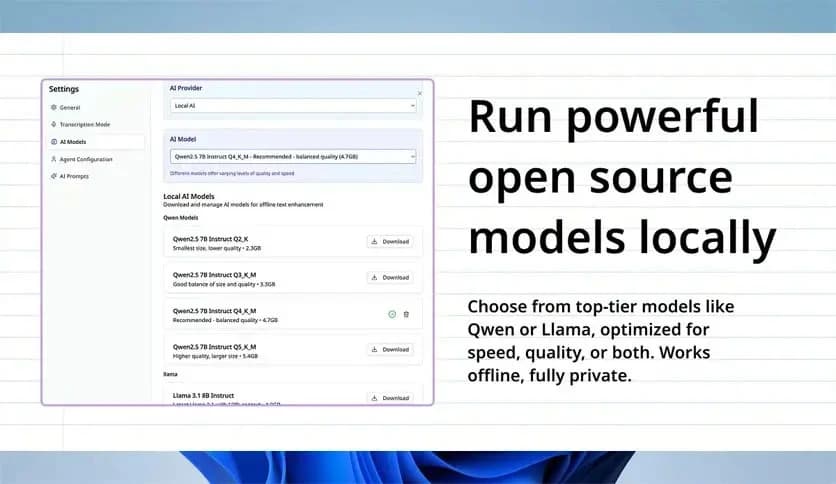
It offers a highly efficient and accurate voice dictation service for MacOS users. As an open-source project, it is continually evolving through contributions from developers worldwide. It combines AI-based speech recognition with a local, privacy-conscious approach, ensuring that users' data remains secure. With minimal setup, you can start using it on your Mac immediately, and it requires no special hardware or configuration. It supports multiple languages and has customizable voice models, making it versatile for different use cases.
The tool works smoothly with most MacOS applications, whether you're writing in word processors like Pages or just taking notes. It enables tasks such as voice-activated typing and issuing commands, reducing manual input. For those who rely on voice dictation for accessibility, it's a valuable tool that enhances the user experience without compromising privacy or efficiency.
Q: Does it require an internet connection?
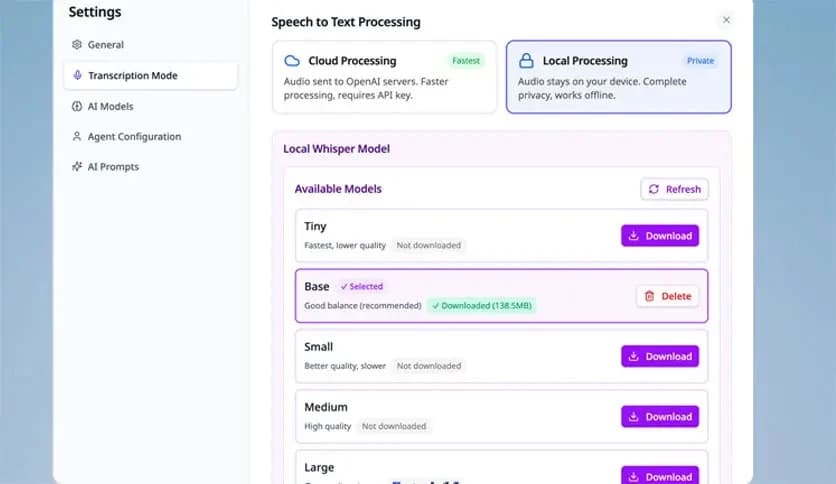
A: An internet connection is only required for installation and updates. The software processes speech locally on your device.
Q: Can it handle multiple languages?
A: Yes, it supports a variety of languages, making it useful for users around the world.
Q: Does it store my voice data?
A: No, all voice data is processed locally on your Mac, ensuring that no personal data is sent to external servers.
It is a must-try for users who want a powerful, privacy-focused, and easy-to-use voice dictation tool. It combines the speed and accuracy of AI with the security of local processing, making it a valuable asset for anyone who needs to convert speech to text on their Mac. Whether you're writing documents, taking notes, or need a hands-free option for text input, it has you covered. Its open-source nature means it's continuously improving and will only get better over time.
Leave a comment
Your email address will not be published. Required fields are marked *