iVCam Webcam Mod APK Free Download - FileCR
Free download iVCam Webcam 7.0.1 Premium MOD Version Unlocked Ad-Free APK for Android. Turns your smartphone into a high-quality webcam.
Free download iVCam Webcam 7.0.1 Premium MOD Version Unlocked Ad-Free APK for Android. Turns your smartphone into a high-quality webcam.
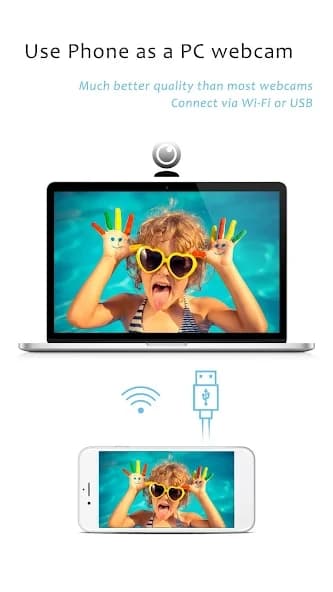
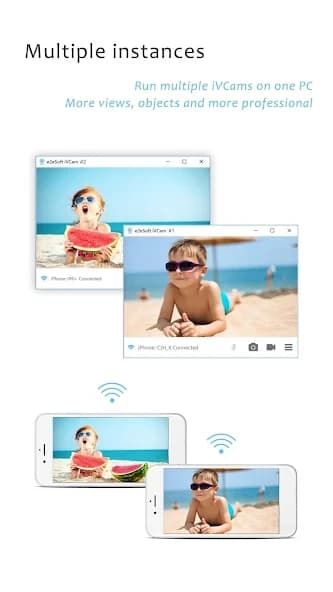
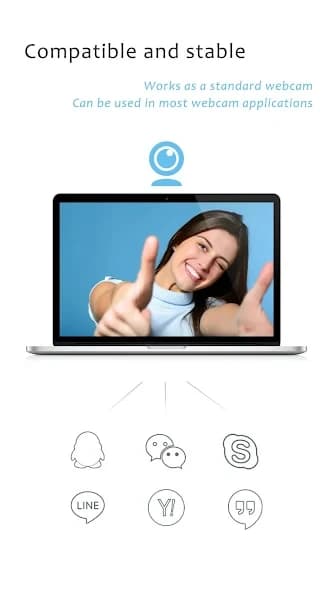
Free Download iVCam Webcam Premium MOD Version Unlocked Ad-Free APK for Android Phones and Tablets. It allows you to turn your smartphone or tablet into a high-quality webcam for your PC.
It is a smart solution for users who do not want to spend money on an external webcam. It transforms your Android device into an HD webcam that works with your Windows PC. This makes it perfect for video calls, live streaming, recording videos, and online meetings.
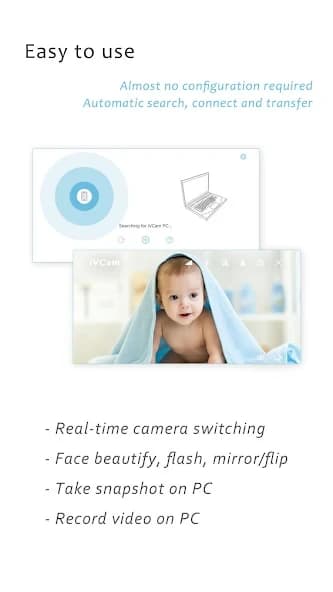
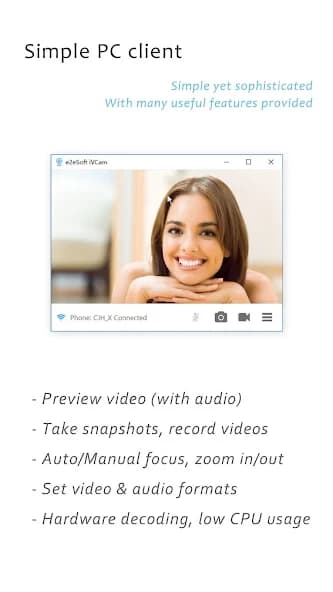
The app is easy to set up and connects automatically via Wi-Fi or USB, with no complicated settings. It also lets you record videos directly to your computer, saving storage space on your phone. With advanced camera controls and support for high resolution, it delivers better quality than many built-in webcams.
iVCam Webcam is a useful and powerful app for anyone who needs a webcam without buying extra hardware. It offers high-quality video, easy setup, and many advanced features that improve the overall experience.
Whether you are attending online meetings, streaming, or recording videos, iVCam is a reliable and flexible option. It is especially helpful for users who want better quality than their built-in webcam.
Q: What is the app used for?
A: It is used to turn your smartphone into a webcam for your PC.
Q: Does it require the internet?
A: No, it can work via Wi-Fi or USB connection without internet access.
Q: Can I use it for video calls?
A: Yes, it works with most apps like Zoom, Skype, and other video calling platforms.
Q: Does it support audio?
A: Yes, it can also be used as a wireless microphone for your PC.
Q: Is it easy to set up?
A: Yes, just install the app on your phone and the client software on your PC, and it connects automatically.
Leave a comment
Your email address will not be published. Required fields are marked *